全新上线 — 您的 AI 电话助手 3 分钟即可启用

您的企业接听每一通电话 — 借助 AI

3 分钟为您的企业创建一个点击即通话的 AI 页面。客户点一下链接就能开始交谈。您将收到通话记录、摘要和回电请求。

每月包含 AI 通话分钟数 · 无需电话号码 · 随时取消

您的企业
有问题?点一下就能聊。

我们的助手即时接听 — 价格、库存、预约等问题都能解答。

通话中 — 02:14
来电者
“请问这周四还有空位吗?”
助手
“可以!我这里有上午 10:30 和下午 2:00,您哪个时间方便?”
点按通话
您的页面能做的一切 — 从第一屏开始

AI 语音通话,全天候 24/7

客户点一下您的链接,就能在浏览器中交谈 — 无需电话号码、无需应用、无需等待。您的 AI 语音助手日夜即时接听。

在通话中完成预约

对话进行中,助手会提供真实的空闲时段并在通话内完成预约 — 之后提醒和确认都会自动跟进。

通话中商店照常营业

通话期间,您的产品和系列(每个系列都有自己的链接)仍可在商店中浏览,助手还会根据客户正在查看的内容实时提供建议。

对您的产品了如指掌

助手会从您自己的目录中报出准确的价格和详情,并推荐合适的产品 — 绝不编造价格。

每通电话都被记录且可搜索

每段对话的记录、摘要和分析都集中在一个动态信息流中 — 按来电者姓名、号码或说过的任何话找到任何通话。

从第一句问候起就多语言

这个网站会说 24 种语言,您的页面也可以:轻轻点一下小旗帜即可切换语言,让每位访客都听到自己的母语问候。

通往未来的道路

商务通话的未来方向

过去,每个企业都会错过接不到的电话。后来,电话变成了链接。如今,链接会回话 — 还会卖货。

昨天 — 错过的电话

客户在营业时间外打来电话,铃声响到无人接听,于是他买了最先接听的那家。企业甚至不知道发生过这件事。
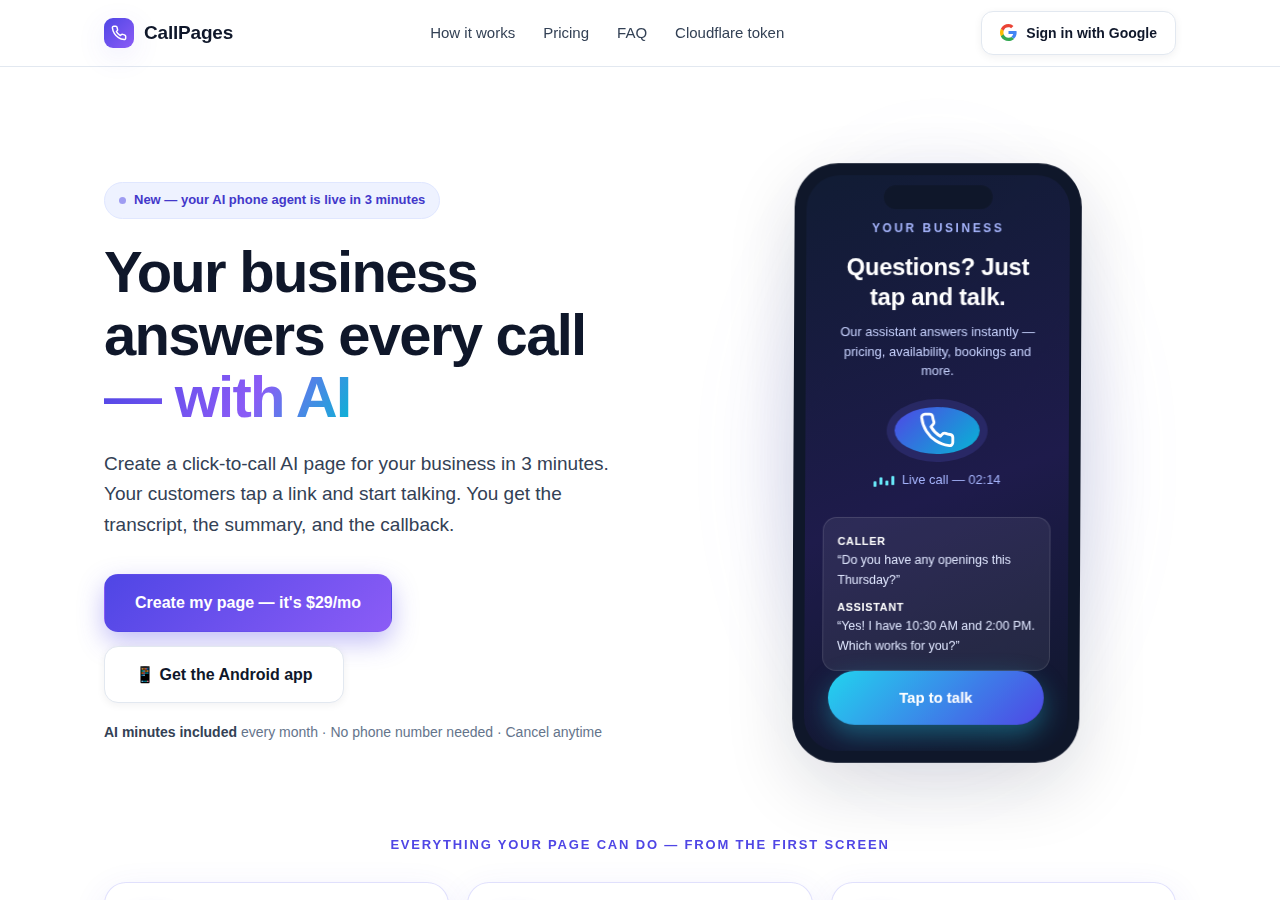
The CallPages home page: a business answering a live AI call on a phone

今天 — 会接听的页面

您的 CallPage 全天候 24/7 即时接听:它与客户交谈、报出您的真实价格、在通话中完成预约,并为您留下通话记录和摘要。
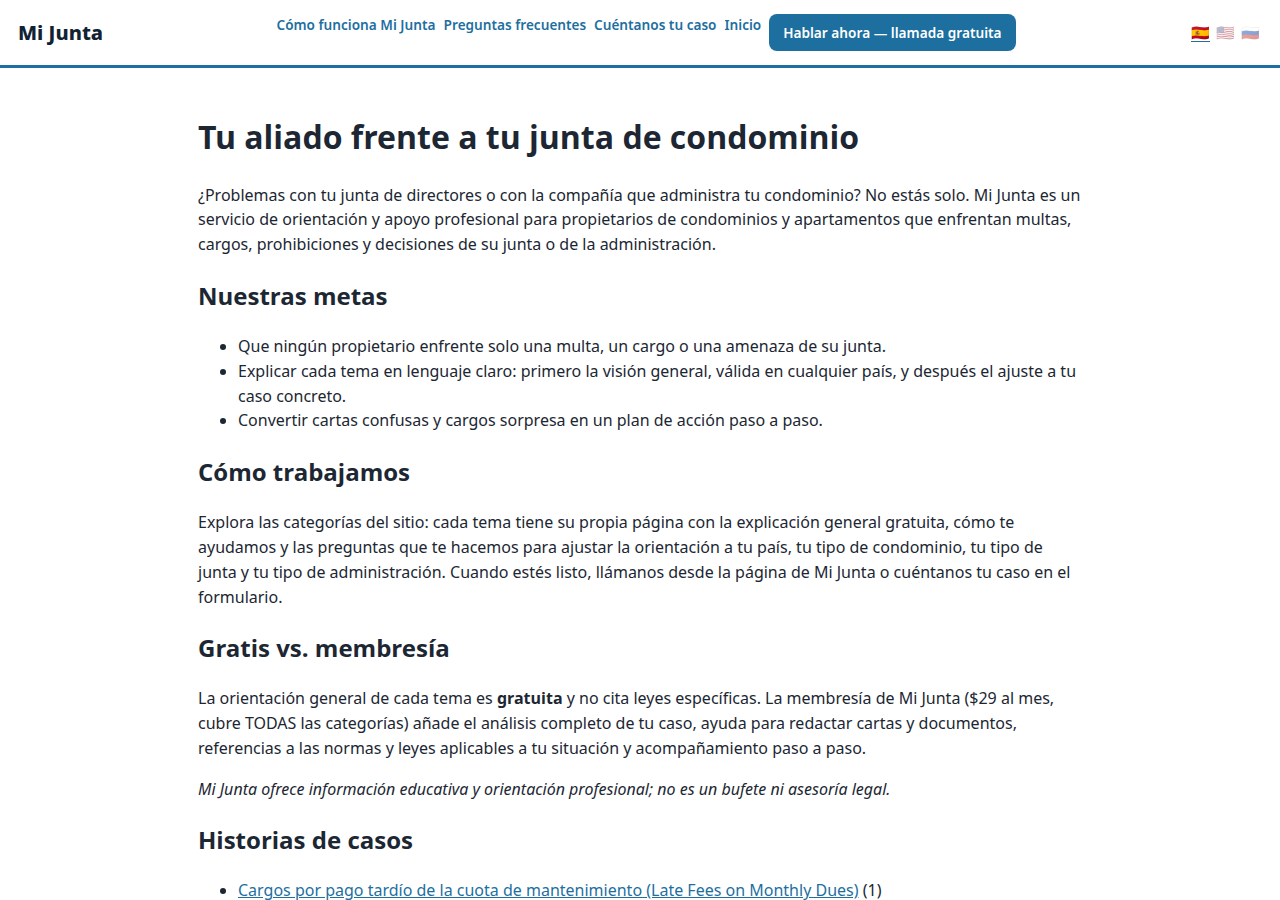
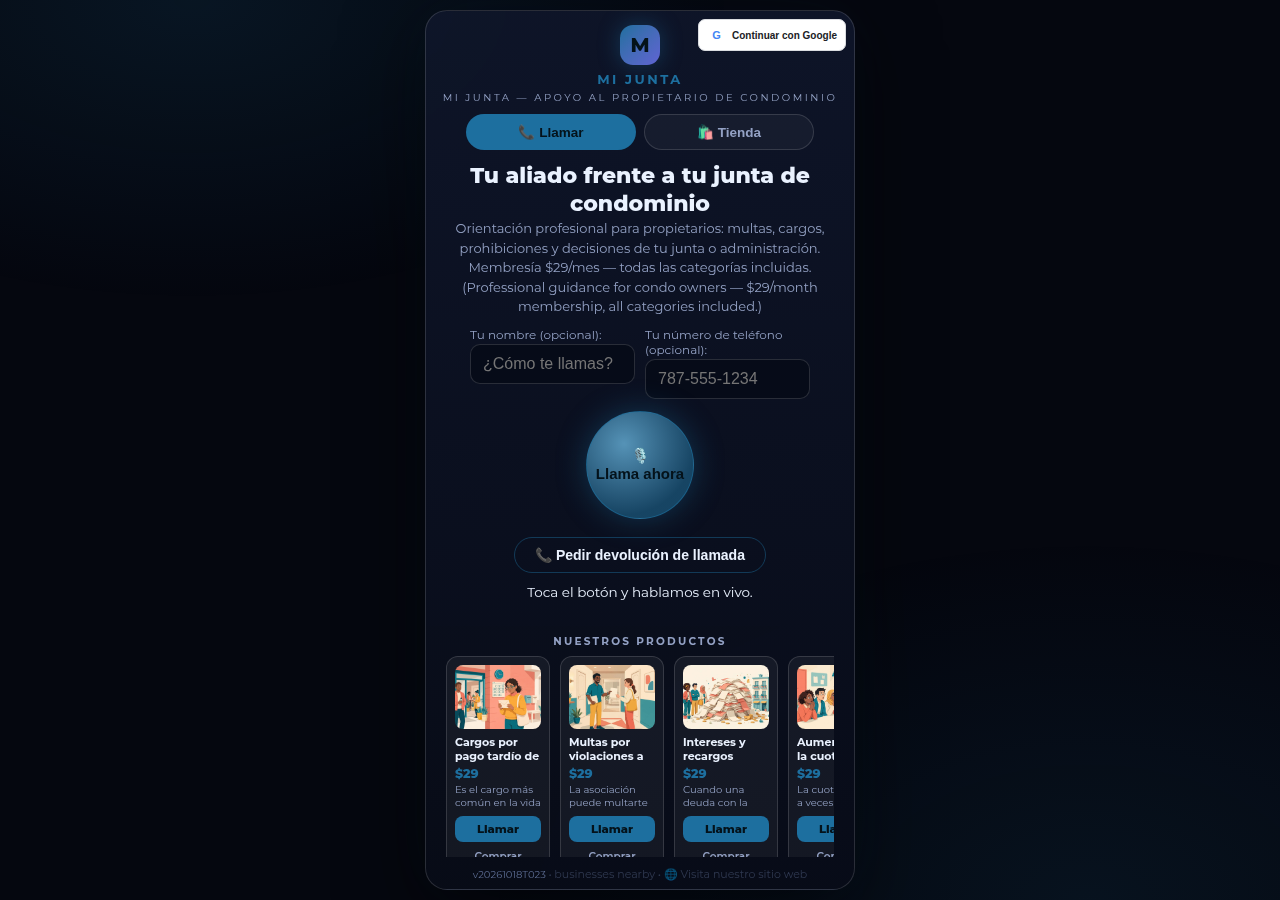
A real business website on CallPages — Mi Junta — with its store and call button in reach

明天 — 助力企业成长的助手

同一个助手会跟进、确认、提醒,并把您的产品目录烂熟于心 — 一个从不睡觉的前台,还会说客户的语言。

在线演示
● 正在直播演示

别只听我们说 — 亲自和它聊聊

这是一个真实的 CallPage,就在本页面上实时运行:Mi Junta,一个为波多黎各房主提供咨询的服务。和它的助手聊聊,或点通话按钮直接说话 — 助手会先开口,您也可以只听:开始通话从不需要麦克风。

打开演示页面 →

演示通话是与真实 CallPage 的真实通话 — 请友善待人,通话记录会发送给页面所有者。

工作原理

三步即可上线。真的。

无需设备、无需安装通话、无需任何技术知识。只要您会填表格,就能做到。

1

使用 Google 登录

用您的 Google 账号一键登录。无需记住密码,无需管理账号。

约 30 秒
2

介绍您的企业

用平实的语言告诉 AI 您做什么、卖什么、如何问候来电者。选一个语音和一个品牌色。

约 2 分钟
3

分享您的链接

获取您专属的页面链接。客户在任何手机上点开它,就能立即开始交谈 — 就像打电话一样,在浏览器里完成。

完成
What's new · Novedades

Release notes — Oct 22 · Blog · Learning Center
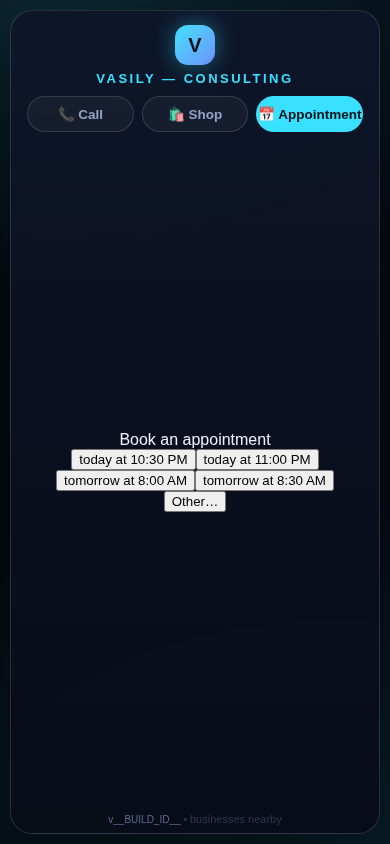
The in-call appointment slot picker on a CallPages page, showing open time slots computed from the page's own appointment book

Appointments belong to CallPages: booking works on every page, Google Calendar only syncs

CallPages' own appointment system is now the system of record on every page: booking is on by default everywhere, and a Google Calendar is only a sync target — never a gate.
See how it works →

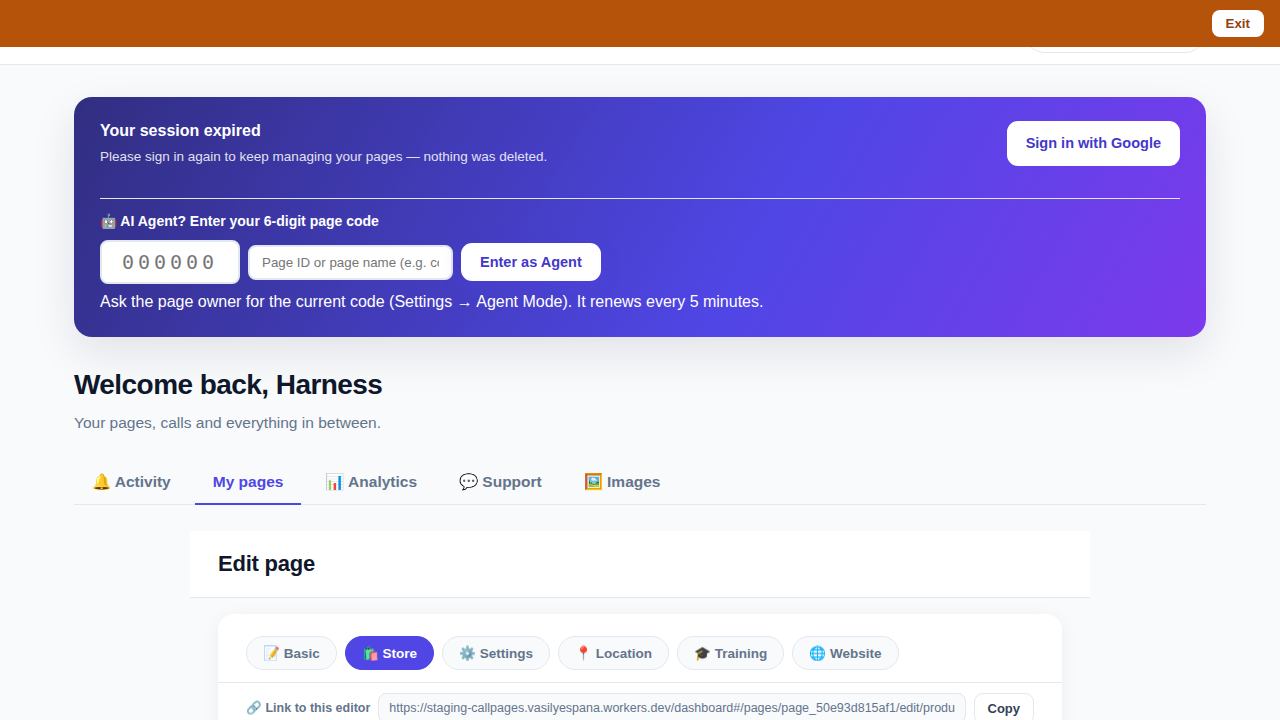
The CallPages dashboard with a page's product editor open and the bookmarkable editor link row visible above the product list

Bookmark the editor: deep links into your page, and a light My Pages landing

Every editor tab in the CallPages dashboard now has its own bookmarkable link that survives sign-in, and the dashboard opens on the light My Pages list instead of the heavy Activity feed.

See how it works →

Illustration: a phone showing a website page as stacked blocks — heading, photo, text — with one text block tapped and outlined for editing, a pencil badge, and a glowing + divider between blocks above a button block

The friendly website editor: edit your site exactly as your visitors see it

The Website Studio's block editor is now fully visual: blocks render as the published page itself, you click any block to edit it in place, and a + divider between blocks opens a six-type picker — no Markdown, no guessing.
See how it works →

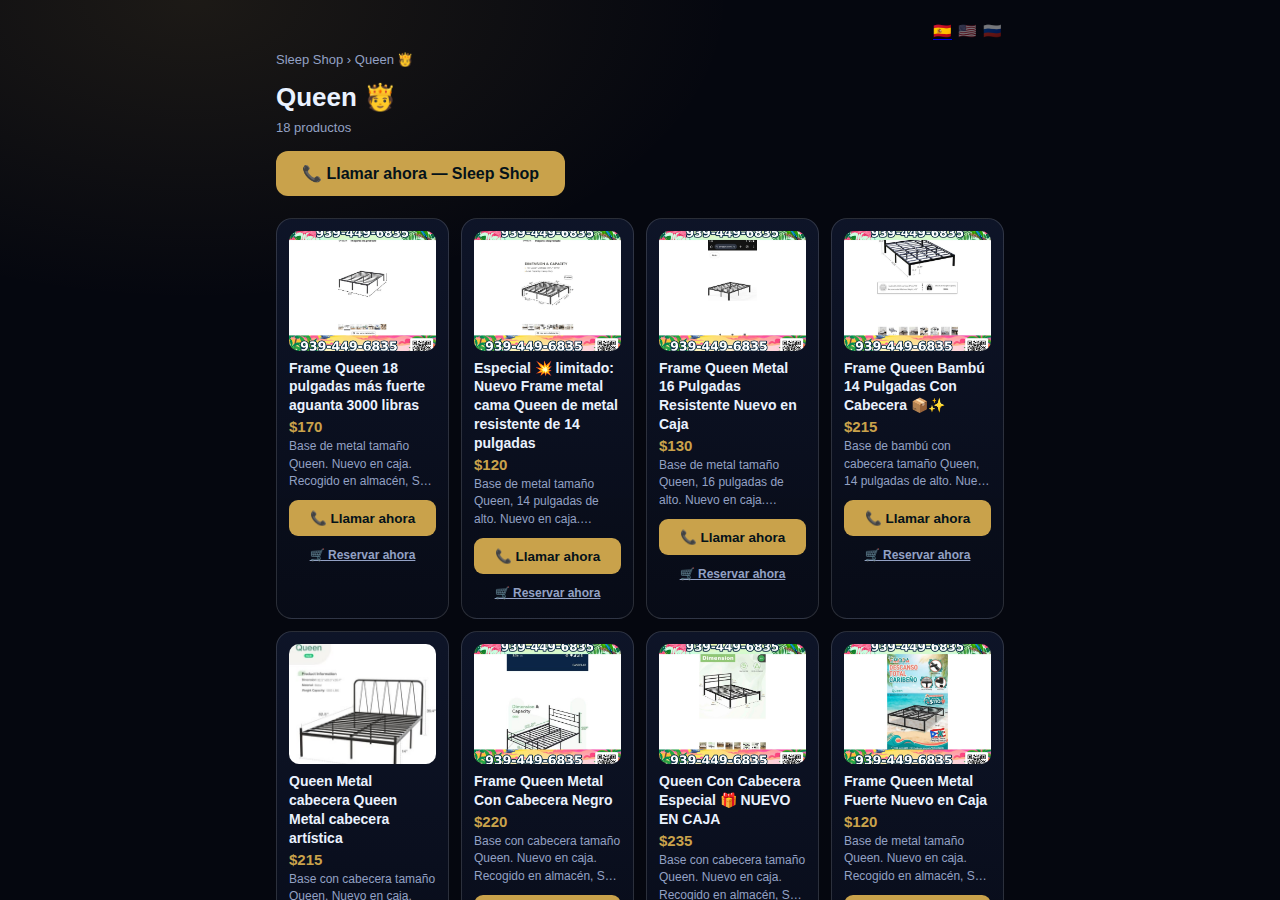
A collection page on CallPages: the Queen collection of a San Juan bed-frame shop at its own /c/queen address, with its products as cards

Collections get their own URLs — and their own place in search

Every collection on a CallPages page now lives at its own address — /p/<page>/c/<collection> — with its own title, description, canonical URL, structured data, and a spot in the page sitemap.
See how it works →

A CallPages page whose store stays browsable during a call: products the customer can tap while the voice agent advises on what they are viewing

The call that lets customers keep shopping

During a CallPages call, customers can tap any product and keep browsing the store — inside the call. The voice agent sees what they're looking at in real time and advises on the item in front of them.

See how it works →

Appointments that follow up by themselves

Booked appointments now manage themselves: a reminder two hours before, confirmation required one hour before, and a private manage page per appointment where the customer can confirm, cancel, or reschedule.
See how it works →

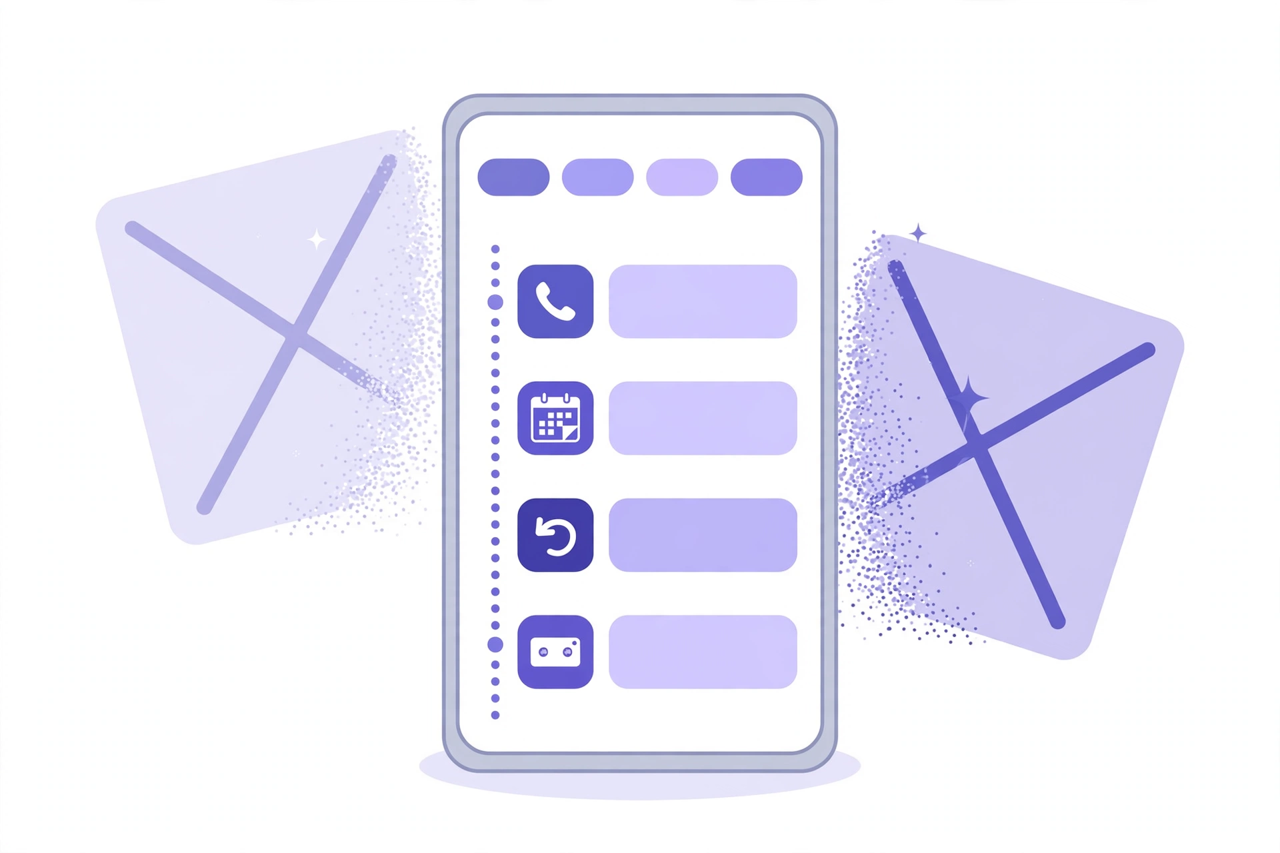
Illustration: a phone showing one unified Activity feed — call, appointment, callback and voicemail rows under filter chips — while two crossed-out separate tabs dissolve behind it

Callbacks and appointments moved in: Activity holds everything now

The dashboard shed two tabs. Callbacks and Appointments/Calendar now live inside Activity at full power — the callback queue, the calendar, Google Calendar — behind the chips you already use.
See how it works →

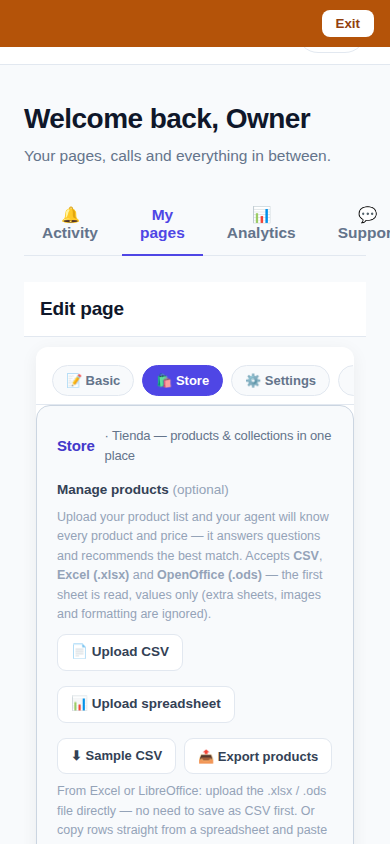
The page editor on a phone with the single Store tab selected: 'Tienda — products & collections in one place'

One Store tab: collections and products, edited together

The Store tab now holds everything: collections on top, products edited right inside them, reorder by drag or arrows — and every change autosaves. No second editor, no Save button.
See how it works →

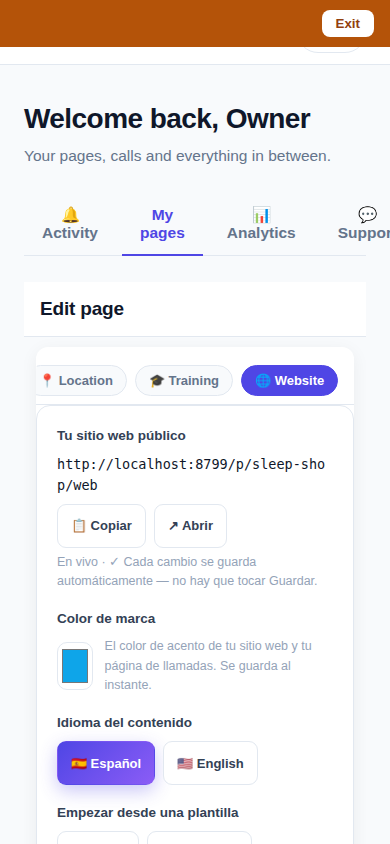
The Website Studio page list on a phone: authored pages grouped by path with per-language published and draft chips

Website Studio: build your whole site from your phone

Every page now has a Website Studio: create your site's pages from templates, edit them block by block, add photos, preview drafts privately, publish when ready — right in the dashboard.

See how it works →

A dashboard header that holds only your account. The dashboard's top bar was de-cluttered: feature shortcuts moved into their own tabs where they belong, and the top-right now holds a single account menu. As a bonus, the plan pill finally tells the truth about your plan. Learn more

Guide agents now know every member of their guide. A city guide's voice agent now carries a complete digest of every member business — names, areas, categories, signature items with real prices, hours and phones — and never claims not to know a business its own guide lists. Learn more

Product pages now answer themselves in Google AI Mode. Every product page can end with a questions section — real questions about that product, each one a tap away from asking Google AI Mode, which answers from the product's own published facts. Learn more

Delete that actually deletes — and a Hide that keeps selling. Deleting a product in the dashboard now removes it for real, the moment you tap. And a new Hide turns the product's page into an honest 'Agotado' with similar products instead of a dead end. Learn more

Release notes — Oct 19 · Blog · Changelog · Learning Center · Learning Center

Illustration: an abstract admin console with owner and customer account cards side by side, a magnifier, and a settings gear

One console for every account

The CallPages admin console now shows page owners and consumer accounts side by side, lets an admin step into any account to help, and edit any page's settings.
See how it works →

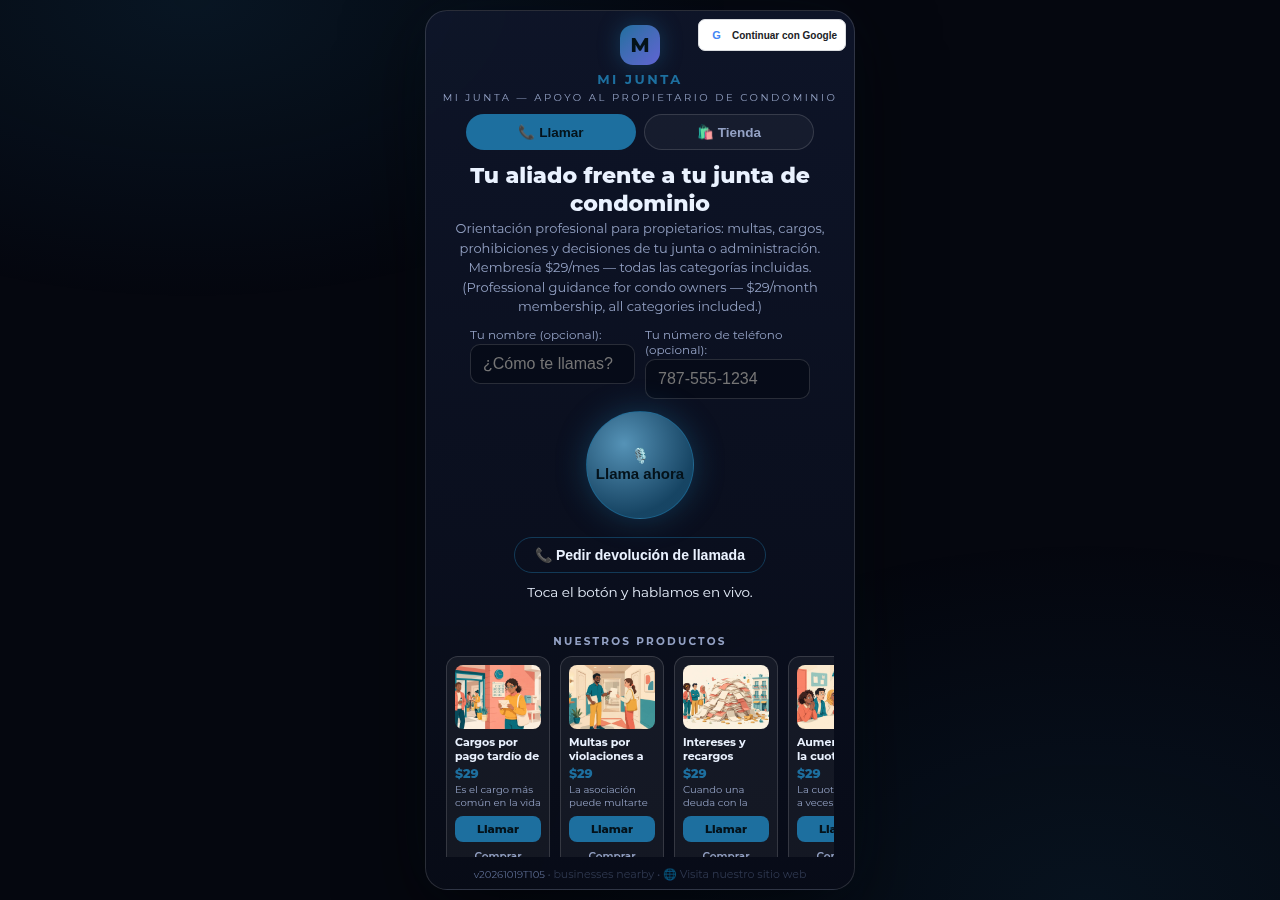
Mi Junta's CallPages page in production: the call is the front door of the page, and appointments are arranged inside that conversation

Appointments live inside the call now

Booking an appointment now happens inside a live call, with the voice agent, in the middle of the conversation it belongs to. The public booking form — and the spam it invited — is gone.
See how it works →

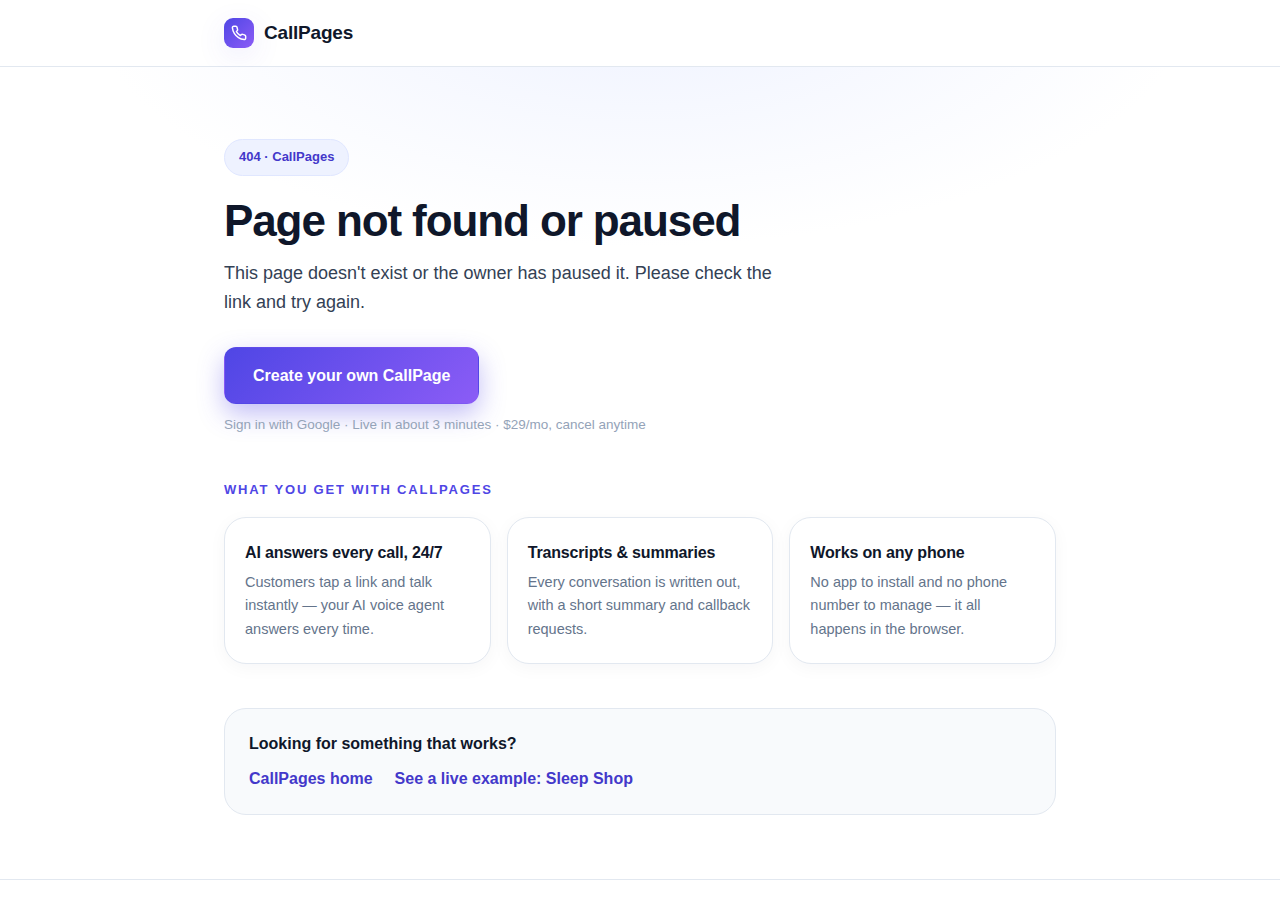
The branded CallPages 404 page: Page not found or paused, with an explanation, a create-your-own button, and cards describing what CallPages offers

Even a wrong link looks like CallPages now

Every error on CallPages — a mistyped address, a paused page, a product that moved — now renders as one branded page that explains what happened and shows the way forward.
See how it works →

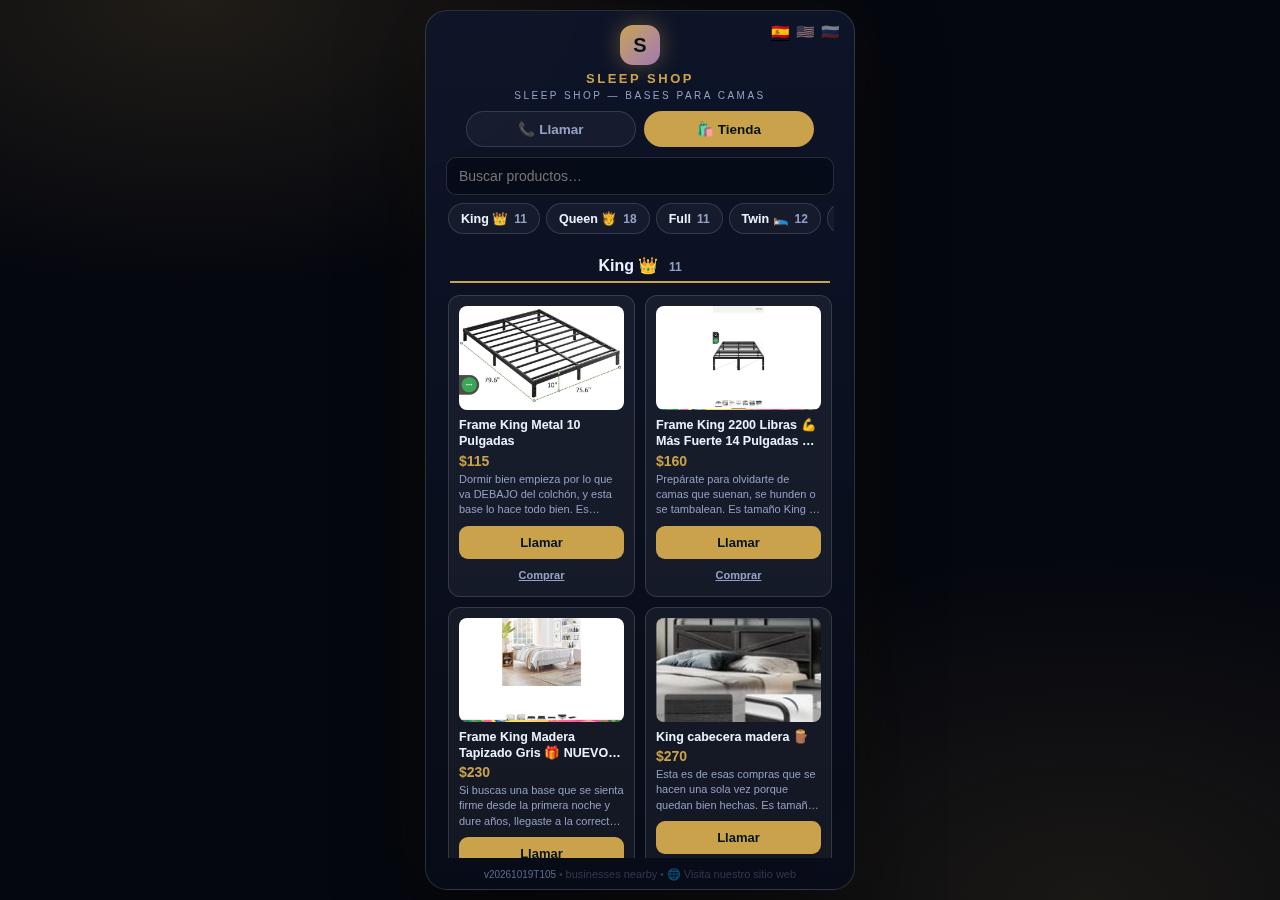
The Sleep Shop store on CallPages with its collection tab bar: King 11, Queen 18, Full 11, Twin 12 above the King collection's product grid

Every collection, one tap away

A CallPages shop now carries a collection tab bar: each collection sits in a sticky row with its product count, and tapping jumps straight to it — same page, all products, no reloads.

See how it works →

Illustration: a small business storefront connected by a glowing arc to a globe, its page living at its own web address

Your page, on your own domain

A CallPages page can now live on the business's own domain — the address on its signs, cards, and receipts — with the call, the store, and the agent answering there unchanged.
See how it works →

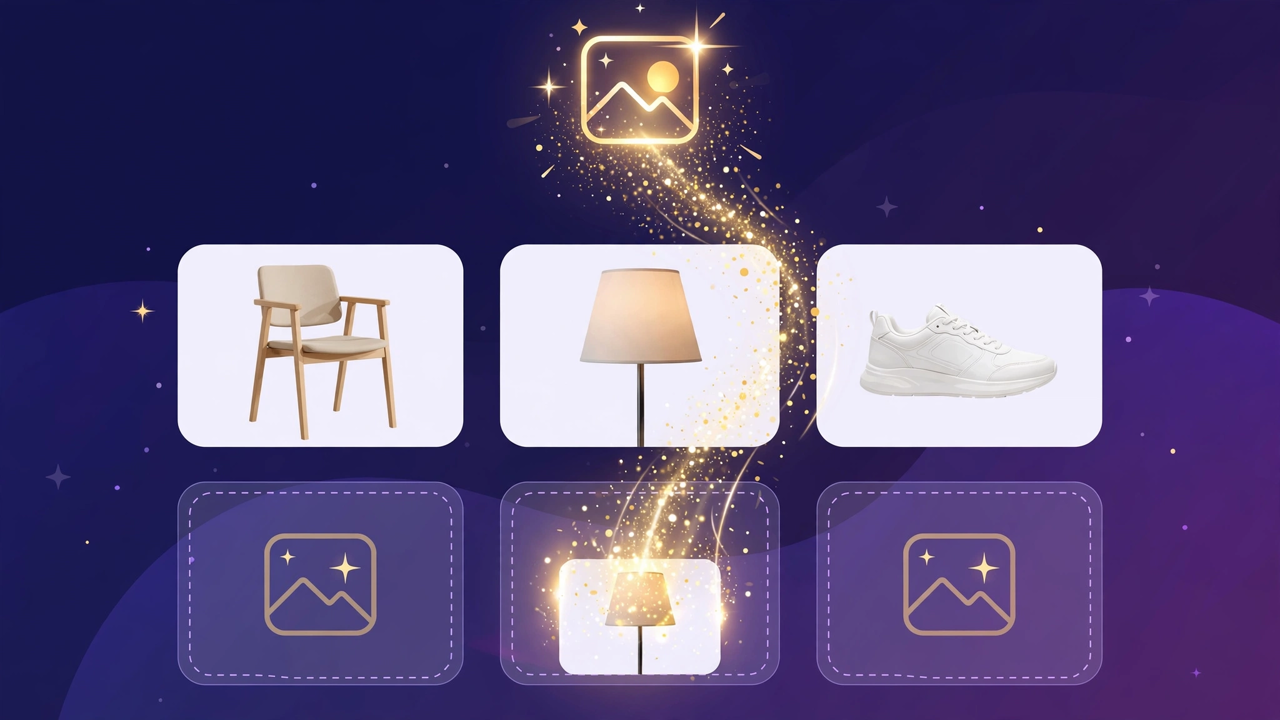
Illustration: a store product grid whose empty photo placeholders are being filled by bright product photos flowing in from a sparkling source

Product photos without a photo shoot

A catalog no longer waits for a camera: CallPages can fill in product photos from free image providers, chosen and controlled from Settings.

See how it works →

The new CallPages home page hero: Your business answers every call — with AI, beside a phone showing a live call with a caller asking about Thursday openings

A new front door for CallPages

The CallPages home page has been rebuilt: a hero that shows a live AI call on a phone, and the product's real features integrated into the first screen instead of listed somewhere below.

See how it works →

Illustration: a product page on a phone with a quiet chat bubble opening at the bottom and a glowing microphone button beside it

The Silent Magic Helper, on every page

The Silent Magic Helper is now on by default for every CallPages page — existing and new — and its chat sessions are logged as calls, right beside the voice ones.
See how it works →

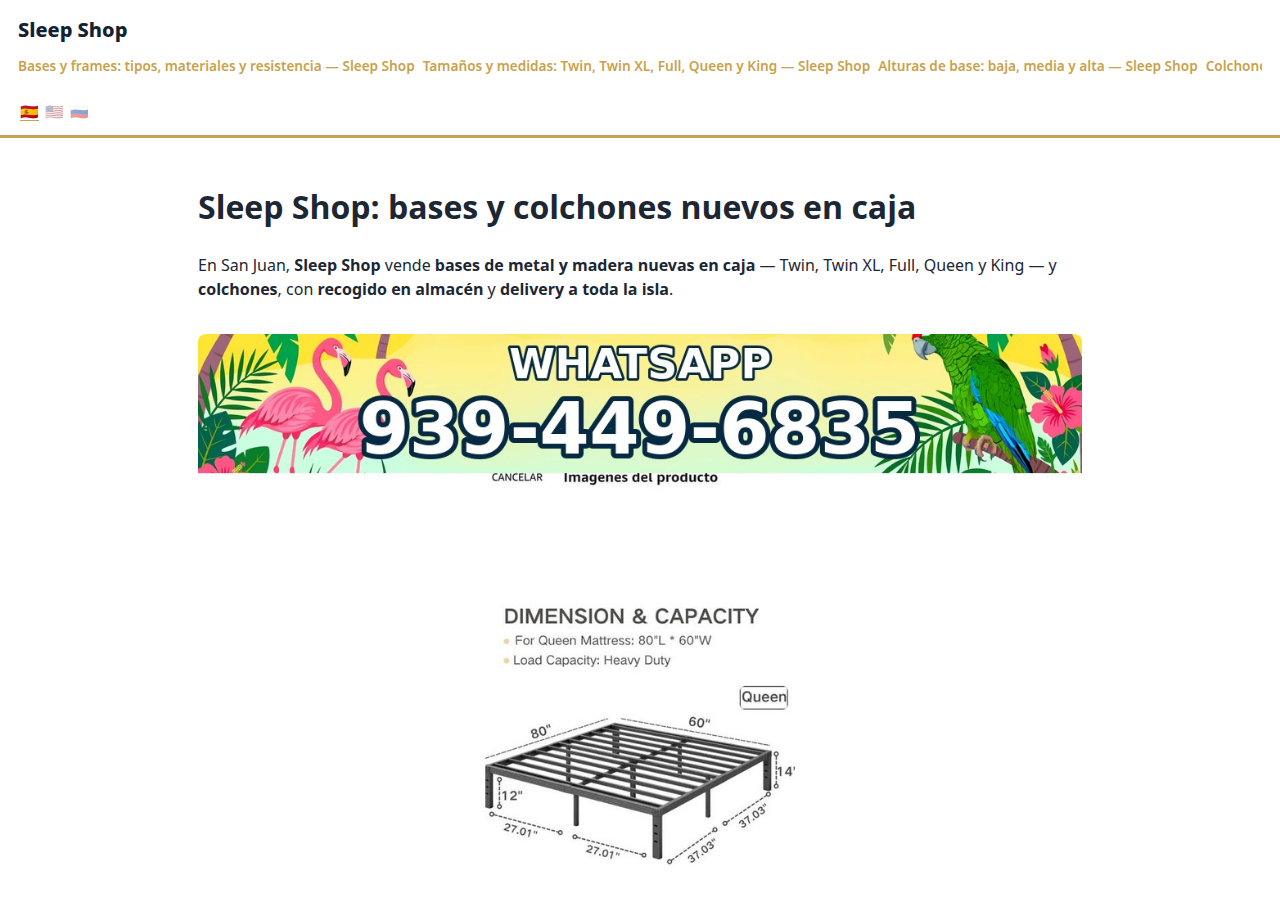
Sleep Shop's website on CallPages in production — the web face of the page that now also carries its own sleep-shop@callpages.me address

Every page gets its own email address

Every CallPages page now has its own email address — <page>@callpages.me — and new pages greet their owners with a welcome email. A page is reachable by call, by web, and by mail.

See how it works →

Illustration: a completed payment card flowing into an envelope, a calendar appointment, and a reminder bell, connected by one glowing path

What happens after the payment, automatically

A payment on CallPages now sets its own follow-through in motion: confirmations and next steps happen on their own, and the owner watches it all land in Activity.
See how it works →

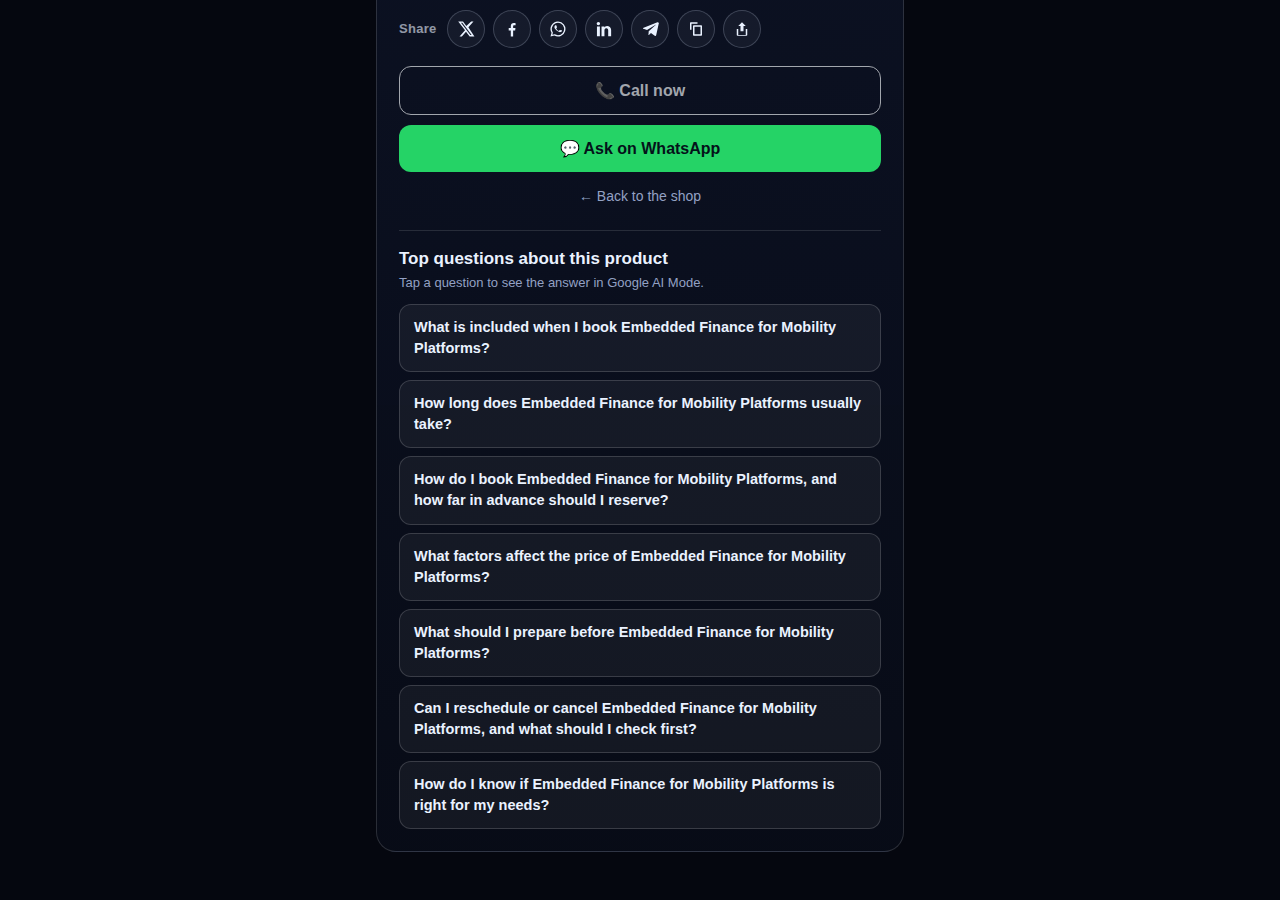
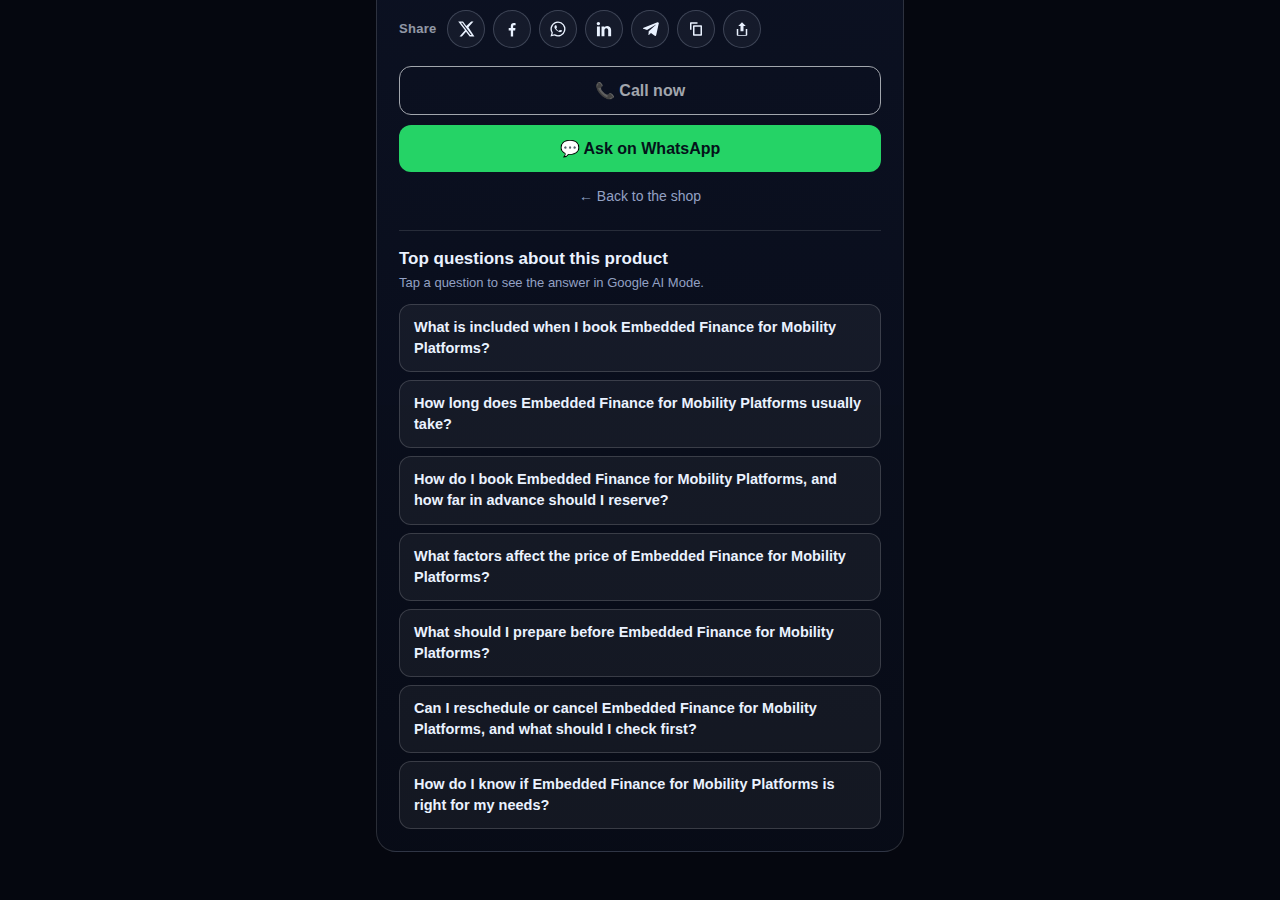
A consulting product page on CallPages whose top questions are about the service itself: what is included, how long it takes, how far ahead to book, and what affects the price

Questions that belong to the product

The questions on a product page are now written from that product itself — its name, its photo, its description — so a consulting session gets consulting questions and a bed frame gets frame questions.
See how it works →

The share row on a live CallPages product page: X, Facebook, WhatsApp, LinkedIn, Telegram, copy-link, and share buttons above the call button

Every page and product, ready to share

Pages and products now carry a proper share row — X, Facebook, WhatsApp, LinkedIn, Telegram, and copy-link — so anything worth finding is one tap from being passed on.

See how it works →

Mi Junta's website on CallPages in production, rendered in the current design generation: clean navigation, clear sections, and the call to action always in reach

WOW Design v2 — and styles that remember

Pages and websites get a new design generation, WOW Design v2, and page styles are now versioned: when a look changes, the old one is kept, not overwritten.

See how it works →

真实页面 · 真实产品

已经在用 AI 接听电话的企业

真实的 CallPages,正在实时运行 — 展示着真实产品和真实价格。点开任何一个,亲自和商家聊聊。
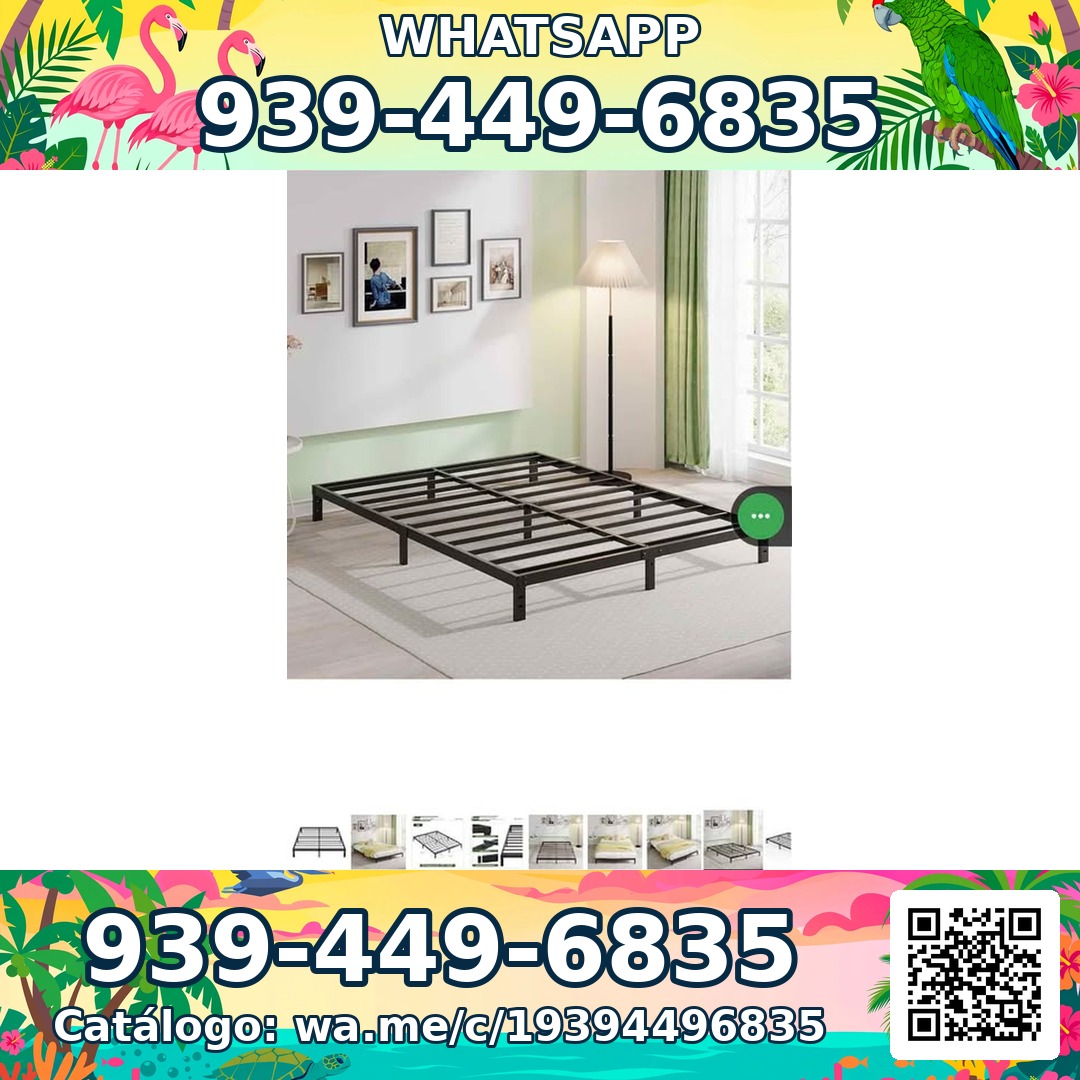
Sleep Shop — a metal bed frame product photo from the live store

Sleep Shop

圣胡安(波多黎各)的床架与床垫 — 全岛配送,约一小时送达。

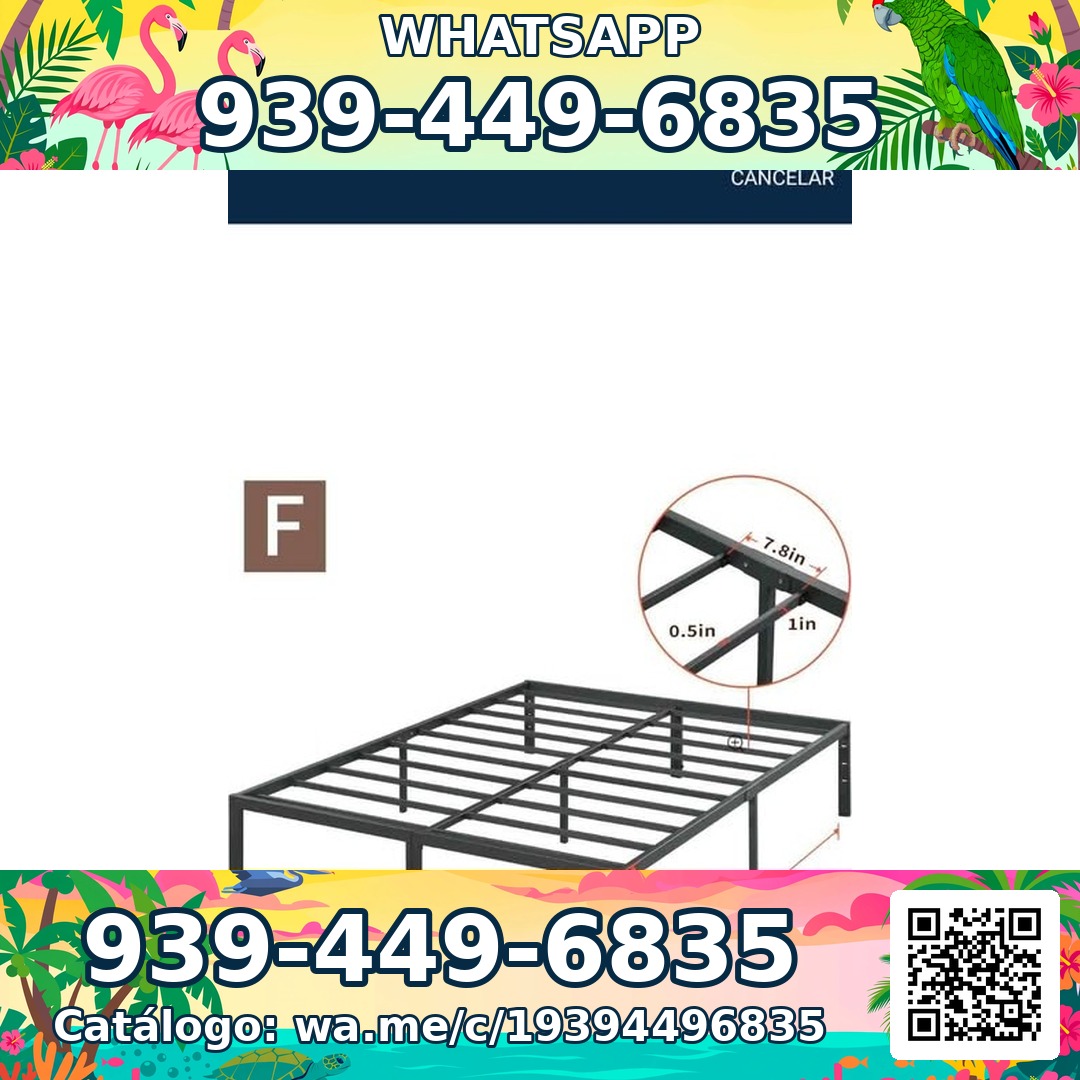
Frame Full 8 Pulgadas — product photoFrame Full 8 Pulgadas 🎁 NUEVO EN CAJA$99
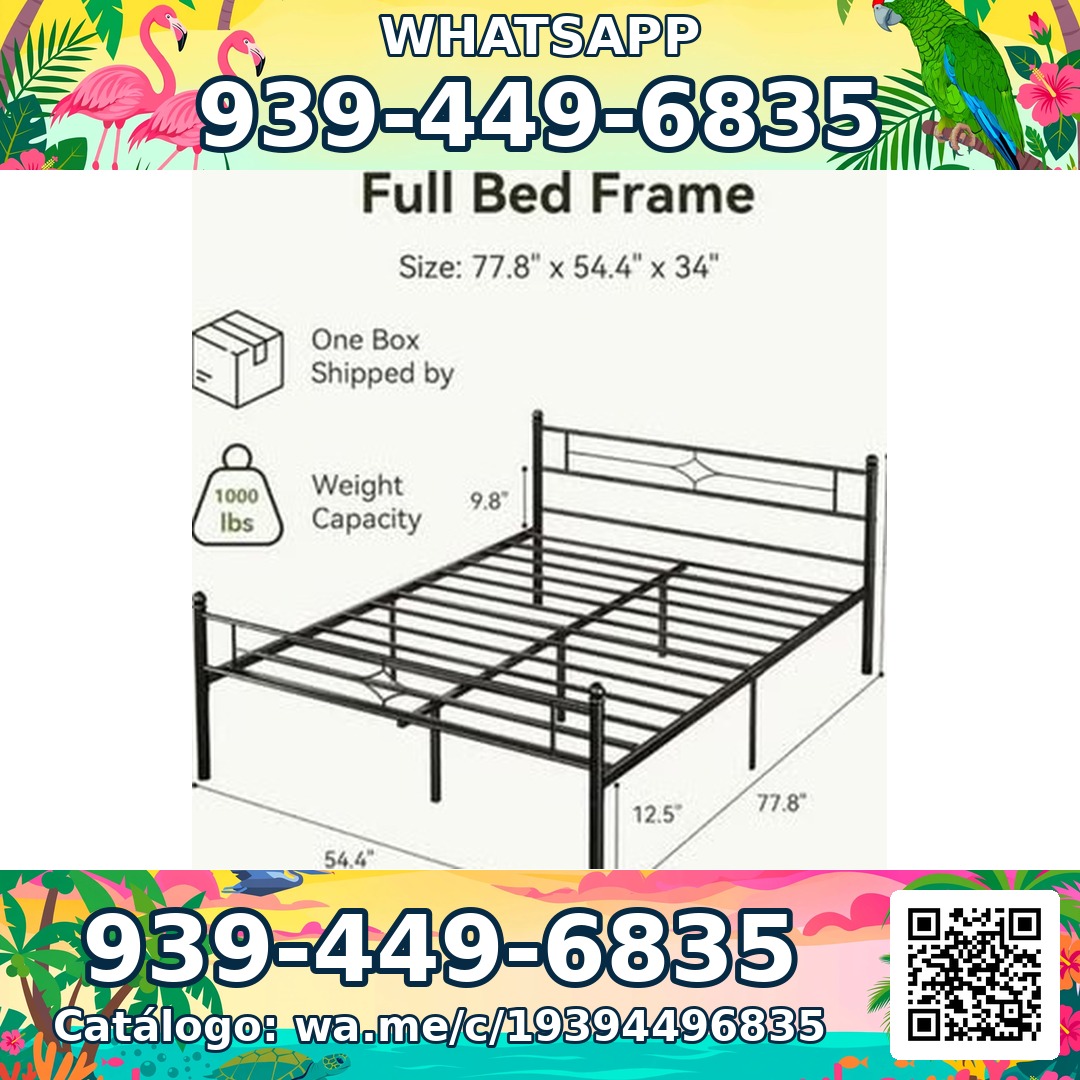
Frame Full 3000 Libras Acero 18 Pulgadas — product photoFrame Full 3000 Libras Acero 18 Pulgadas 💪 📦✨$160
Frame Full Metal Con Cabecera Vintage — product photoFrame Full Metal Con Cabecera Vintage 🎁 NUEVO EN CAJA$180

Mi Junta — advice for condo owners about late HOA dues

Mi Junta

帮助波多黎各公寓业主应对 HOA 罚款、滞纳金和不明收费。

Cargos por pago tardío de la cuota de mantenimiento — topic imageCargos por pago tardío de la cuota de mantenimiento (Late Fees on Monthly Dues)$29

Multas por violaciones a las reglas — topic imageMultas por violaciones a las reglas (Rule-Violation Fines)$29

Intereses y recargos acumulados por mora — topic imageIntereses y recargos acumulados por mora (Accumulated Interest & Late Charges)$29

Vasily — executive advisory on future tech and mobility

Vasily — Consulting

未来科技、出行与产品战略咨询 — 顾问会议与深度研讨会。

Executive Advisory Session — session imageExecutive Advisory SessionConsultar
Diligence Sprint — session imageDiligence SprintConsultar
Priority Scheduling — session imagePriority Scheduling$2,000
Ferretería Ramón — construction materials at a San Juan hardware store

Ferretería Ramón

圣胡安的一家社区五金店 — 整个产品目录都在一个页面上,点一下就能通话。

Arena de Río — product photoArena de Río

Arena Fina — product photoArena Fina
Cemento (Saco) — product photoCemento (Saco)
全部包含

一个页面,一支完整的电话团队。

每个 CallPages 页面都包含您所需的一切,让您再也不错过任何一位客户。

Illustration: a business page living at its own web address

专属链接,只属于您

每个页面都有一个专属链接,如 yourbusiness.callpages.com — 把它放在您的网站、Google 商家资料、发票和社交媒体上。
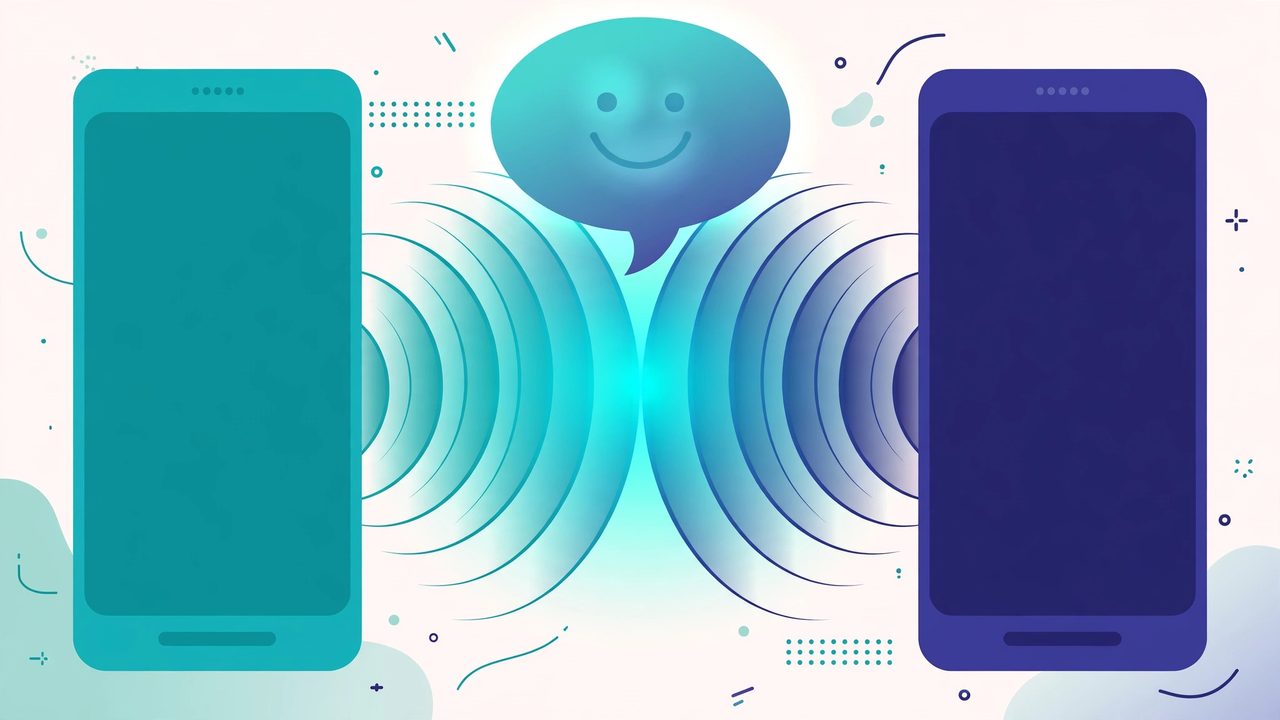
Illustration: two phones with voice waves — a test call to your own page

随时测试通话

像顾客一样体验自己的页面 — 点一点、说说话,亲耳听到客户将听到的一切。

A call record in production: transcript and the products browsed during the call

通话记录与摘要

每段对话都会完整记录,并附上简短摘要,几秒钟就能了解发生了什么。

The Activity tab in production: every call, searchable

可搜索的通话历史

瞬间找到任何通话 — 按来电者姓名、号码或对话中说过的任何内容搜索。

Mi Junta's website in production, wearing its own branding

您的品牌形象

您的店名、您的配色、您的问候语。您的页面看起来像您 — 而不是像我们。

Illustration: a merchant with their business dashboard on a phone

任何手机都能用

来电者只需在浏览器中打开链接 — iPhone 或 Android 都行,无需安装应用,无需注册账号。

A product page in production asking questions drawn from the product itself

熟悉您的产品

上传您的产品清单,助手会报出准确价格、回答问题、推荐合适的产品 — 绝不编造。

说客户的语言

页面和助手会说您选择的语言 — 仅这个网站就发布了 24 种语言版本。

🇪🇸 🇺🇸 🇫🇷 🇧🇷 🇩🇪 🇮🇹 🇳🇱 🇵🇱 🇷🇺 🇺🇦 🇨🇳 🇯🇵 🇰🇷 🇸🇦 🇮🇳 🇹🇷 🇮🇩 🇻🇳 🇹🇭 🇵🇭 🇧🇩 🇮🇷 🇸🇪 🇬🇷

价格

一个套餐。就这么简单。

所有功能都包含在一个套餐中。随着业务增长,可随时添加更多页面。

CallPages
$29/月/页面

每个页面每月都包含 AI 分钟数

  • 您专属的点击通话页面,带您的品牌形象
  • 每个页面都包含 AI 分钟数 — 合理使用
  • 不限来电人数、通话记录与摘要
  • 回电请求通过电子邮件发送给您
  • 随时取消 — 无合同,无安装费
开始 — 使用 Google 登录
安全支付 · 随时取消
常见问题

问题,都有答案。

通俗易懂的回答,没有技术术语。

我需要电话号码才能使用吗?
不需要。CallPages 完全不使用您的电话线路。客户在浏览器中打开您的页面链接即可直接交谈 — 就像打电话,但发生在网页上。您无需购买、携号转网或管理任何电话号码。
AI 会说哪些语言?
这个网站以 24 种语言发布 — 点一下顶部的旗帜,全部内容都会切换。您的页面会说您为它选择的语言:AI 会用该语言问候来电者并进行整场对话,一个页面还可以同时运行多种语言。
通话到底是怎么进行的?
您可以把页面链接分享到任何地方 — 您的网站、Google 商家资料、发票、社交媒体。客户点开链接,点通话按钮,就能在浏览器中开始交谈。AI 全天候 24/7 即时接听。通话结束后,您会在控制台收到完整的通话记录和简短摘要。
什么算作一分钟 AI 通话?
一分钟 AI 通话就是与您的 AI 进行一分钟的实时对话。每个页面都包含用于实时对话的 AI 分钟数 — 大多数小企业根本用不到合理使用上限。
我可以随时取消吗?
可以。没有合同,也没有取消费用。在控制台中一键管理您的订阅,页面会一直有效到计费周期结束。

分享 CallPages

认识总是错过电话的商家吗?把这个分享给他们。

分享
/* public/theme-switcher.js — LANE 4 top-fixed theme switcher (Vasily, 2026-10-23). * * A floating pill, always visible at the very top of the page, with three * segments: Lame White / Current / Acid. Zero friction, unlimited changes. * - Instant: swaps + localStorage("cp-theme") immediately. * - Owner mode (dashboard, data-theme-mode="owner"): also persists to the * account in D1 via POST /api/owner/theme (fire-and-forget; the UI * never waits for the network). * - Visitor mode (public pages, data-theme-mode="visitor"): local only — * the visitor plays with themes without affecting anyone. * * Inlined into dashboard/dialer/landing/my-callpage by build.js at the * theme-switcher placeholder (plain script, no modules, no deps). * Unit-tested in node with stubbed DOM (src/theme-switcher.test.js). */ (function () { "use strict"; var THEMES = [ { id: "lame-white", label: "Lame White" }, { id: "current", label: "Current" }, { id: "acid-v1", label: "Acid" }, ]; var KEY = "cp-theme"; var MOUNT_ID = "cpThemeSwitcher"; function norm(v) { if (v === "lame-white" || v === "current" || v === "acid-v1") return v; if (v === "dark") return "current"; // legacy migration if (v === "light") return "lame-white"; // legacy migration return null; } function getMode(doc) { var m = doc.documentElement.getAttribute("data-theme-mode"); return m === "owner" ? "owner" : "visitor"; } function currentTheme(doc, ls) { var t = null; try { t = norm(ls.getItem(KEY)); } catch (e) {} if (!t) t = norm(doc.documentElement.getAttribute("data-theme")); return t || "current"; } function applyTheme(id, doc, ls) { id = norm(id) || "current"; doc.documentElement.setAttribute("data-theme", id); try { ls.setItem(KEY, id); } catch (e) {} return id; } function persistOwnerTheme(id, fetchFn) { // Fire-and-forget: the UI already applied instantly; a failed save // just means the next load falls back to the previous account theme. try { var p = fetchFn("/api/owner/theme", { method: "POST", headers: { "Content-Type": "application/json" }, body: JSON.stringify({ theme: id }), }); if (p && typeof p.catch === "function") p.catch(function () {}); } catch (e) {} } function setTheme(id, doc, ls, fetchFn) { id = applyTheme(id, doc, ls); if (getMode(doc) === "owner" && typeof fetchFn === "function") { persistOwnerTheme(id, fetchFn); } syncPill(doc, id); return id; } function syncPill(doc, activeId) { var pill = doc.getElementById(MOUNT_ID); if (!pill) return; var btns = pill.querySelectorAll ? pill.querySelectorAll("button[data-theme-id]") : []; for (var i = 0; i < btns.length; i++) { var b = btns[i]; var on = b.getAttribute("data-theme-id") === activeId; b.setAttribute("aria-pressed", on ? "true" : "false"); } } function render(doc, ls, fetchFn) { var mount = doc.getElementById(MOUNT_ID); if (!mount) { mount = doc.createElement("div"); mount.id = MOUNT_ID; (doc.body || doc.documentElement).appendChild(mount); } // Rebuild idempotently. while (mount.firstChild) mount.removeChild(mount.firstChild); var pill = doc.createElement("div"); pill.className = "cp-theme-switcher"; pill.setAttribute("role", "group"); pill.setAttribute("aria-label", "Theme"); var label = doc.createElement("span"); label.className = "cp-ts-label"; label.setAttribute("title", "Prueba los temas — cambia el look al instante"); label.textContent = "🎨 Temas"; pill.appendChild(label); THEMES.forEach(function (t) { var b = doc.createElement("button"); b.type = "button"; b.setAttribute("data-theme-id", t.id); b.setAttribute("aria-pressed", "false"); b.title = t.label; b.textContent = t.label; b.addEventListener("click", function () { setTheme(t.id, doc, ls, fetchFn); }); pill.appendChild(b); }); mount.appendChild(pill); syncPill(doc, currentTheme(doc, ls)); } function init(doc, ls, fetchFn) { render(doc, ls, fetchFn); } var api = { THEMES: THEMES, KEY: KEY, MOUNT_ID: MOUNT_ID, norm: norm, getMode: getMode, currentTheme: currentTheme, applyTheme: applyTheme, setTheme: setTheme, syncPill: syncPill, render: render, init: init, }; // Safe storage: localStorage throws on opaque origins (file://, about:blank // in tests) — fall back to an in-memory shim so the pill always renders. function safeStorage(win) { try { var ls = win.localStorage; ls.getItem("__cp_probe__"); return ls; } catch (e) { var mem = {}; return { getItem: function (k) { return Object.prototype.hasOwnProperty.call(mem, k) ? mem[k] : null; }, setItem: function (k, v) { mem[k] = String(v); }, removeItem: function (k) { delete mem[k]; }, }; } } // Browser: auto-mount (the early script already set data-theme). if (typeof document !== "undefined" && typeof window !== "undefined") { var boot = function () { try { init(document, safeStorage(window), window.fetch.bind(window)); } catch (e) {} }; if (document.readyState === "loading") { document.addEventListener("DOMContentLoaded", boot); } else { boot(); } window.cpSetThemeId = function (id) { return setTheme(id, document, safeStorage(window), window.fetch.bind(window)); }; window.cpThemeSwitcher = api; } // node (unit tests). if (typeof module !== "undefined" && module.exports) { module.exports = api; } })();