Neu — dein KI-Telefonagent ist in 3 Minuten live

Dein Unternehmen beantwortet jeden Anruf — mit KI

Erstelle in 3 Minuten eine Click-to-Call-KI-Seite für dein Unternehmen. Deine Kunden tippen auf einen Link und sprechen los. Du bekommst Transkript, Zusammenfassung und den Rückruf.

KI-Minuten inklusive jeden Monat · Keine Telefonnummer nötig · Jederzeit kündbar

Dein Unternehmen
Fragen? Einfach tippen und sprechen.

Unser Assistent antwortet sofort — Preise, Verfügbarkeit, Buchungen und mehr.

Live-Anruf — 02:14
Anrufer
“Hast du diesen Donnerstag noch Termine frei?”
Assistent
“Ja! Ich habe 10:30 AM und 2:00 PM. Was passt dir?”
Tippen zum Sprechen
Alles, was deine Seite kann — ab dem ersten Bildschirm

KI-Sprach-Anrufe, 24/7

Kunden tippen auf deinen Link und sprechen in ihrem Browser — keine Telefonnummer, keine App, kein Warten in der Warteschleife. Dein KI-Sprachagent antwortet sofort, Tag und Nacht.

Bucht Termine im Anruf

Mitten im Gespräch bietet dein Agent echte freie Termine an und bucht den Termin direkt im Anruf — danach folgen Erinnerungen und Bestätigungen von selbst.

Ein Shop, der während des Anrufs offen bleibt

Deine Produkte und Kollektionen — jede Kollektion mit eigenem Link — bleiben während des Anrufs im Shop durchsuchbar, während der Agent zu dem berät, was der Kunde gerade ansieht, in Echtzeit.

Kennt deine Produkte auswendig

Dein Agent nennt deine exakten Preise und Details aus deinem eigenen Katalog und empfiehlt das richtige Produkt — er erfindet nie einen Preis.

Jeder Anruf, erfasst & durchsuchbar

Transkripte, Zusammenfassungen und Analysen für jedes Gespräch, in einem Aktivitäten-Feed — finde jeden Anruf nach Anrufernamen, Nummer oder Gesagtem.

Mehrsprachig ab der ersten Begrüßung

Diese Website spricht 24 Sprachen, und deine Seite kann das auch: Ein kleiner Tipp auf eine Flagge wechselt die Sprache, sodass jeder Besucher in seiner eigenen Sprache begrüßt wird.

Der Weg in die Zukunft

Wohin sich Geschäfts-Anrufe entwickeln

Früher verlor jedes Unternehmen die Anrufe, die es nicht beantworten konnte. Dann wurde das Telefon zu einem Link. Jetzt spricht der Link zurück — und verkauft.

Gestern — der verpasste Anruf

Ein Kunde ruft nach Feierabend an, hört es klingeln und kauft bei dem, der zuerst antwortet. Das Unternehmen erfährt nicht einmal, dass es passiert ist.
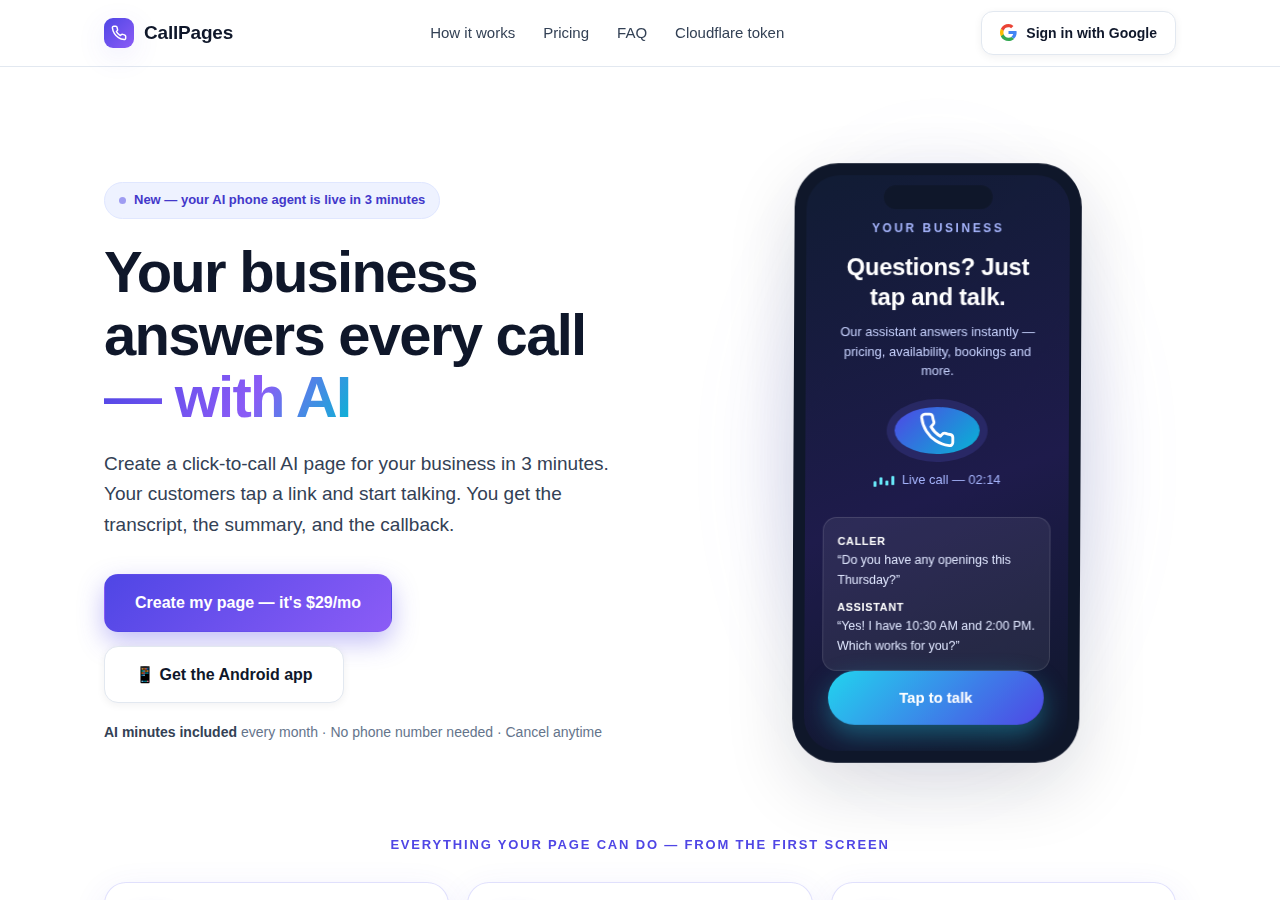
The CallPages home page: a business answering a live AI call on a phone

Heute — die Seite, die antwortet

Deine CallPage antwortet sofort, 24/7: Sie spricht, nennt deine echten Preise, bucht den Termin im Anruf und hinterlässt dir Transkript und Zusammenfassung.
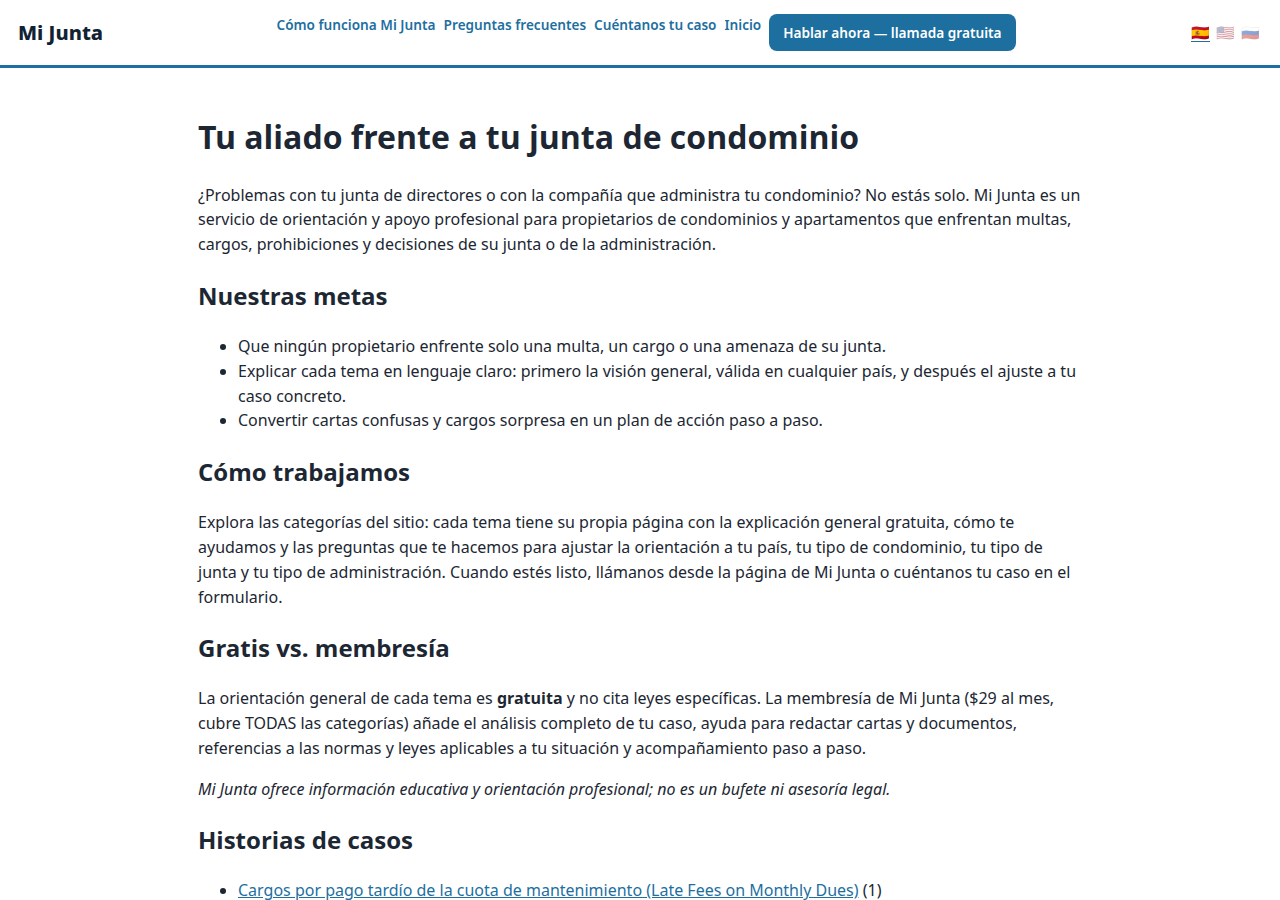
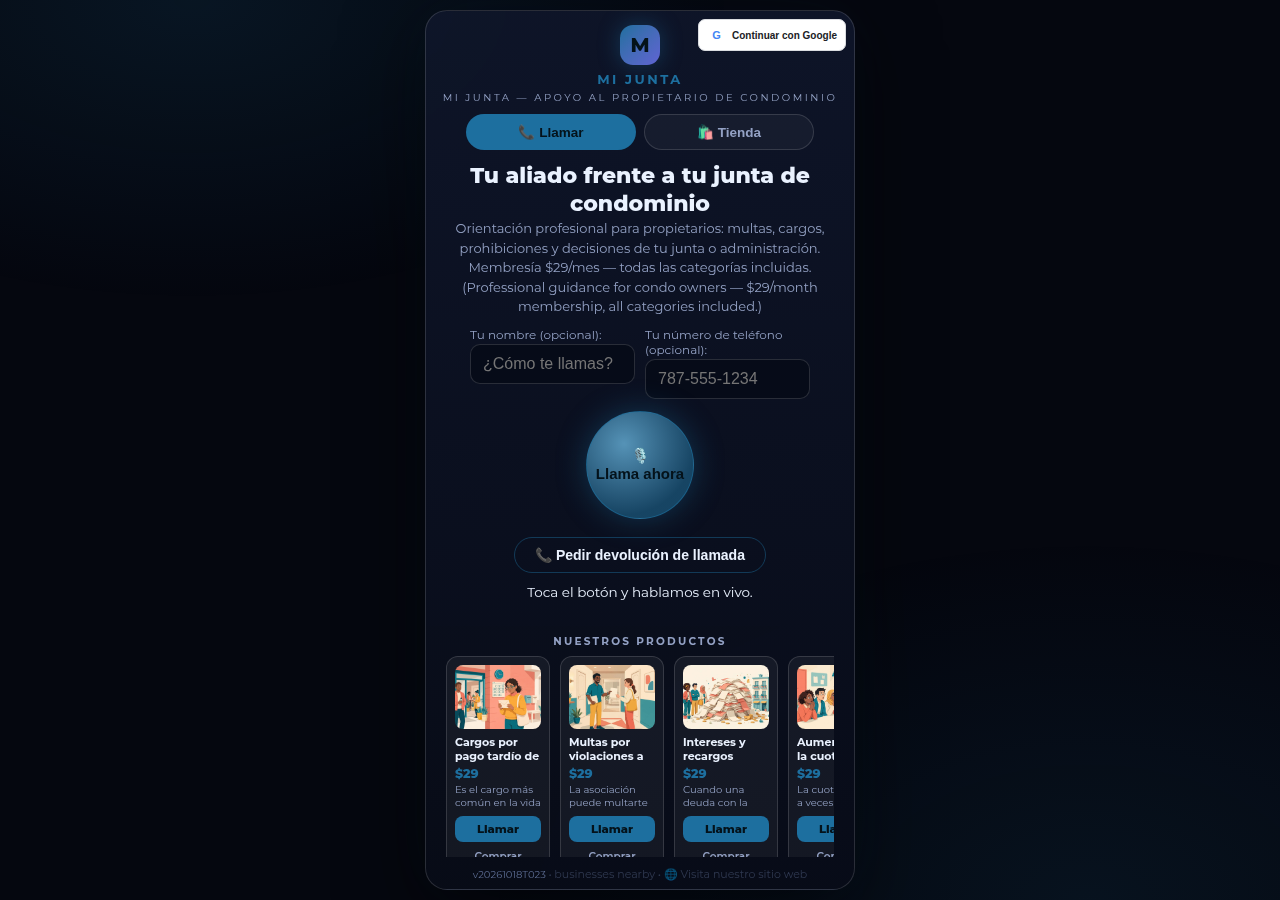
A real business website on CallPages — Mi Junta — with its store and call button in reach

Morgen — der Agent, der dein Geschäft wachsen lässt

Derselbe Agent hakt nach, bestätigt, erinnert und kennt deinen Katalog auswendig — eine Rezeption, die nie schläft, in den Sprachen deiner Kunden.

Live-Demo
● LIVE-DEMO

Glaub uns nicht einfach — sprich mit einer

Das ist eine echte CallPage, live auf genau dieser Seite: Mi Junta, ein Beratungsdienst für Wohnungseigentümer in Puerto Rico. Chatte mit seinem Helfer oder tippe auf den Anruf-Button und sprich — der Agent spricht zuerst, und du kannst einfach nur zuhören: Zum Starten ist nie ein Mikrofon nötig.

Demo-Seite öffnen →

Demo-Anrufe sind echte Anrufe mit einer echten CallPage — sei bitte freundlich, ein Transkript geht an den Seiteninhaber.

So funktioniert's

In drei Schritten live. Wirklich.

Keine Geräte, keine Einrichtungs-Anrufe, nichts Technisches. Wenn du ein Formular ausfüllen kannst, kannst du das auch.

1

Mit Google anmelden

Ein Klick mit deinem Google-Konto. Keine Passwörter zum Merken, keine Konten zum Verwalten.

~30 Sekunden
2

Beschreibe dein Unternehmen

Sag der KI, was du machst, was du verkaufst und wie du Anrufer begrüßt — in einfachen Worten. Wähle eine Stimme und eine Markenfarbe.

~2 Minuten
3

Teile deinen Link

Hol dir deinen eigenen Seitenlink. Kunden tippen ihn auf jedem Handy an und sprechen los — sofort, wie ein Anruf, in ihrem Browser.

Fertig
What's new · Novedades

Release notes — Oct 22 · Blog · Learning Center
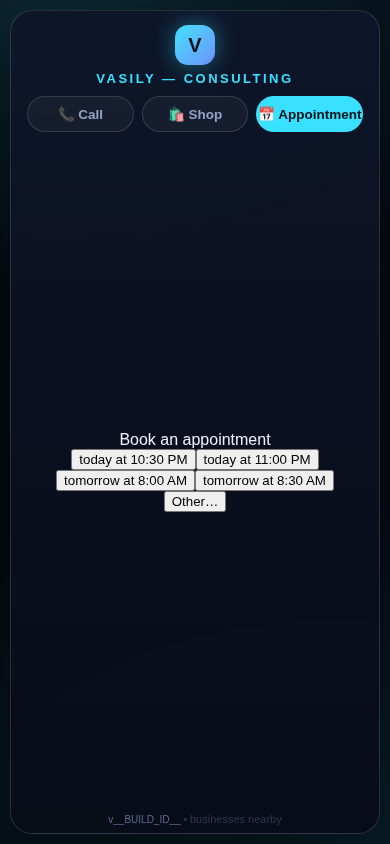
The in-call appointment slot picker on a CallPages page, showing open time slots computed from the page's own appointment book

Appointments belong to CallPages: booking works on every page, Google Calendar only syncs

CallPages' own appointment system is now the system of record on every page: booking is on by default everywhere, and a Google Calendar is only a sync target — never a gate.
See how it works →

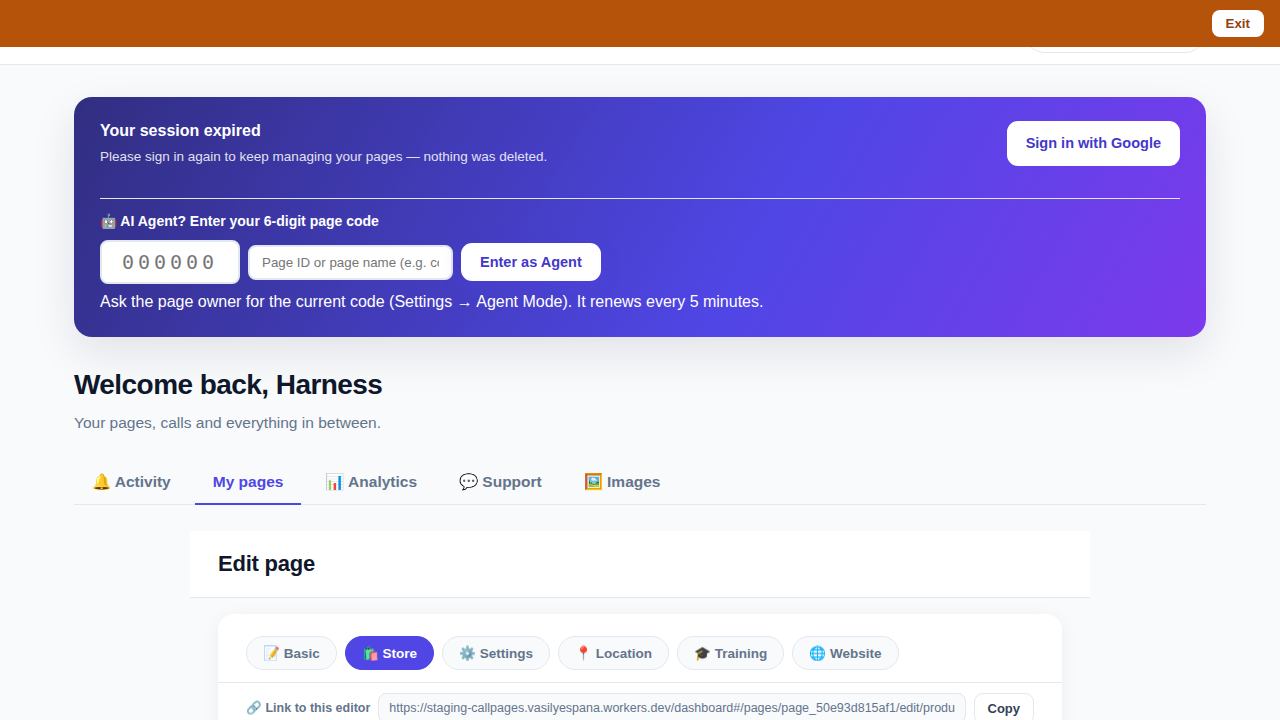
The CallPages dashboard with a page's product editor open and the bookmarkable editor link row visible above the product list

Bookmark the editor: deep links into your page, and a light My Pages landing

Every editor tab in the CallPages dashboard now has its own bookmarkable link that survives sign-in, and the dashboard opens on the light My Pages list instead of the heavy Activity feed.
See how it works →

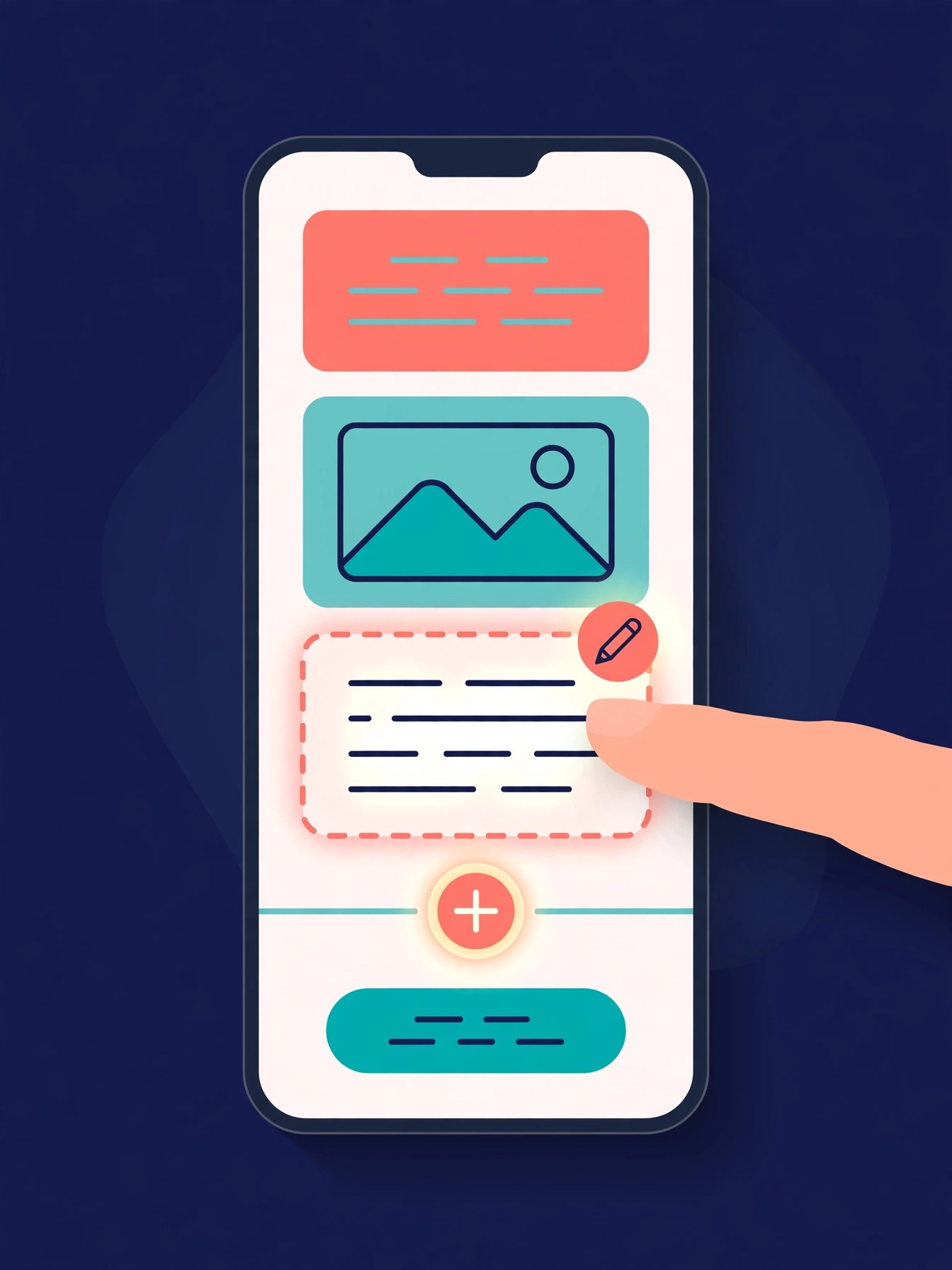
Illustration: a phone showing a website page as stacked blocks — heading, photo, text — with one text block tapped and outlined for editing, a pencil badge, and a glowing + divider between blocks above a button block

The friendly website editor: edit your site exactly as your visitors see it

The Website Studio's block editor is now fully visual: blocks render as the published page itself, you click any block to edit it in place, and a + divider between blocks opens a six-type picker — no Markdown, no guessing.
See how it works →

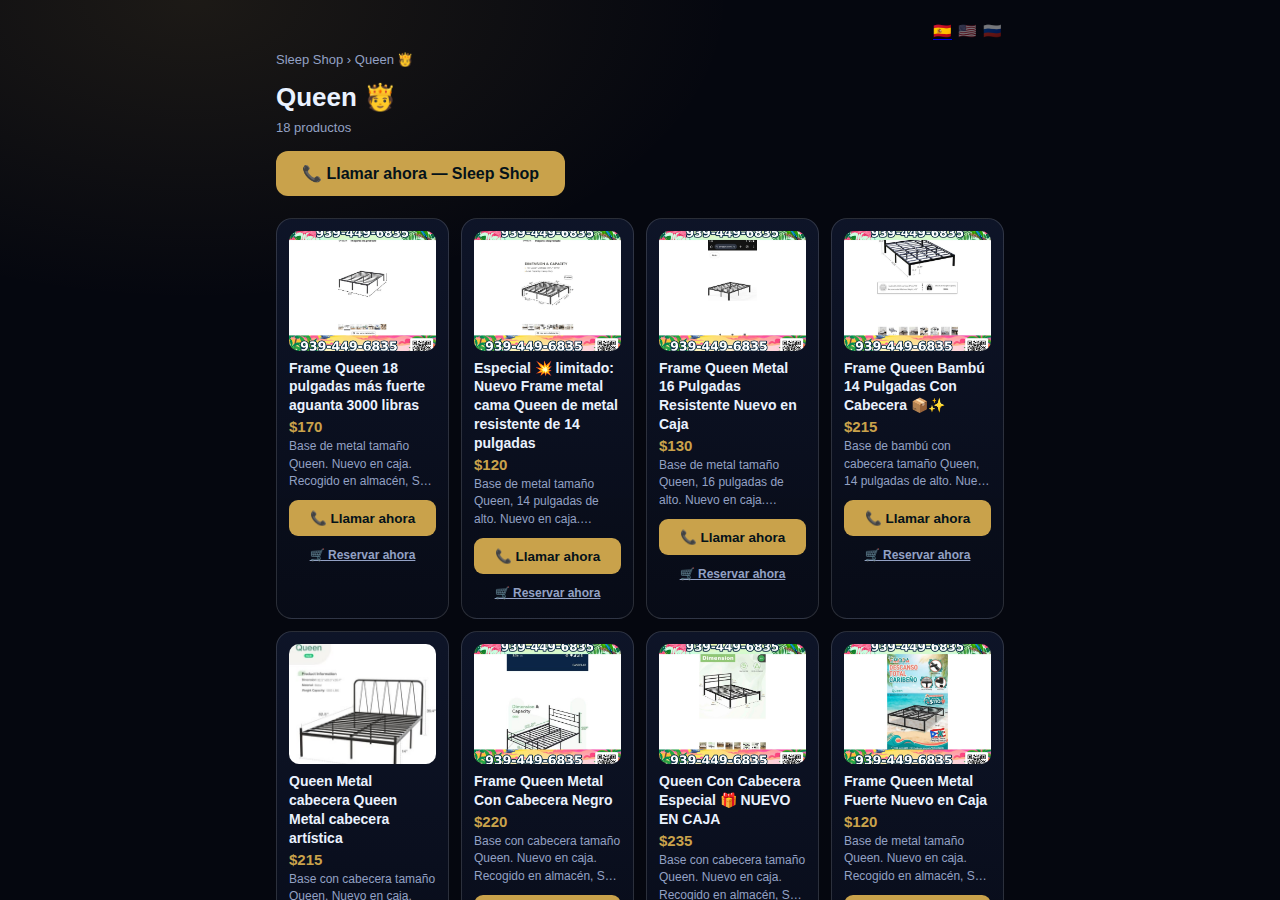
A collection page on CallPages: the Queen collection of a San Juan bed-frame shop at its own /c/queen address, with its products as cards

Collections get their own URLs — and their own place in search

Every collection on a CallPages page now lives at its own address — /p/<page>/c/<collection> — with its own title, description, canonical URL, structured data, and a spot in the page sitemap.
See how it works →

A CallPages page whose store stays browsable during a call: products the customer can tap while the voice agent advises on what they are viewing

The call that lets customers keep shopping

During a CallPages call, customers can tap any product and keep browsing the store — inside the call. The voice agent sees what they're looking at in real time and advises on the item in front of them.

See how it works →

Appointments that follow up by themselves

Booked appointments now manage themselves: a reminder two hours before, confirmation required one hour before, and a private manage page per appointment where the customer can confirm, cancel, or reschedule.
See how it works →

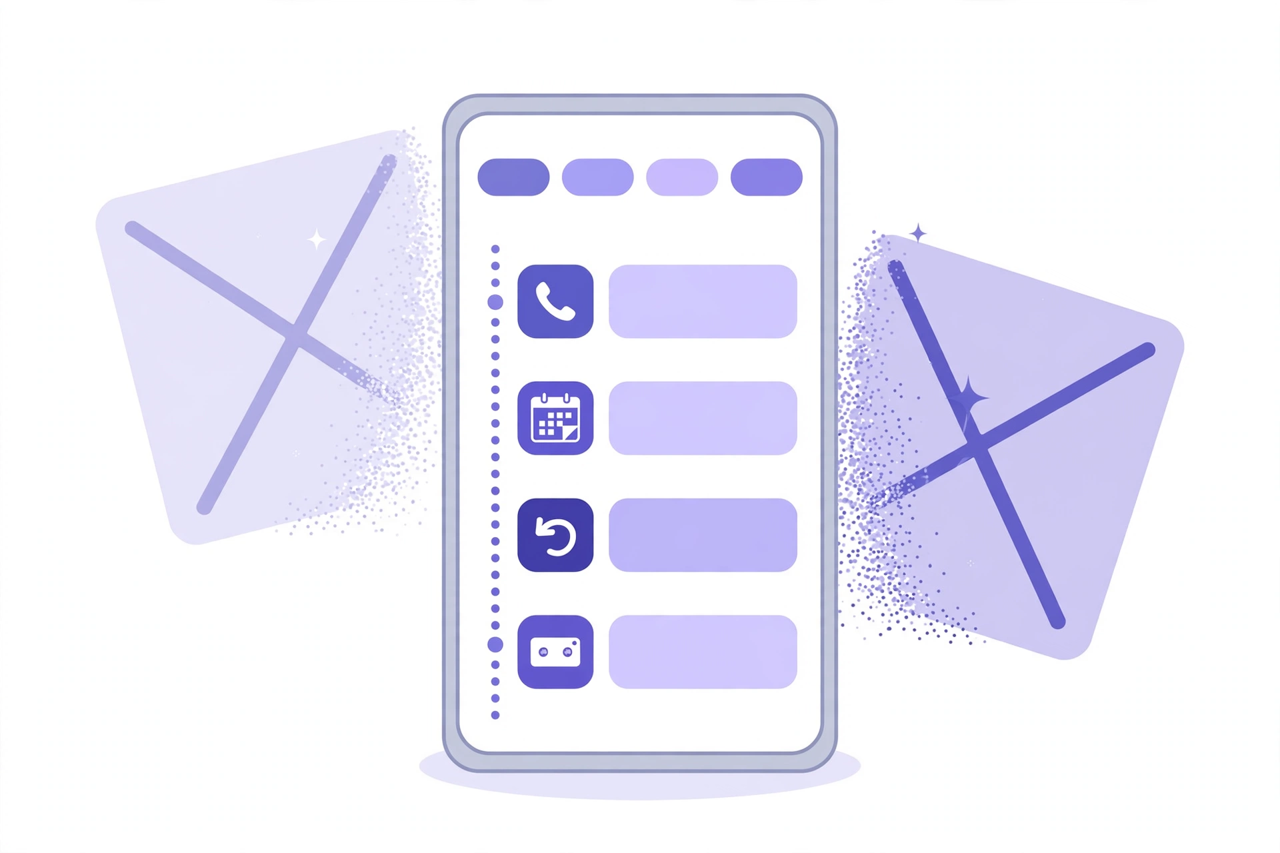
Illustration: a phone showing one unified Activity feed — call, appointment, callback and voicemail rows under filter chips — while two crossed-out separate tabs dissolve behind it

Callbacks and appointments moved in: Activity holds everything now

The dashboard shed two tabs. Callbacks and Appointments/Calendar now live inside Activity at full power — the callback queue, the calendar, Google Calendar — behind the chips you already use.
See how it works →

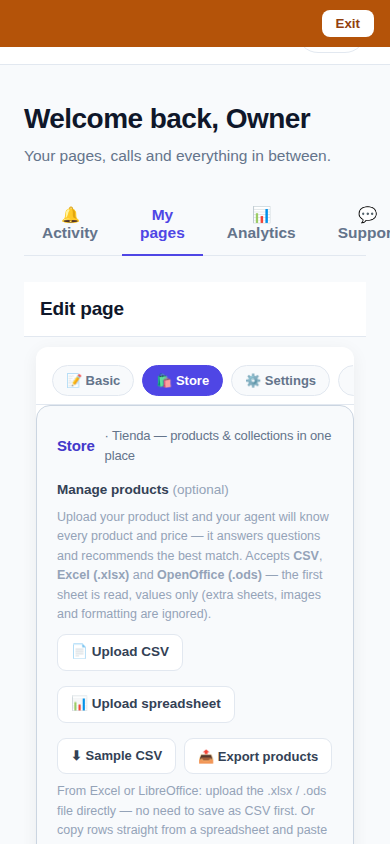
The page editor on a phone with the single Store tab selected: 'Tienda — products & collections in one place'

One Store tab: collections and products, edited together

The Store tab now holds everything: collections on top, products edited right inside them, reorder by drag or arrows — and every change autosaves. No second editor, no Save button.
See how it works →

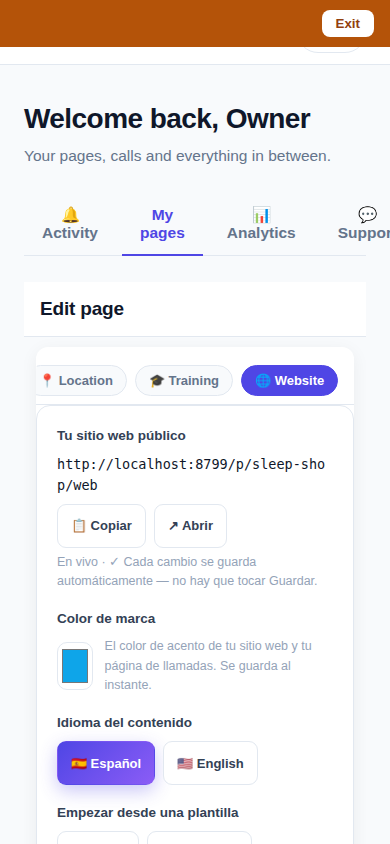
The Website Studio page list on a phone: authored pages grouped by path with per-language published and draft chips

Website Studio: build your whole site from your phone

Every page now has a Website Studio: create your site's pages from templates, edit them block by block, add photos, preview drafts privately, publish when ready — right in the dashboard.

See how it works →

A dashboard header that holds only your account. The dashboard's top bar was de-cluttered: feature shortcuts moved into their own tabs where they belong, and the top-right now holds a single account menu. As a bonus, the plan pill finally tells the truth about your plan. Learn more

Guide agents now know every member of their guide. A city guide's voice agent now carries a complete digest of every member business — names, areas, categories, signature items with real prices, hours and phones — and never claims not to know a business its own guide lists. Learn more

Product pages now answer themselves in Google AI Mode. Every product page can end with a questions section — real questions about that product, each one a tap away from asking Google AI Mode, which answers from the product's own published facts. Learn more

Delete that actually deletes — and a Hide that keeps selling. Deleting a product in the dashboard now removes it for real, the moment you tap. And a new Hide turns the product's page into an honest 'Agotado' with similar products instead of a dead end. Learn more

Release notes — Oct 19 · Blog · Changelog · Learning Center · Learning Center

Illustration: an abstract admin console with owner and customer account cards side by side, a magnifier, and a settings gear

One console for every account

The CallPages admin console now shows page owners and consumer accounts side by side, lets an admin step into any account to help, and edit any page's settings.
See how it works →

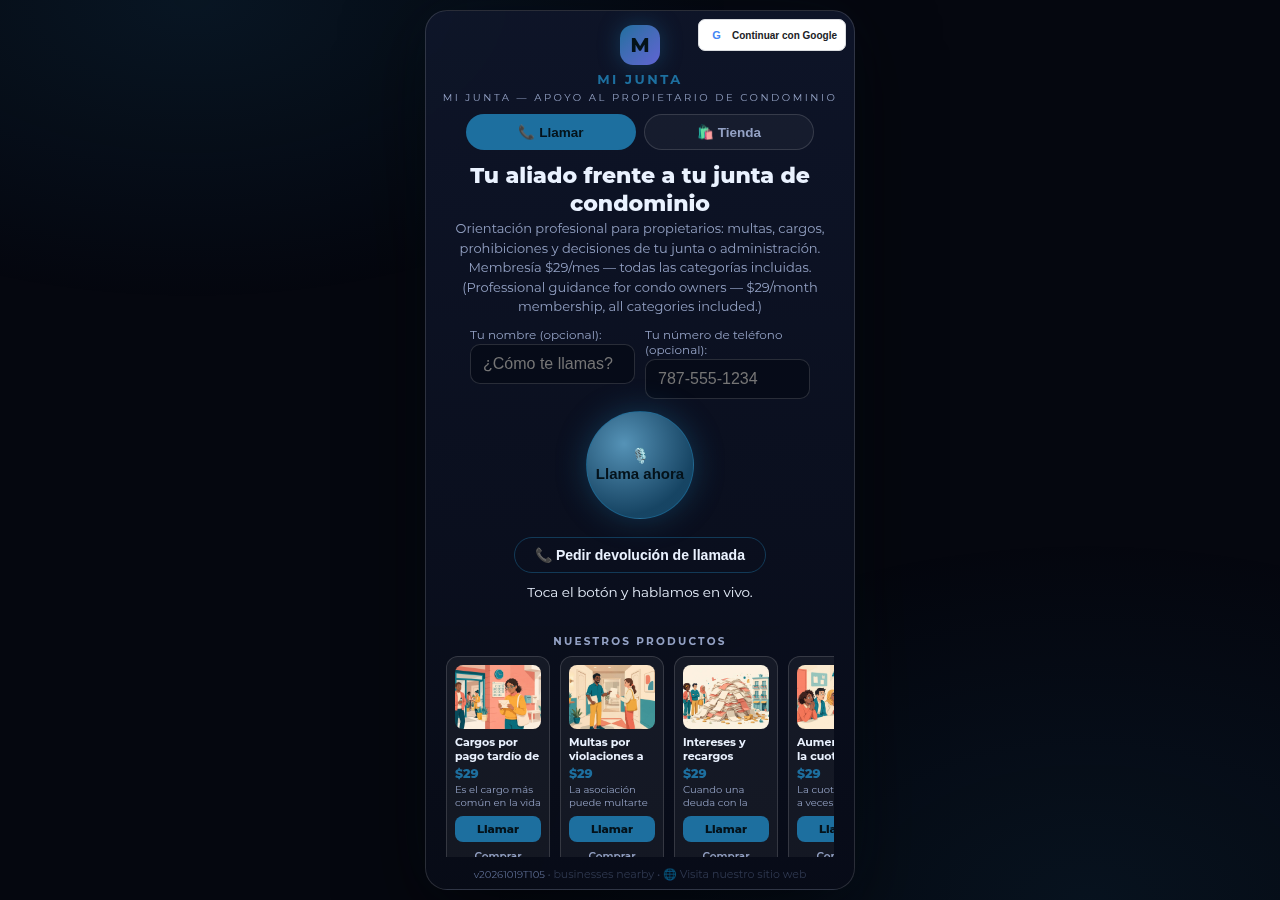
Mi Junta's CallPages page in production: the call is the front door of the page, and appointments are arranged inside that conversation

Appointments live inside the call now

Booking an appointment now happens inside a live call, with the voice agent, in the middle of the conversation it belongs to. The public booking form — and the spam it invited — is gone.
See how it works →

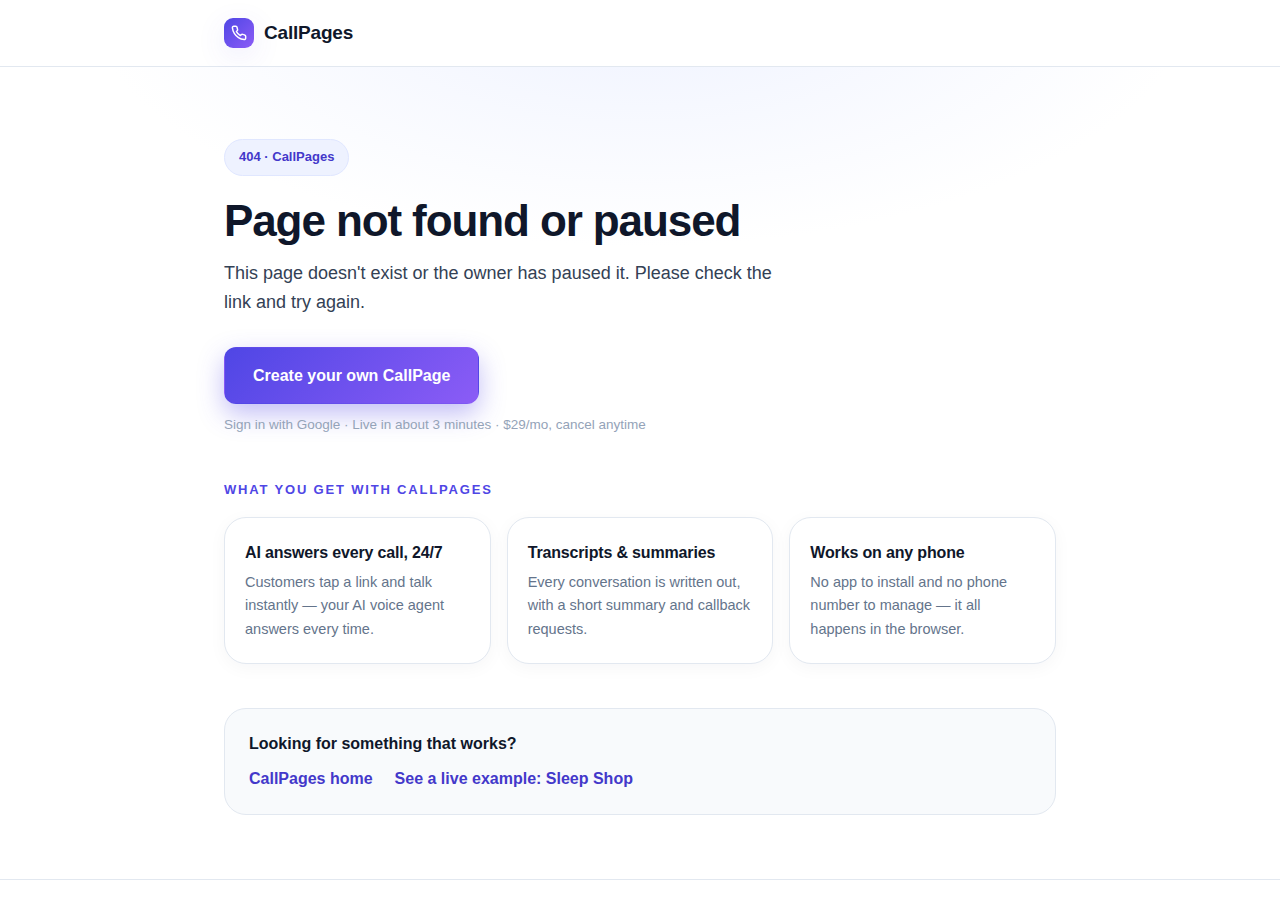
The branded CallPages 404 page: Page not found or paused, with an explanation, a create-your-own button, and cards describing what CallPages offers

Even a wrong link looks like CallPages now

Every error on CallPages — a mistyped address, a paused page, a product that moved — now renders as one branded page that explains what happened and shows the way forward.
See how it works →

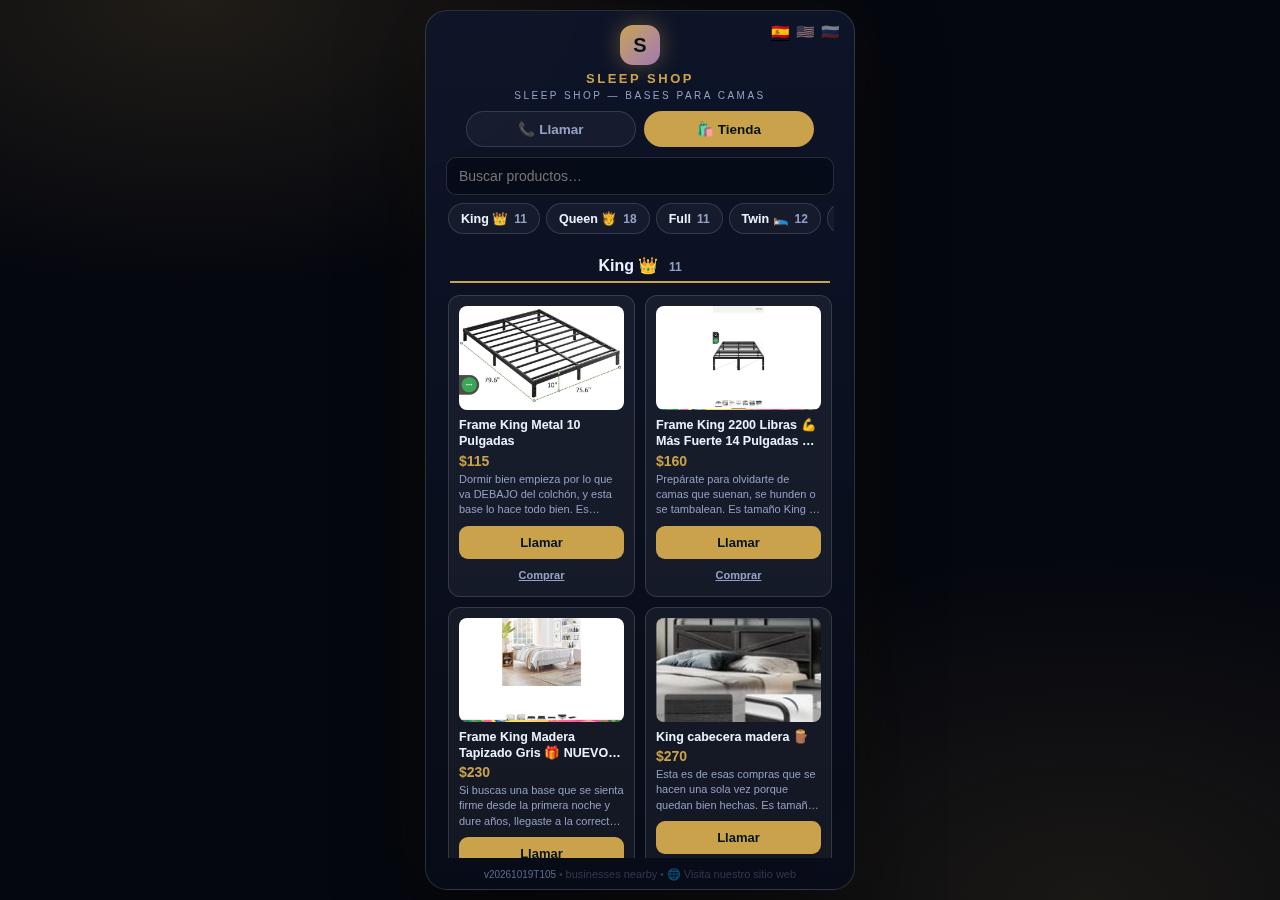
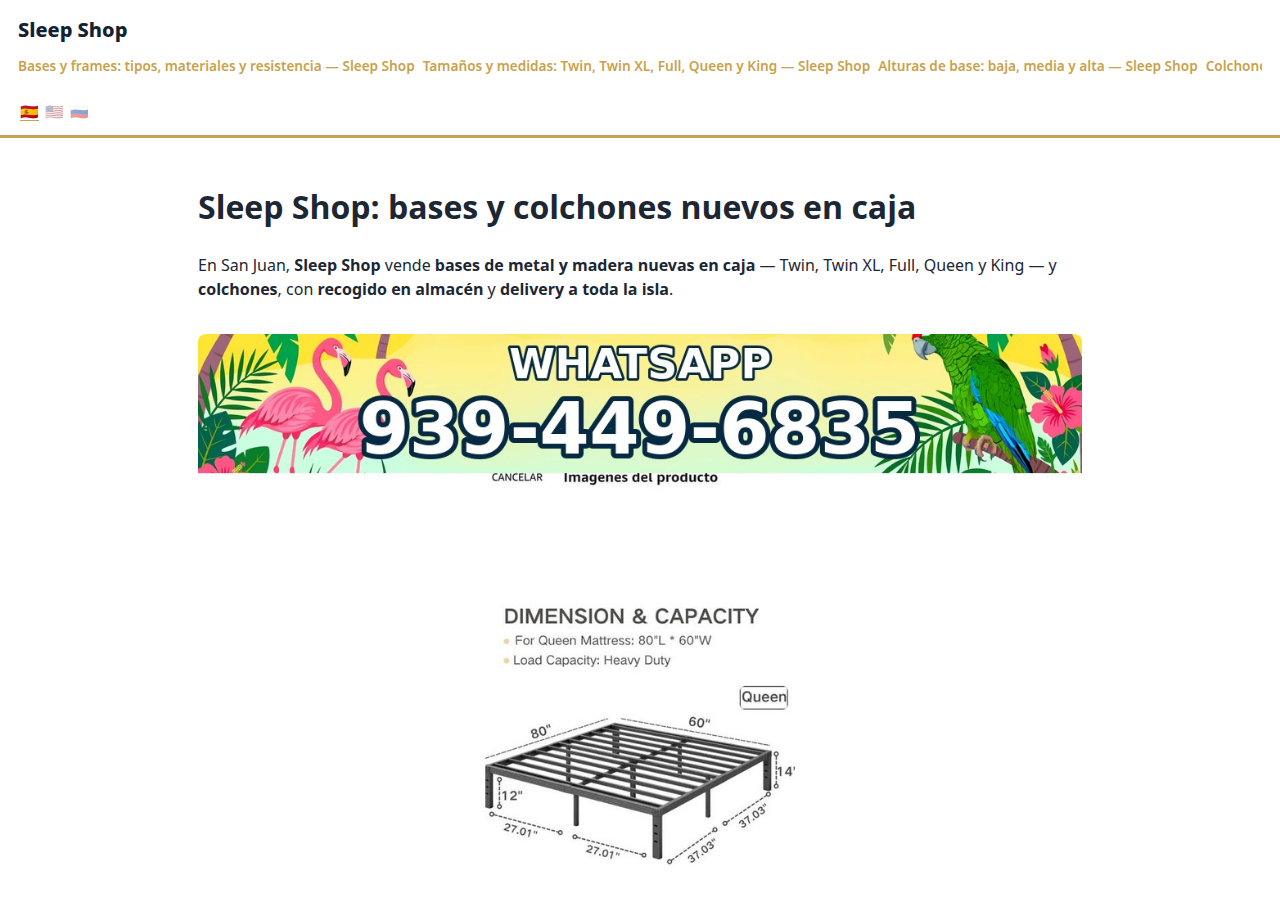
The Sleep Shop store on CallPages with its collection tab bar: King 11, Queen 18, Full 11, Twin 12 above the King collection's product grid

Every collection, one tap away

A CallPages shop now carries a collection tab bar: each collection sits in a sticky row with its product count, and tapping jumps straight to it — same page, all products, no reloads.

See how it works →

Illustration: a small business storefront connected by a glowing arc to a globe, its page living at its own web address

Your page, on your own domain

A CallPages page can now live on the business's own domain — the address on its signs, cards, and receipts — with the call, the store, and the agent answering there unchanged.
See how it works →

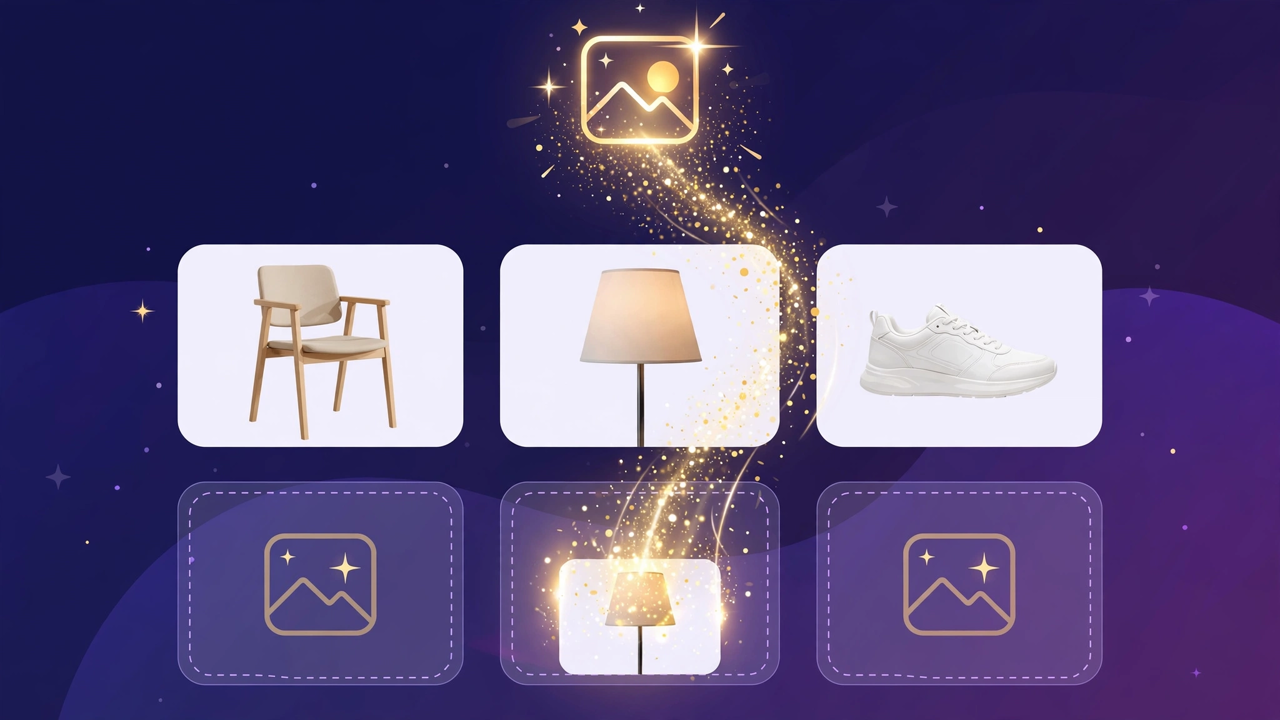
Illustration: a store product grid whose empty photo placeholders are being filled by bright product photos flowing in from a sparkling source

Product photos without a photo shoot

A catalog no longer waits for a camera: CallPages can fill in product photos from free image providers, chosen and controlled from Settings.

See how it works →

The new CallPages home page hero: Your business answers every call — with AI, beside a phone showing a live call with a caller asking about Thursday openings

A new front door for CallPages

The CallPages home page has been rebuilt: a hero that shows a live AI call on a phone, and the product's real features integrated into the first screen instead of listed somewhere below.
See how it works →

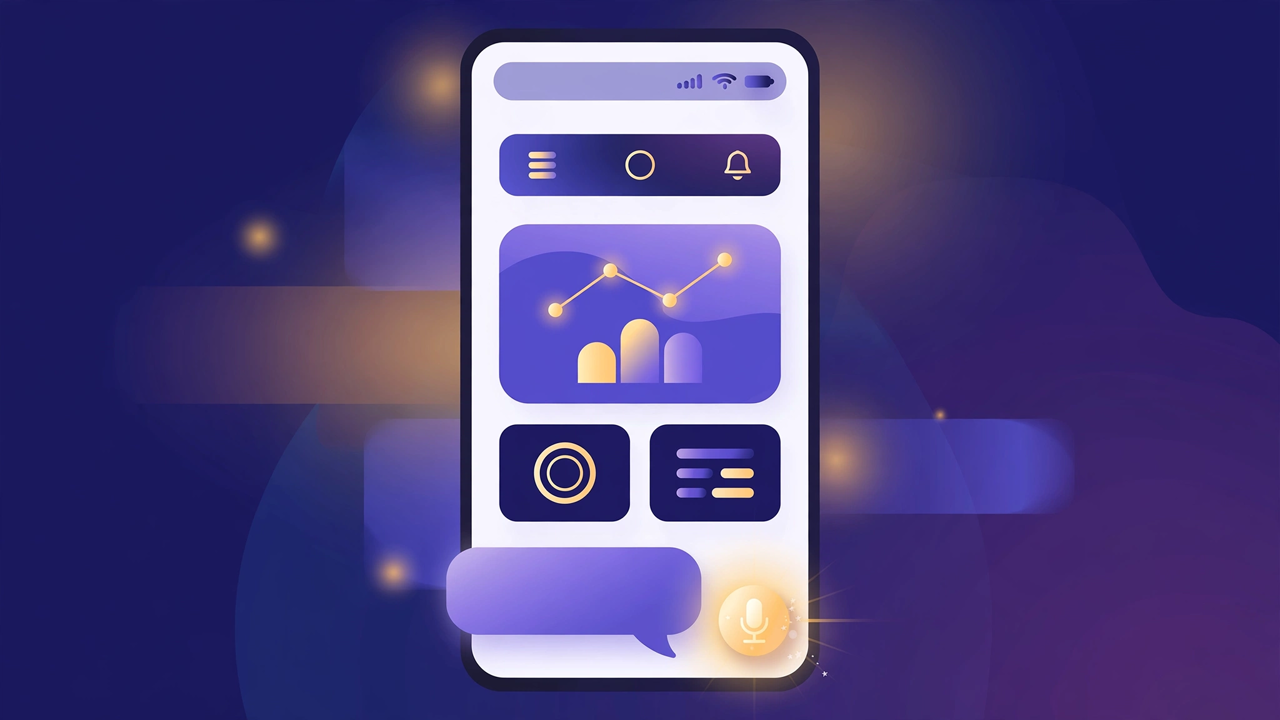
Illustration: a product page on a phone with a quiet chat bubble opening at the bottom and a glowing microphone button beside it

The Silent Magic Helper, on every page

The Silent Magic Helper is now on by default for every CallPages page — existing and new — and its chat sessions are logged as calls, right beside the voice ones.
See how it works →

Sleep Shop's website on CallPages in production — the web face of the page that now also carries its own sleep-shop@callpages.me address

Every page gets its own email address

Every CallPages page now has its own email address — <page>@callpages.me — and new pages greet their owners with a welcome email. A page is reachable by call, by web, and by mail.

See how it works →

Illustration: a completed payment card flowing into an envelope, a calendar appointment, and a reminder bell, connected by one glowing path

What happens after the payment, automatically

A payment on CallPages now sets its own follow-through in motion: confirmations and next steps happen on their own, and the owner watches it all land in Activity.
See how it works →

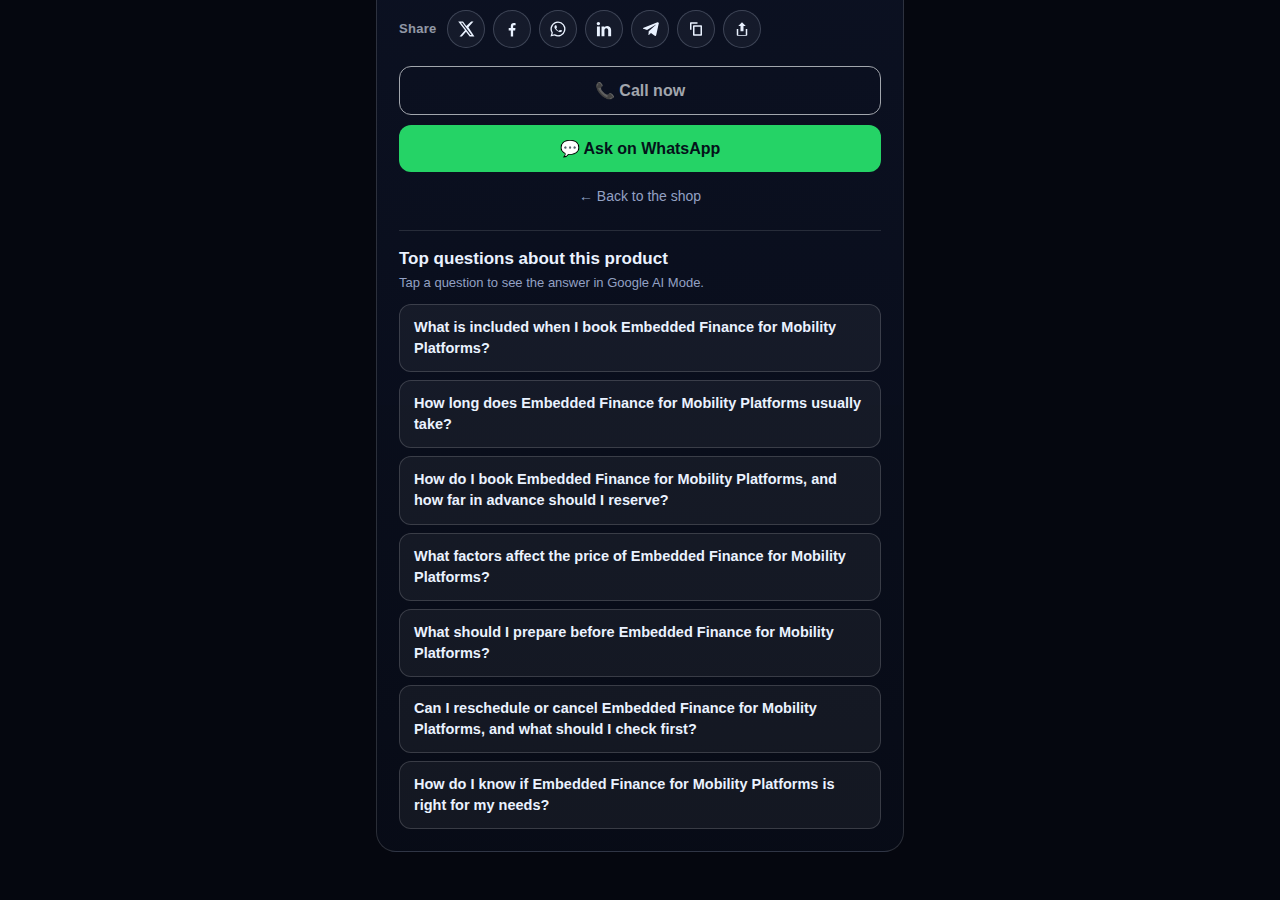
A consulting product page on CallPages whose top questions are about the service itself: what is included, how long it takes, how far ahead to book, and what affects the price

Questions that belong to the product

The questions on a product page are now written from that product itself — its name, its photo, its description — so a consulting session gets consulting questions and a bed frame gets frame questions.
See how it works →

The share row on a live CallPages product page: X, Facebook, WhatsApp, LinkedIn, Telegram, copy-link, and share buttons above the call button

Every page and product, ready to share

Pages and products now carry a proper share row — X, Facebook, WhatsApp, LinkedIn, Telegram, and copy-link — so anything worth finding is one tap from being passed on.

See how it works →

Mi Junta's website on CallPages in production, rendered in the current design generation: clean navigation, clear sections, and the call to action always in reach

WOW Design v2 — and styles that remember

Pages and websites get a new design generation, WOW Design v2, and page styles are now versioned: when a look changes, the old one is kept, not overwritten.

See how it works →

Echte Seiten · Echte Produkte

Unternehmen, die bereits mit KI antworten

Echte CallPages, gerade live — mit ihren echten Produkten und echten Preisen. Tippe auf eine und sprich selbst mit dem Unternehmen.
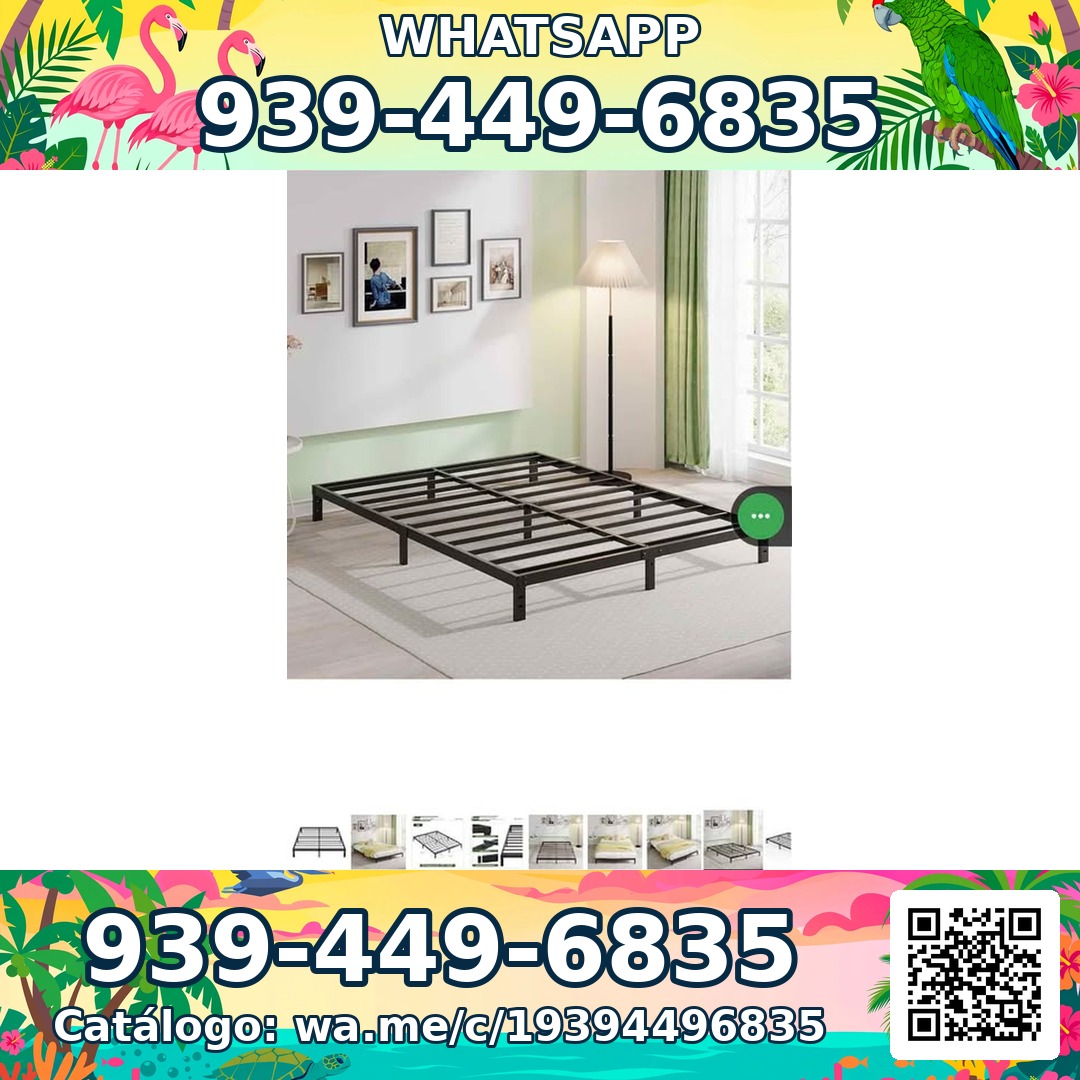
Sleep Shop — a metal bed frame product photo from the live store

Sleep Shop

Bettgestelle & Matratzen in San Juan, Puerto Rico — inselweite Lieferung in etwa einer Stunde.

Frame Full 8 Pulgadas — product photoFrame Full 8 Pulgadas 🎁 NUEVO EN CAJA$99
Frame Full 3000 Libras Acero 18 Pulgadas — product photoFrame Full 3000 Libras Acero 18 Pulgadas 💪 📦✨$160
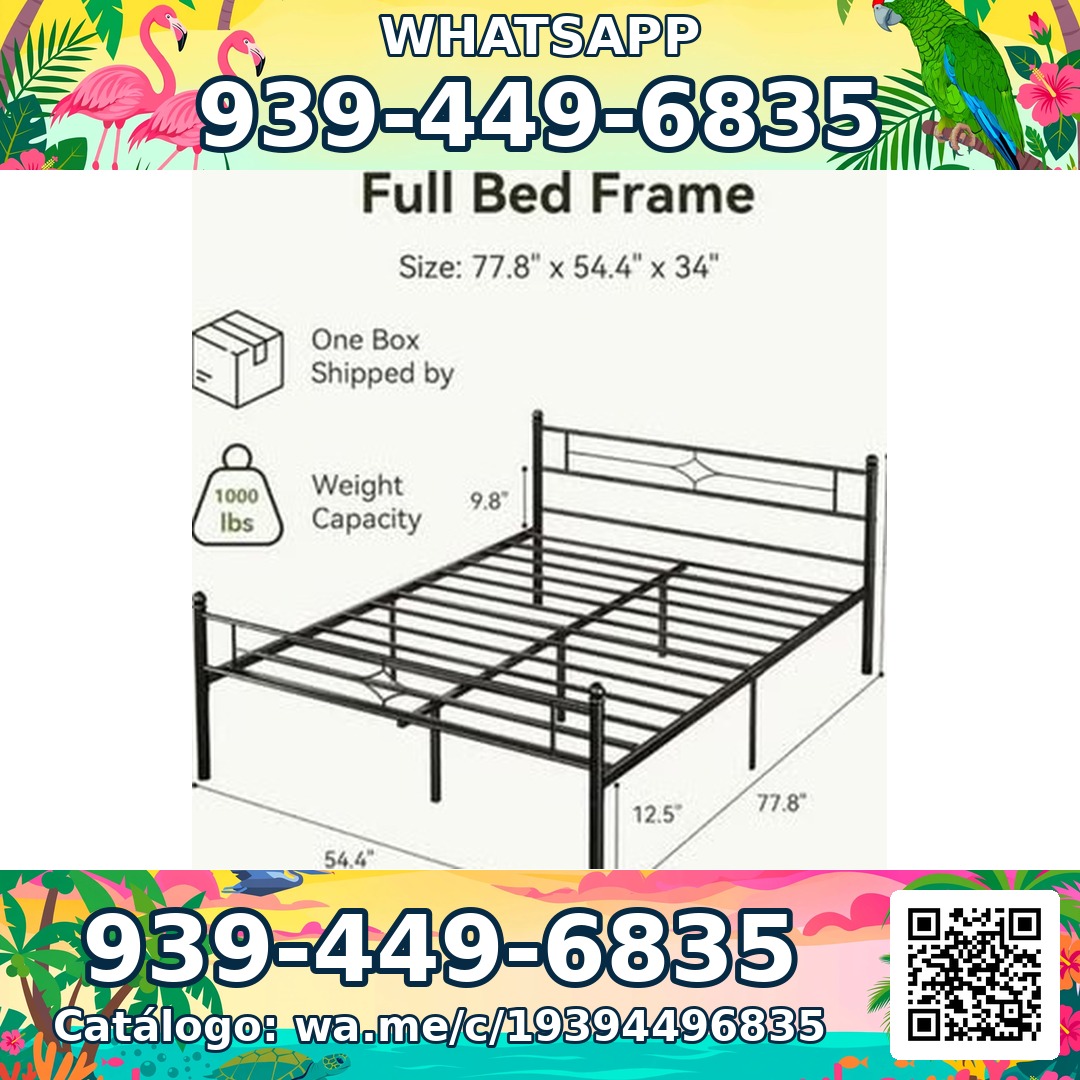
Frame Full Metal Con Cabecera Vintage — product photoFrame Full Metal Con Cabecera Vintage 🎁 NUEVO EN CAJA$180

Mi Junta — advice for condo owners about late HOA dues

Mi Junta

Hilfe für Wohnungseigentümer in Puerto Rico, die mit WEG-Strafen, Verzugsgebühren und unerklärten Kosten konfrontiert sind.

Cargos por pago tardío de la cuota de mantenimiento — topic imageCargos por pago tardío de la cuota de mantenimiento (Late Fees on Monthly Dues)$29

Multas por violaciones a las reglas — topic imageMultas por violaciones a las reglas (Rule-Violation Fines)$29

Intereses y recargos acumulados por mora — topic imageIntereses y recargos acumulados por mora (Accumulated Interest & Late Charges)$29

Vasily — executive advisory on future tech and mobility

Vasily — Consulting

Beratung zu Zukunftstechnologie, Mobilität und Produktstrategie — Beratungssitzungen und vertiefende Workshops.

Executive Advisory Session — session imageExecutive Advisory SessionConsultar
Diligence Sprint — session imageDiligence SprintConsultar
Priority Scheduling — session imagePriority Scheduling$2,000
Ferretería Ramón — construction materials at a San Juan hardware store

Ferretería Ramón

Ein Eisenwarenladen in der Nachbarschaft in San Juan — sein gesamter Katalog auf einer Seite, einen Tipp vom Anruf entfernt.

Arena de Río — product photoArena de Río

Arena Fina — product photoArena Fina
Cemento (Saco) — product photoCemento (Saco)
Alles inklusive

Eine Seite. Ein ganzes Telefonteam.

Jede CallPages-Seite bringt alles mit, was du brauchst, um nie wieder einen Kunden zu verpassen.

Illustration: a business page living at its own web address

Dein eigener fester Link

Jede Seite bekommt einen eigenen Link wie deinfirma.callpages.com — setze ihn auf deine Website, dein Google-Profil, deine Rechnungen und deine Social-Media-Kanäle.
Illustration: two phones with voice waves — a test call to your own page

Testanrufe jederzeit

Teste deine eigene Seite, wie es ein Kunde tun würde — tippen, sprechen und genau hören, was deine Anrufer hören werden.
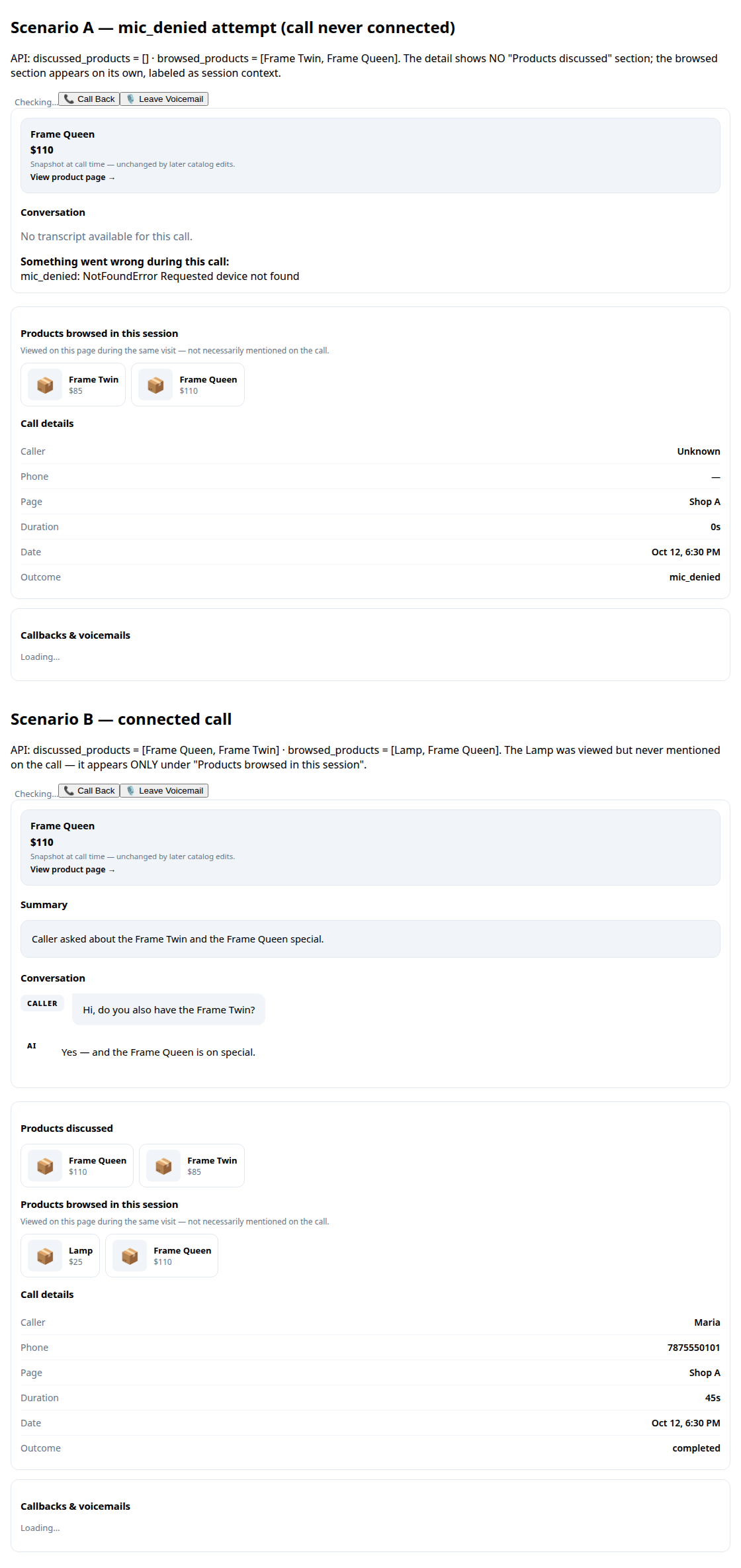
A call record in production: transcript and the products browsed during the call

Transkripte & Zusammenfassungen

Jedes Gespräch wird für dich aufgeschrieben, mit einer kurzen Zusammenfassung, damit du in Sekunden weißt, was passiert ist.
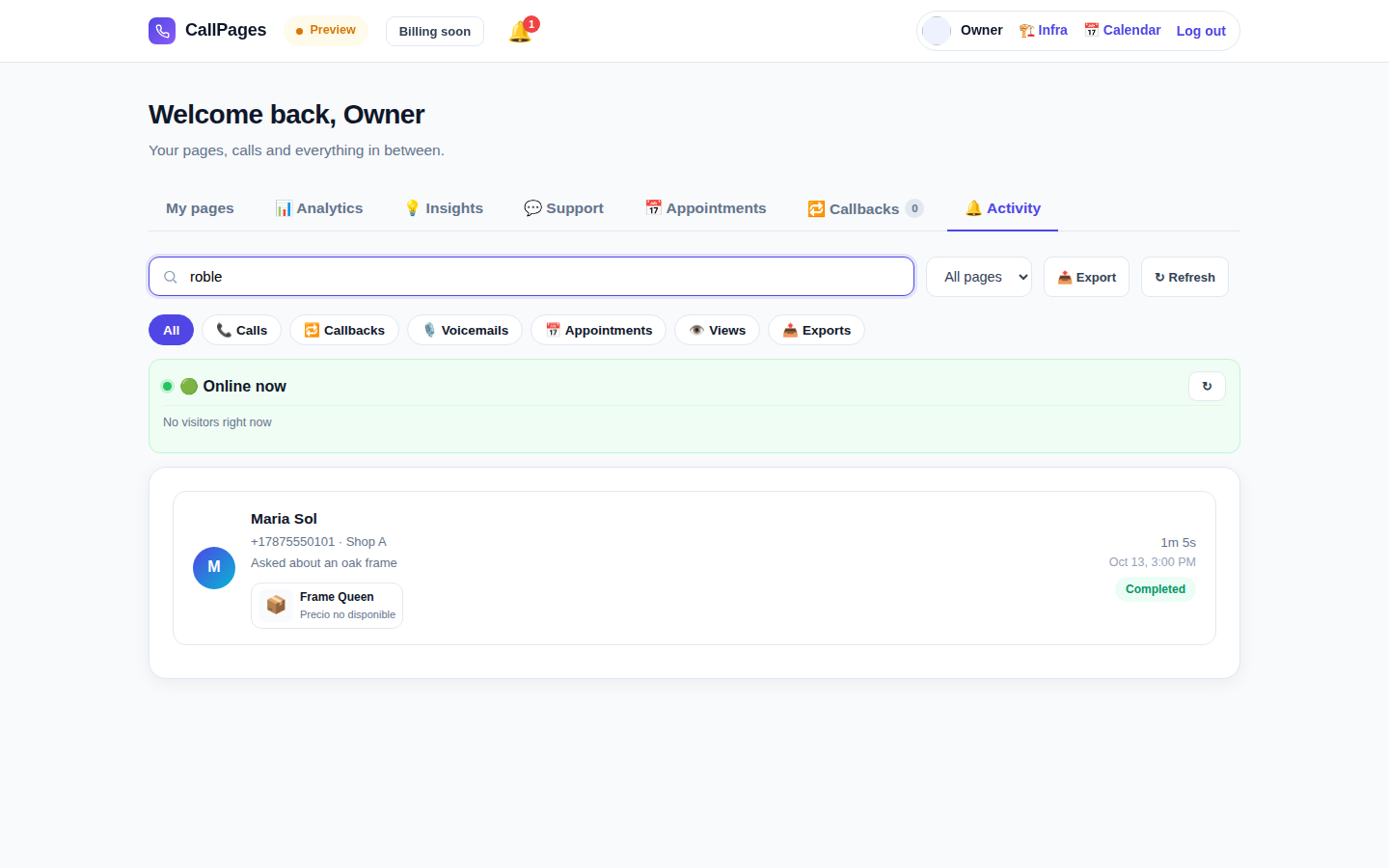
The Activity tab in production: every call, searchable

Durchsuchbarer Anrufverlauf

Finde jeden Anruf sofort — suche nach Anrufernamen, Nummer oder allem, was im Gespräch gesagt wurde.

Mi Junta's website in production, wearing its own branding

Dein Branding

Dein Firmenname, deine Farben, deine Begrüßung. Deine Seite sieht aus wie du — nicht wie wir.

Illustration: a merchant with their business dashboard on a phone

Funktioniert auf jedem Handy

Anrufer öffnen einfach den Link in ihrem Browser — iPhone oder Android, keine App zum Installieren, kein Konto nötig.

A product page in production asking questions drawn from the product itself

Kennt deine Produkte

Lade deine Produktliste hoch, und dein Agent nennt exakte Preise, beantwortet Fragen und empfiehlt das richtige Produkt — erfindet nie eins.

Spricht die Sprache deiner Kunden

Seiten und Agent sprechen die Sprachen, die du wählst — diese Website allein ist in 24 Sprachen veröffentlicht.

🇪🇸 🇺🇸 🇫🇷 🇧🇷 🇩🇪 🇮🇹 🇳🇱 🇵🇱 🇷🇺 🇺🇦 🇨🇳 🇯🇵 🇰🇷 🇸🇦 🇮🇳 🇹🇷 🇮🇩 🇻🇳 🇹🇭 🇵🇭 🇧🇩 🇮🇷 🇸🇪 🇬🇷

Preise

Ein Tarif. Einfach.

Alles ist in einem einzigen Tarif enthalten. Füge weitere Seiten hinzu, wenn dein Unternehmen wächst.

CallPages
$29/Monat pro Seite

KI-Minuten für jede Seite, jeden Monat

  • Deine eigene Click-to-Call-Seite mit deinem Branding
  • KI-Minuten auf jeder Seite inklusive — faire Nutzung
  • Unbegrenzte Anrufer, Transkripte & Zusammenfassungen
  • Rückrufwünsche per E-Mail an dich gesendet
  • Jederzeit kündbar — keine Verträge, keine Einrichtungsgebühren
Starten — Mit Google anmelden
Sichere Kaufabwicklung · Jederzeit kündbar
FAQ

Fragen, beantwortet.

Klare Antworten, kein Fachjargon.

Brauche ich eine Telefonnummer, damit das funktioniert?
Nein. CallPages nutzt deine Telefonleitung überhaupt nicht. Deine Kunden öffnen deinen Seitenlink in ihrem Browser und sprechen direkt — es ist wie ein Telefonat, nur im Web. Du musst keine Telefonnummer kaufen, übertragen oder verwalten.
Welche Sprachen spricht die KI?
Diese Website ist in 24 Sprachen veröffentlicht — tippe oben auf eine Flagge, und alles wechselt. Deine Seite spricht die Sprachen, die du für sie wählst: Die KI begrüßt Anrufer und führt das ganze Gespräch in dieser Sprache, und eine Seite kann in mehreren Sprachen gleichzeitig laufen.
Wie funktionieren die Anrufe eigentlich?
Du teilst deinen Seitenlink überall — auf deiner Website, deinem Google-Unternehmensprofil, Rechnungen, Social Media. Dein Kunde tippt auf den Link, tippt auf den Anruf-Button und spricht in seinem Browser los. Die KI antwortet sofort, 24/7. Nach dem Anruf bekommst du das vollständige Transkript und eine kurze Zusammenfassung in deinem Dashboard.
Was zählt als KI-Minute?
Eine KI-Minute ist eine Minute eines Live-Gesprächs mit deiner KI. Jede Seite enthält KI-Minuten für Live-Gespräche — die meisten kleinen Unternehmen kommen dem Fair-Use-Limit nie auch nur nahe.
Kann ich jederzeit kündigen?
Ja. Es gibt keine Verträge und keine Kündigungsgebühren. Verwalte dein Abo mit einem Klick aus deinem Dashboard, und deine Seiten bleiben bis zum Ende des Abrechnungszeitraums aktiv.

CallPages teilen

Kennst du ein Unternehmen, das ständig Anrufe verpasst? Gib es weiter.

Teilen
/* public/theme-switcher.js — LANE 4 top-fixed theme switcher (Vasily, 2026-10-23). * * A floating pill, always visible at the very top of the page, with three * segments: Lame White / Current / Acid. Zero friction, unlimited changes. * - Instant: swaps + localStorage("cp-theme") immediately. * - Owner mode (dashboard, data-theme-mode="owner"): also persists to the * account in D1 via POST /api/owner/theme (fire-and-forget; the UI * never waits for the network). * - Visitor mode (public pages, data-theme-mode="visitor"): local only — * the visitor plays with themes without affecting anyone. * * Inlined into dashboard/dialer/landing/my-callpage by build.js at the * theme-switcher placeholder (plain script, no modules, no deps). * Unit-tested in node with stubbed DOM (src/theme-switcher.test.js). */ (function () { "use strict"; var THEMES = [ { id: "lame-white", label: "Lame White" }, { id: "current", label: "Current" }, { id: "acid-v1", label: "Acid" }, ]; var KEY = "cp-theme"; var MOUNT_ID = "cpThemeSwitcher"; function norm(v) { if (v === "lame-white" || v === "current" || v === "acid-v1") return v; if (v === "dark") return "current"; // legacy migration if (v === "light") return "lame-white"; // legacy migration return null; } function getMode(doc) { var m = doc.documentElement.getAttribute("data-theme-mode"); return m === "owner" ? "owner" : "visitor"; } function currentTheme(doc, ls) { var t = null; try { t = norm(ls.getItem(KEY)); } catch (e) {} if (!t) t = norm(doc.documentElement.getAttribute("data-theme")); return t || "current"; } function applyTheme(id, doc, ls) { id = norm(id) || "current"; doc.documentElement.setAttribute("data-theme", id); try { ls.setItem(KEY, id); } catch (e) {} return id; } function persistOwnerTheme(id, fetchFn) { // Fire-and-forget: the UI already applied instantly; a failed save // just means the next load falls back to the previous account theme. try { var p = fetchFn("/api/owner/theme", { method: "POST", headers: { "Content-Type": "application/json" }, body: JSON.stringify({ theme: id }), }); if (p && typeof p.catch === "function") p.catch(function () {}); } catch (e) {} } function setTheme(id, doc, ls, fetchFn) { id = applyTheme(id, doc, ls); if (getMode(doc) === "owner" && typeof fetchFn === "function") { persistOwnerTheme(id, fetchFn); } syncPill(doc, id); return id; } function syncPill(doc, activeId) { var pill = doc.getElementById(MOUNT_ID); if (!pill) return; var btns = pill.querySelectorAll ? pill.querySelectorAll("button[data-theme-id]") : []; for (var i = 0; i < btns.length; i++) { var b = btns[i]; var on = b.getAttribute("data-theme-id") === activeId; b.setAttribute("aria-pressed", on ? "true" : "false"); } } function render(doc, ls, fetchFn) { var mount = doc.getElementById(MOUNT_ID); if (!mount) { mount = doc.createElement("div"); mount.id = MOUNT_ID; (doc.body || doc.documentElement).appendChild(mount); } // Rebuild idempotently. while (mount.firstChild) mount.removeChild(mount.firstChild); var pill = doc.createElement("div"); pill.className = "cp-theme-switcher"; pill.setAttribute("role", "group"); pill.setAttribute("aria-label", "Theme"); var label = doc.createElement("span"); label.className = "cp-ts-label"; label.setAttribute("title", "Prueba los temas — cambia el look al instante"); label.textContent = "🎨 Temas"; pill.appendChild(label); THEMES.forEach(function (t) { var b = doc.createElement("button"); b.type = "button"; b.setAttribute("data-theme-id", t.id); b.setAttribute("aria-pressed", "false"); b.title = t.label; b.textContent = t.label; b.addEventListener("click", function () { setTheme(t.id, doc, ls, fetchFn); }); pill.appendChild(b); }); mount.appendChild(pill); syncPill(doc, currentTheme(doc, ls)); } function init(doc, ls, fetchFn) { render(doc, ls, fetchFn); } var api = { THEMES: THEMES, KEY: KEY, MOUNT_ID: MOUNT_ID, norm: norm, getMode: getMode, currentTheme: currentTheme, applyTheme: applyTheme, setTheme: setTheme, syncPill: syncPill, render: render, init: init, }; // Safe storage: localStorage throws on opaque origins (file://, about:blank // in tests) — fall back to an in-memory shim so the pill always renders. function safeStorage(win) { try { var ls = win.localStorage; ls.getItem("__cp_probe__"); return ls; } catch (e) { var mem = {}; return { getItem: function (k) { return Object.prototype.hasOwnProperty.call(mem, k) ? mem[k] : null; }, setItem: function (k, v) { mem[k] = String(v); }, removeItem: function (k) { delete mem[k]; }, }; } } // Browser: auto-mount (the early script already set data-theme). if (typeof document !== "undefined" && typeof window !== "undefined") { var boot = function () { try { init(document, safeStorage(window), window.fetch.bind(window)); } catch (e) {} }; if (document.readyState === "loading") { document.addEventListener("DOMContentLoaded", boot); } else { boot(); } window.cpSetThemeId = function (id) { return setTheme(id, document, safeStorage(window), window.fetch.bind(window)); }; window.cpThemeSwitcher = api; } // node (unit tests). if (typeof module !== "undefined" && module.exports) { module.exports = api; } })();