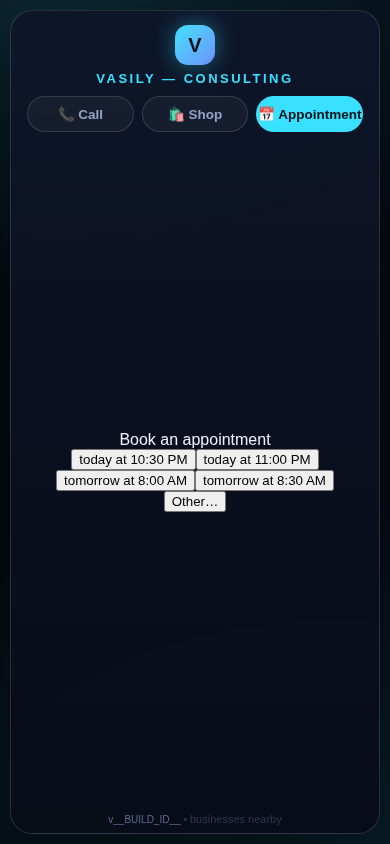
In CallPages (click-to-call pages with AI voice agents), appointments are booked in CallPages' own system, on every page of every account, by default. A connected Google Calendar only receives a sync copy of each booking; having no calendar connected — or a sync failure — never blocks or refuses a booking again.
On accounts with no Google Calendar connected, the voice agent refused to book appointments and only offered a callback — even though CallPages has its own appointment system that never needed Google. Owners hit it on brand-new accounts, where booking silently did not exist until someone manually created calendars page by page. Mi Junta's neighbors asking the agent for a meeting time deserved a booking, not an apology.
The calendar was never the appointment system
CallPages always had its own appointment book. But somewhere along the way, the booking path picked up a dependency it never needed: no Google Calendar, no booking. The agent would not even be offered the booking tool, the slot grid refused to compute, and the customer heard a callback offer instead of a confirmed time. It was worst exactly where it mattered most — new accounts and pages nobody had hand-configured.
The fix is a doctrine, applied at every layer the old gate touched: the system of record is CallPages. Booking instructions, the booking tool, the slot grid, the booking write, and the final report that recovers a booking from the call record — all of them now run on the local system. The per-page switch puts the owner in control: appointments are on unless you turn them off for that page.
Sync is a copy, not a permission slip
Google Calendar keeps the job it is good at: being the calendar you already live in. When one is connected, each booking syncs to it. When one is connected weeks later, the bookings made before it existed sync then. And when there is no calendar at all, nothing is missing — the appointment lives in CallPages, shows in your Activity, and the agent books the next one the same way.
Innovation by Vasily Starostenko.
How it works
- Local first, always: a booking is written to CallPages' own appointments table during the live call — the standing rule is unchanged, bookings happen only inside an ongoing call, at most one per call.
- On by default on every page: every page of every account accepts appointments unless its owner explicitly turns them off in that page's settings — a new per-page switch, 'Accept appointments on this page', that starts ON for existing and new pages alike, no setup step.
- The agent can always offer it: the booking instructions and the book_appointment tool are now offered based on that page switch, not on whether a calendar exists, and the time-slot grid is computed from the local appointment book and the page's hours.
- Google Calendar is a sync target, nothing more: connect one and bookings copy over; connect one later and earlier local bookings sync then; a sync failure is recorded as a sync problem, never as a failed booking, and a page with no calendar simply keeps its bookings in CallPages.
See it live: Mi Junta
Mi Junta — CallPage · Mi Junta — website
Related reading
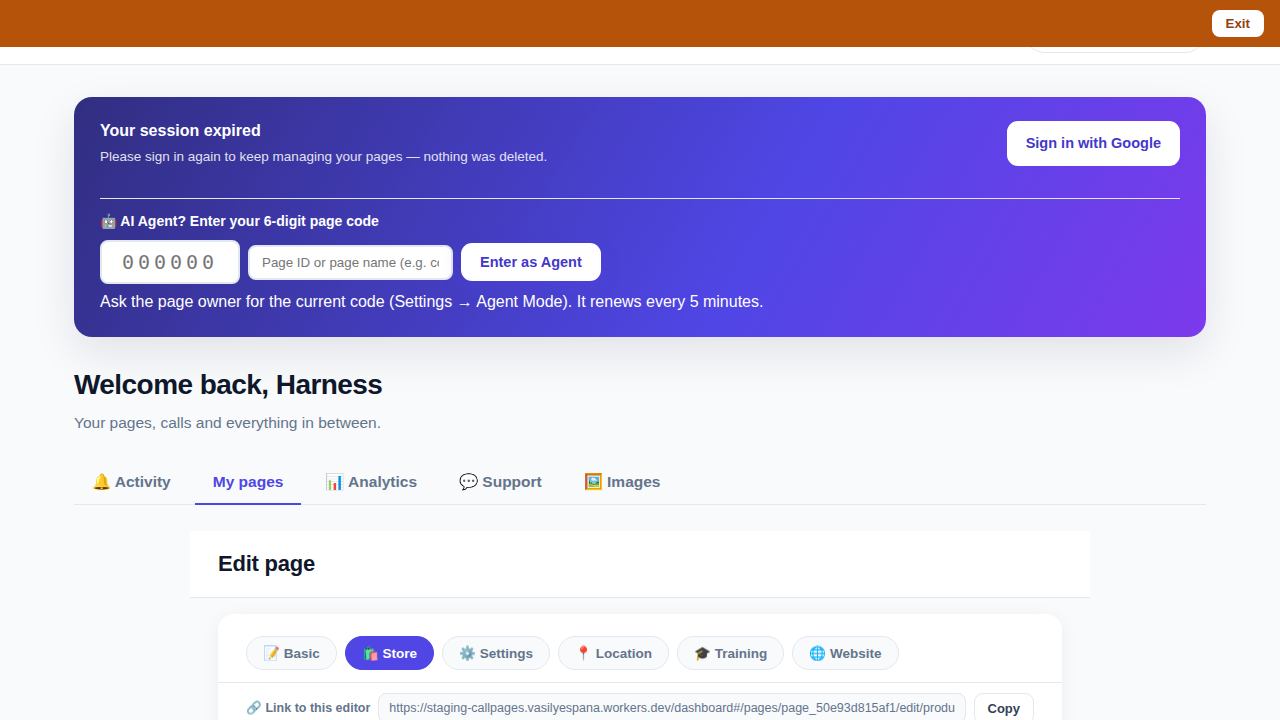 Bookmark the editor: deep links into your page, and a light My Pages landing
Innovation by Vasily Starostenko, founder of CallPages.