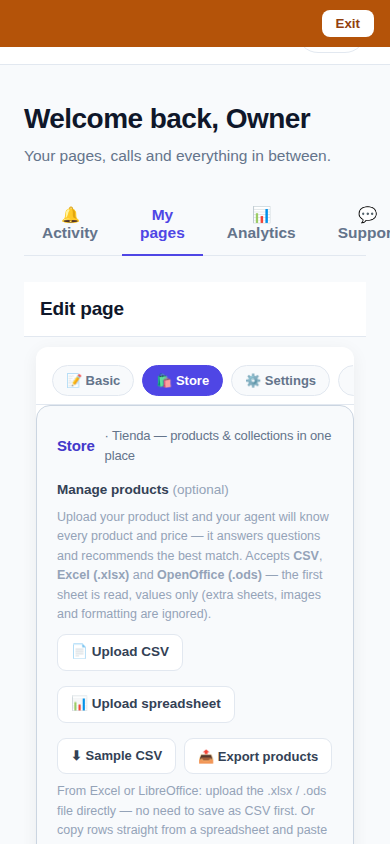
CallPages now has one unified Store editor. Collections sit at the top of the Store tab; open one and its products are edited right there — reorder, hide, remove, and add from a searchable picker — with every change saved automatically the moment you make it. The separate Collections tab is gone, and old links to it land in the Store tab.
Running a store meant two editors that didn't know about each other: products in one tab, collections in another, membership edited by leaving the product you were looking at, and a Save button between you and every change. On a phone — where most owners actually run their store — it was worse: cramped tables, controls starved to zero width, and edits that silently didn't stick. The store is the heart of a CallPages page; it deserved one editor designed mobile-first.
Why one editor
A collection is not a separate thing from its products — it is a way of looking at them. The old split forced owners to hold the mapping in their heads: edit the product in one place, its membership in another, its order in a third. The unified editor makes the screen match the mental model: collections on top, products inside them, and the whole store visible as one working surface. When an owner says "move this frame into the Queen collection, second position, and hide the one we ran out of", that is now one screen and three taps.
Autosave is a promise, not a convenience
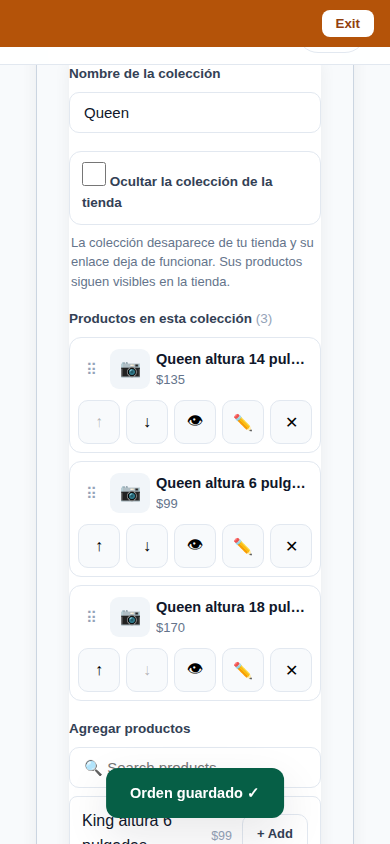
Every change in the Store editor — a rename, a reorder, a hide, a membership change — is written the moment it is made, through the same single persistence path the product Delete and Hide fixes established. If the network or the server refuses the write, the editor rolls back to what the server actually holds and says NOT saved, out loud. An editor that can silently lose work is worse than one with a Save button; this one cannot.
Verified the way owners use it
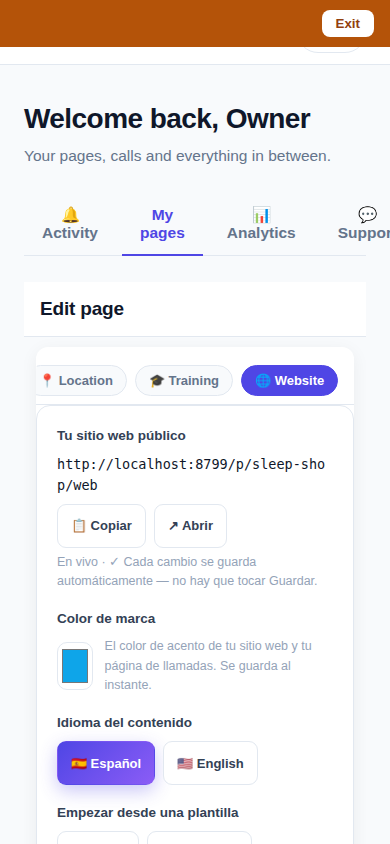
The editor was driven end-to-end in a browser at phone size (390×844) against the production build: tab unification, the collections strip, inline membership editing, reorder, hide on products and collections, and the earlier delete/hide flows re-run on the same build — 18 of 18 checks, then 8 of 8 again. The screenshots above are from those drives, not from a mockup.
How it works
- One Store tab: the collections strip runs across the top, and below it your products. The old Collections tab is removed; its deep links land in the Store tab.
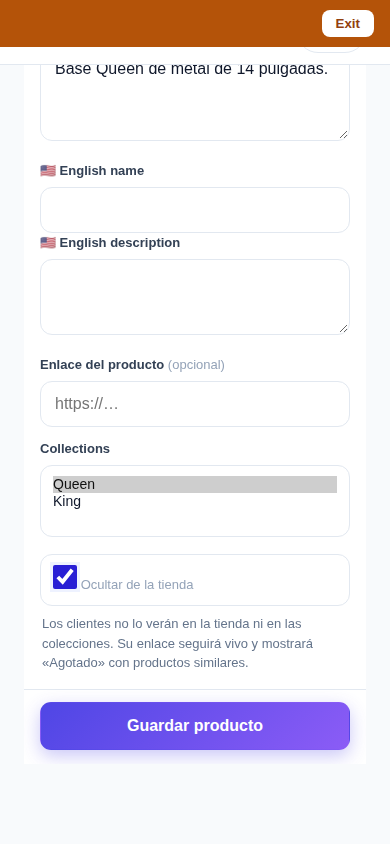
- Products are edited inside their collection: drag or use the up/down arrows to reorder, hide a member, remove it, or add products from a searchable picker — without leaving the collection.
- Collections get the same treatment as products: rename, reorder, and hide. A hidden collection's public page returns 404 while its products stay listed everywhere else.
- Everything autosaves through one persistence path with rollback: if a write fails, the screen returns to the server's truth and a NOT-saved message says so. There is no Save button because there is nothing left to save.
- Built mobile-first and verified at phone size: sticky action bars, full-width rows, tap targets of at least 44px, no tables, no pop-up dialogs — the editor behaves like the messaging apps owners already know.
See it live: Sleep Shop
Sleep Shop — CallPage · Sleep Shop — website
Related reading
 Delete that actually deletes — and a Hide that keeps selling
 Callbacks and appointments moved in: Activity holds everything now
 Website Studio: build your whole site from your phone
Innovation by Vasily Starostenko, founder of CallPages.