CallPages collections now have their own public URLs. A collection like a shop's Queen frames lives at /p/<page>/c/queen, renders as its own search-ready page with the collection's products, and is listed in the page's sitemap so search engines can index it directly.
A collection used to exist only as a filter inside the shop grid: one URL for everything, nothing for a search engine — or a customer — to link to. A business whose Queen frames are its best sellers had no Queen page to rank, share, or advertise. Collections were organization for the owner, but invisible to the outside world.
One collection, one address
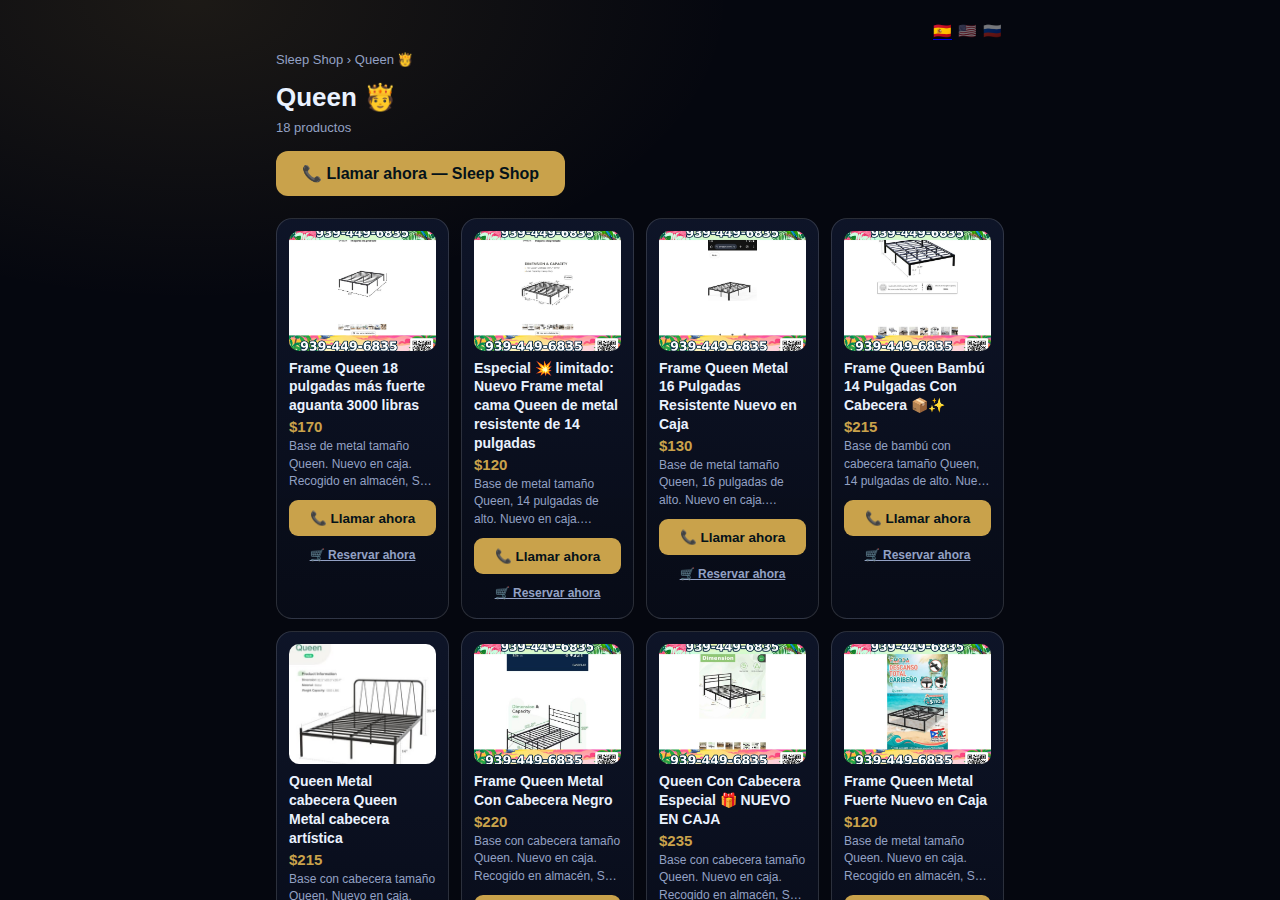
A URL is a promise: this address is about this thing. Until now a CallPages shop made that promise once, for the whole catalog, and collections — the way owners actually organize their products — had no address at all. Now every collection keeps the promise individually: the Queen collection is a page about Queen frames, the Twin collection a page about Twin frames, each ready to be found, shared, and linked.
Built for search engines, not just browsers
The collection page is not the shop grid with a filter applied. It is a complete document with its own title and description, a canonical URL that points at itself, and ItemList structured data that tells search engines exactly which products belong to the collection. The page sitemap lists every collection URL next to every product URL, so the whole structure of the store is crawlable as the owner organized it.
The same collection, inside the call
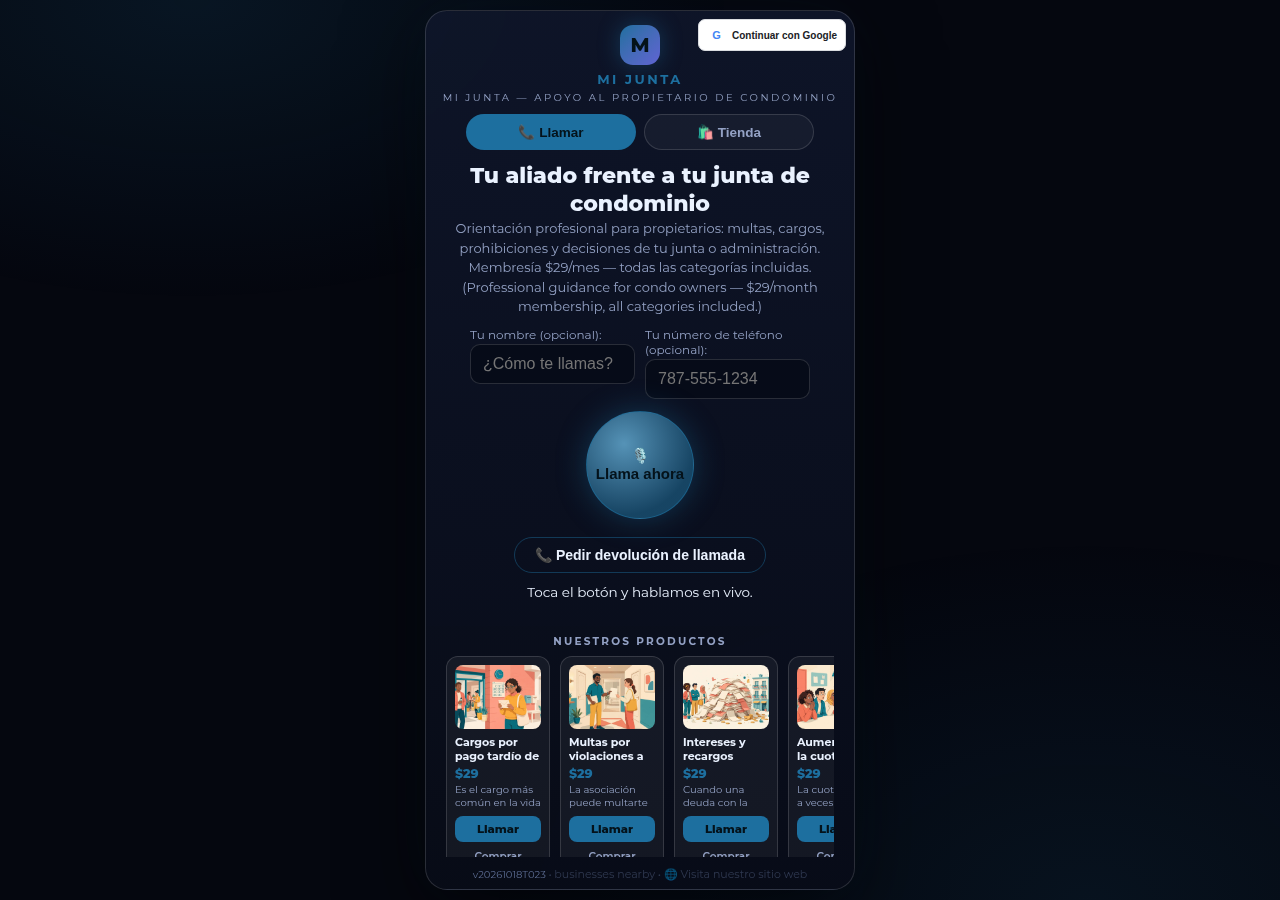
Collections also work inside a live call. When a caller asks about a category, the agent can open that collection in the call shell: the customer browses the actual products while the conversation continues, and what they look at becomes part of what the agent can advise on. One organization system — for the owner, for Google, and for the caller on the line.
How it works
- Every collection gets a stable URL of its own: /p/<page>/c/<collection-slug> — the slug is stored on the page, so renames and imports keep addresses intact.
- The collection page renders as a complete document: its own title and description (enriched with the business's city when one is set), the collection's products as cards, and a call button for the business.
- Search plumbing is built in: a self-referencing canonical URL, ItemList structured data naming every product, and social-card metadata.
- Each page's sitemap (/p/<page>/sitemap.xml) now lists its collection URLs alongside its product URLs, so crawlers find them without guessing.
- Inside a live call, tapping a collection opens it in the same shell — the customer browses the collection and the conversation never drops.
See it live: Mi Junta
Mi Junta — CallPage · Mi Junta — website
Related reading
 The call that lets customers keep shopping
 Product pages now answer themselves in Google AI Mode
 Android v1.5.1: a front screen that earns its place
Innovation by Vasily Starostenko, founder of CallPages.