2026.10.19 — Your own domain, an inbox for every page, and appointments that live inside the call
What’s new in 2026.10.19
A new front door for CallPages
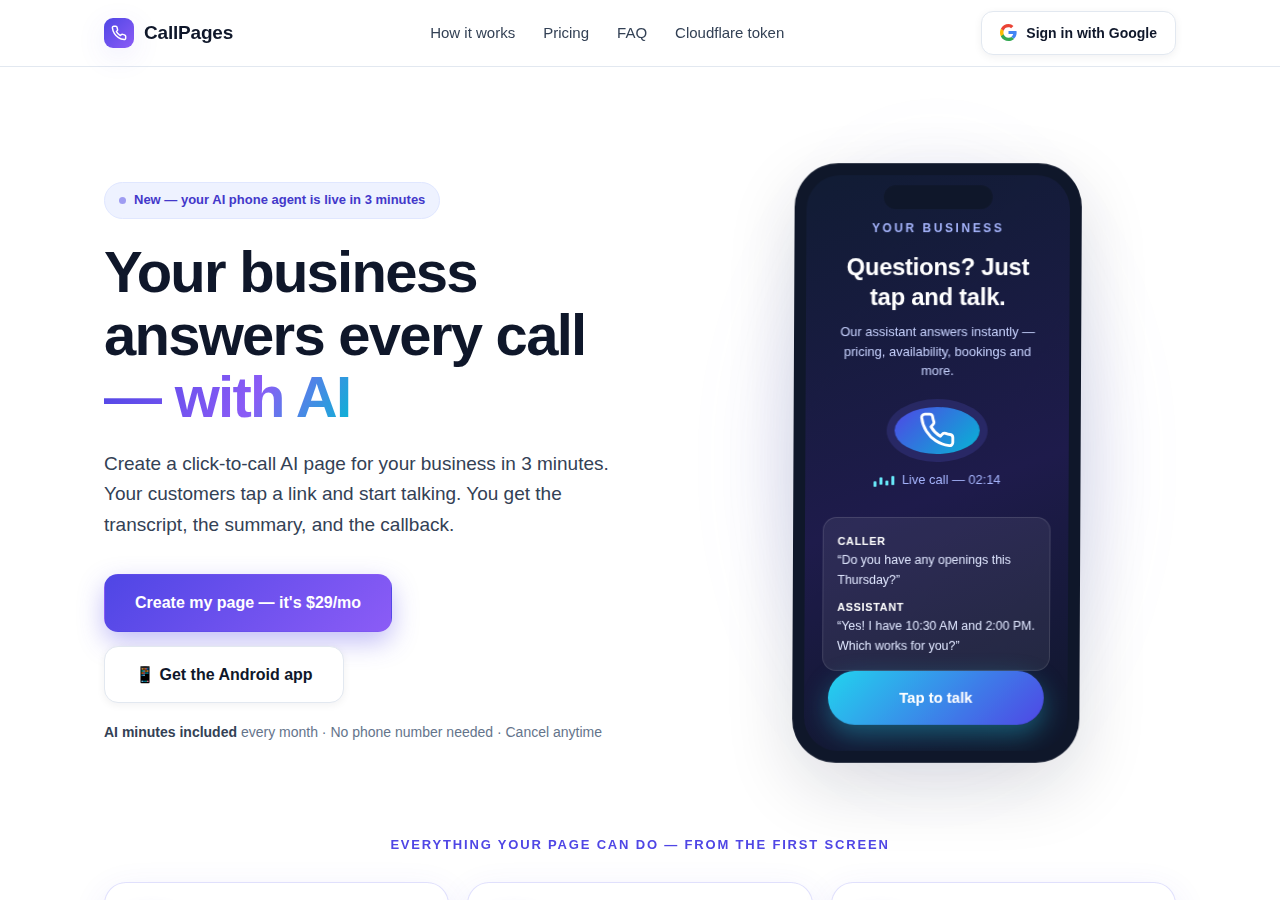
The CallPages home page has been rebuilt: a hero that shows a live AI call on a phone, and the product’s real features integrated into the first screen instead of listed somewhere below.
Appointments live inside the call now
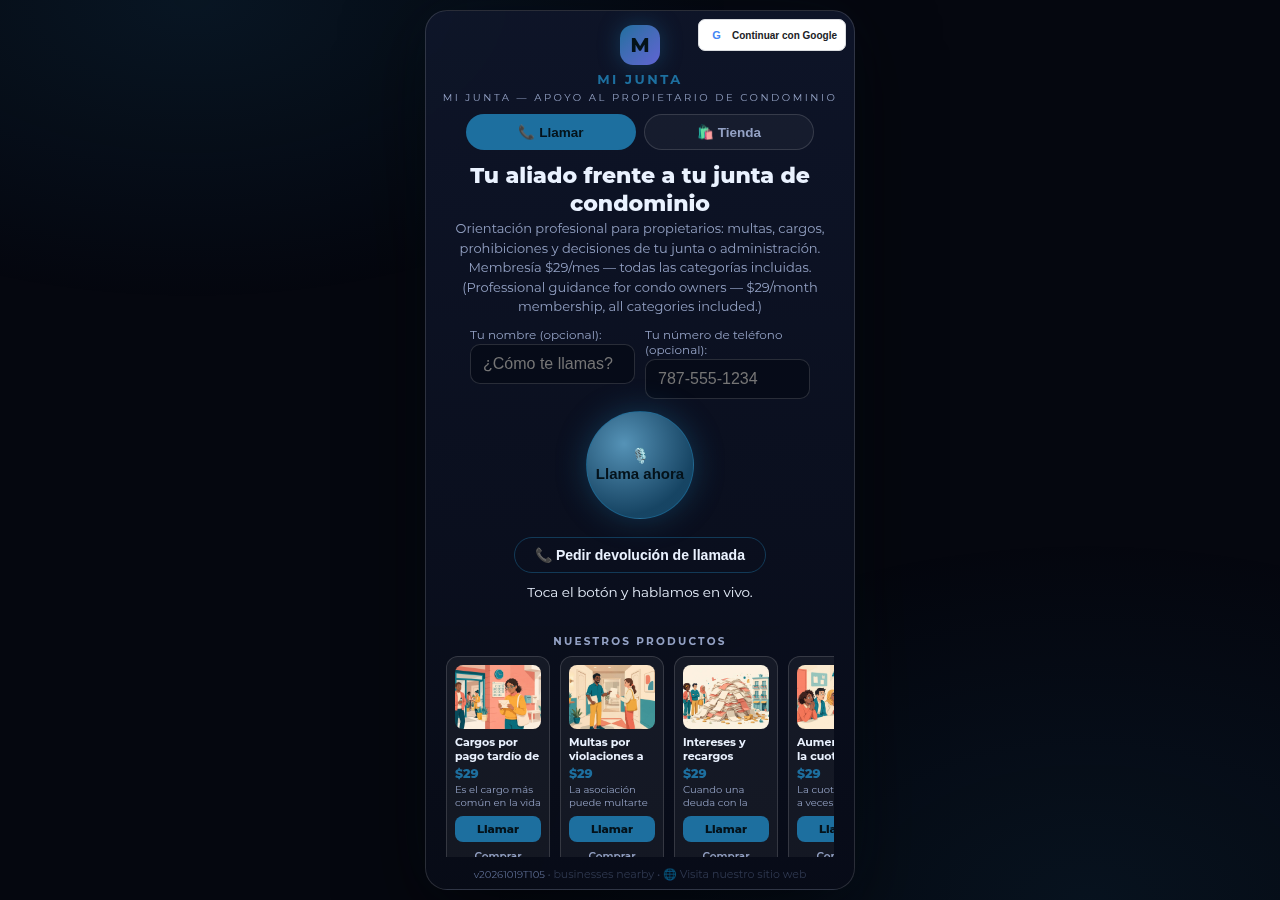
Booking an appointment now happens inside a live call, with the voice agent, in the middle of the conversation it belongs to. The public booking form — and the spam it invited — is gone.
Every collection, one tap away
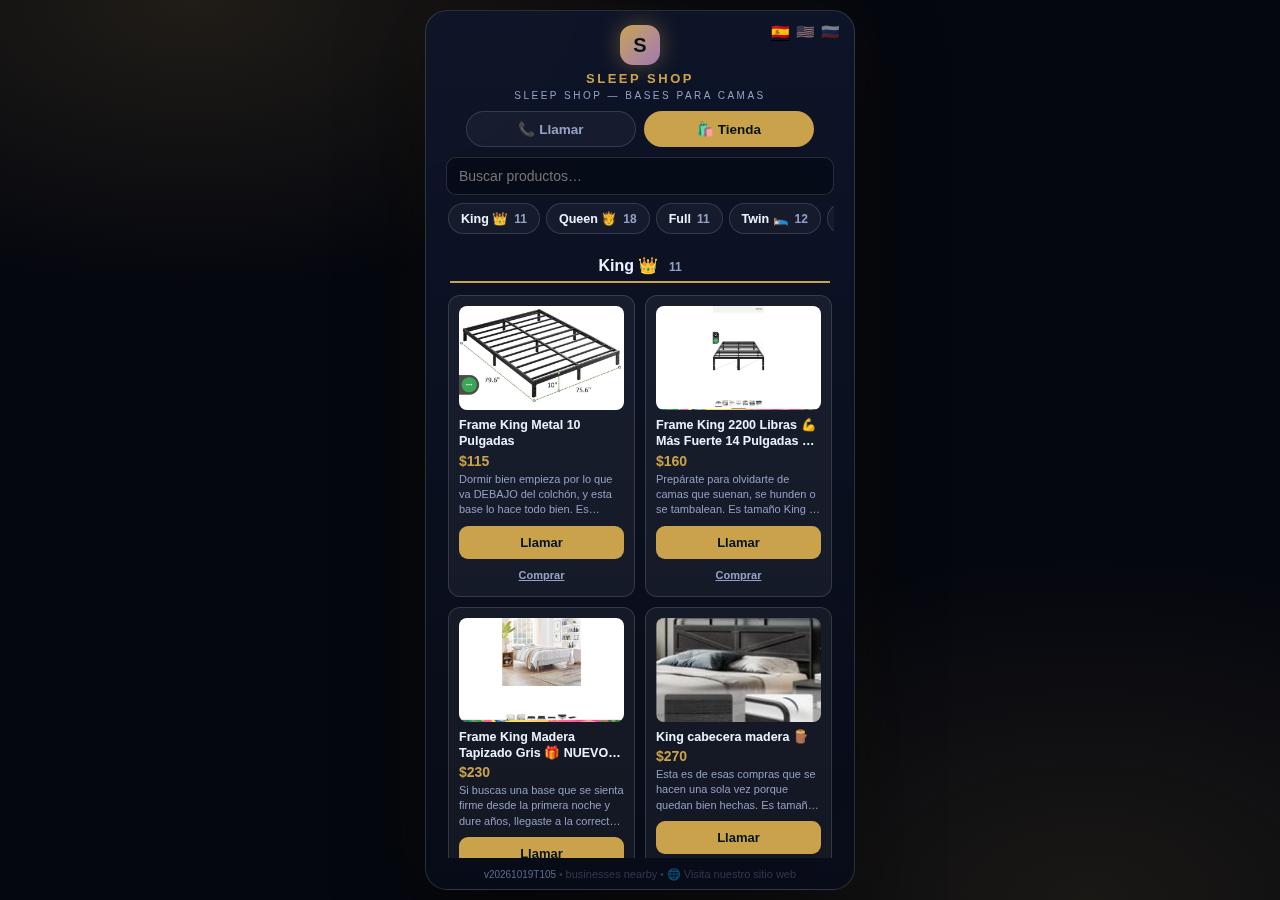
A CallPages shop now carries a collection tab bar: each collection sits in a sticky row with its product count, and tapping jumps straight to it — same page, all products, no reloads.
Every page and product, ready to share
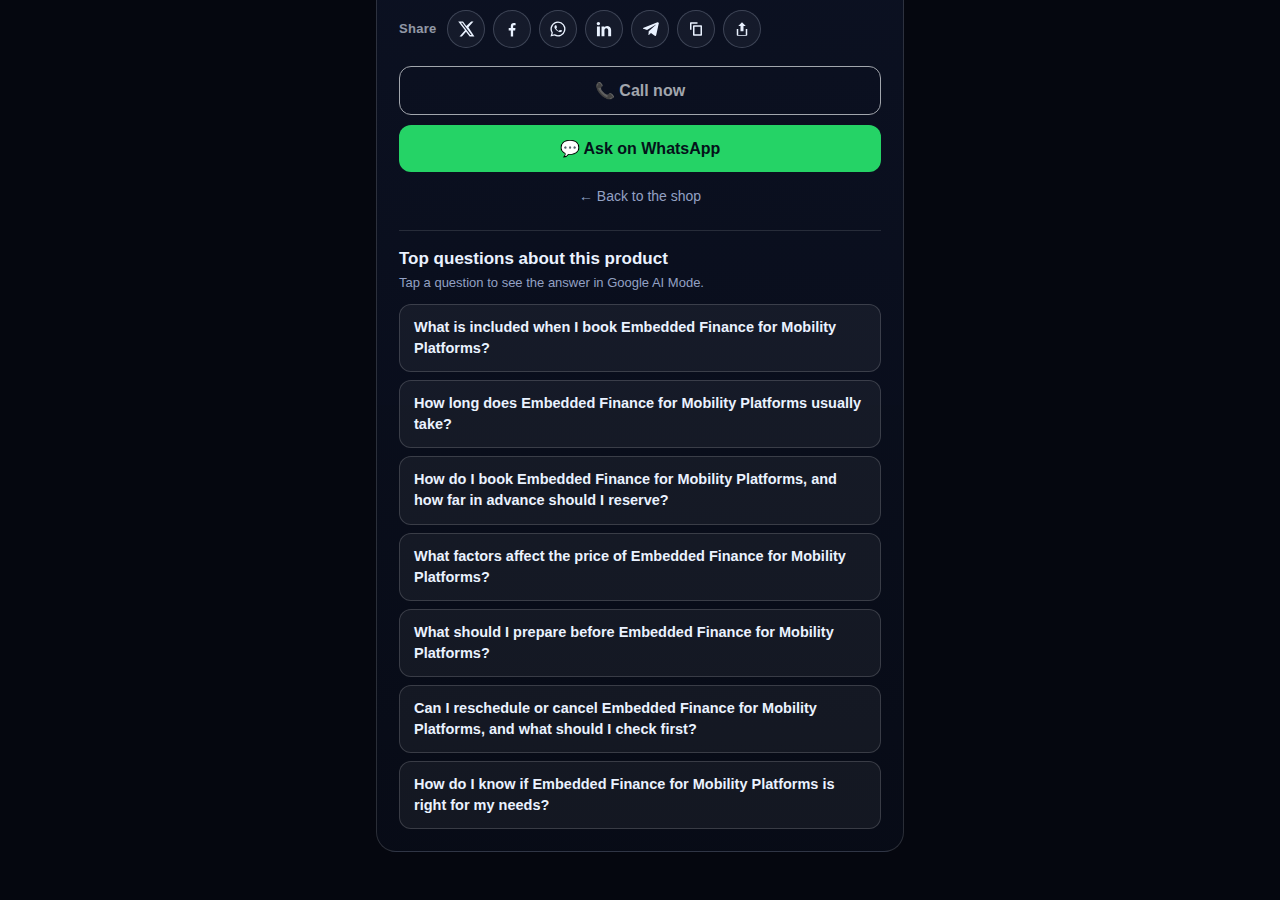
Pages and products now carry a proper share row — X, Facebook, WhatsApp, LinkedIn, Telegram, and copy-link — so anything worth finding is one tap from being passed on.
Every page gets its own email address
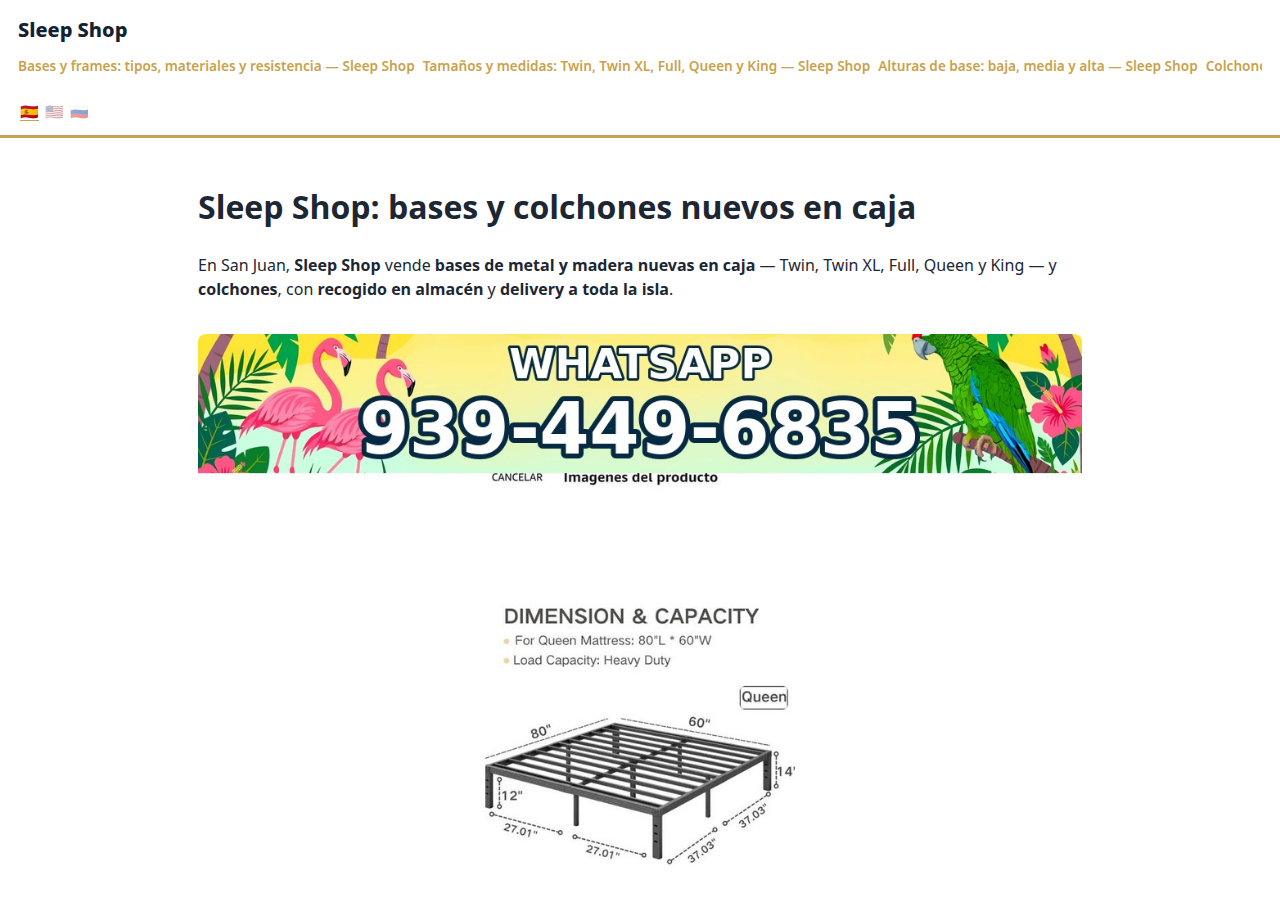
Every CallPages page now has its own email address — <page>@callpages.me — and new pages greet their owners with a welcome email. A page is reachable by call, by web, and by mail.
One console for every account

The CallPages admin console now shows page owners and consumer accounts side by side, lets an admin step into any account to help, and edit any page’s settings.
Product photos without a photo shoot

A catalog no longer waits for a camera: CallPages can fill in product photos from free image providers, chosen and controlled from Settings.
The Silent Magic Helper, on every page

The Silent Magic Helper is now on by default for every CallPages page — existing and new — and its chat sessions are logged as calls, right beside the voice ones.
What happens after the payment, automatically

A payment on CallPages now sets its own follow-through in motion: confirmations and next steps happen on their own, and the owner watches it all land in Activity.
WOW Design v2 — and styles that remember
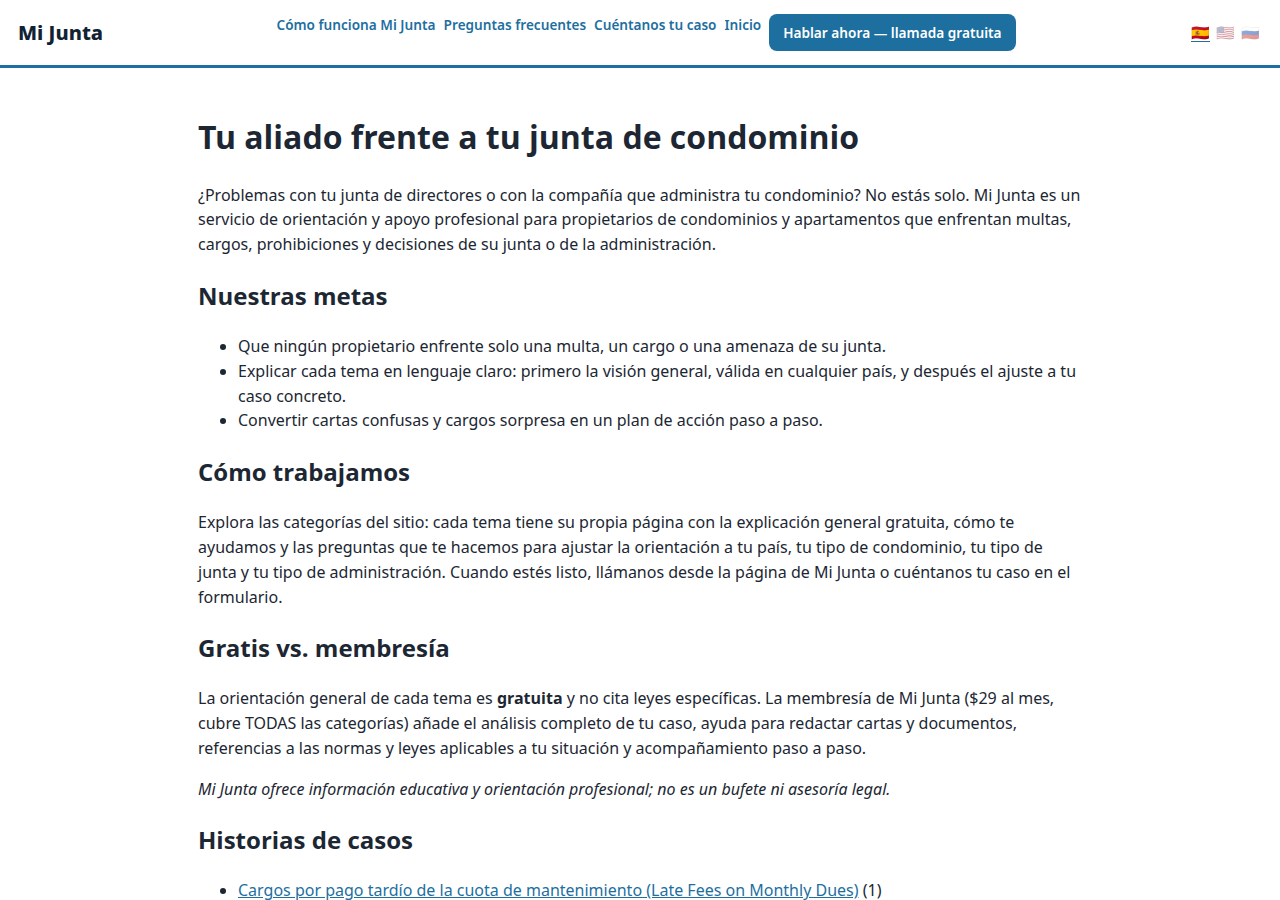
Pages and websites get a new design generation, WOW Design v2, and page styles are now versioned: when a look changes, the old one is kept, not overwritten.
Your own keys for your own integrations
Owners now hold per-owner API keys for the client-configurable APIs their pages use, so a page’s integrations run under the owner’s own credentials and limits.
Your page, on your own domain

A CallPages page can now live on the business’s own domain — the address on its signs, cards, and receipts — with the call, the store, and the agent answering there unchanged.
Even a wrong link looks like CallPages now
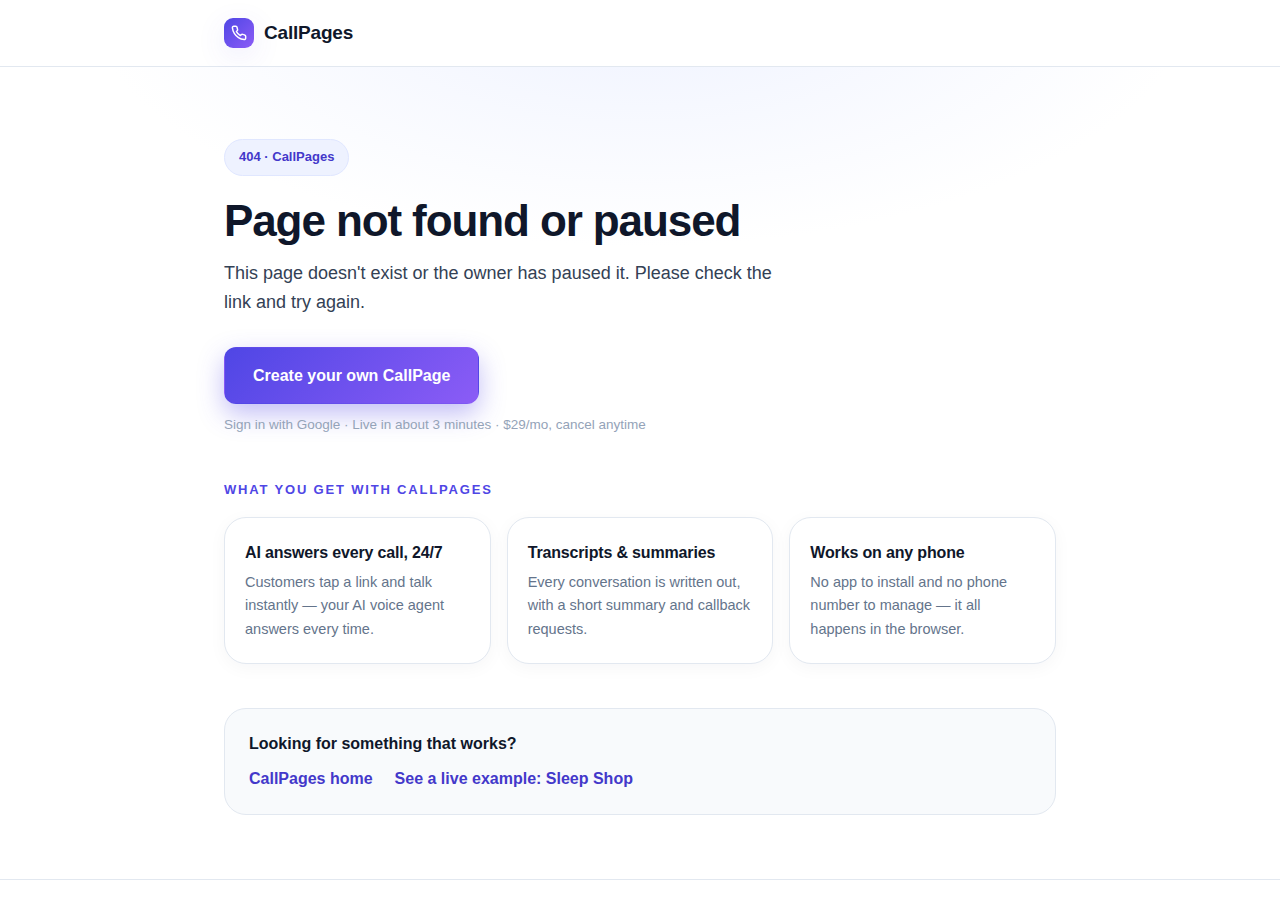
Every error on CallPages — a mistyped address, a paused page, a product that moved — now renders as one branded page that explains what happened and shows the way forward.
Questions that belong to the product
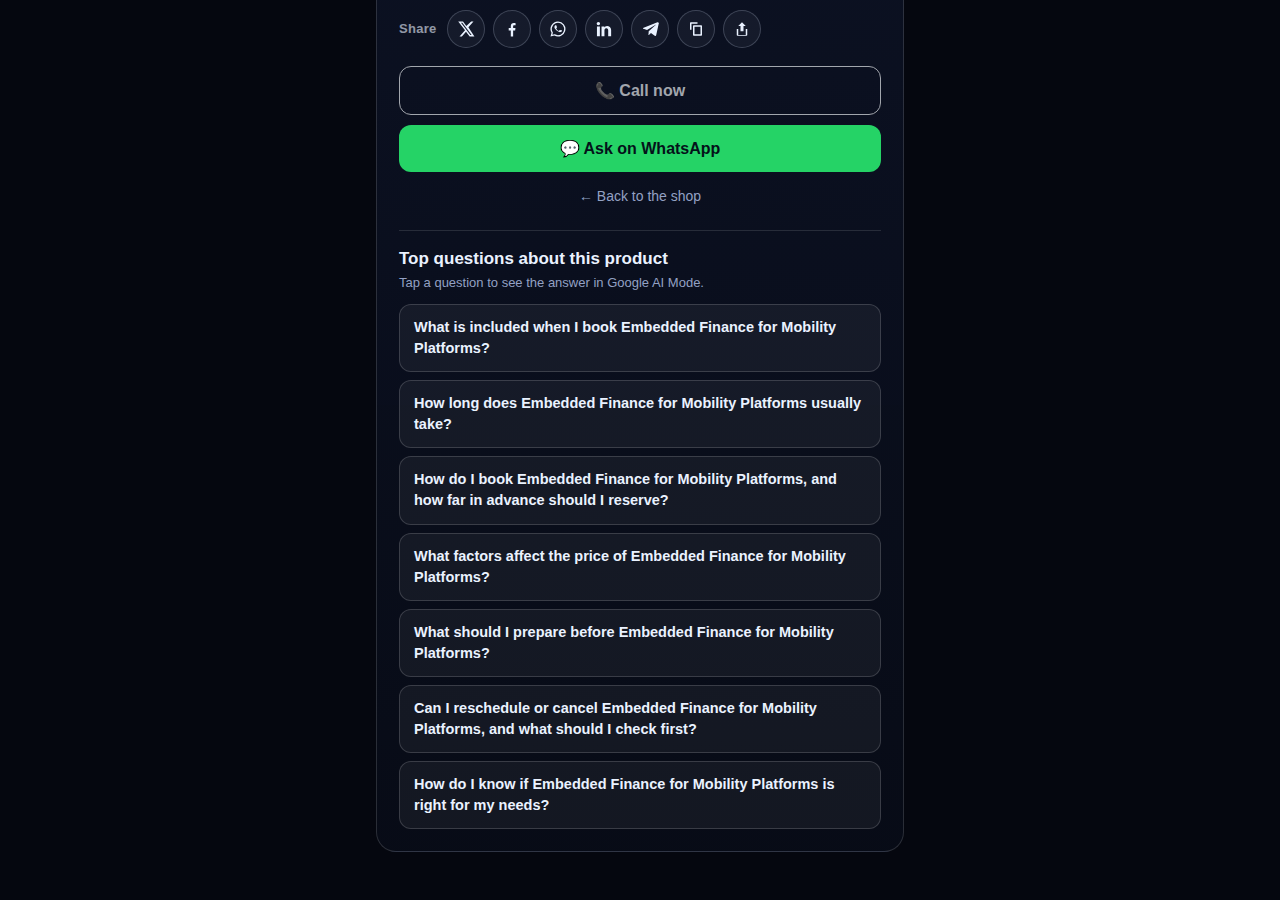
The questions on a product page are now written from that product itself — its name, its photo, its description — so a consulting session gets consulting questions and a bed frame gets frame questions.
Innovation by Vasily Starostenko.
Curated release notes — written once in content/stories/ and projected here by scripts/stories-publish.mjs.
Create your call page
Turn your website visitors into phone conversations — set up in under two minutes.
Create your call page →