Новинка — ваш телефонный ИИ-агент заработает за 3 минуты

Ваш бизнес отвечает на каждый звонок — с ИИ

Создайте ИИ-страницу со звонком по клику для вашего бизнеса за 3 минуты. Клиенты нажимают ссылку и начинают говорить. Вы получаете расшифровку, резюме и обратный звонок.

Минуты ИИ включены каждый месяц · Номер телефона не нужен · Отмена в любое время

Ваш бизнес
Есть вопросы? Просто нажмите и говорите.

Наш ассистент отвечает мгновенно — цены, наличие, запись и многое другое.

Живой звонок — 02:14
Звонящий
“Есть ли у вас свободное время в этот четверг?”
Ассистент
“Да! У меня есть 10:30 и 14:00. Что вам удобнее?”
Нажмите, чтобы говорить
Всё, что умеет ваша страница — с первого экрана

Голосовые звонки с ИИ, 24/7

Клиенты нажимают вашу ссылку и говорят в браузере — без номера телефона, без приложения, без ожидания на линии. Ваш голосовой ИИ-агент отвечает мгновенно, днём и ночью.

Записывает на приём прямо во время звонка

Прямо в разговоре агент предлагает реальные свободные окна и записывает на приём во время звонка — а напоминания и подтверждения дальше идут сами.

Магазин, который остаётся открытым во время звонка

Ваши товары и коллекции — у каждой коллекции своя ссылка — остаются доступными для просмотра в магазине во время звонка, а агент в реальном времени советует по тому, что смотрит клиент.

Знает ваши товары наизусть

Агент называет ваши точные цены и детали из вашего собственного каталога и рекомендует нужный товар — он никогда не придумывает цену.

Каждый звонок сохранён и доступен для поиска

Расшифровки, резюме и аналитика по каждому разговору в одной ленте активности — найдите любой звонок по имени, номеру или сказанному.

Многоязычность с первого приветствия

Этот сайт говорит на 24 языках, и ваша страница тоже может: одно касание маленького флага меняет язык, и каждый посетитель встречен на его собственном языке.

Путь в будущее

Куда движутся деловые звонки

Раньше каждый бизнес терял звонки, на которые не мог ответить. Потом телефон стал ссылкой. Теперь ссылка отвечает — и продаёт.

Вчера — пропущенный звонок

Клиент звонит после закрытия, слышит гудки без ответа и покупает у того, кто ответит первым. Бизнес даже не узнаёт, что это случилось.
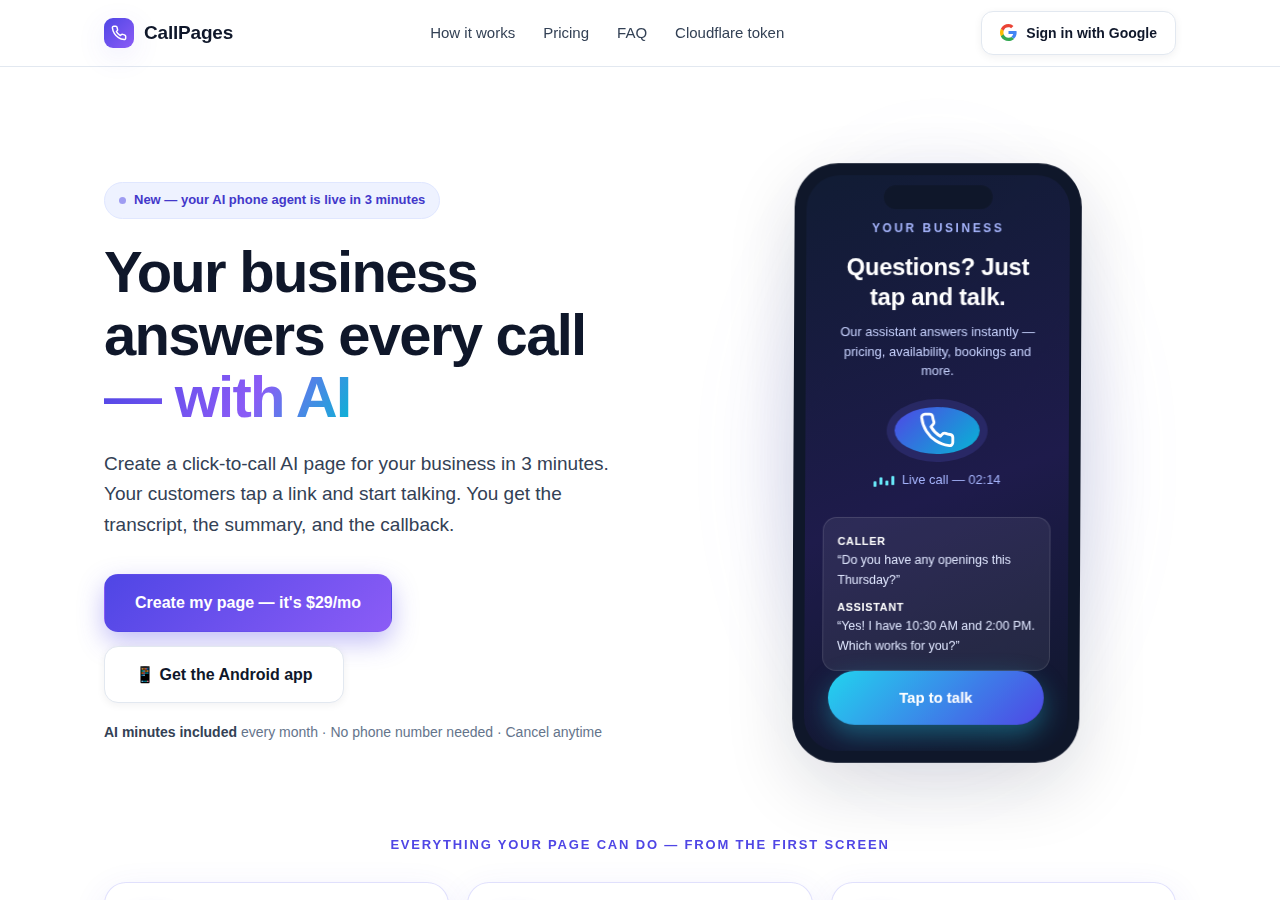
The CallPages home page: a business answering a live AI call on a phone

Сегодня — страница, которая отвечает

Ваша CallPage отвечает мгновенно, 24/7: разговаривает, называет ваши настоящие цены, записывает на приём прямо во время звонка и оставляет вам расшифровку и резюме.
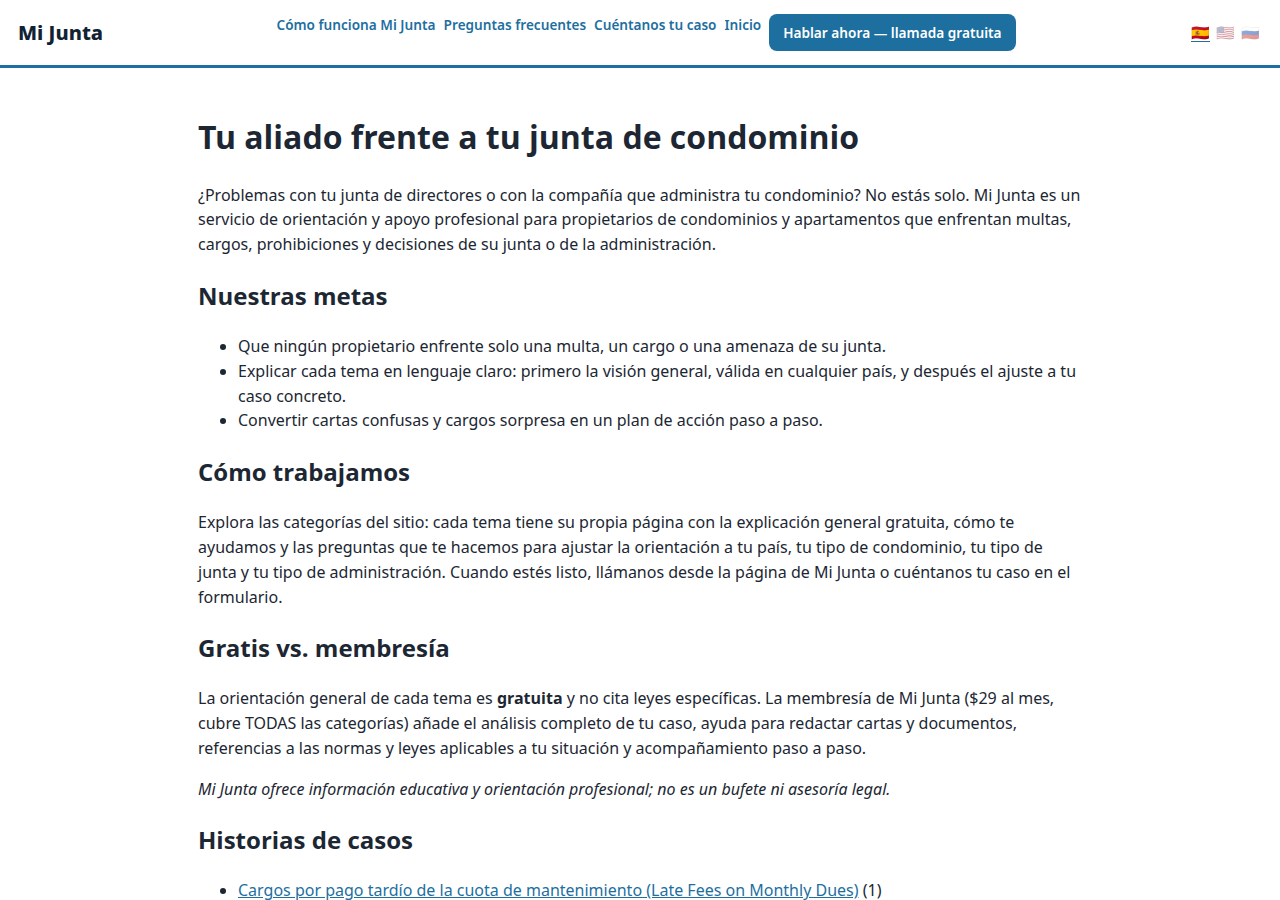
A real business website on CallPages — Mi Junta — with its store and call button in reach

Завтра — агент, который растит бизнес

Тот же агент связывается повторно, подтверждает, напоминает и знает ваш каталог наизусть — стойка приёма, которая никогда не спит, на языках ваших клиентов.

Живая демонстрация
● ДЕМО ВЖИВУЮ

Не верьте нам на слово — поговорите сами

Это настоящая CallPage, работающая прямо на этой странице: Mi Junta, служба консультаций для владельцев кондоминиумов в Пуэрто-Рико. Поговорите с её помощником в чате или нажмите кнопку звонка и говорите — агент заговорит первым, а вы можете просто слушать: микрофон для начала никогда не нужен.

Открыть страницу демо →

Демонстрационные звонки — это настоящие звонки на настоящую CallPage — пожалуйста, будьте добры, расшифровка уйдёт владельцу страницы.

Как это работает

Запуск в три шага. Правда.

Без оборудования, без созвонов по настройке, без ничего технического. Если вы умеете заполнять форму, вы справитесь.

1

Войдите через Google

Один клик с вашим аккаунтом Google. Без паролей, которые нужно помнить, без аккаунтов, которыми нужно управлять.

~30 секунд
2

Опишите свой бизнес

Расскажите ИИ простыми словами, чем вы занимаетесь, что продаёте и как приветствуете звонящих. Выберите голос и фирменный цвет.

~2 минуты
3

Поделитесь своей ссылкой

Получите ссылку на свою страницу. Клиенты нажимают её на любом телефоне и начинают говорить — мгновенно, как по телефону, в браузере.

Готово
What's new · Novedades

Release notes — Oct 22 · Blog · Learning Center
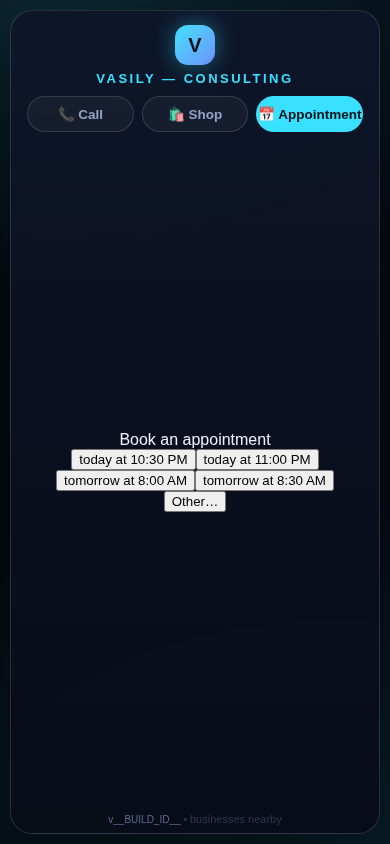
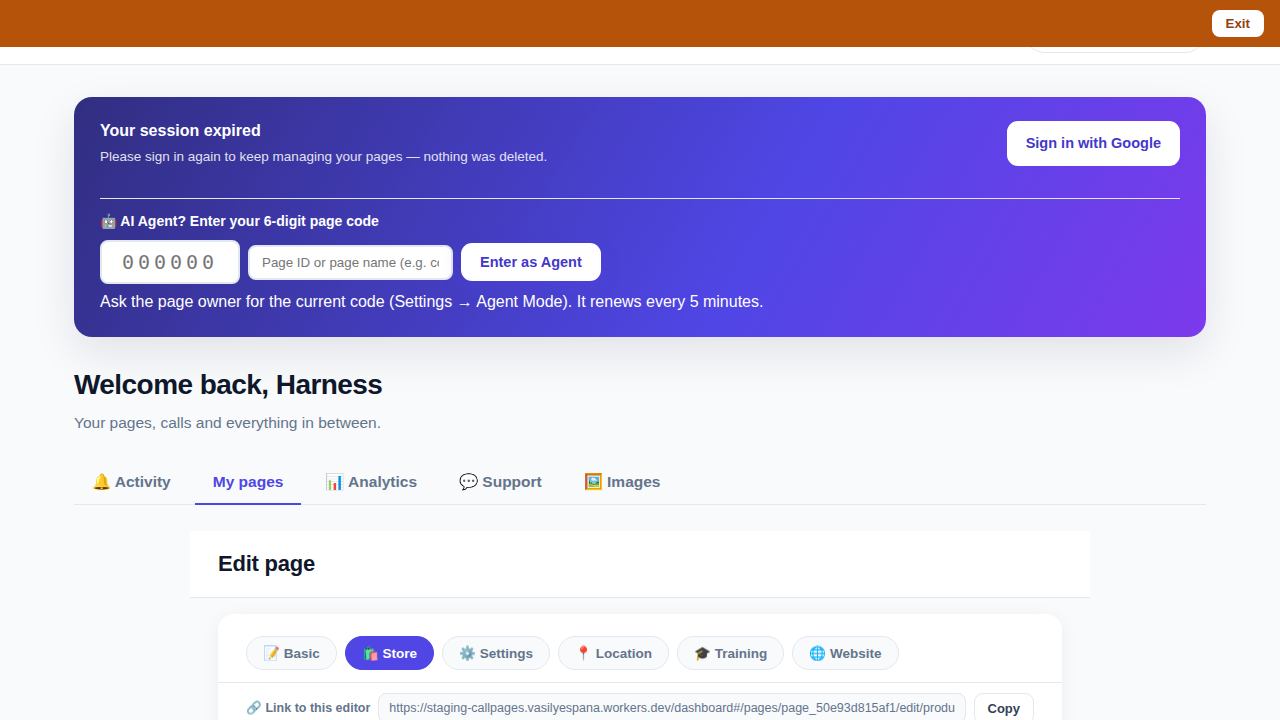
The in-call appointment slot picker on a CallPages page, showing open time slots computed from the page's own appointment book

Appointments belong to CallPages: booking works on every page, Google Calendar only syncs

CallPages' own appointment system is now the system of record on every page: booking is on by default everywhere, and a Google Calendar is only a sync target — never a gate.
See how it works →

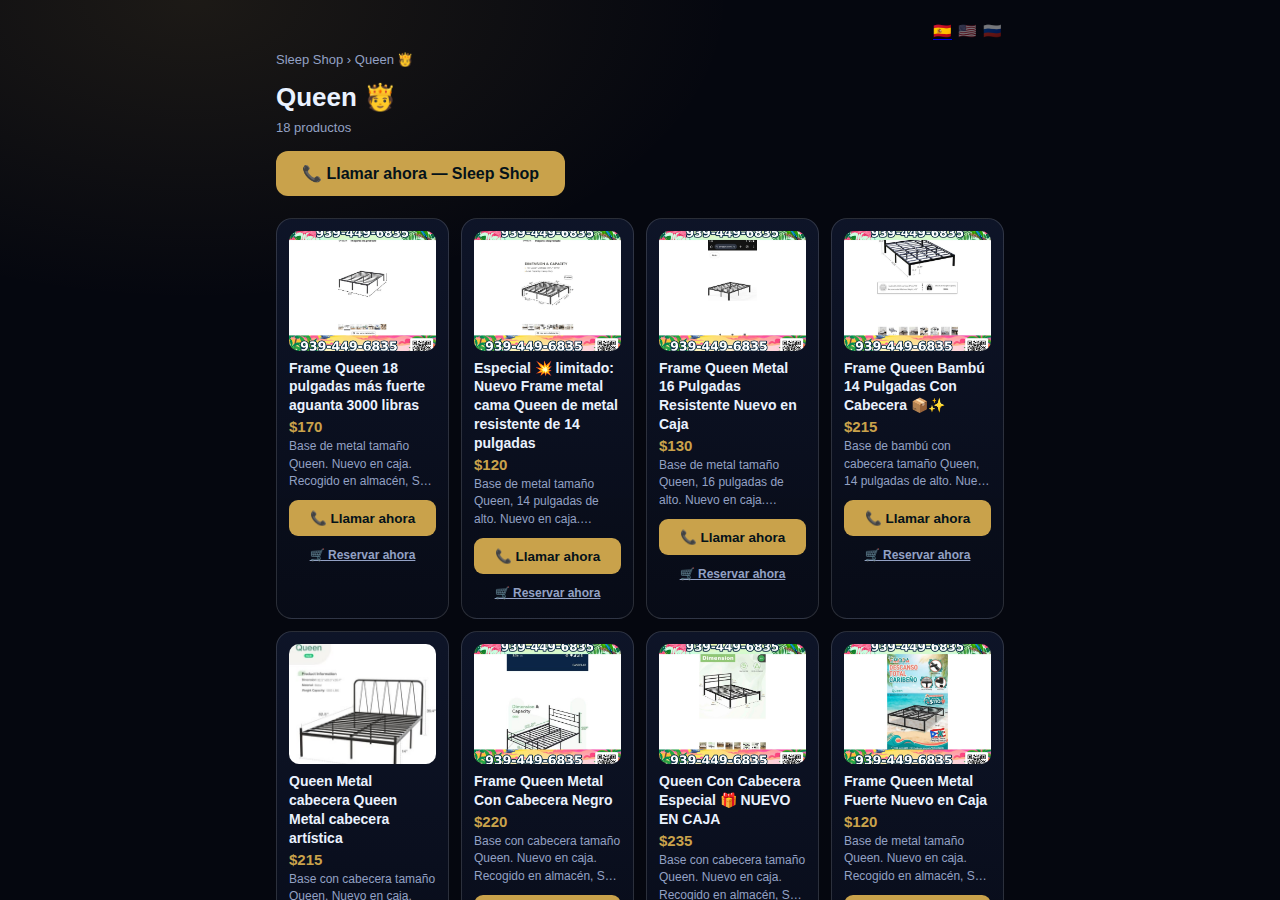
The CallPages dashboard with a page's product editor open and the bookmarkable editor link row visible above the product list

Bookmark the editor: deep links into your page, and a light My Pages landing

Every editor tab in the CallPages dashboard now has its own bookmarkable link that survives sign-in, and the dashboard opens on the light My Pages list instead of the heavy Activity feed.

See how it works →

Illustration: a phone showing a website page as stacked blocks — heading, photo, text — with one text block tapped and outlined for editing, a pencil badge, and a glowing + divider between blocks above a button block

The friendly website editor: edit your site exactly as your visitors see it

The Website Studio's block editor is now fully visual: blocks render as the published page itself, you click any block to edit it in place, and a + divider between blocks opens a six-type picker — no Markdown, no guessing.
See how it works →

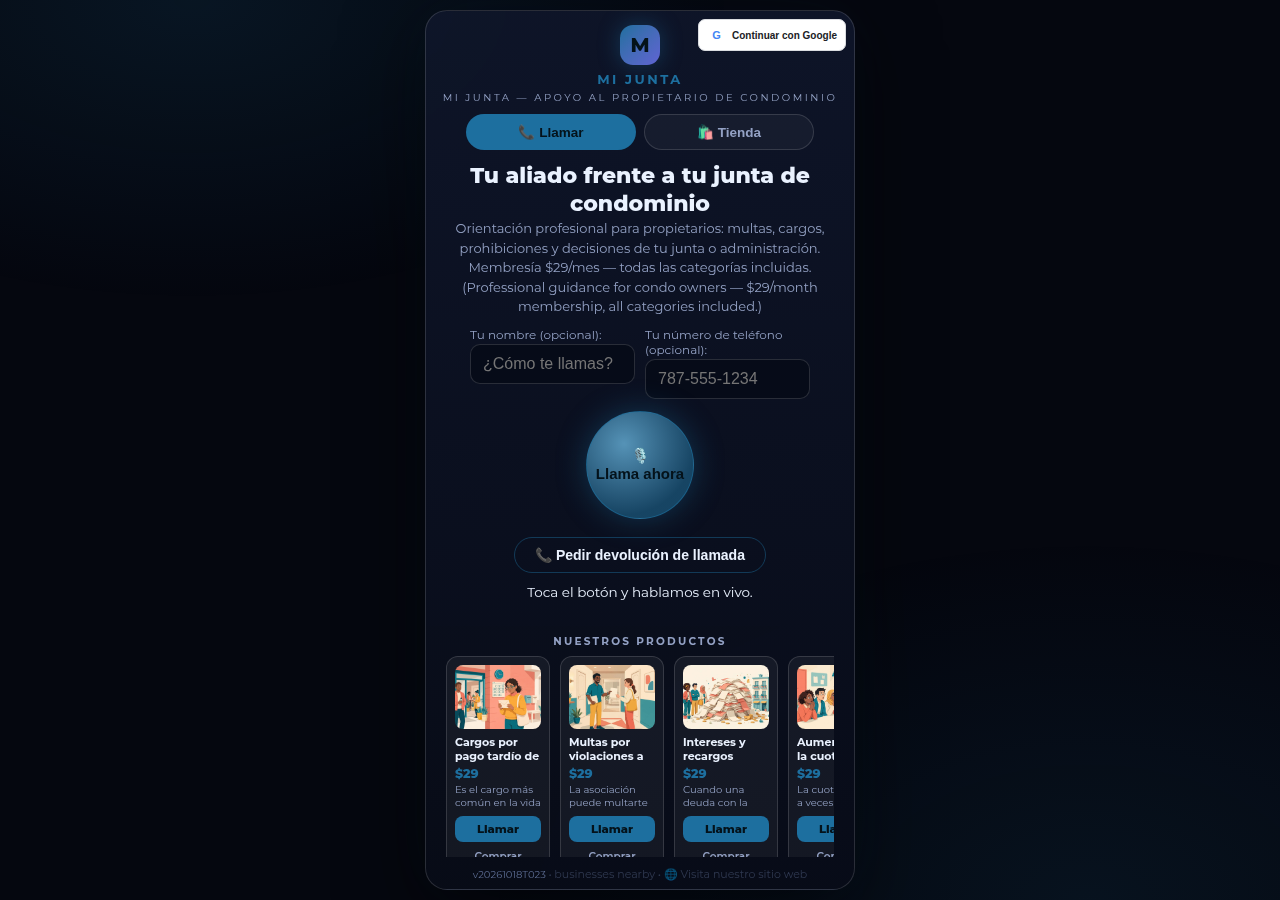
A collection page on CallPages: the Queen collection of a San Juan bed-frame shop at its own /c/queen address, with its products as cards

Collections get their own URLs — and their own place in search

Every collection on a CallPages page now lives at its own address — /p/<page>/c/<collection> — with its own title, description, canonical URL, structured data, and a spot in the page sitemap.
See how it works →

A CallPages page whose store stays browsable during a call: products the customer can tap while the voice agent advises on what they are viewing

The call that lets customers keep shopping

During a CallPages call, customers can tap any product and keep browsing the store — inside the call. The voice agent sees what they're looking at in real time and advises on the item in front of them.

See how it works →

Appointments that follow up by themselves

Booked appointments now manage themselves: a reminder two hours before, confirmation required one hour before, and a private manage page per appointment where the customer can confirm, cancel, or reschedule.
See how it works →

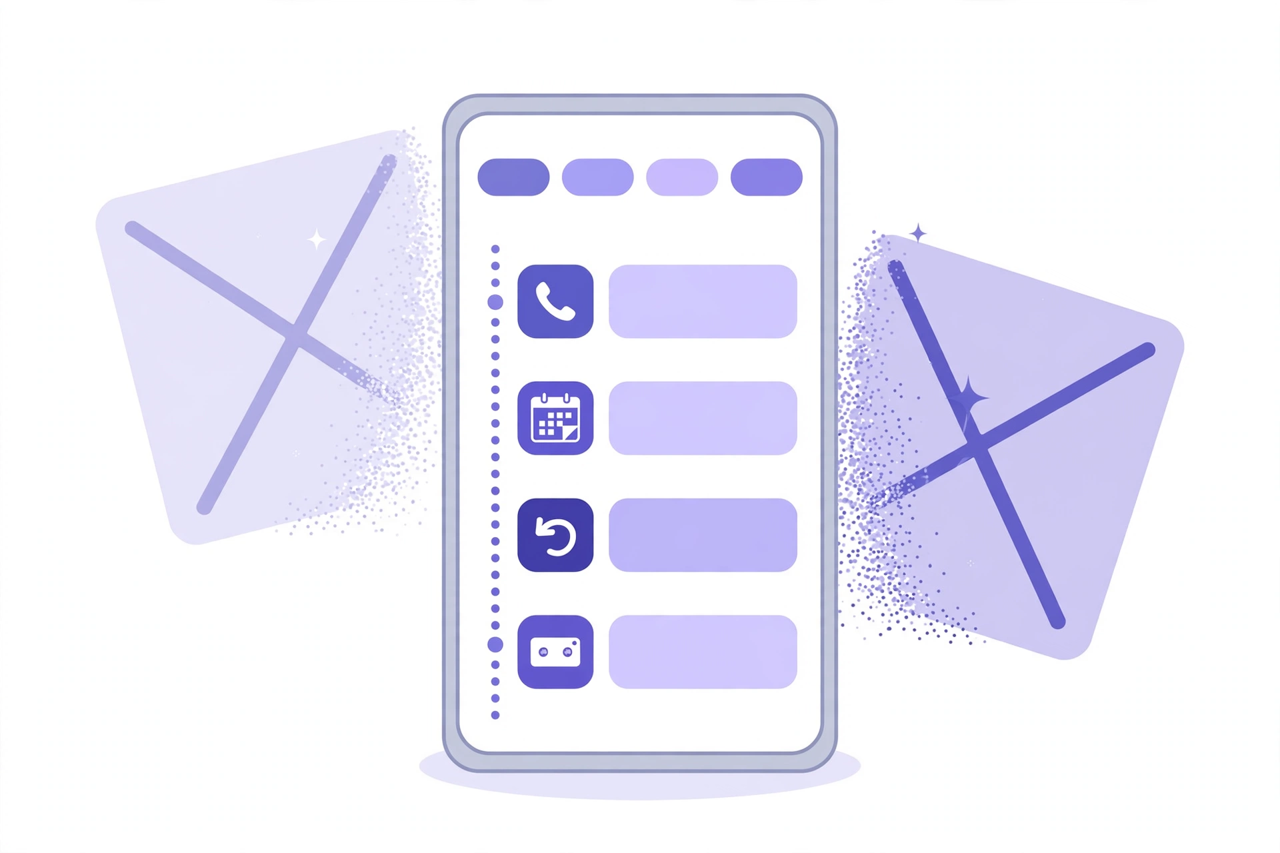
Illustration: a phone showing one unified Activity feed — call, appointment, callback and voicemail rows under filter chips — while two crossed-out separate tabs dissolve behind it

Callbacks and appointments moved in: Activity holds everything now

The dashboard shed two tabs. Callbacks and Appointments/Calendar now live inside Activity at full power — the callback queue, the calendar, Google Calendar — behind the chips you already use.
See how it works →

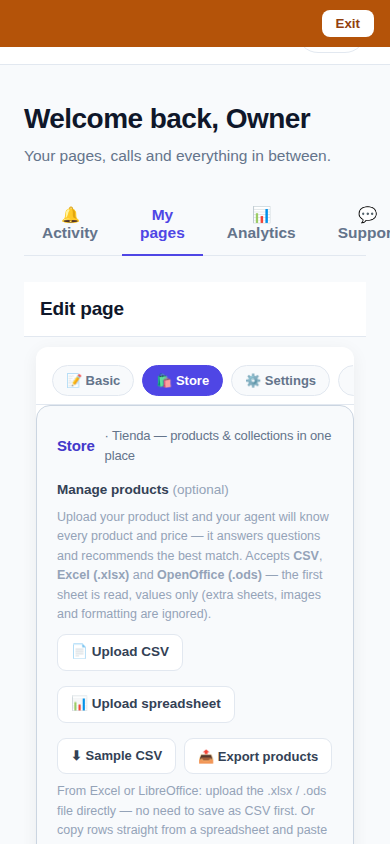
The page editor on a phone with the single Store tab selected: 'Tienda — products & collections in one place'

One Store tab: collections and products, edited together

The Store tab now holds everything: collections on top, products edited right inside them, reorder by drag or arrows — and every change autosaves. No second editor, no Save button.
See how it works →

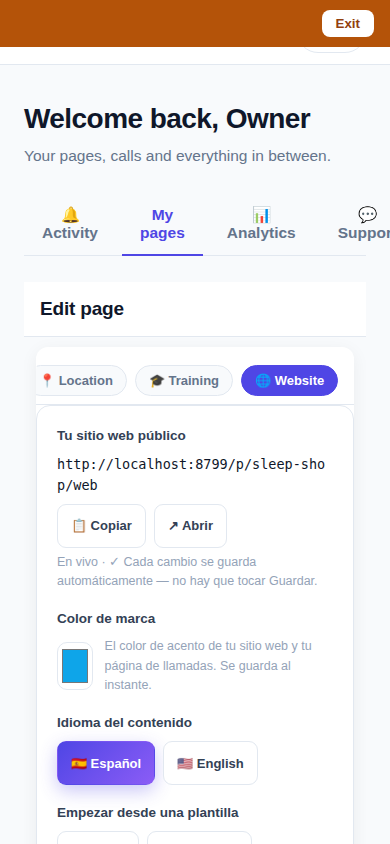
The Website Studio page list on a phone: authored pages grouped by path with per-language published and draft chips

Website Studio: build your whole site from your phone

Every page now has a Website Studio: create your site's pages from templates, edit them block by block, add photos, preview drafts privately, publish when ready — right in the dashboard.

See how it works →

A dashboard header that holds only your account. The dashboard's top bar was de-cluttered: feature shortcuts moved into their own tabs where they belong, and the top-right now holds a single account menu. As a bonus, the plan pill finally tells the truth about your plan. Learn more

Guide agents now know every member of their guide. A city guide's voice agent now carries a complete digest of every member business — names, areas, categories, signature items with real prices, hours and phones — and never claims not to know a business its own guide lists. Learn more

Product pages now answer themselves in Google AI Mode. Every product page can end with a questions section — real questions about that product, each one a tap away from asking Google AI Mode, which answers from the product's own published facts. Learn more

Delete that actually deletes — and a Hide that keeps selling. Deleting a product in the dashboard now removes it for real, the moment you tap. And a new Hide turns the product's page into an honest 'Agotado' with similar products instead of a dead end. Learn more

Release notes — Oct 19 · Blog · Changelog · Learning Center · Learning Center

Illustration: an abstract admin console with owner and customer account cards side by side, a magnifier, and a settings gear

One console for every account

The CallPages admin console now shows page owners and consumer accounts side by side, lets an admin step into any account to help, and edit any page's settings.
See how it works →

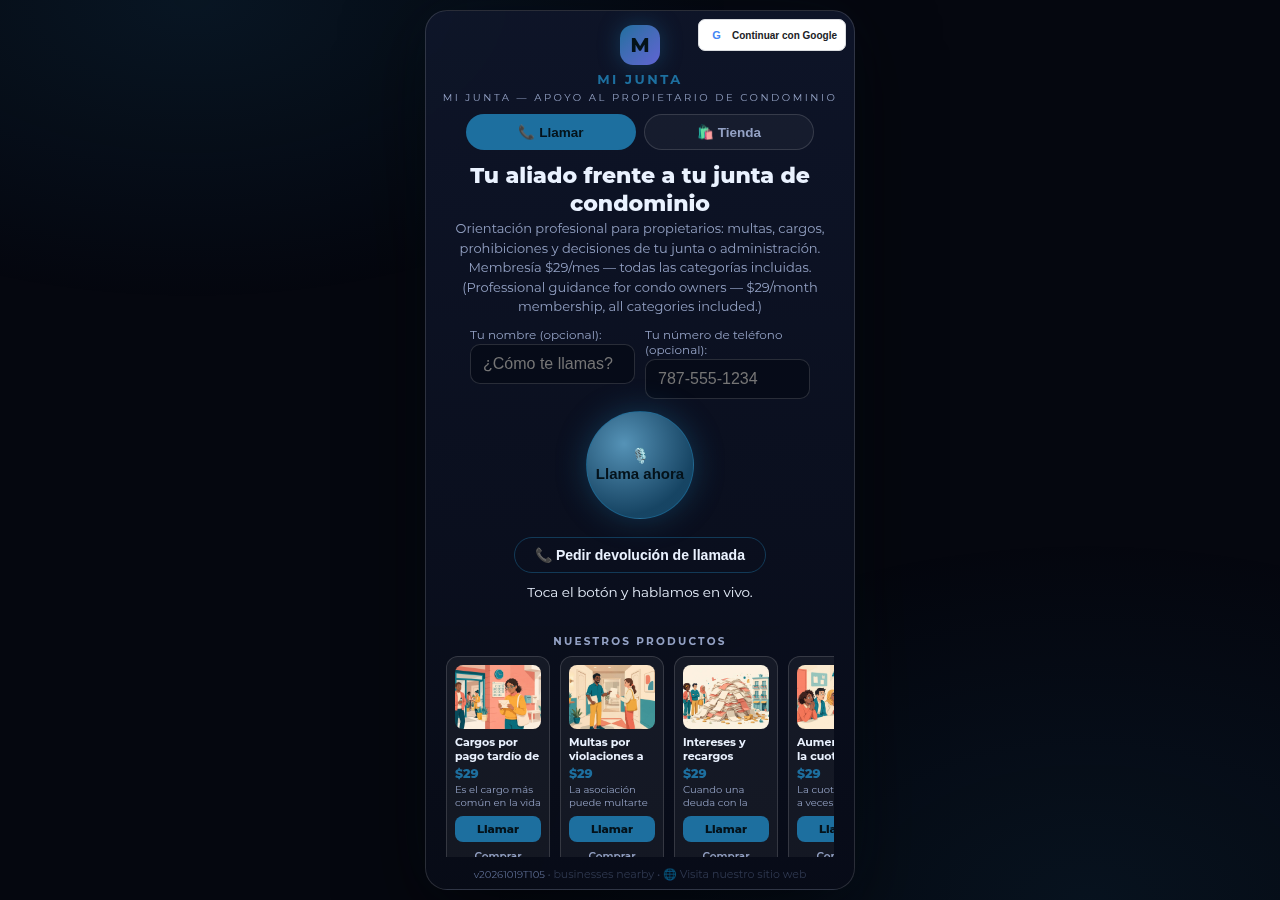
Mi Junta's CallPages page in production: the call is the front door of the page, and appointments are arranged inside that conversation

Appointments live inside the call now

Booking an appointment now happens inside a live call, with the voice agent, in the middle of the conversation it belongs to. The public booking form — and the spam it invited — is gone.
See how it works →

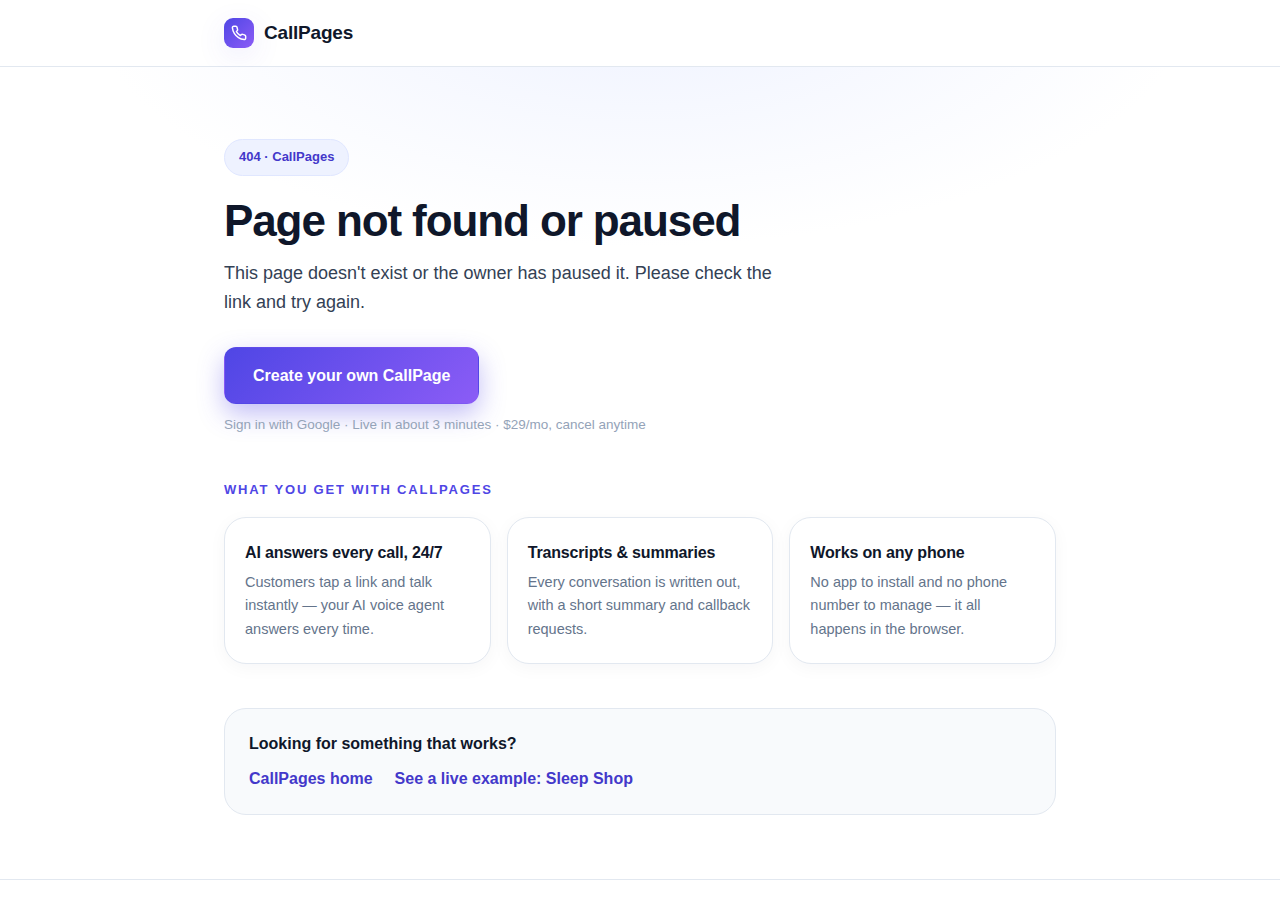
The branded CallPages 404 page: Page not found or paused, with an explanation, a create-your-own button, and cards describing what CallPages offers

Even a wrong link looks like CallPages now

Every error on CallPages — a mistyped address, a paused page, a product that moved — now renders as one branded page that explains what happened and shows the way forward.
See how it works →

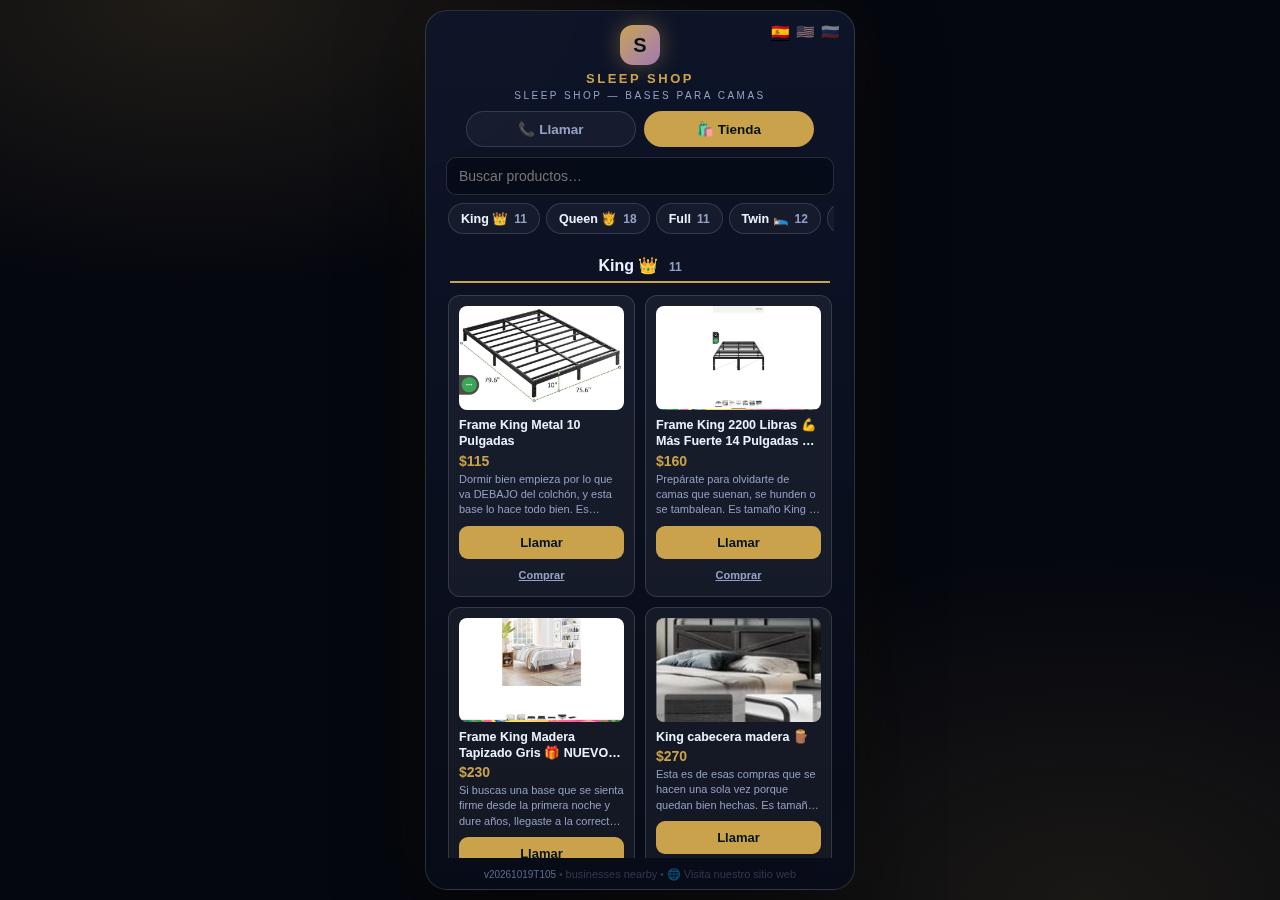
The Sleep Shop store on CallPages with its collection tab bar: King 11, Queen 18, Full 11, Twin 12 above the King collection's product grid

Every collection, one tap away

A CallPages shop now carries a collection tab bar: each collection sits in a sticky row with its product count, and tapping jumps straight to it — same page, all products, no reloads.

See how it works →

Illustration: a small business storefront connected by a glowing arc to a globe, its page living at its own web address

Your page, on your own domain

A CallPages page can now live on the business's own domain — the address on its signs, cards, and receipts — with the call, the store, and the agent answering there unchanged.
See how it works →

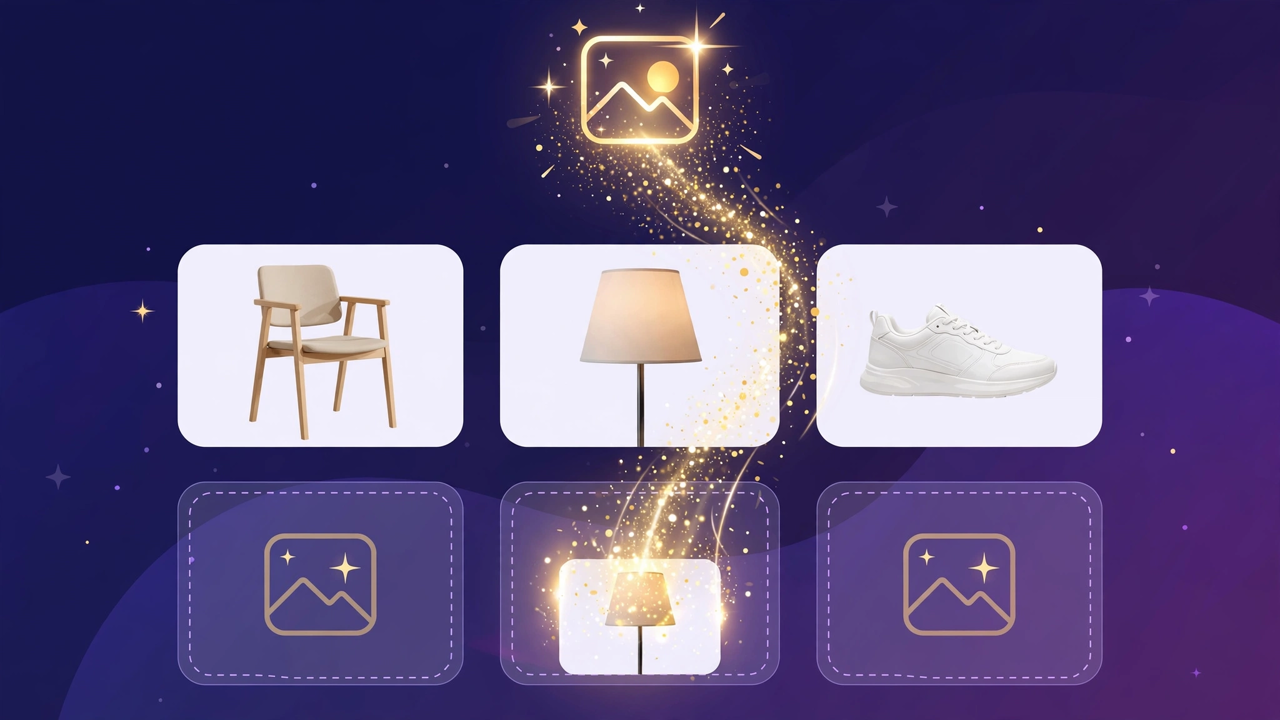
Illustration: a store product grid whose empty photo placeholders are being filled by bright product photos flowing in from a sparkling source

Product photos without a photo shoot

A catalog no longer waits for a camera: CallPages can fill in product photos from free image providers, chosen and controlled from Settings.

See how it works →

The new CallPages home page hero: Your business answers every call — with AI, beside a phone showing a live call with a caller asking about Thursday openings

A new front door for CallPages

The CallPages home page has been rebuilt: a hero that shows a live AI call on a phone, and the product's real features integrated into the first screen instead of listed somewhere below.
See how it works →

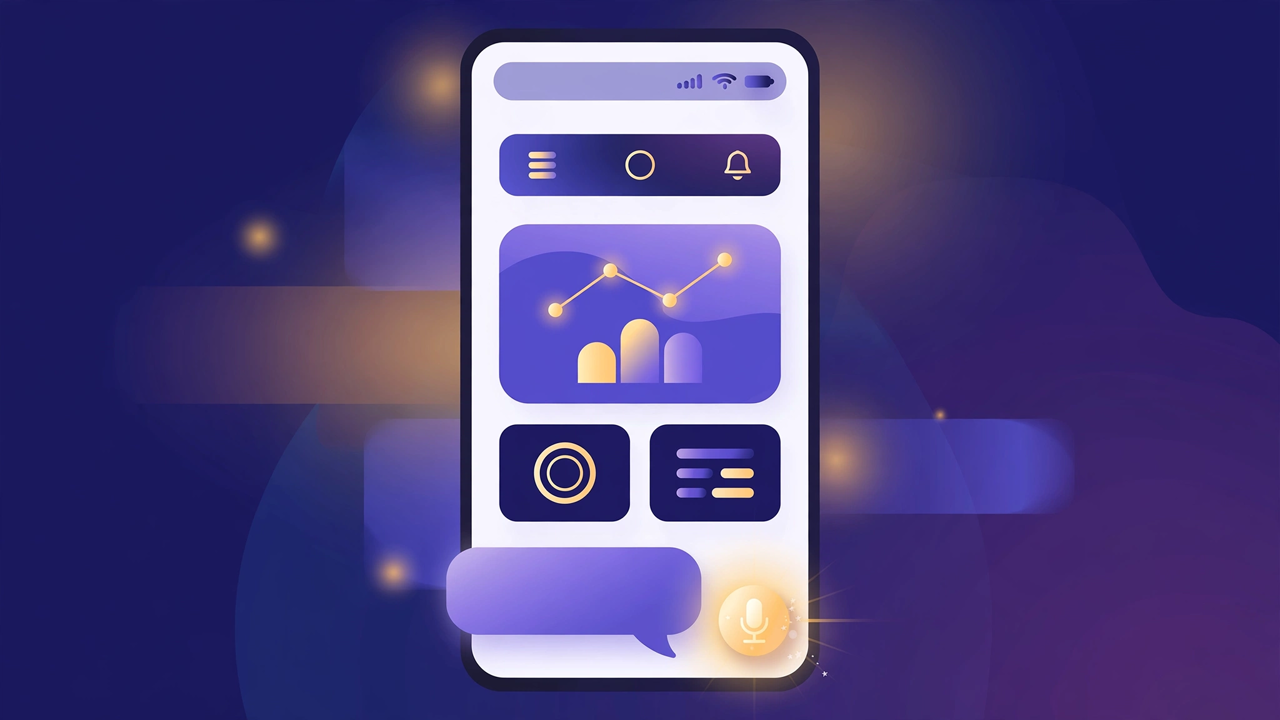
Illustration: a product page on a phone with a quiet chat bubble opening at the bottom and a glowing microphone button beside it

The Silent Magic Helper, on every page

The Silent Magic Helper is now on by default for every CallPages page — existing and new — and its chat sessions are logged as calls, right beside the voice ones.
See how it works →

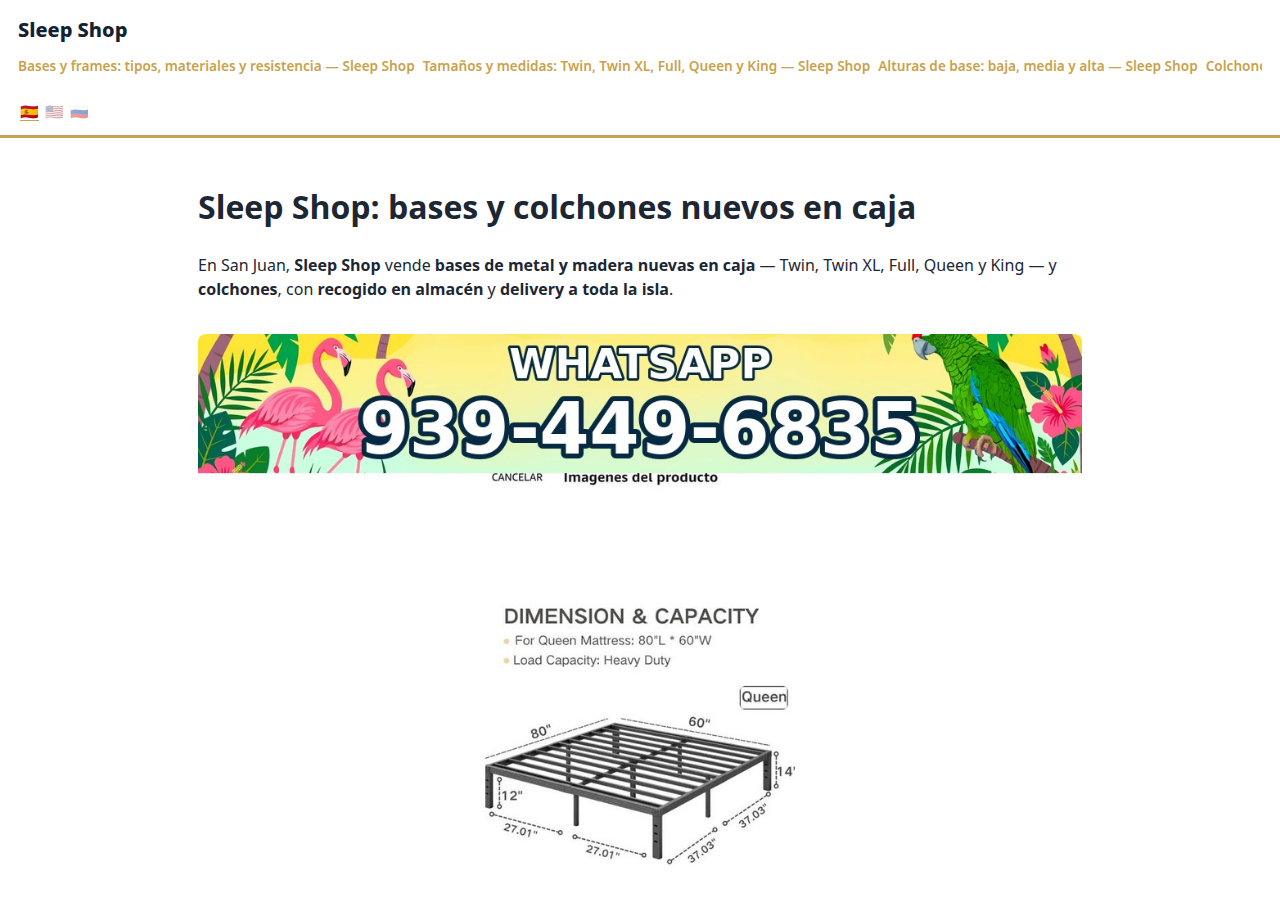
Sleep Shop's website on CallPages in production — the web face of the page that now also carries its own sleep-shop@callpages.me address

Every page gets its own email address

Every CallPages page now has its own email address — <page>@callpages.me — and new pages greet their owners with a welcome email. A page is reachable by call, by web, and by mail.

See how it works →

Illustration: a completed payment card flowing into an envelope, a calendar appointment, and a reminder bell, connected by one glowing path

What happens after the payment, automatically

A payment on CallPages now sets its own follow-through in motion: confirmations and next steps happen on their own, and the owner watches it all land in Activity.
See how it works →

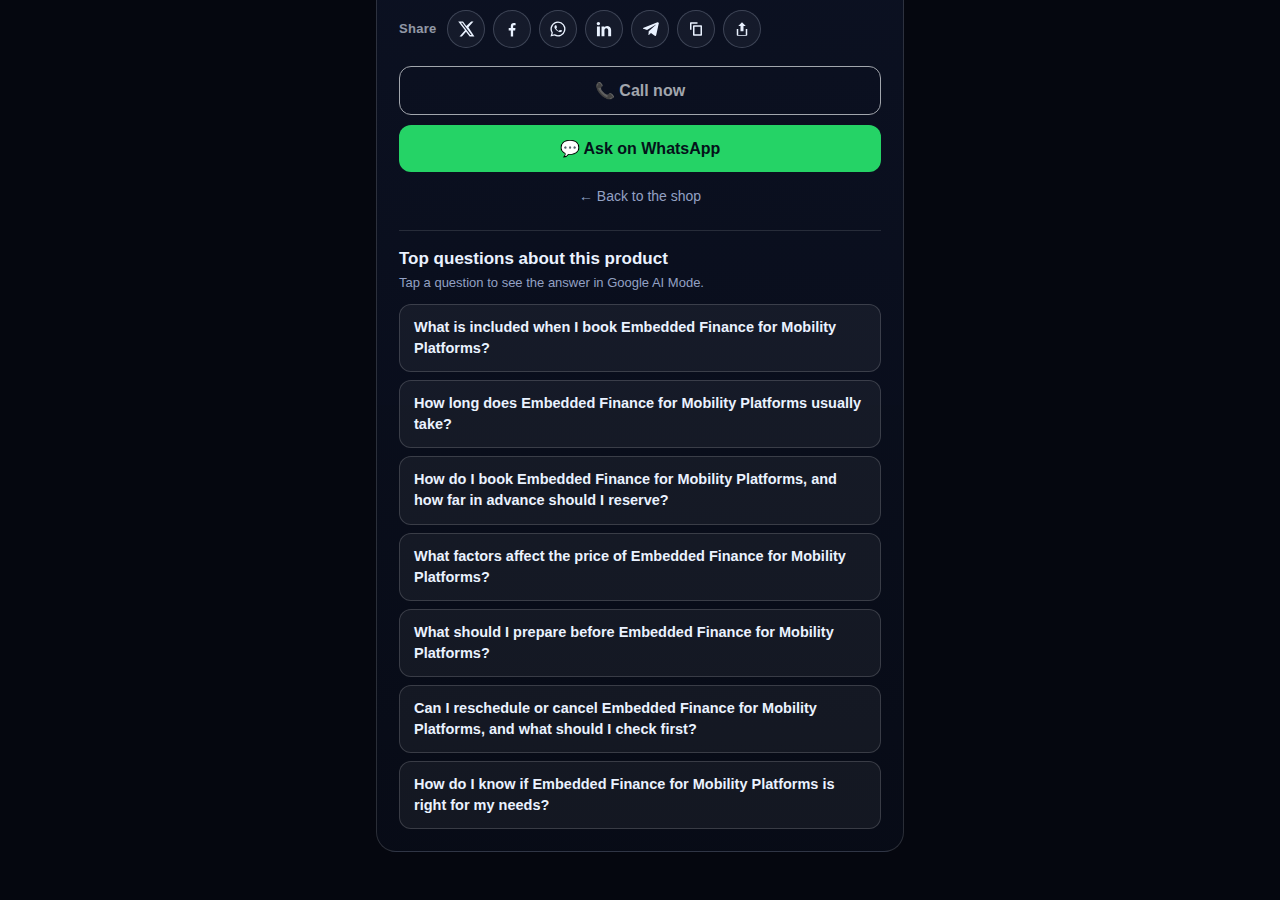
A consulting product page on CallPages whose top questions are about the service itself: what is included, how long it takes, how far ahead to book, and what affects the price

Questions that belong to the product

The questions on a product page are now written from that product itself — its name, its photo, its description — so a consulting session gets consulting questions and a bed frame gets frame questions.
See how it works →

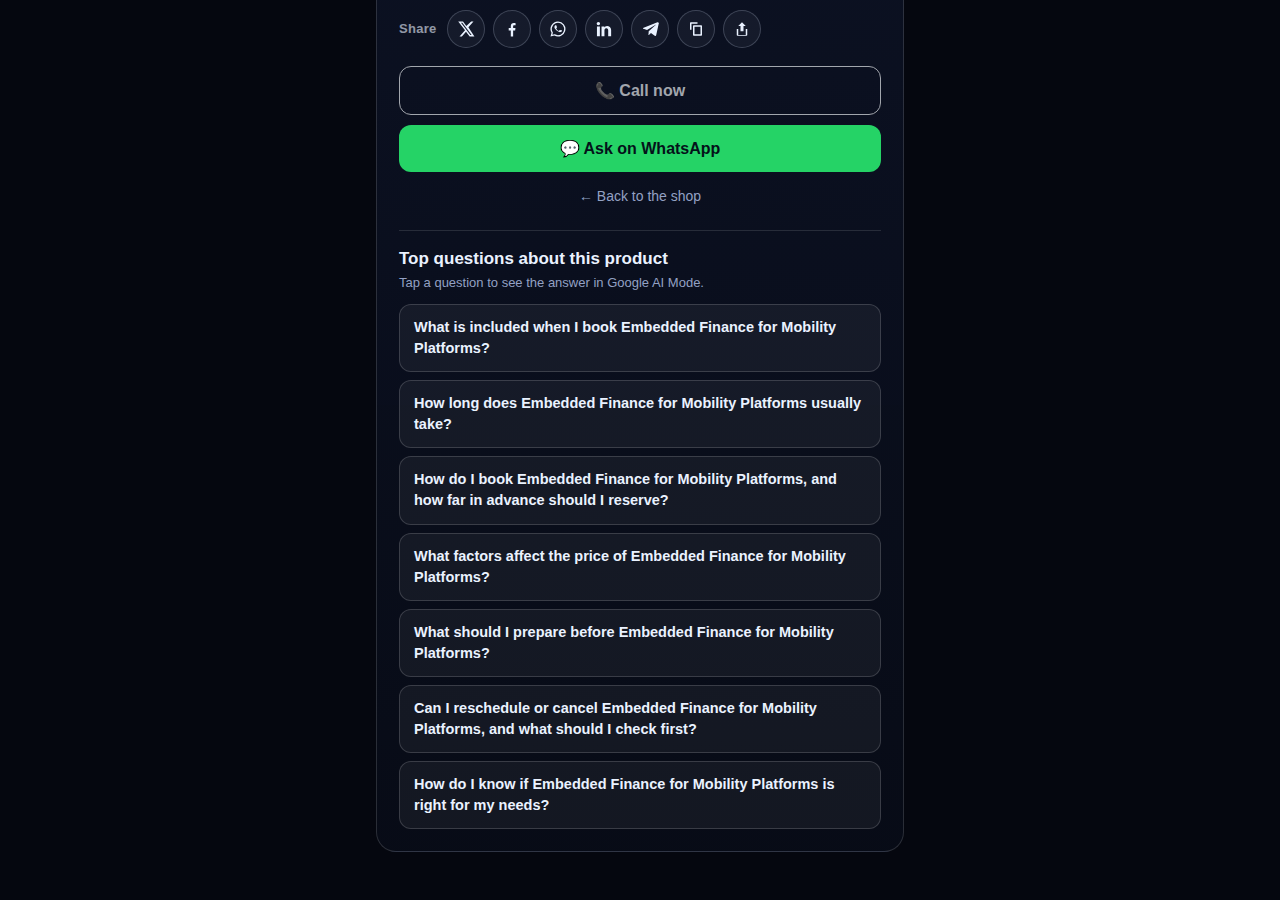
The share row on a live CallPages product page: X, Facebook, WhatsApp, LinkedIn, Telegram, copy-link, and share buttons above the call button

Every page and product, ready to share

Pages and products now carry a proper share row — X, Facebook, WhatsApp, LinkedIn, Telegram, and copy-link — so anything worth finding is one tap from being passed on.

See how it works →

Mi Junta's website on CallPages in production, rendered in the current design generation: clean navigation, clear sections, and the call to action always in reach

WOW Design v2 — and styles that remember

Pages and websites get a new design generation, WOW Design v2, and page styles are now versioned: when a look changes, the old one is kept, not overwritten.

See how it works →

Настоящие страницы · Настоящие товары

Бизнесы, которые уже отвечают с ИИ

Настоящие CallPages, работающие прямо сейчас — с настоящими товарами и настоящими ценами. Нажмите на любую и поговорите с бизнесом сами.
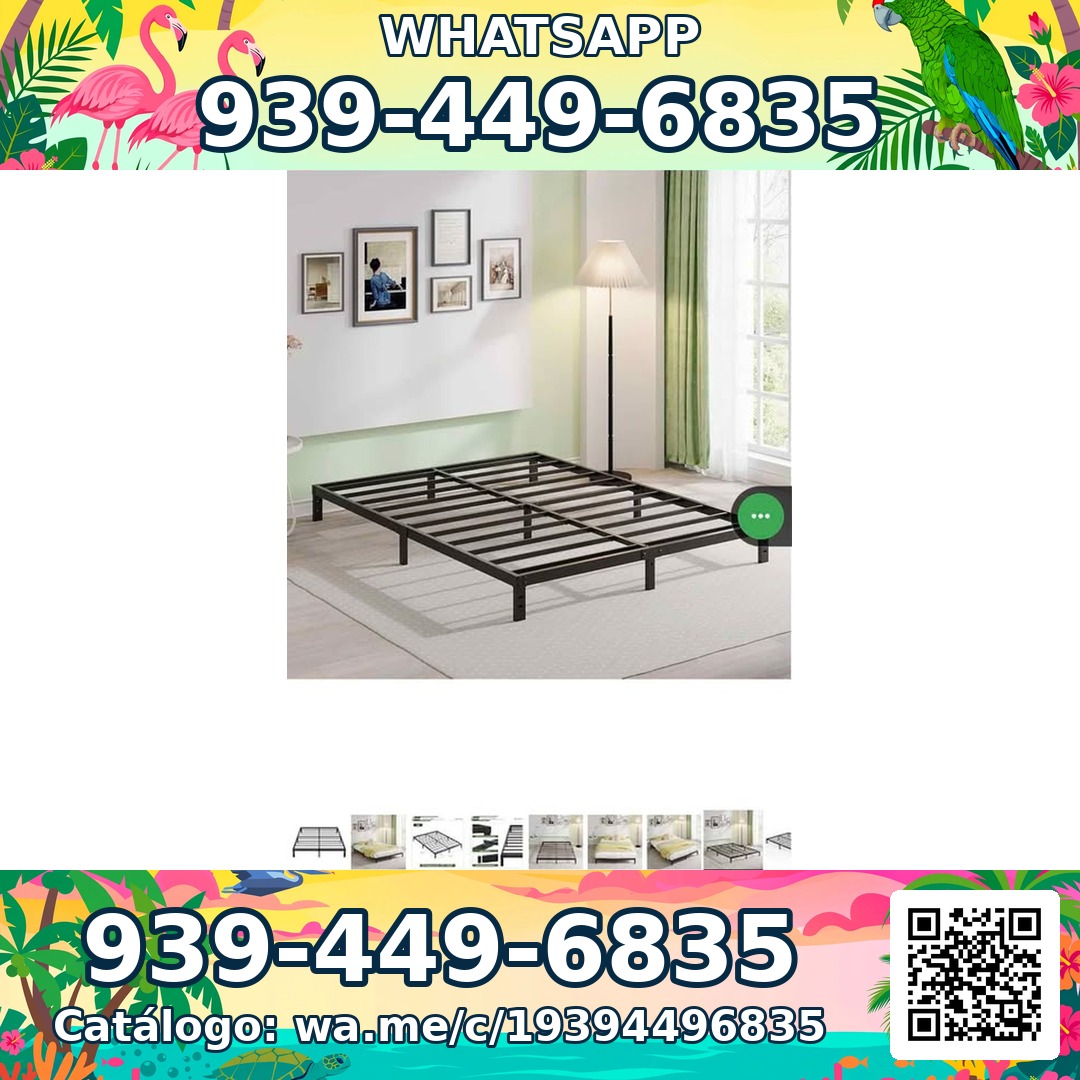
Sleep Shop — a metal bed frame product photo from the live store

Sleep Shop

Каркасы кроватей и матрасы в Сан-Хуане, Пуэрто-Рико — доставка по всему острову примерно за час.

Frame Full 8 Pulgadas — product photoFrame Full 8 Pulgadas 🎁 NUEVO EN CAJA$99
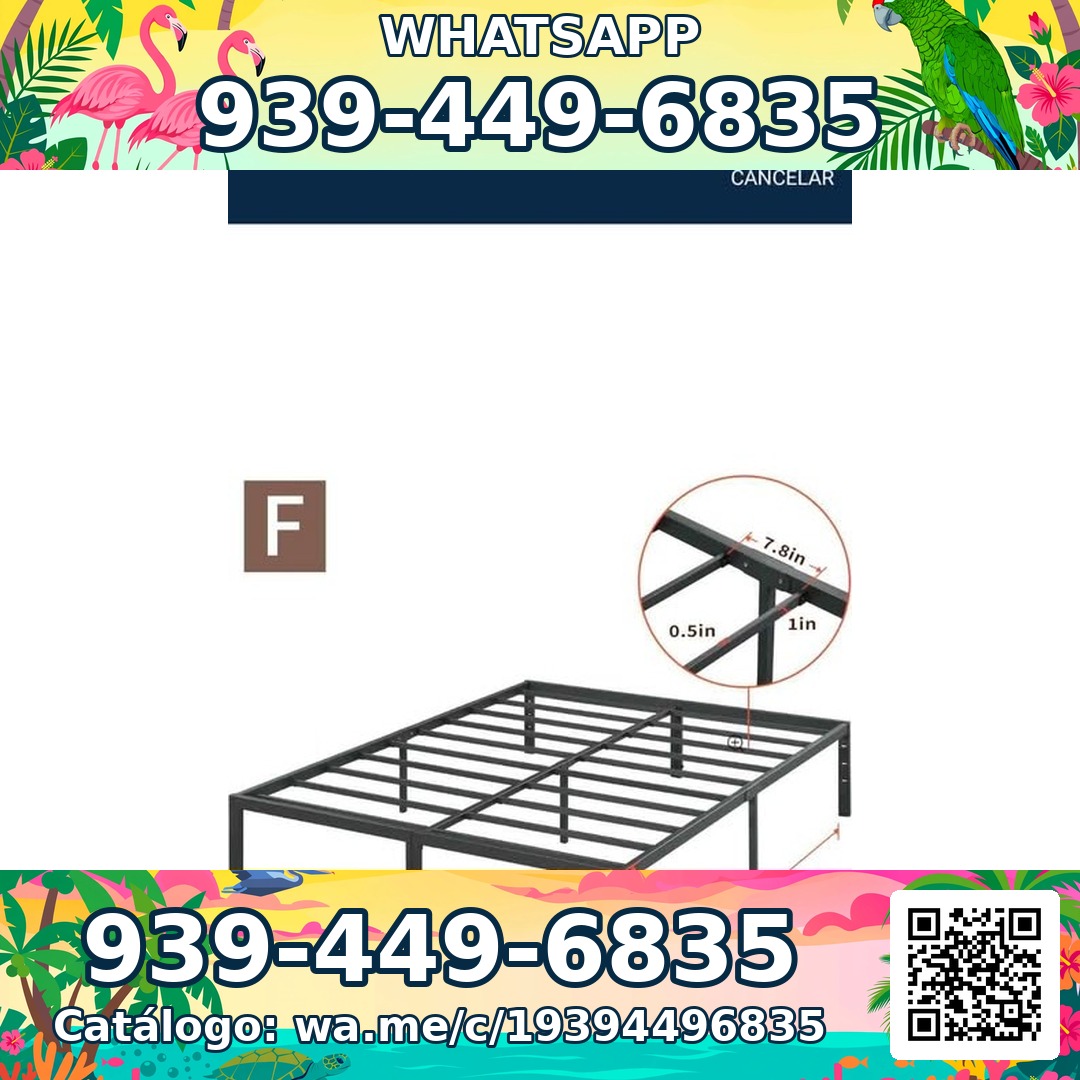
Frame Full 3000 Libras Acero 18 Pulgadas — product photoFrame Full 3000 Libras Acero 18 Pulgadas 💪 📦✨$160
Frame Full Metal Con Cabecera Vintage — product photoFrame Full Metal Con Cabecera Vintage 🎁 NUEVO EN CAJA$180

Mi Junta — advice for condo owners about late HOA dues

Mi Junta

Помощь владельцам кондоминиумов в Пуэрто-Рико, столкнувшимся со штрафами HOA, пенями за просрочку и необъяснимыми начислениями.

Cargos por pago tardío de la cuota de mantenimiento — topic imageCargos por pago tardío de la cuota de mantenimiento (Late Fees on Monthly Dues)$29

Multas por violaciones a las reglas — topic imageMultas por violaciones a las reglas (Rule-Violation Fines)$29

Intereses y recargos acumulados por mora — topic imageIntereses y recargos acumulados por mora (Accumulated Interest & Late Charges)$29

Vasily — executive advisory on future tech and mobility

Vasily — Consulting

Консультации по технологиям будущего, мобильности и продуктовой стратегии — консультационные сессии и глубокие воркшопы.

Executive Advisory Session — session imageExecutive Advisory SessionConsultar
Diligence Sprint — session imageDiligence SprintConsultar
Priority Scheduling — session imagePriority Scheduling$2,000
Ferretería Ramón — construction materials at a San Juan hardware store

Ferretería Ramón

Районный строительный магазин в Сан-Хуане — весь каталог на одной странице, в одном касании от звонка.

Arena de Río — product photoArena de Río

Arena Fina — product photoArena Fina
Cemento (Saco) — product photoCemento (Saco)
Всё включено

Одна страница. Целая телефонная команда.

Каждая страница CallPages включает всё, что нужно, чтобы больше никогда не терять клиентов.

Illustration: a business page living at its own web address

Ваша собственная выделенная ссылка

Каждая страница получает уникальную ссылку, например vashbiznes.callpages.com — разместите её на сайте, в профиле Google, в счетах и соцсетях.
Illustration: two phones with voice waves — a test call to your own page

Тестовые звонки в любое время

Попробуйте свою страницу так, как это сделал бы клиент — нажмите, говорите и услышьте ровно то, что услышат ваши звонящие.
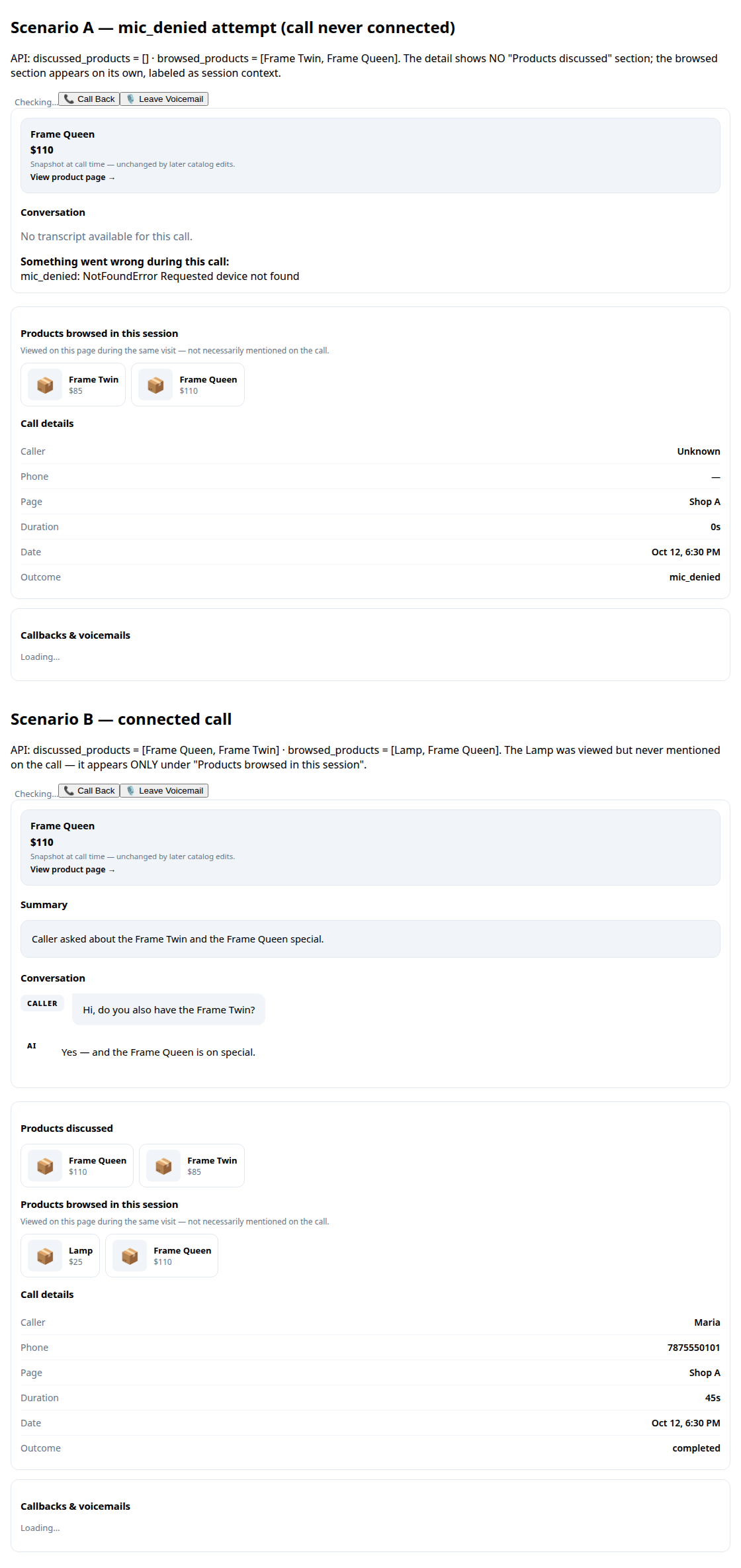
A call record in production: transcript and the products browsed during the call

Расшифровки и резюме

Каждый разговор записывается для вас, с коротким резюме, чтобы за секунды понять, что произошло.
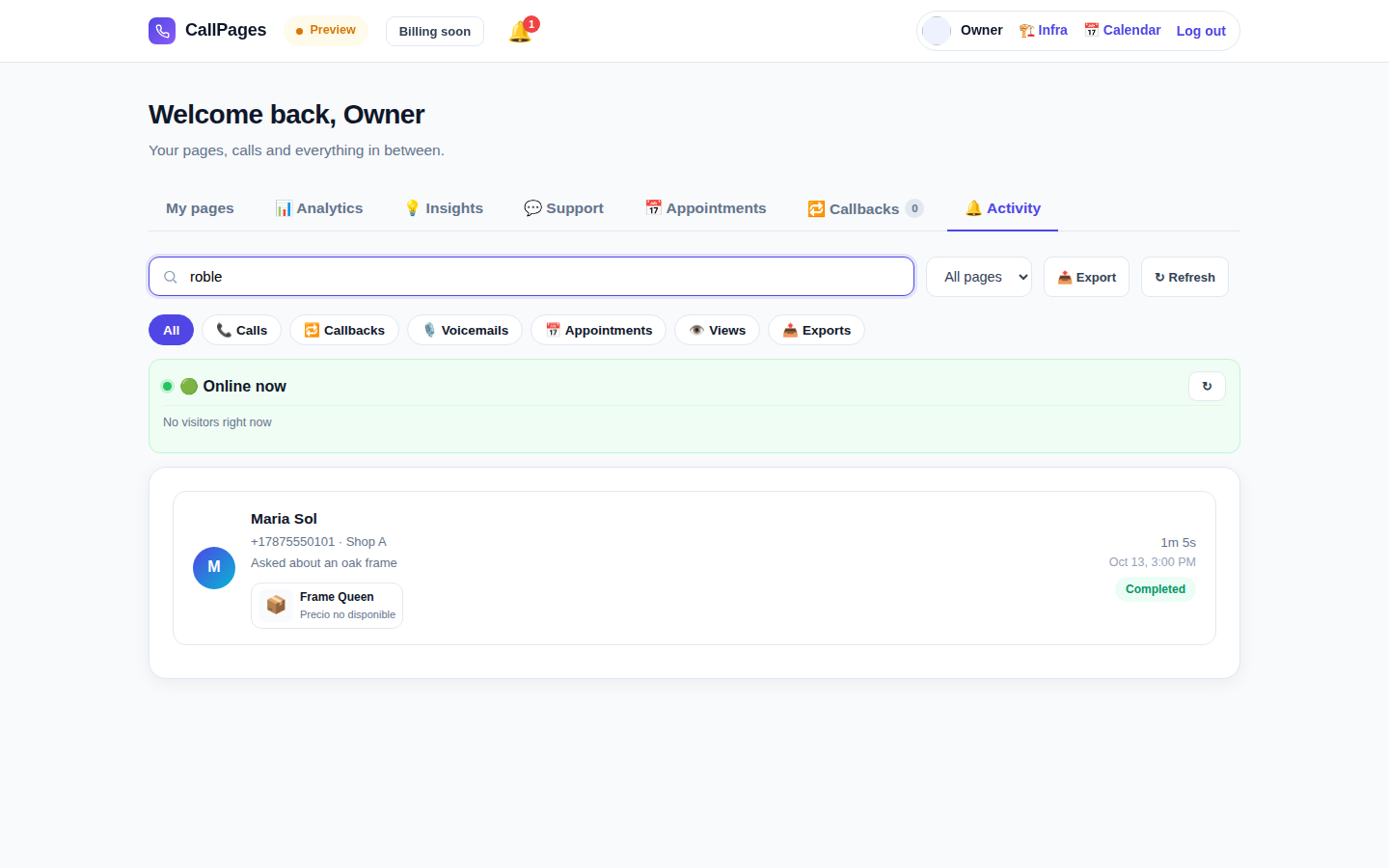
The Activity tab in production: every call, searchable

История звонков с поиском

Найдите любой звонок мгновенно — поиск по имени звонящего, номеру или любому сказанному в разговоре.

Mi Junta's website in production, wearing its own branding

Ваш фирменный стиль

Название вашей компании, ваши цвета, ваше приветствие. Ваша страница выглядит как вы — а не как мы.

Illustration: a merchant with their business dashboard on a phone

Работает на любом телефоне

Звонящие просто открывают ссылку в браузере — iPhone или Android, без установки приложения и без аккаунта.

A product page in production asking questions drawn from the product itself

Знает ваши товары

Загрузите список товаров, и агент назовёт точные цены, ответит на вопросы и порекомендует нужный товар — никогда ничего не выдумает.

Говорит на языке ваших клиентов

Страницы и агент говорят на языках, которые вы выберете — один только этот сайт опубликован на 24 языках.

🇪🇸 🇺🇸 🇫🇷 🇧🇷 🇩🇪 🇮🇹 🇳🇱 🇵🇱 🇷🇺 🇺🇦 🇨🇳 🇯🇵 🇰🇷 🇸🇦 🇮🇳 🇹🇷 🇮🇩 🇻🇳 🇹🇭 🇵🇭 🇧🇩 🇮🇷 🇸🇪 🇬🇷

Цены

Один план. Просто.

Всё включено в один план. Добавляйте страницы по мере роста бизнеса.

CallPages
$29/месяц за страницу

Минуты ИИ для каждой страницы, каждый месяц

  • Ваша собственная страница звонка по клику в вашем фирменном стиле
  • Минуты ИИ включены для каждой страницы — честное использование
  • Безлимитные звонящие, расшифровки и резюме
  • Запросы обратного звонка, отправляемые вам по электронной почте
  • Отмена в любое время — без контрактов и платы за настройку
Начать — Войти через Google
Безопасная оплата · Отмена в любое время
FAQ

Вопросы и ответы.

Простые ответы, без технического жаргона.

Нужен ли мне номер телефона, чтобы это работало?
Нет. CallPages вообще не использует вашу телефонную линию. Клиенты открывают ссылку вашей страницы в браузере и говорят напрямую — это как телефонный звонок, но происходит в вебе. Вам не нужно покупать, переносить или обслуживать какой-либо номер телефона.
На каких языках говорит ИИ?
Этот сайт опубликован на 24 языках — нажмите флаг вверху, и всё переключится. Ваша страница говорит на языках, которые вы для неё выберете: ИИ приветствует звонящих и ведёт весь разговор на этом языке, а страница может работать сразу на нескольких языках.
Как на самом деле работают звонки?
Вы делитесь ссылкой на страницу где угодно — на сайте, в профиле Google Business, в счетах, в соцсетях. Клиент нажимает ссылку, нажимает кнопку звонка и начинает говорить в браузере. ИИ отвечает мгновенно, 24/7. После звонка вы получаете в панели полную расшифровку и короткое резюме.
Что считается минутой ИИ?
Одна минута ИИ — это одна минута живого разговора с вашим ИИ. Каждая страница включает минуты ИИ для живых разговоров — большинство малых предприятий даже близко не подходят к лимиту честного использования.
Могу ли я отменить в любое время?
Да. Никаких контрактов и штрафов за отмену. Управляйте подпиской из панели в один клик, а ваши страницы останутся активны до конца расчётного периода.

Поделиться CallPages

Знаете бизнес, который постоянно пропускает звонки? Передайте дальше.

Поделиться
/* public/theme-switcher.js — LANE 4 top-fixed theme switcher (Vasily, 2026-10-23). * * A floating pill, always visible at the very top of the page, with three * segments: Lame White / Current / Acid. Zero friction, unlimited changes. * - Instant: swaps + localStorage("cp-theme") immediately. * - Owner mode (dashboard, data-theme-mode="owner"): also persists to the * account in D1 via POST /api/owner/theme (fire-and-forget; the UI * never waits for the network). * - Visitor mode (public pages, data-theme-mode="visitor"): local only — * the visitor plays with themes without affecting anyone. * * Inlined into dashboard/dialer/landing/my-callpage by build.js at the * theme-switcher placeholder (plain script, no modules, no deps). * Unit-tested in node with stubbed DOM (src/theme-switcher.test.js). */ (function () { "use strict"; var THEMES = [ { id: "lame-white", label: "Lame White" }, { id: "current", label: "Current" }, { id: "acid-v1", label: "Acid" }, ]; var KEY = "cp-theme"; var MOUNT_ID = "cpThemeSwitcher"; function norm(v) { if (v === "lame-white" || v === "current" || v === "acid-v1") return v; if (v === "dark") return "current"; // legacy migration if (v === "light") return "lame-white"; // legacy migration return null; } function getMode(doc) { var m = doc.documentElement.getAttribute("data-theme-mode"); return m === "owner" ? "owner" : "visitor"; } function currentTheme(doc, ls) { var t = null; try { t = norm(ls.getItem(KEY)); } catch (e) {} if (!t) t = norm(doc.documentElement.getAttribute("data-theme")); return t || "current"; } function applyTheme(id, doc, ls) { id = norm(id) || "current"; doc.documentElement.setAttribute("data-theme", id); try { ls.setItem(KEY, id); } catch (e) {} return id; } function persistOwnerTheme(id, fetchFn) { // Fire-and-forget: the UI already applied instantly; a failed save // just means the next load falls back to the previous account theme. try { var p = fetchFn("/api/owner/theme", { method: "POST", headers: { "Content-Type": "application/json" }, body: JSON.stringify({ theme: id }), }); if (p && typeof p.catch === "function") p.catch(function () {}); } catch (e) {} } function setTheme(id, doc, ls, fetchFn) { id = applyTheme(id, doc, ls); if (getMode(doc) === "owner" && typeof fetchFn === "function") { persistOwnerTheme(id, fetchFn); } syncPill(doc, id); return id; } function syncPill(doc, activeId) { var pill = doc.getElementById(MOUNT_ID); if (!pill) return; var btns = pill.querySelectorAll ? pill.querySelectorAll("button[data-theme-id]") : []; for (var i = 0; i < btns.length; i++) { var b = btns[i]; var on = b.getAttribute("data-theme-id") === activeId; b.setAttribute("aria-pressed", on ? "true" : "false"); } } function render(doc, ls, fetchFn) { var mount = doc.getElementById(MOUNT_ID); if (!mount) { mount = doc.createElement("div"); mount.id = MOUNT_ID; (doc.body || doc.documentElement).appendChild(mount); } // Rebuild idempotently. while (mount.firstChild) mount.removeChild(mount.firstChild); var pill = doc.createElement("div"); pill.className = "cp-theme-switcher"; pill.setAttribute("role", "group"); pill.setAttribute("aria-label", "Theme"); var label = doc.createElement("span"); label.className = "cp-ts-label"; label.setAttribute("title", "Prueba los temas — cambia el look al instante"); label.textContent = "🎨 Temas"; pill.appendChild(label); THEMES.forEach(function (t) { var b = doc.createElement("button"); b.type = "button"; b.setAttribute("data-theme-id", t.id); b.setAttribute("aria-pressed", "false"); b.title = t.label; b.textContent = t.label; b.addEventListener("click", function () { setTheme(t.id, doc, ls, fetchFn); }); pill.appendChild(b); }); mount.appendChild(pill); syncPill(doc, currentTheme(doc, ls)); } function init(doc, ls, fetchFn) { render(doc, ls, fetchFn); } var api = { THEMES: THEMES, KEY: KEY, MOUNT_ID: MOUNT_ID, norm: norm, getMode: getMode, currentTheme: currentTheme, applyTheme: applyTheme, setTheme: setTheme, syncPill: syncPill, render: render, init: init, }; // Safe storage: localStorage throws on opaque origins (file://, about:blank // in tests) — fall back to an in-memory shim so the pill always renders. function safeStorage(win) { try { var ls = win.localStorage; ls.getItem("__cp_probe__"); return ls; } catch (e) { var mem = {}; return { getItem: function (k) { return Object.prototype.hasOwnProperty.call(mem, k) ? mem[k] : null; }, setItem: function (k, v) { mem[k] = String(v); }, removeItem: function (k) { delete mem[k]; }, }; } } // Browser: auto-mount (the early script already set data-theme). if (typeof document !== "undefined" && typeof window !== "undefined") { var boot = function () { try { init(document, safeStorage(window), window.fetch.bind(window)); } catch (e) {} }; if (document.readyState === "loading") { document.addEventListener("DOMContentLoaded", boot); } else { boot(); } window.cpSetThemeId = function (id) { return setTheme(id, document, safeStorage(window), window.fetch.bind(window)); }; window.cpThemeSwitcher = api; } // node (unit tests). if (typeof module !== "undefined" && module.exports) { module.exports = api; } })();