Nuevo — tu agente telefónico con IA está en vivo en 3 minutos

Tu negocio contesta cada llamada — con IA

Crea una página de llamada con IA para tu negocio en 3 minutos. Tus clientes tocan un enlace y empiezan a hablar. Tú recibes la transcripción, el resumen y la devolución de llamada.

Minutos de IA incluidos cada mes · Sin necesidad de número de teléfono · Cancela cuando quieras

Tu negocio
¿Preguntas? Solo toca y habla.

Nuestro asistente contesta al instante — precios, disponibilidad, citas y más.

Llamada en vivo — 02:14
Cliente
“¿Tienen espacio este jueves?”
Asistente
“¡Sí! Tengo 10:30 AM y 2:00 PM. ¿Cuál te conviene?”
Toca para hablar
Todo lo que tu página puede hacer — desde la primera pantalla

Llamadas de voz con IA, 24/7

Tus clientes tocan tu enlace y hablan en su navegador — sin número de teléfono, sin app, sin esperar en línea. Tu agente de voz con IA contesta al instante, de día o de noche.

Reserva citas dentro de la llamada

A mitad de la conversación, tu agente ofrece horarios reales y reserva la cita dentro de la llamada — y luego los recordatorios y confirmaciones se encargan solos.

Una tienda que sigue abierta durante la llamada

Tus productos y colecciones — cada colección con su propio enlace — se pueden seguir explorando en la tienda durante la llamada, mientras el agente aconseja sobre lo que el cliente está viendo, en tiempo real.

Conoce tus productos al dedillo

Tu agente cita tus precios y detalles exactos de tu propio catálogo y recomienda el producto correcto — nunca inventa un precio.

Cada llamada, guardada y buscable

Transcripciones, resúmenes y analíticas de cada conversación, en un solo feed de Actividad — encuentra cualquier llamada por nombre, número o cualquier cosa que se haya dicho.

Multilingüe desde el primer saludo

Este sitio web habla 24 idiomas, y tu página también puede: un toque en una banderita cambia el idioma, para que cada visitante sea recibido en el suyo.

El camino al futuro

Hacia dónde van las llamadas de negocio

Antes, cada negocio perdía las llamadas que no podía contestar. Luego el teléfono se convirtió en un enlace. Ahora el enlace responde — y vende.

Ayer — la llamada perdida

Un cliente llama fuera de horario, escucha el timbre sin respuesta, y le compra al primero que conteste. El negocio ni se entera de que pasó.
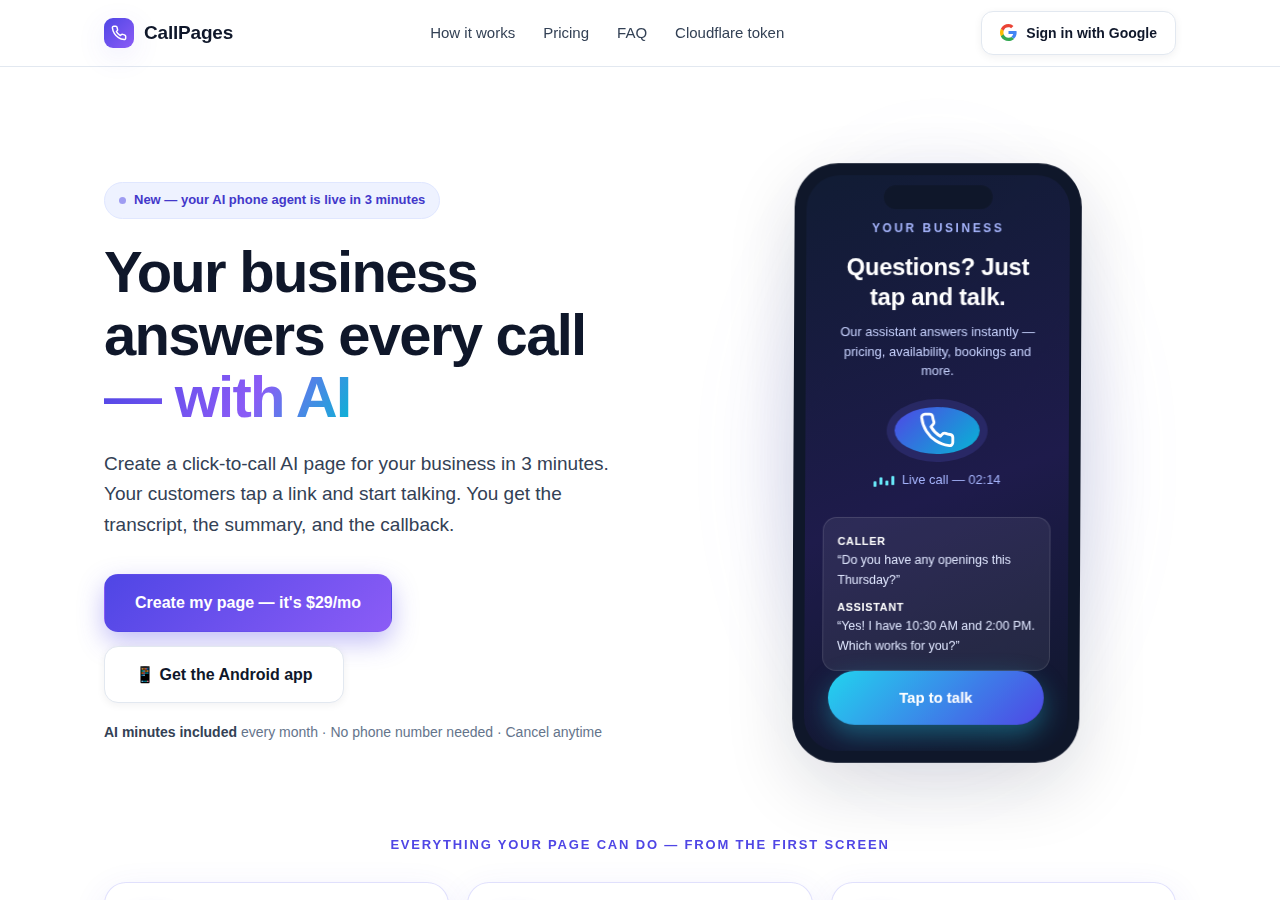
The CallPages home page: a business answering a live AI call on a phone

Hoy — la página que contesta

Tu CallPage contesta al instante, 24/7: habla, cita tus precios reales, reserva la cita dentro de la llamada, y te deja la transcripción y el resumen.
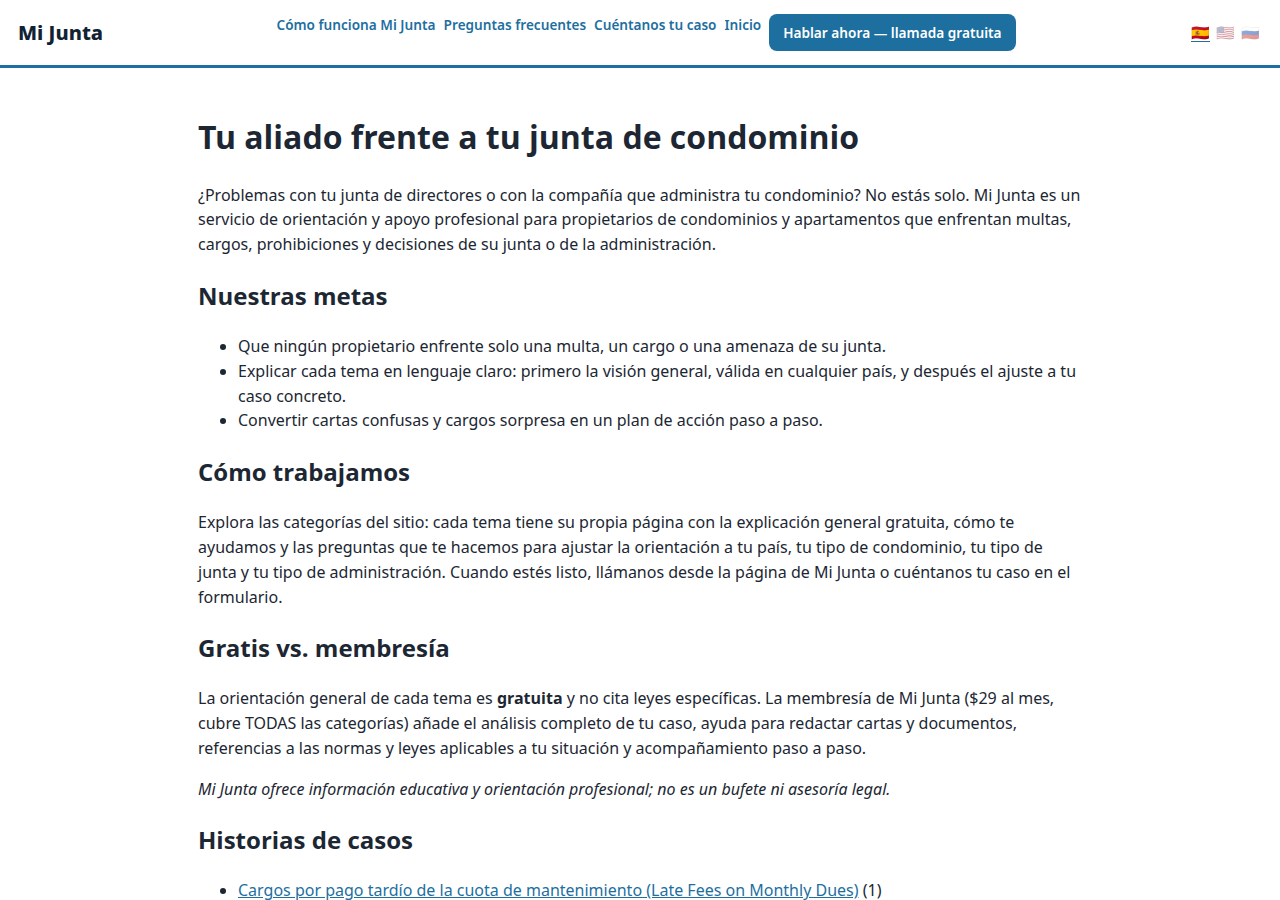
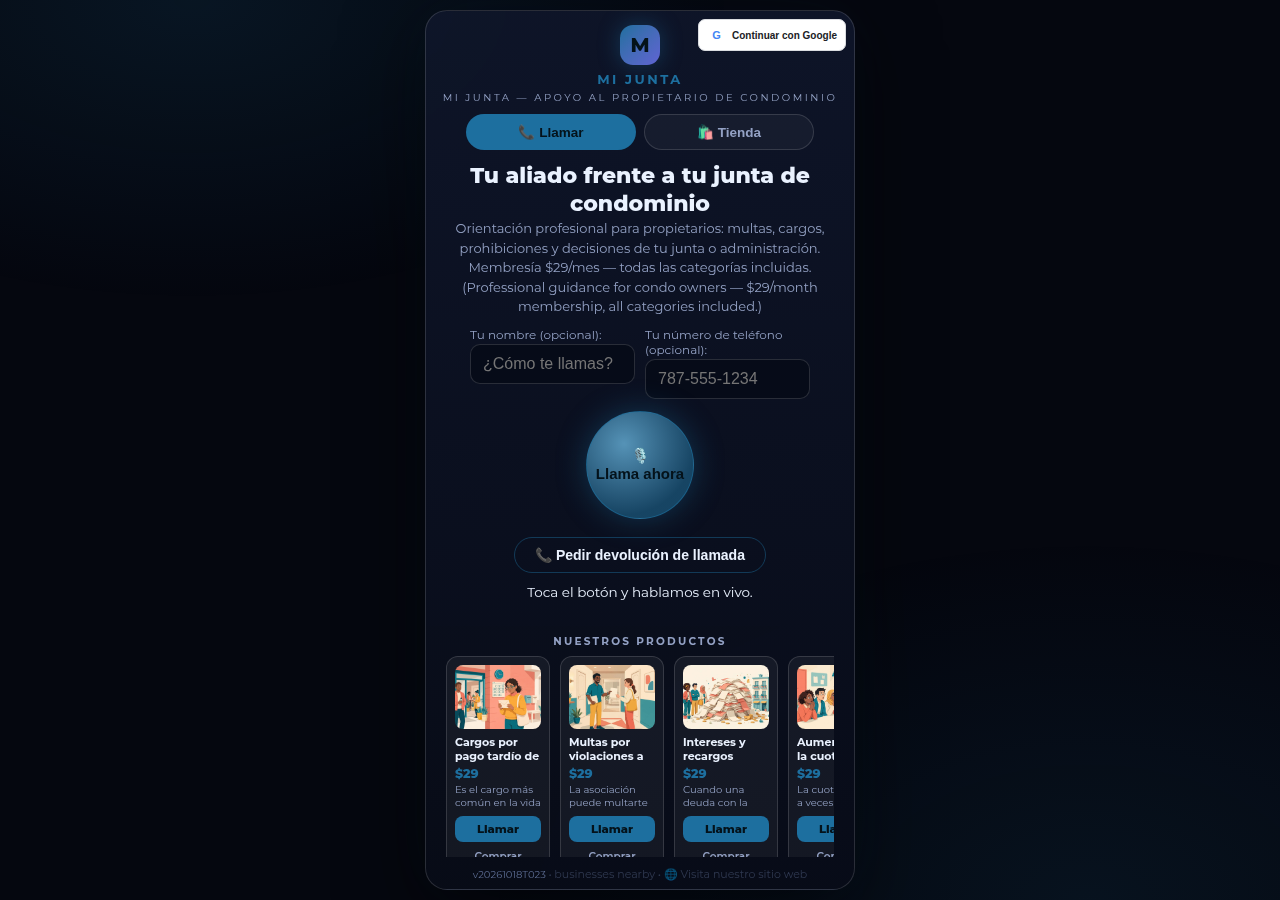
A real business website on CallPages — Mi Junta — with its store and call button in reach

Mañana — el agente que hace crecer el negocio

El mismo agente da seguimiento, confirma, recuerda y se aprende tu catálogo al dedillo — una recepción que nunca duerme, en los idiomas de tus clientes.

Demo en vivo
● DEMO EN VIVO

No nos creas a nosotros — habla con una

Esta es una CallPage real, en vivo en esta misma página: Mi Junta, un servicio de asesoría para propietarios de condominios en Puerto Rico. Chatea con su ayudante, o toca el botón de llamar y habla — el agente habla primero, y puedes solo escuchar: nunca necesitas micrófono para empezar.

Abrir la página de la demo →

Las llamadas de la demo son llamadas reales con una CallPage real — por favor sé amable, la transcripción le llega al dueño de la página.

Cómo funciona

En vivo en tres pasos. De verdad.

Sin equipos, sin llamadas de instalación, sin nada técnico. Si puedes llenar un formulario, puedes hacer esto.

1

Entra con Google

Un clic con tu cuenta de Google. Sin contraseñas que recordar, sin cuentas que administrar.

~30 segundos
2

Describe tu negocio

Dile a la IA qué haces, qué vendes y cómo saludas a quienes llaman — en palabras simples. Elige una voz y un color de marca.

~2 minutos
3

Comparte tu enlace

Recibe el enlace de tu página. Los clientes lo tocan en cualquier teléfono y empiezan a hablar — al instante, como una llamada, en su navegador.

Listo
What's new · Novedades

Release notes — Oct 22 · Blog · Learning Center
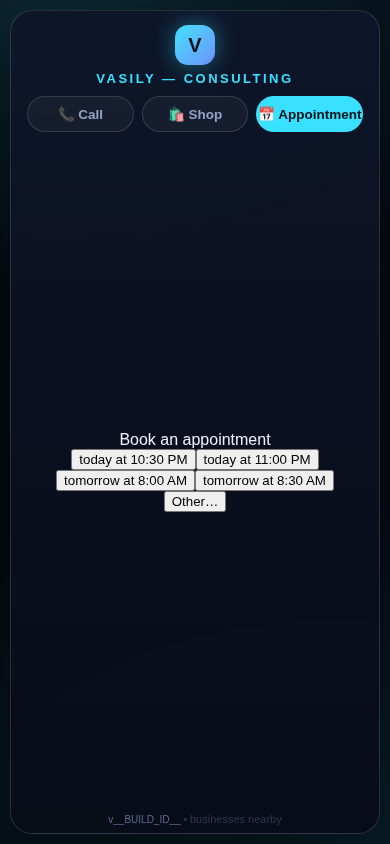
The in-call appointment slot picker on a CallPages page, showing open time slots computed from the page's own appointment book

Appointments belong to CallPages: booking works on every page, Google Calendar only syncs

CallPages' own appointment system is now the system of record on every page: booking is on by default everywhere, and a Google Calendar is only a sync target — never a gate.
See how it works →

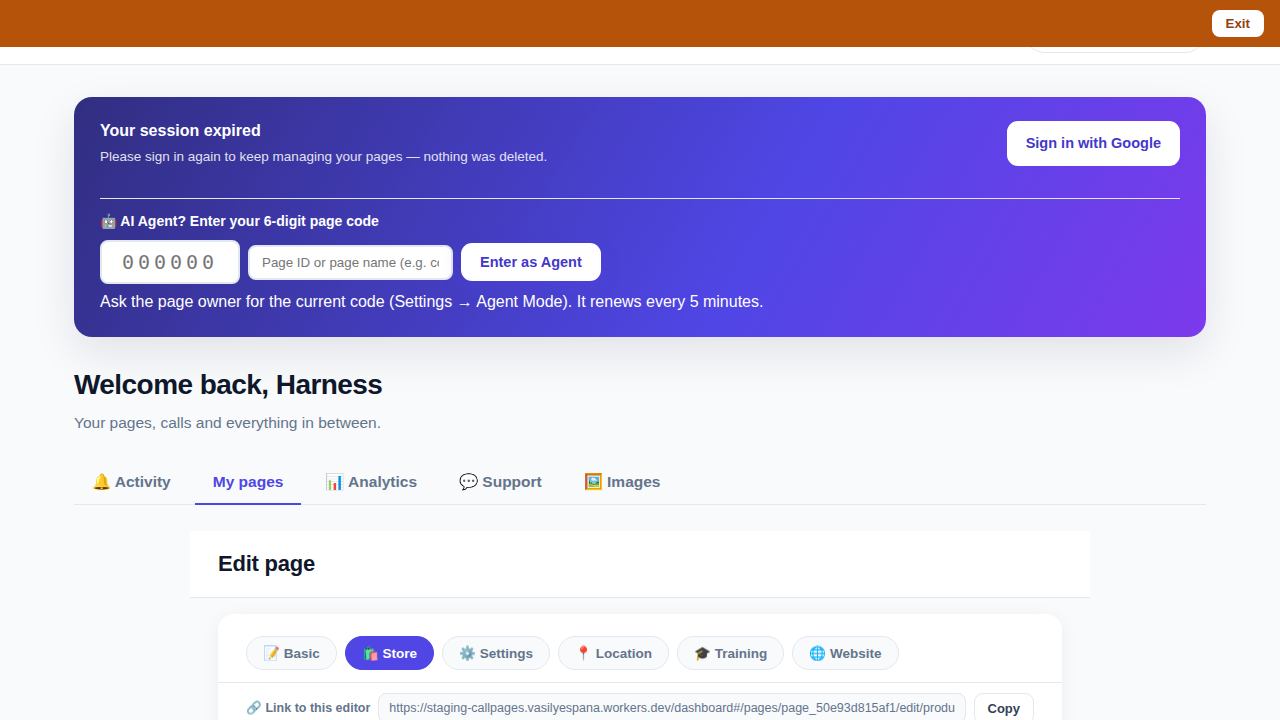
The CallPages dashboard with a page's product editor open and the bookmarkable editor link row visible above the product list

Bookmark the editor: deep links into your page, and a light My Pages landing

Every editor tab in the CallPages dashboard now has its own bookmarkable link that survives sign-in, and the dashboard opens on the light My Pages list instead of the heavy Activity feed.
See how it works →

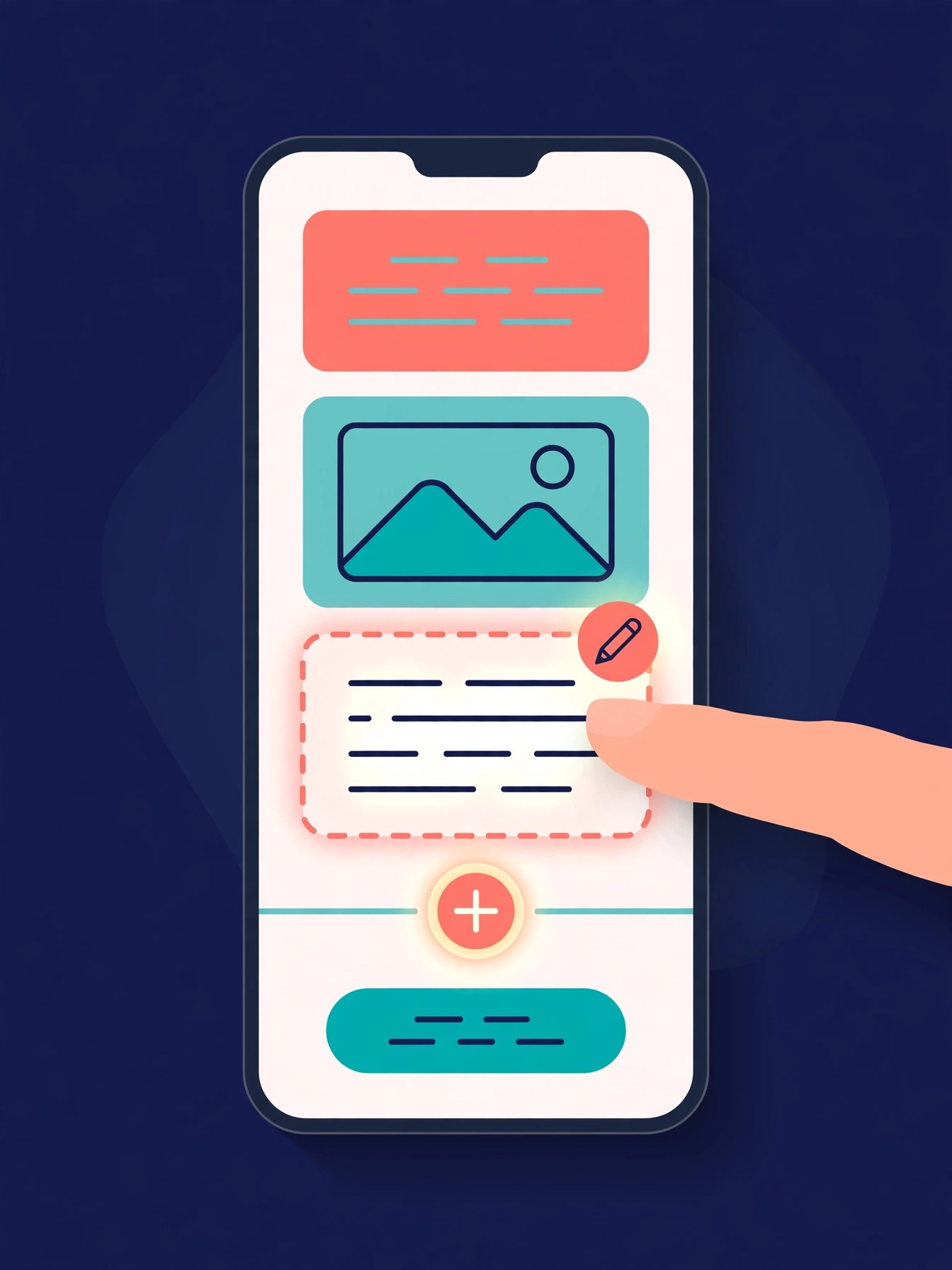
Illustration: a phone showing a website page as stacked blocks — heading, photo, text — with one text block tapped and outlined for editing, a pencil badge, and a glowing + divider between blocks above a button block

The friendly website editor: edit your site exactly as your visitors see it

The Website Studio's block editor is now fully visual: blocks render as the published page itself, you click any block to edit it in place, and a + divider between blocks opens a six-type picker — no Markdown, no guessing.
See how it works →

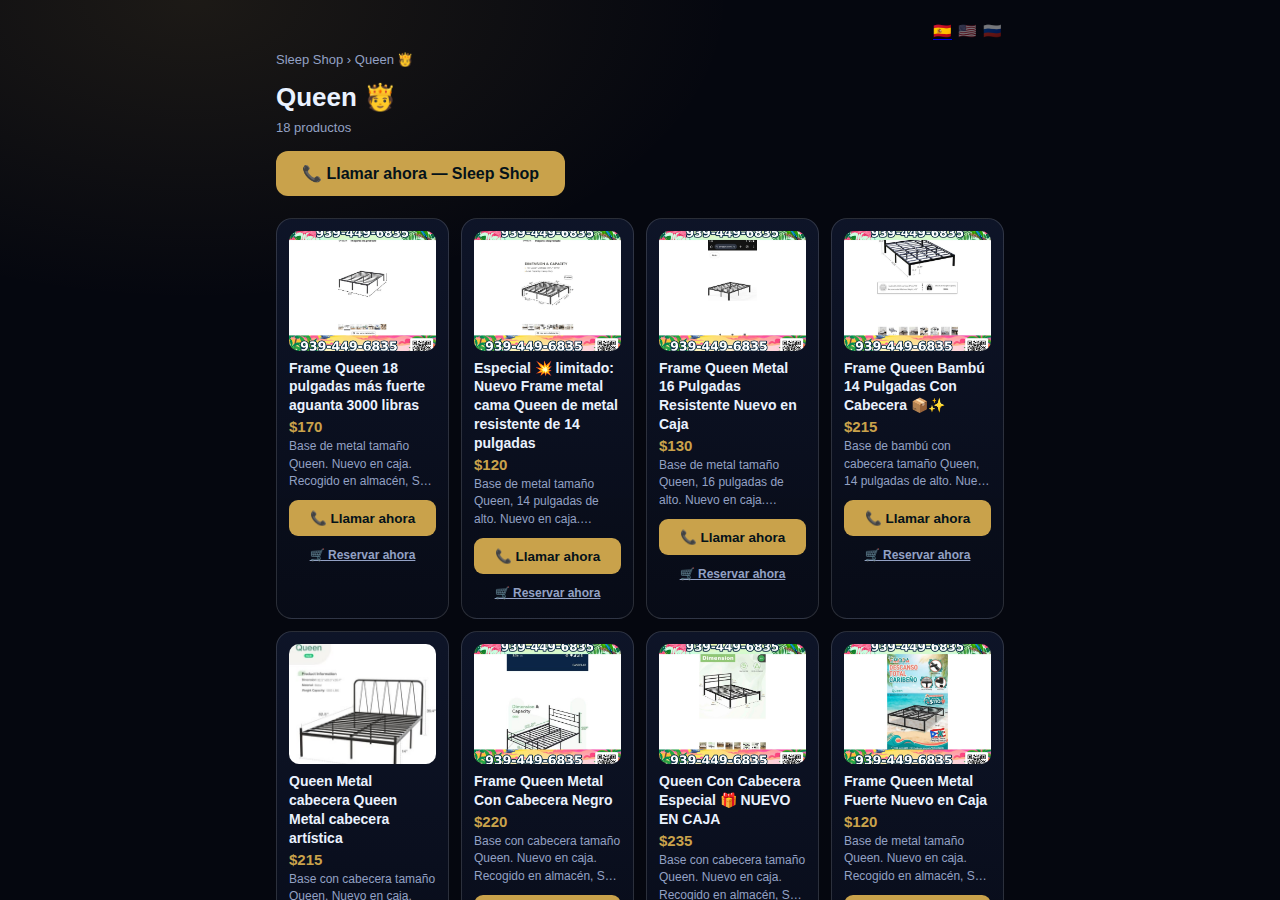
A collection page on CallPages: the Queen collection of a San Juan bed-frame shop at its own /c/queen address, with its products as cards

Collections get their own URLs — and their own place in search

Every collection on a CallPages page now lives at its own address — /p/<page>/c/<collection> — with its own title, description, canonical URL, structured data, and a spot in the page sitemap.
See how it works →

A CallPages page whose store stays browsable during a call: products the customer can tap while the voice agent advises on what they are viewing

The call that lets customers keep shopping

During a CallPages call, customers can tap any product and keep browsing the store — inside the call. The voice agent sees what they're looking at in real time and advises on the item in front of them.

See how it works →

Appointments that follow up by themselves

Booked appointments now manage themselves: a reminder two hours before, confirmation required one hour before, and a private manage page per appointment where the customer can confirm, cancel, or reschedule.
See how it works →

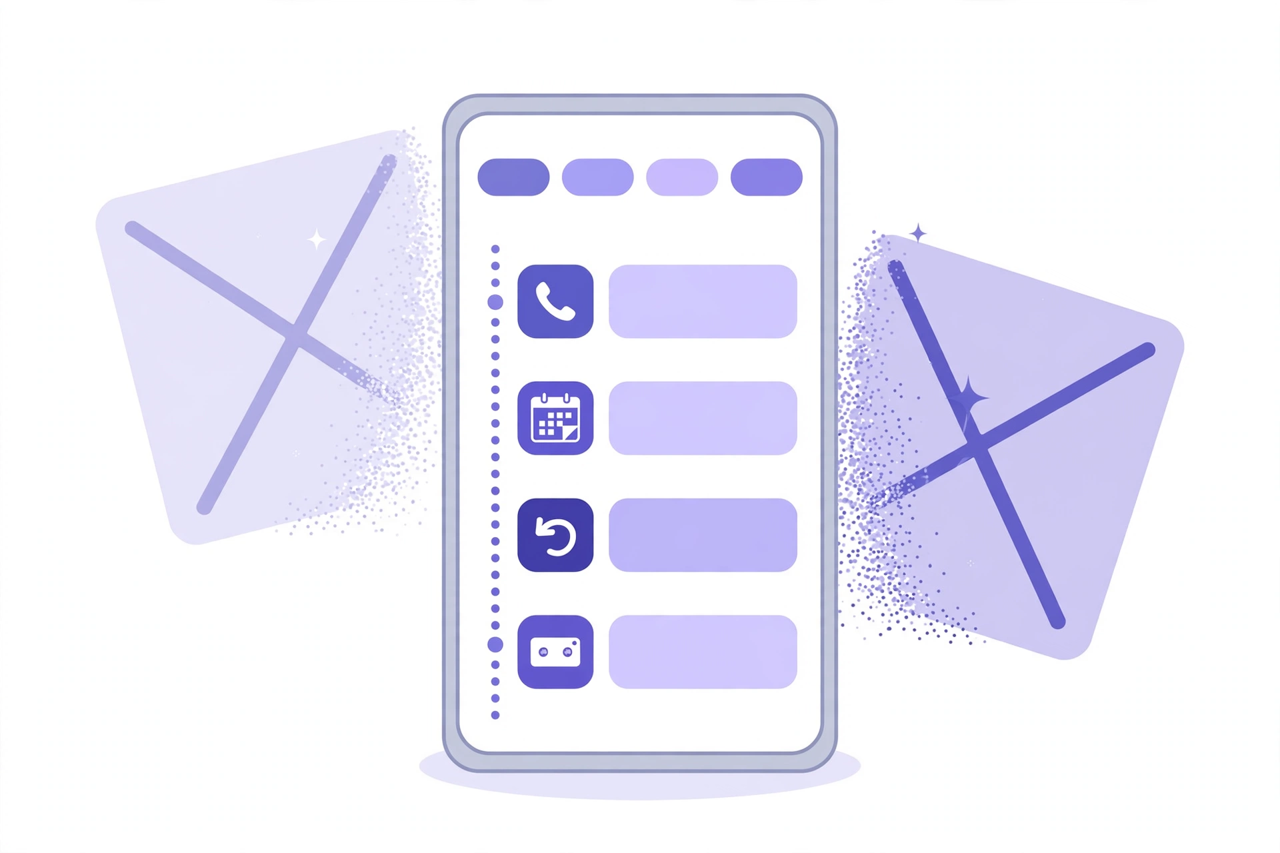
Illustration: a phone showing one unified Activity feed — call, appointment, callback and voicemail rows under filter chips — while two crossed-out separate tabs dissolve behind it

Callbacks and appointments moved in: Activity holds everything now

The dashboard shed two tabs. Callbacks and Appointments/Calendar now live inside Activity at full power — the callback queue, the calendar, Google Calendar — behind the chips you already use.
See how it works →

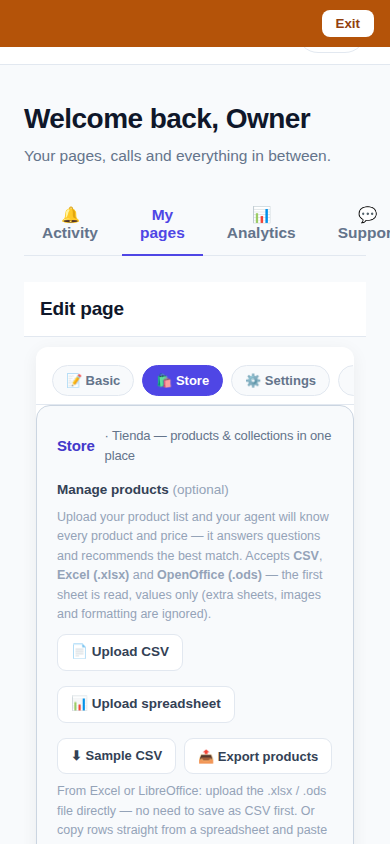
The page editor on a phone with the single Store tab selected: 'Tienda — products & collections in one place'

One Store tab: collections and products, edited together

The Store tab now holds everything: collections on top, products edited right inside them, reorder by drag or arrows — and every change autosaves. No second editor, no Save button.
See how it works →

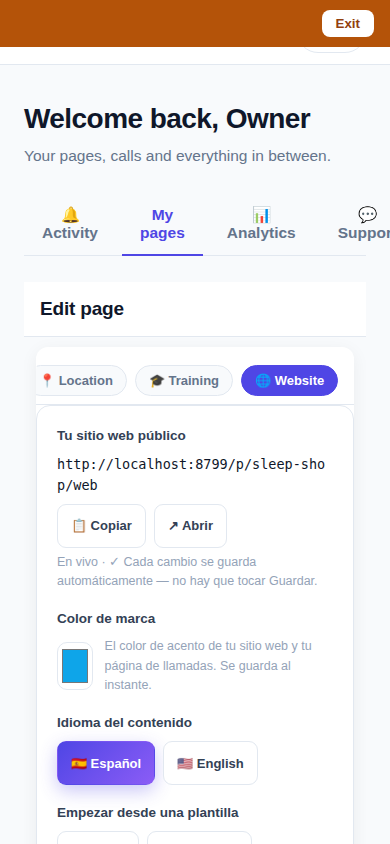
The Website Studio page list on a phone: authored pages grouped by path with per-language published and draft chips

Website Studio: build your whole site from your phone

Every page now has a Website Studio: create your site's pages from templates, edit them block by block, add photos, preview drafts privately, publish when ready — right in the dashboard.

See how it works →

A dashboard header that holds only your account. The dashboard's top bar was de-cluttered: feature shortcuts moved into their own tabs where they belong, and the top-right now holds a single account menu. As a bonus, the plan pill finally tells the truth about your plan. Learn more

Guide agents now know every member of their guide. A city guide's voice agent now carries a complete digest of every member business — names, areas, categories, signature items with real prices, hours and phones — and never claims not to know a business its own guide lists. Learn more

Product pages now answer themselves in Google AI Mode. Every product page can end with a questions section — real questions about that product, each one a tap away from asking Google AI Mode, which answers from the product's own published facts. Learn more

Delete that actually deletes — and a Hide that keeps selling. Deleting a product in the dashboard now removes it for real, the moment you tap. And a new Hide turns the product's page into an honest 'Agotado' with similar products instead of a dead end. Learn more

Release notes — Oct 19 · Blog · Changelog · Learning Center · Learning Center

Illustration: an abstract admin console with owner and customer account cards side by side, a magnifier, and a settings gear

One console for every account

The CallPages admin console now shows page owners and consumer accounts side by side, lets an admin step into any account to help, and edit any page's settings.
See how it works →

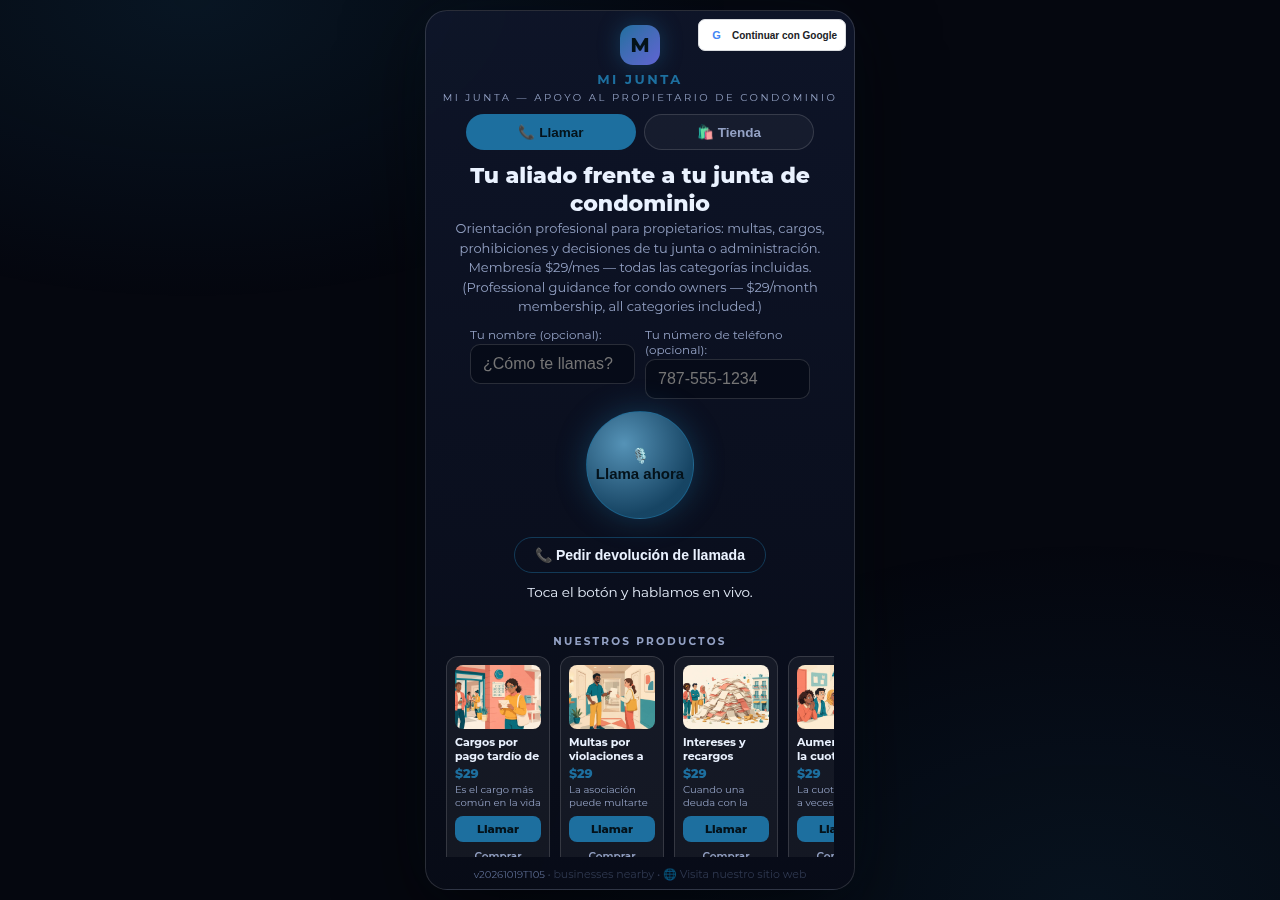
Mi Junta's CallPages page in production: the call is the front door of the page, and appointments are arranged inside that conversation

Appointments live inside the call now

Booking an appointment now happens inside a live call, with the voice agent, in the middle of the conversation it belongs to. The public booking form — and the spam it invited — is gone.
See how it works →

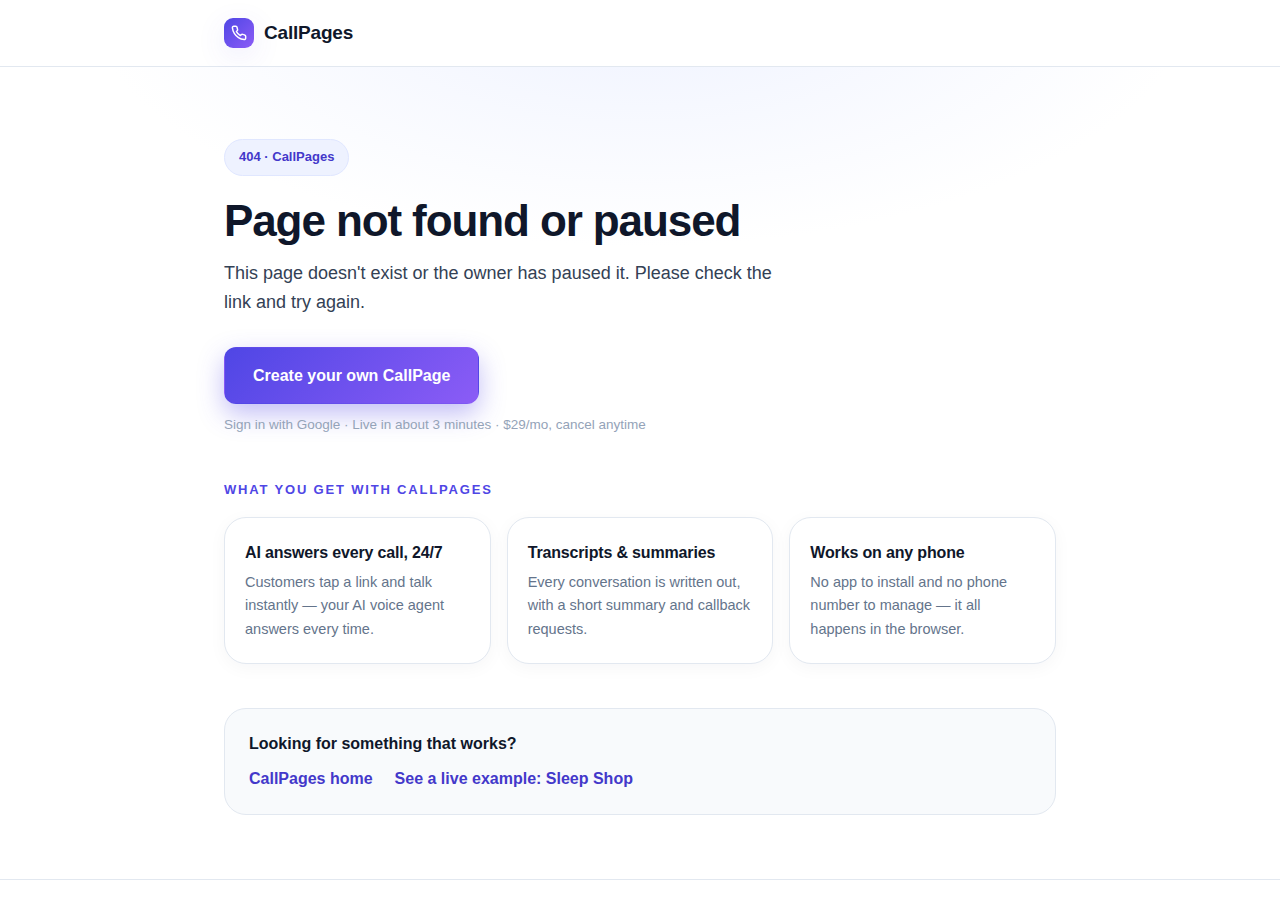
The branded CallPages 404 page: Page not found or paused, with an explanation, a create-your-own button, and cards describing what CallPages offers

Even a wrong link looks like CallPages now

Every error on CallPages — a mistyped address, a paused page, a product that moved — now renders as one branded page that explains what happened and shows the way forward.
See how it works →

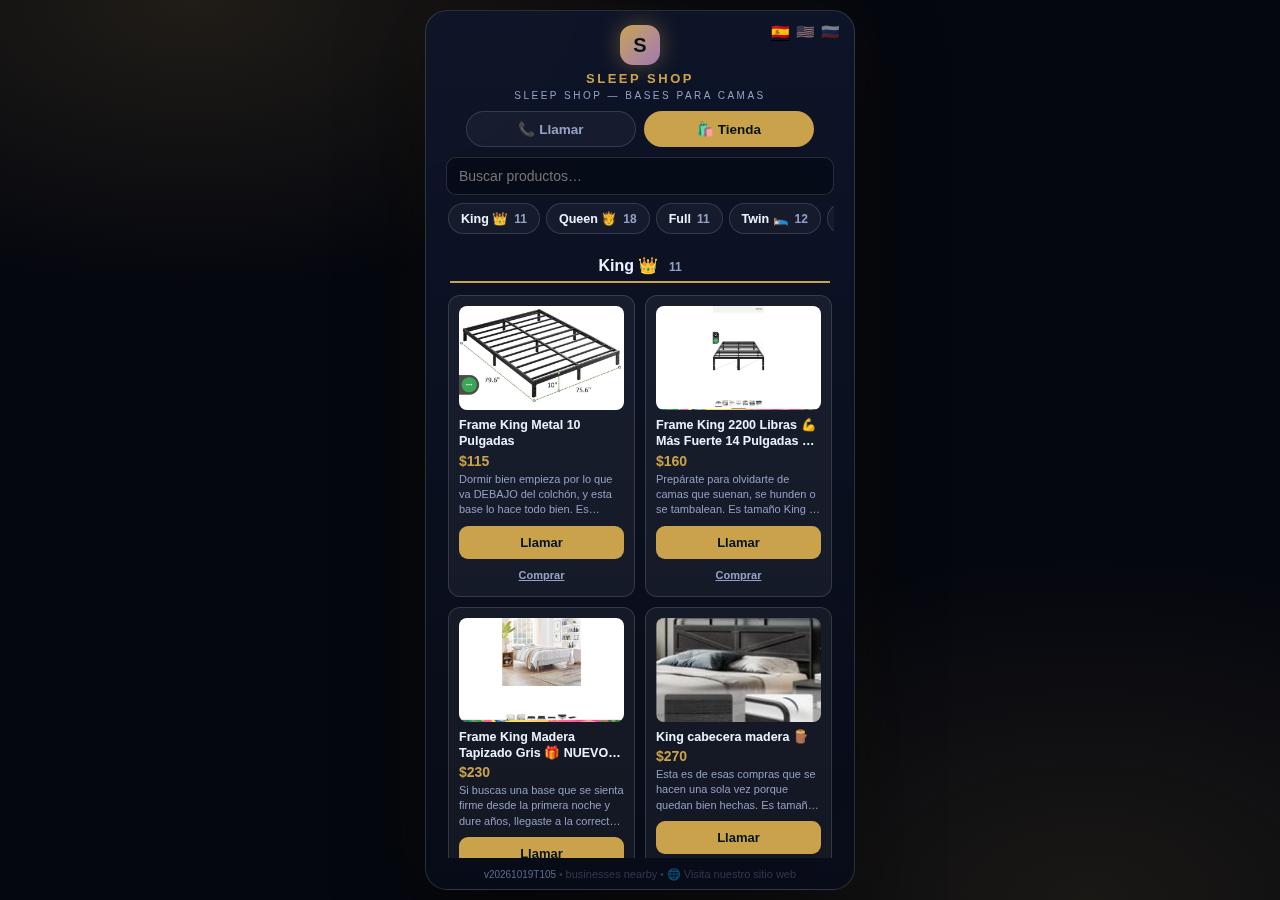
The Sleep Shop store on CallPages with its collection tab bar: King 11, Queen 18, Full 11, Twin 12 above the King collection's product grid

Every collection, one tap away

A CallPages shop now carries a collection tab bar: each collection sits in a sticky row with its product count, and tapping jumps straight to it — same page, all products, no reloads.

See how it works →

Illustration: a small business storefront connected by a glowing arc to a globe, its page living at its own web address

Your page, on your own domain

A CallPages page can now live on the business's own domain — the address on its signs, cards, and receipts — with the call, the store, and the agent answering there unchanged.

See how it works →

Illustration: a store product grid whose empty photo placeholders are being filled by bright product photos flowing in from a sparkling source

Product photos without a photo shoot

A catalog no longer waits for a camera: CallPages can fill in product photos from free image providers, chosen and controlled from Settings.

See how it works →

The new CallPages home page hero: Your business answers every call — with AI, beside a phone showing a live call with a caller asking about Thursday openings

A new front door for CallPages

The CallPages home page has been rebuilt: a hero that shows a live AI call on a phone, and the product's real features integrated into the first screen instead of listed somewhere below.

See how it works →

Illustration: a product page on a phone with a quiet chat bubble opening at the bottom and a glowing microphone button beside it

The Silent Magic Helper, on every page

The Silent Magic Helper is now on by default for every CallPages page — existing and new — and its chat sessions are logged as calls, right beside the voice ones.
See how it works →

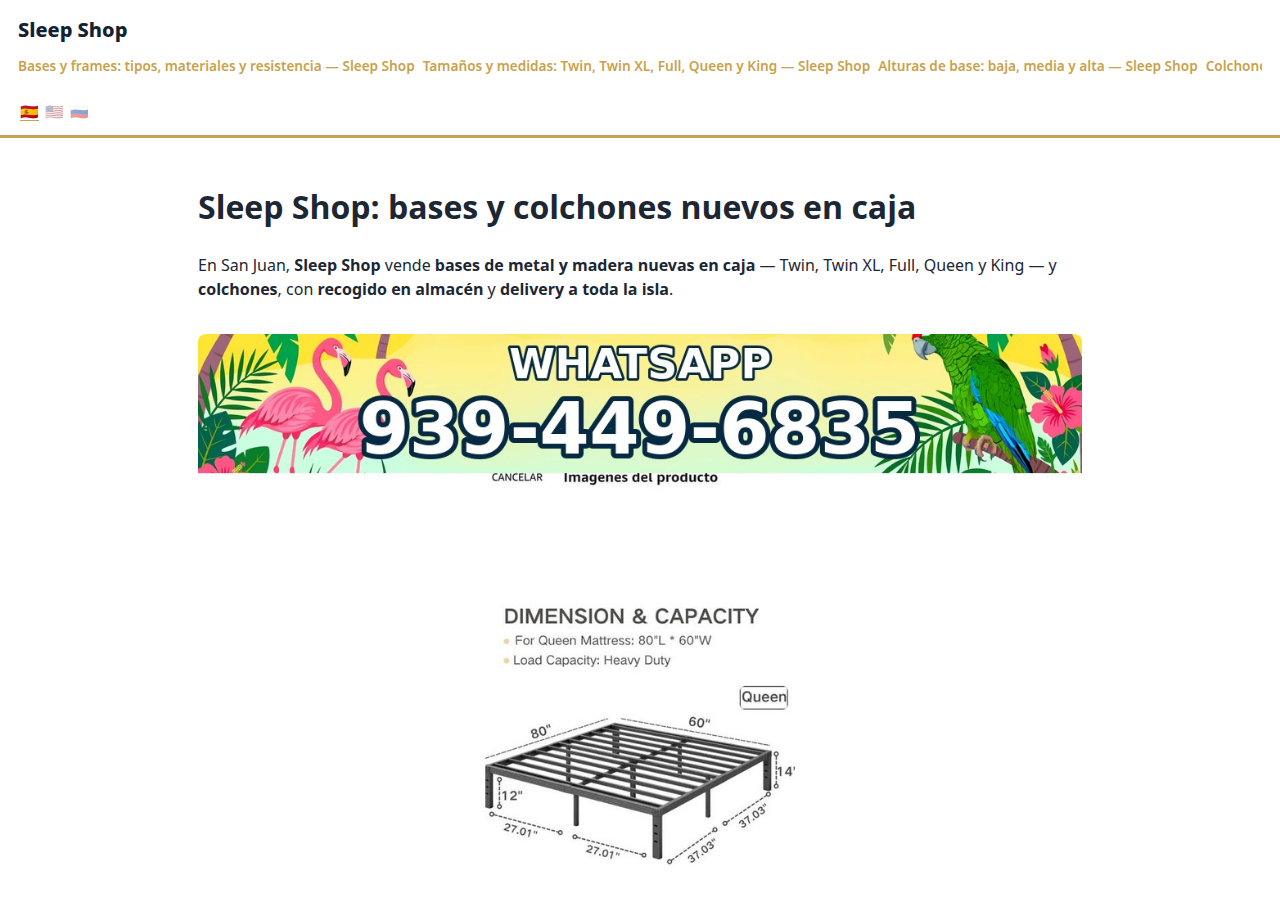
Sleep Shop's website on CallPages in production — the web face of the page that now also carries its own sleep-shop@callpages.me address

Every page gets its own email address

Every CallPages page now has its own email address — <page>@callpages.me — and new pages greet their owners with a welcome email. A page is reachable by call, by web, and by mail.

See how it works →

Illustration: a completed payment card flowing into an envelope, a calendar appointment, and a reminder bell, connected by one glowing path

What happens after the payment, automatically

A payment on CallPages now sets its own follow-through in motion: confirmations and next steps happen on their own, and the owner watches it all land in Activity.
See how it works →

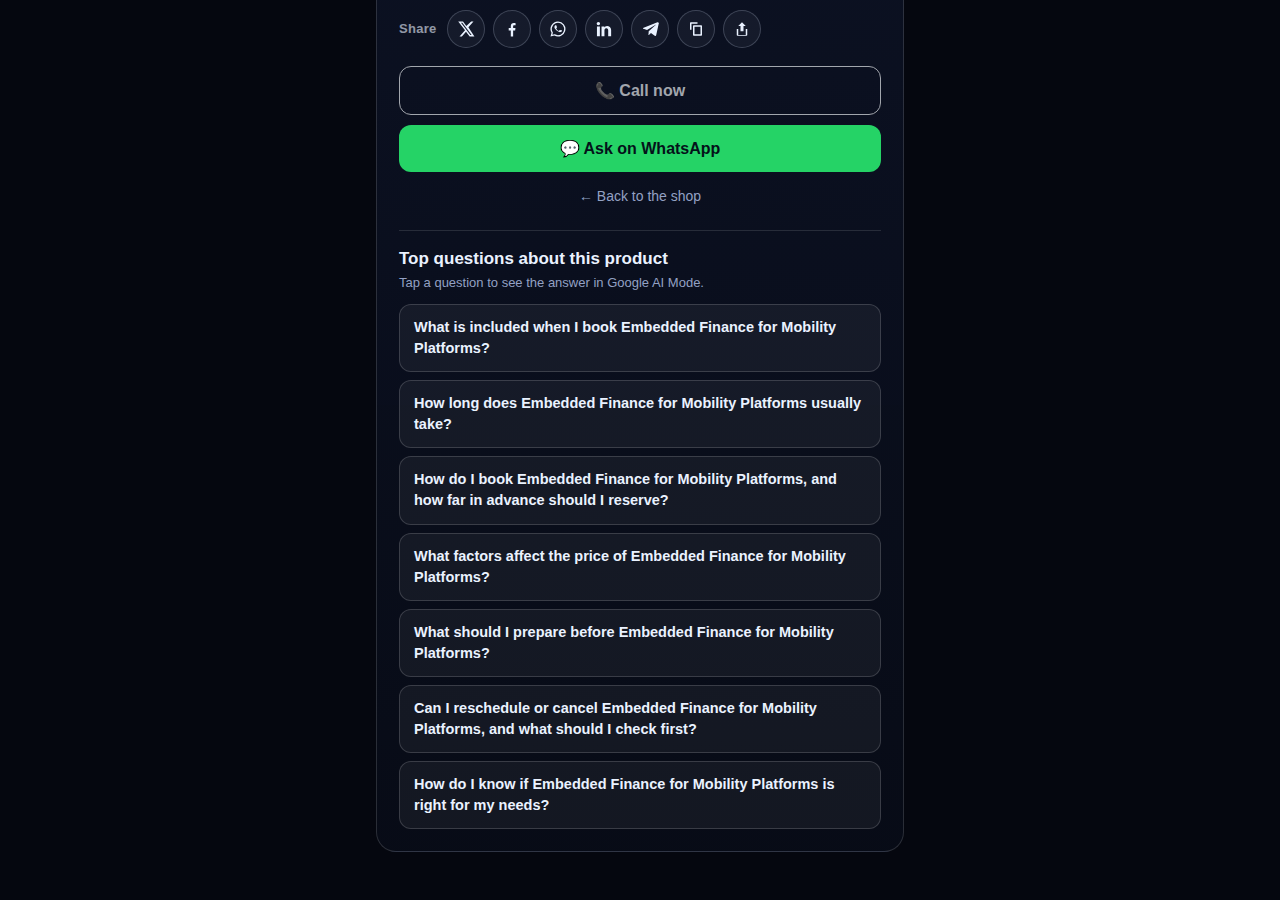
A consulting product page on CallPages whose top questions are about the service itself: what is included, how long it takes, how far ahead to book, and what affects the price

Questions that belong to the product

The questions on a product page are now written from that product itself — its name, its photo, its description — so a consulting session gets consulting questions and a bed frame gets frame questions.
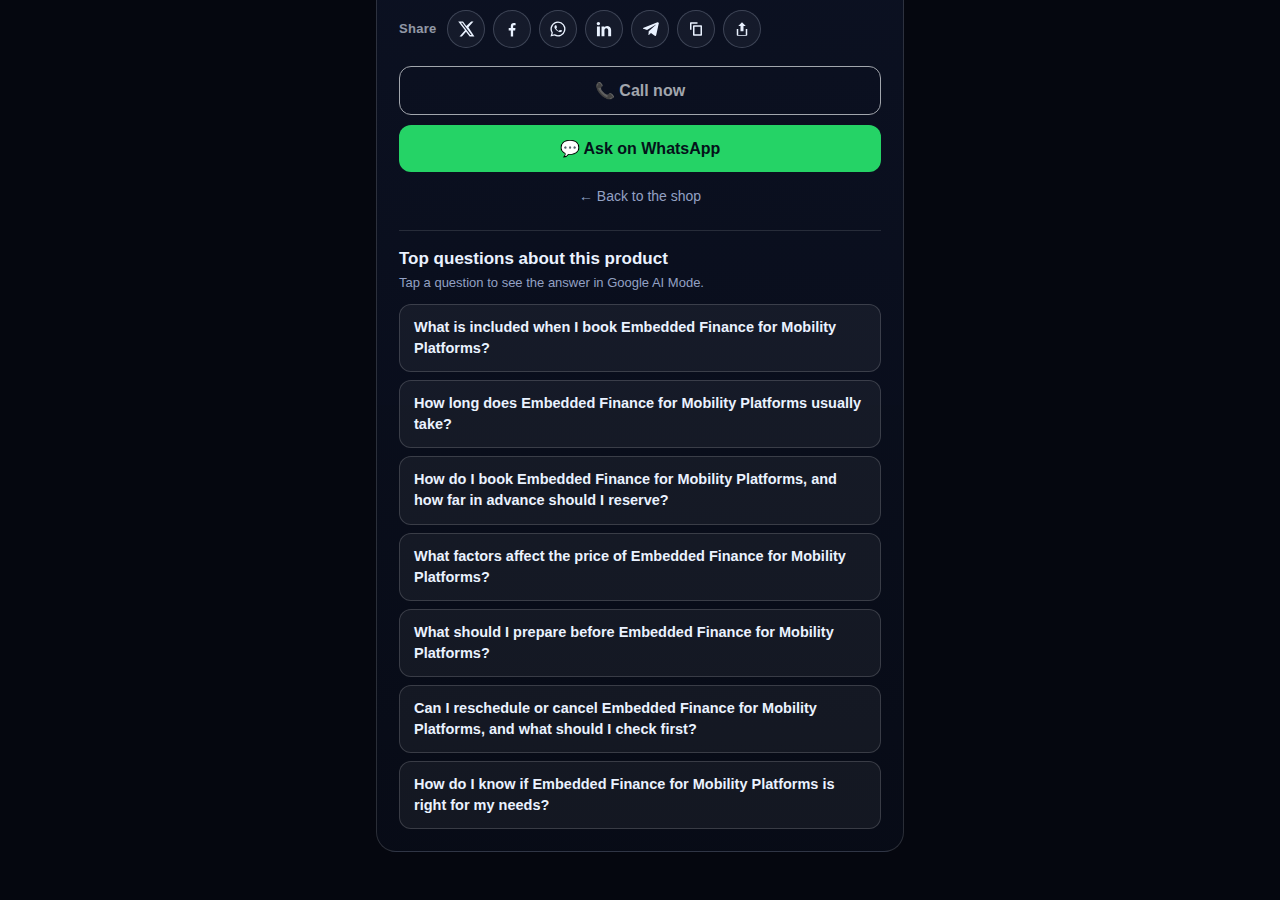
See how it works →

The share row on a live CallPages product page: X, Facebook, WhatsApp, LinkedIn, Telegram, copy-link, and share buttons above the call button

Every page and product, ready to share

Pages and products now carry a proper share row — X, Facebook, WhatsApp, LinkedIn, Telegram, and copy-link — so anything worth finding is one tap from being passed on.

See how it works →

Mi Junta's website on CallPages in production, rendered in the current design generation: clean navigation, clear sections, and the call to action always in reach

WOW Design v2 — and styles that remember

Pages and websites get a new design generation, WOW Design v2, and page styles are now versioned: when a look changes, the old one is kept, not overwritten.

See how it works →

Páginas reales · Productos reales

Negocios que ya contestan con IA

CallPages reales, en vivo ahora mismo — con sus productos y precios reales. Toca cualquiera y habla tú mismo con el negocio.
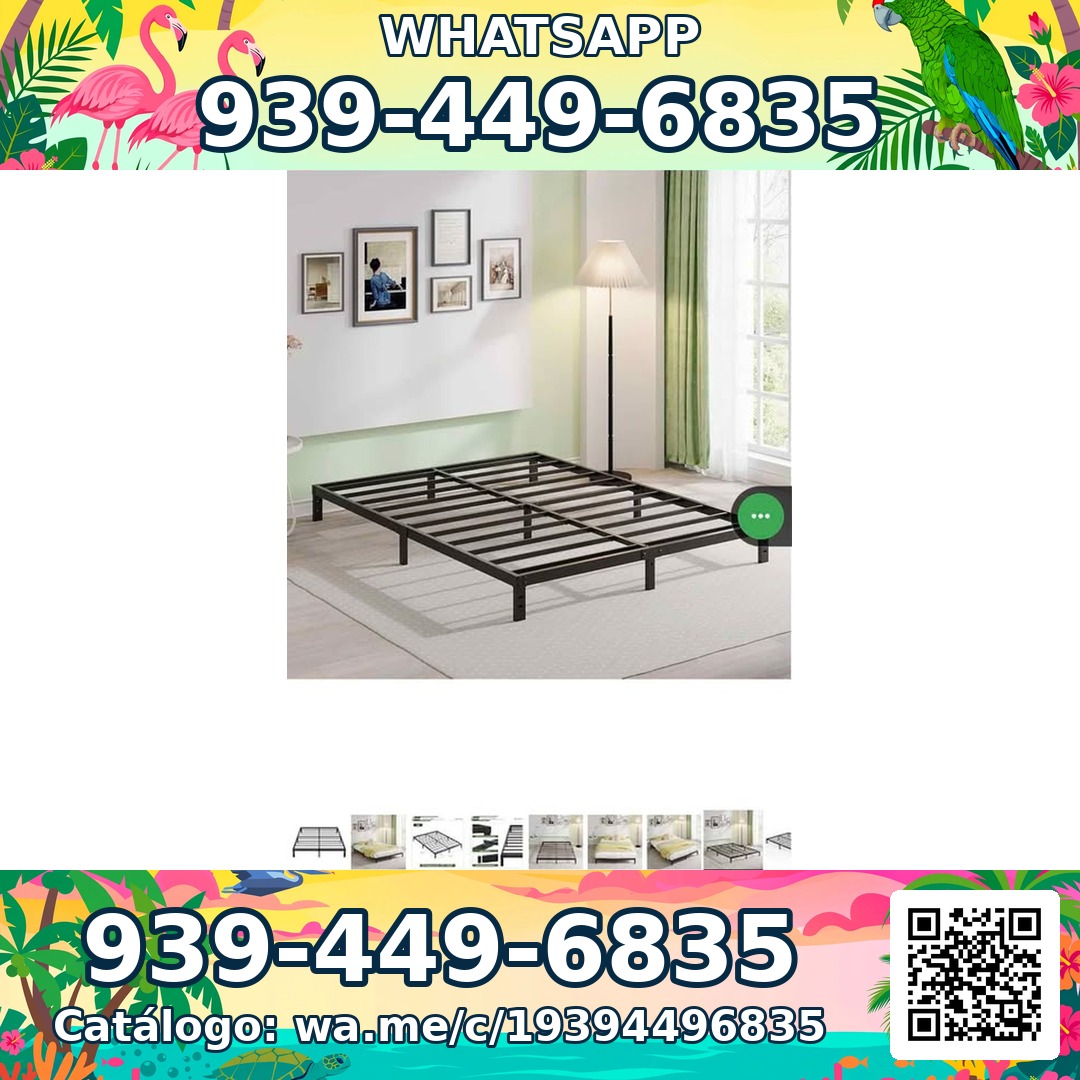
Sleep Shop — a metal bed frame product photo from the live store

Sleep Shop

Bases de cama y colchones en San Juan, Puerto Rico — delivery a toda la isla en aproximadamente una hora.

Frame Full 8 Pulgadas — product photoFrame Full 8 Pulgadas 🎁 NUEVO EN CAJA$99
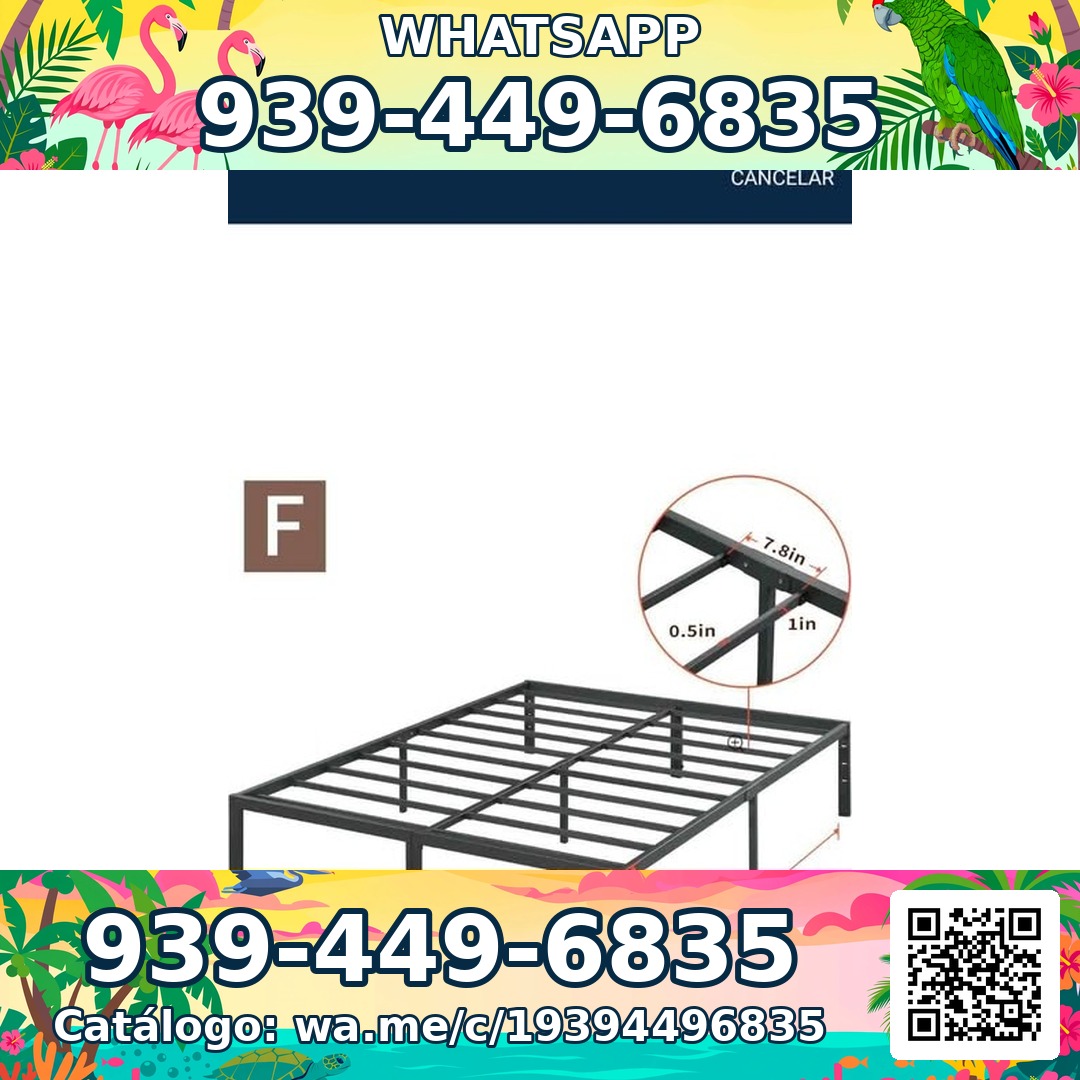
Frame Full 3000 Libras Acero 18 Pulgadas — product photoFrame Full 3000 Libras Acero 18 Pulgadas 💪 📦✨$160
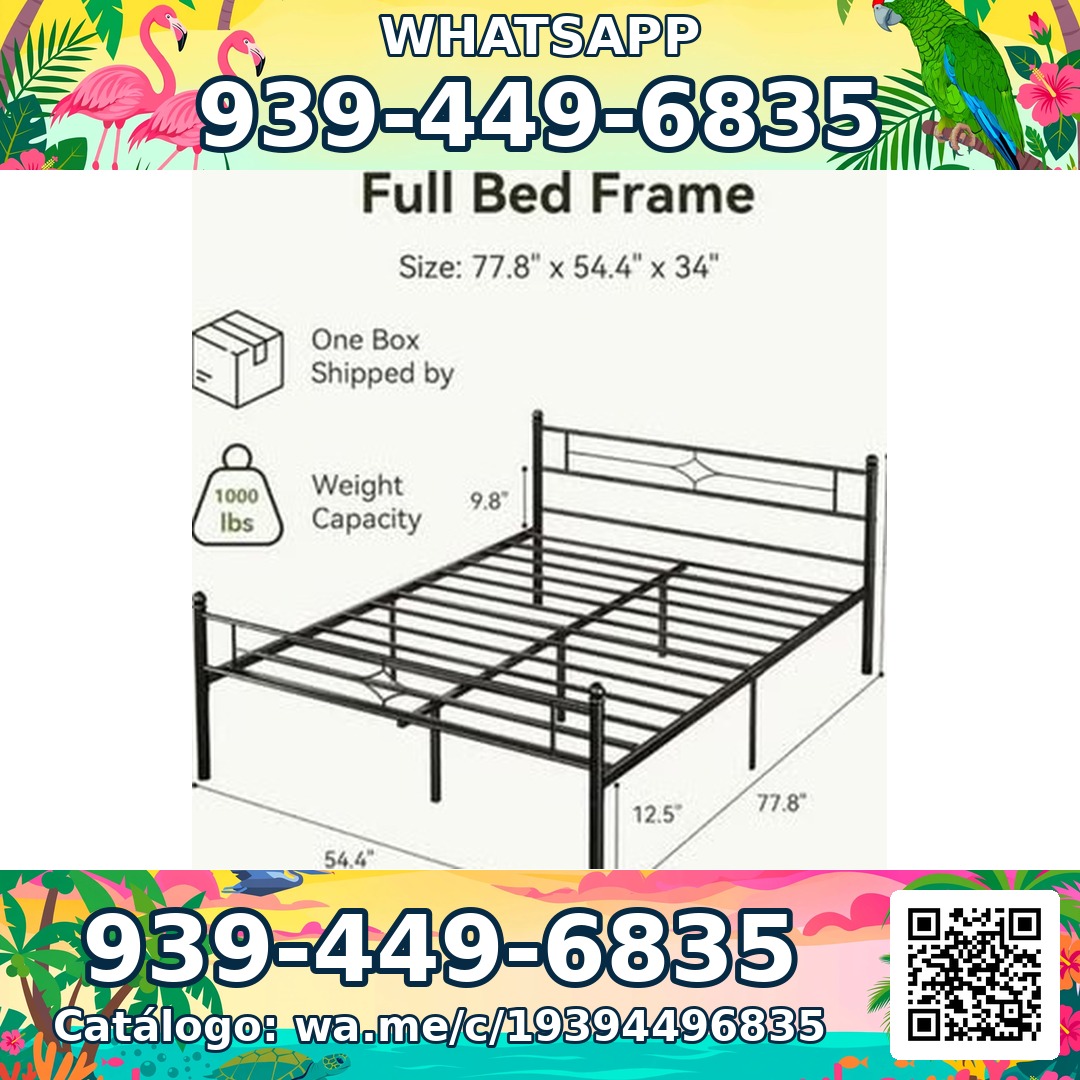
Frame Full Metal Con Cabecera Vintage — product photoFrame Full Metal Con Cabecera Vintage 🎁 NUEVO EN CAJA$180

Mi Junta — advice for condo owners about late HOA dues

Mi Junta

Ayuda para propietarios de condominios en Puerto Rico que enfrentan multas, cargos por pago tardío y recargos sin explicación de su junta.

Cargos por pago tardío de la cuota de mantenimiento — topic imageCargos por pago tardío de la cuota de mantenimiento (Late Fees on Monthly Dues)$29

Multas por violaciones a las reglas — topic imageMultas por violaciones a las reglas (Rule-Violation Fines)$29

Intereses y recargos acumulados por mora — topic imageIntereses y recargos acumulados por mora (Accumulated Interest & Late Charges)$29

Vasily — executive advisory on future tech and mobility

Vasily — Consulting

Consultoría en tecnología del futuro, movilidad y estrategia de producto — sesiones de asesoría y talleres profundos.

Executive Advisory Session — session imageExecutive Advisory SessionConsultar
Diligence Sprint — session imageDiligence SprintConsultar
Priority Scheduling — session imagePriority Scheduling$2,000
Ferretería Ramón — construction materials at a San Juan hardware store

Ferretería Ramón

Una ferretería de barrio en San Juan — todo su catálogo en una página, a un toque de una llamada.

Arena de Río — product photoArena de Río

Arena Fina — product photoArena Fina
Cemento (Saco) — product photoCemento (Saco)
Todo incluido

Una página. Todo un equipo telefónico.

Cada página de CallPages viene con todo lo que necesitas para no perderte un cliente más nunca.

Illustration: a business page living at its own web address

Tu propio enlace dedicado

Cada página recibe un enlace único como tunegocio.callpages.com — ponlo en tu sitio web, tu perfil de Google, tus facturas y tus redes.
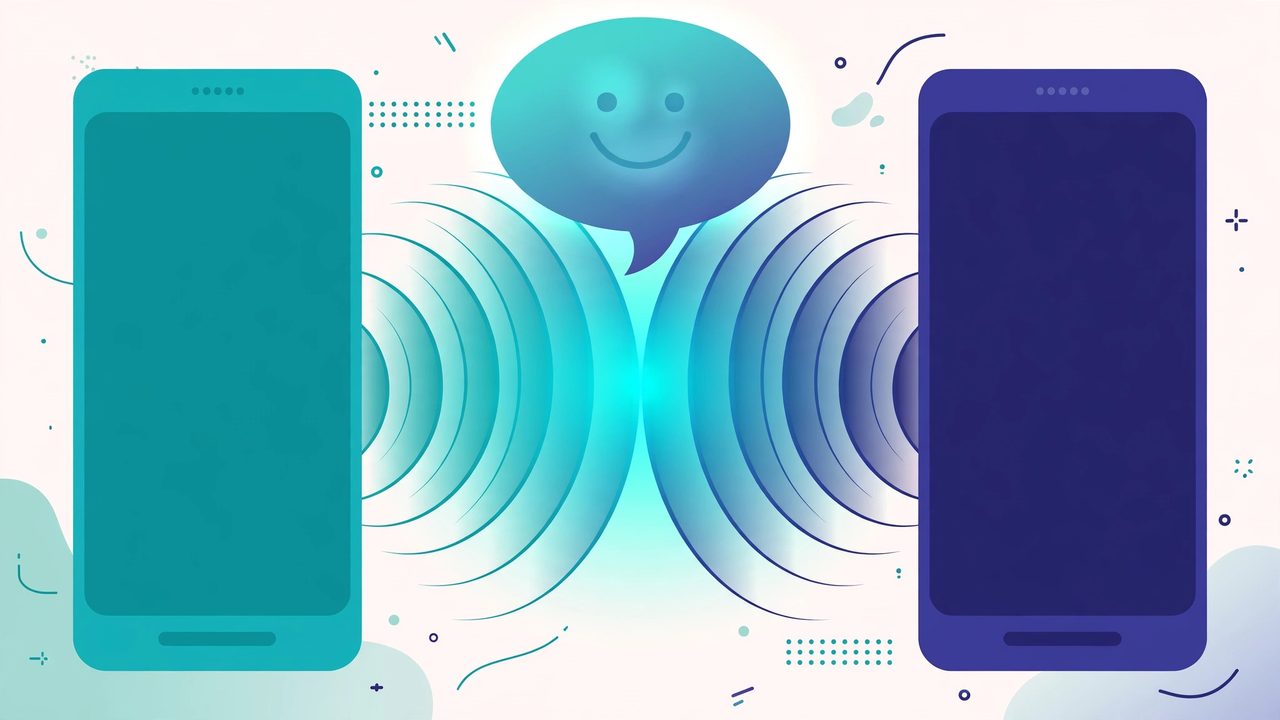
Illustration: two phones with voice waves — a test call to your own page

Llamadas de prueba cuando quieras

Prueba tu propia página como lo haría un cliente — toca, habla, y escucha exactamente lo que escucharán tus clientes.
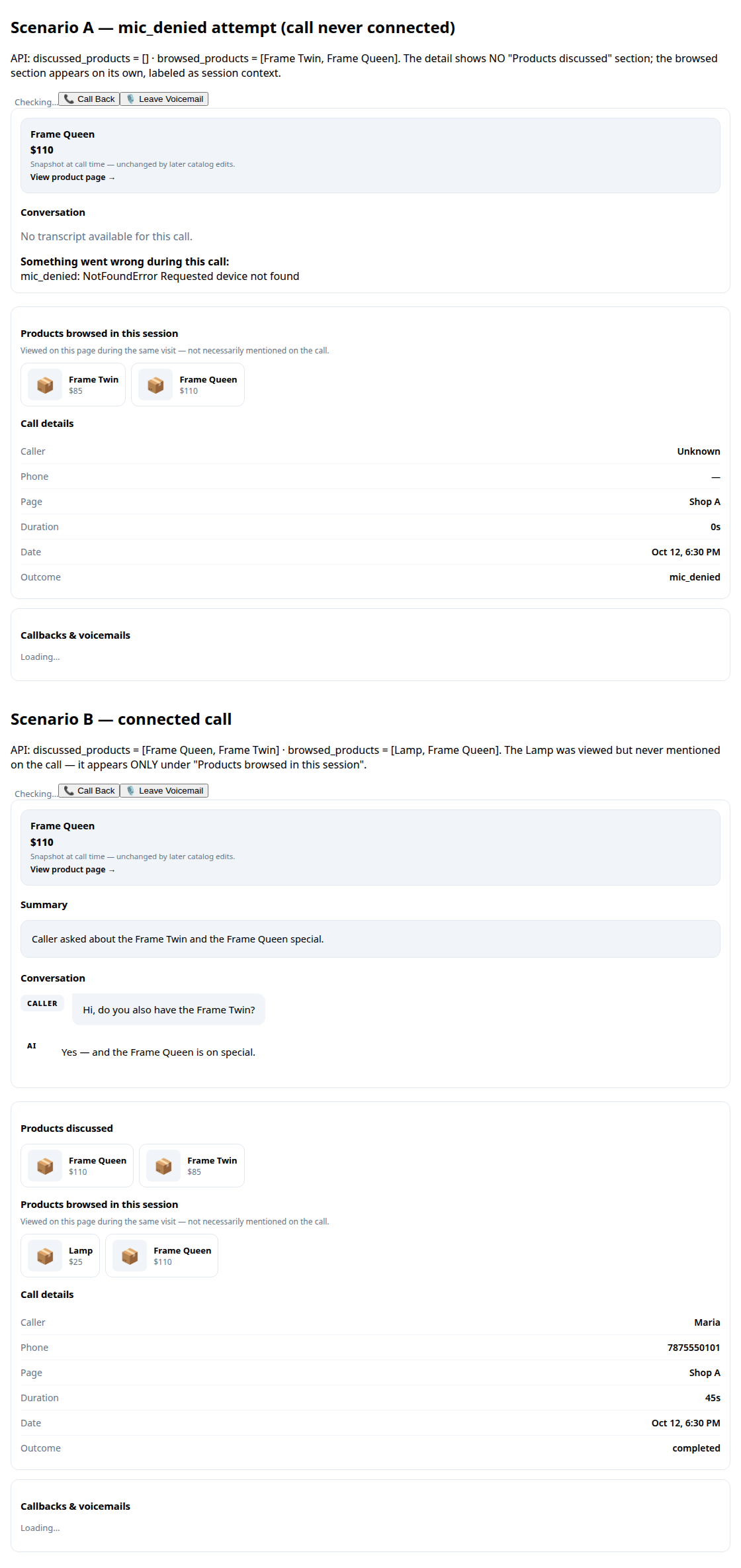
A call record in production: transcript and the products browsed during the call

Transcripciones y resúmenes

Cada conversación queda escrita para ti, con un resumen corto para que sepas qué pasó en segundos.
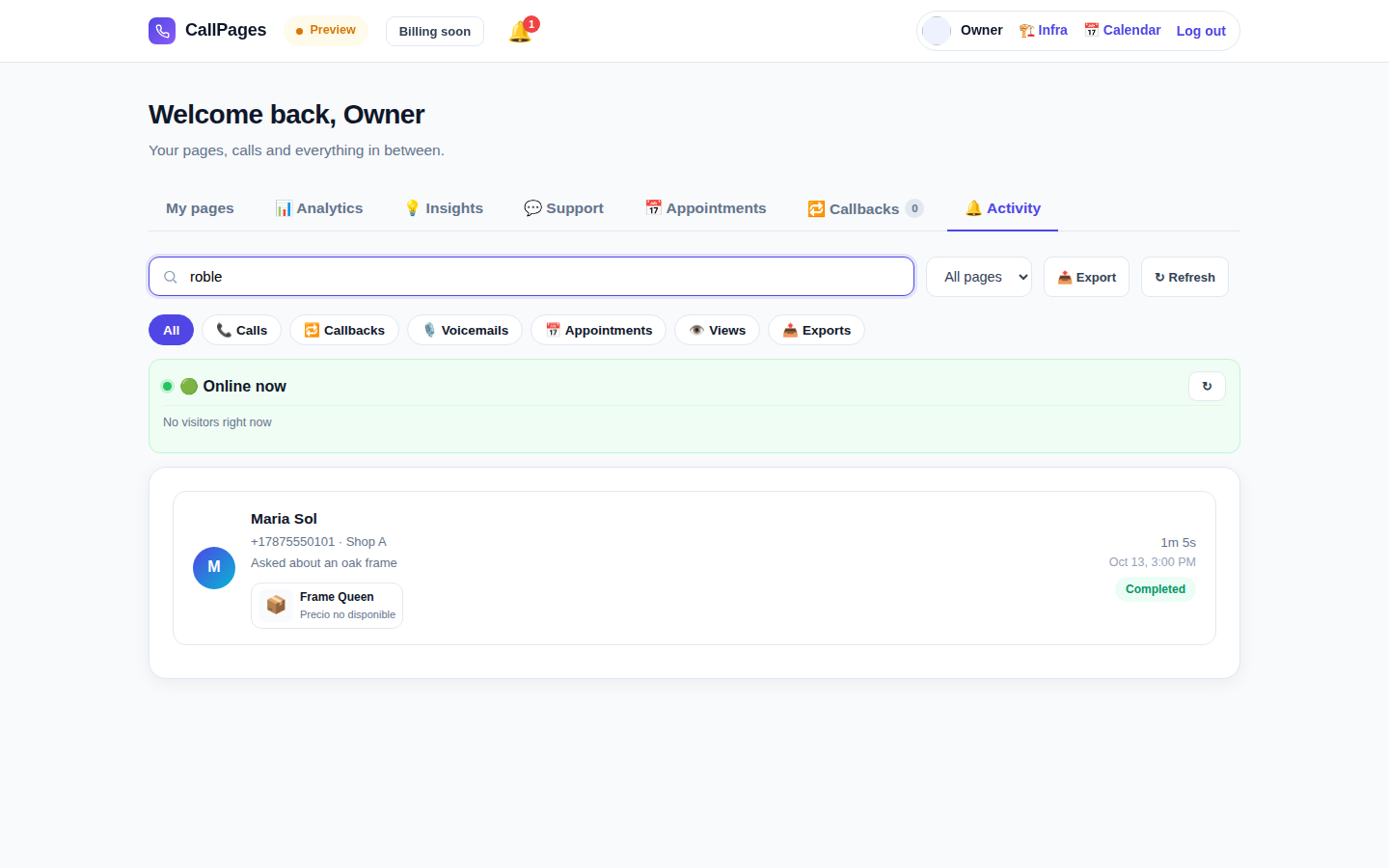
The Activity tab in production: every call, searchable

Historial de llamadas buscable

Encuentra cualquier llamada al instante — busca por nombre del cliente, número, o cualquier cosa dicha en la conversación.

Mi Junta's website in production, wearing its own branding

Tu marca

El nombre de tu negocio, tus colores, tu saludo. Tu página se parece a ti — no a nosotros.

Illustration: a merchant with their business dashboard on a phone

Funciona en cualquier teléfono

Quienes llaman solo abren el enlace en su navegador — iPhone o Android, sin instalar apps, sin necesidad de cuenta.

A product page in production asking questions drawn from the product itself

Conoce tus productos

Sube tu lista de productos y tu agente cita precios exactos, responde preguntas y recomienda el producto correcto — nunca se inventa uno.

Habla el idioma de tus clientes

Las páginas y el agente hablan los idiomas que elijas — este sitio web, por sí solo, está publicado en 24.

🇪🇸 🇺🇸 🇫🇷 🇧🇷 🇩🇪 🇮🇹 🇳🇱 🇵🇱 🇷🇺 🇺🇦 🇨🇳 🇯🇵 🇰🇷 🇸🇦 🇮🇳 🇹🇷 🇮🇩 🇻🇳 🇹🇭 🇵🇭 🇧🇩 🇮🇷 🇸🇪 🇬🇷

Precio

Un solo plan. Simple.

Todo está incluido en un solo plan. Agrega más páginas a medida que crece tu negocio.

CallPages
$29/mes por página

Minutos de IA para cada página, cada mes

  • Tu propia página de llamada con tu marca
  • Minutos de IA incluidos en cada página — uso justo
  • Clientes, transcripciones y resúmenes ilimitados
  • Solicitudes de devolución de llamada enviadas a tu correo
  • Cancela cuando quieras — sin contratos ni cargos de instalación
Empezar — Entrar con Google
Pago seguro · Cancela cuando quieras
Preguntas frecuentes

Preguntas, contestadas.

Respuestas claras, sin tecnicismos.

¿Necesito un número de teléfono para que esto funcione?
No. CallPages no usa tu línea telefónica para nada. Tus clientes abren el enlace de tu página en su navegador y hablan directamente — es como una llamada, pero pasa en la web. No necesitas comprar, transferir ni administrar ningún número.
¿Qué idiomas habla la IA?
Este sitio web está publicado en 24 idiomas — toca una banderita arriba y todo cambia. Tu página habla los idiomas que elijas para ella: la IA saluda a quienes llaman y sostiene toda la conversación en ese idioma, y una página puede funcionar en varios idiomas a la vez.
¿Cómo funcionan las llamadas en realidad?
Compartes el enlace de tu página donde sea — tu sitio web, tu perfil de Google Business, tus facturas, tus redes sociales. Tu cliente toca el enlace, toca el botón de llamar, y empieza a hablar en su navegador. La IA contesta al instante, 24/7. Después de la llamada, recibes la transcripción completa y un resumen corto en tu panel.
¿Qué cuenta como un minuto de IA?
Un minuto de IA es un minuto de conversación en vivo con tu IA. Cada página incluye minutos de IA para conversaciones en vivo — la mayoría de los negocios pequeños nunca se acercan al límite de uso justo.
¿Puedo cancelar cuando quiera?
Sí. No hay contratos ni cargos por cancelación. Administra tu suscripción desde tu panel en un clic, y tus páginas se quedan activas hasta el final del período de facturación.

Comparte CallPages

¿Conoces un negocio que sigue perdiendo llamadas? Pásalo.

Compartir
/* public/theme-switcher.js — LANE 4 top-fixed theme switcher (Vasily, 2026-10-23). * * A floating pill, always visible at the very top of the page, with three * segments: Lame White / Current / Acid. Zero friction, unlimited changes. * - Instant: swaps + localStorage("cp-theme") immediately. * - Owner mode (dashboard, data-theme-mode="owner"): also persists to the * account in D1 via POST /api/owner/theme (fire-and-forget; the UI * never waits for the network). * - Visitor mode (public pages, data-theme-mode="visitor"): local only — * the visitor plays with themes without affecting anyone. * * Inlined into dashboard/dialer/landing/my-callpage by build.js at the * theme-switcher placeholder (plain script, no modules, no deps). * Unit-tested in node with stubbed DOM (src/theme-switcher.test.js). */ (function () { "use strict"; var THEMES = [ { id: "lame-white", label: "Lame White" }, { id: "current", label: "Current" }, { id: "acid-v1", label: "Acid" }, ]; var KEY = "cp-theme"; var MOUNT_ID = "cpThemeSwitcher"; function norm(v) { if (v === "lame-white" || v === "current" || v === "acid-v1") return v; if (v === "dark") return "current"; // legacy migration if (v === "light") return "lame-white"; // legacy migration return null; } function getMode(doc) { var m = doc.documentElement.getAttribute("data-theme-mode"); return m === "owner" ? "owner" : "visitor"; } function currentTheme(doc, ls) { var t = null; try { t = norm(ls.getItem(KEY)); } catch (e) {} if (!t) t = norm(doc.documentElement.getAttribute("data-theme")); return t || "current"; } function applyTheme(id, doc, ls) { id = norm(id) || "current"; doc.documentElement.setAttribute("data-theme", id); try { ls.setItem(KEY, id); } catch (e) {} return id; } function persistOwnerTheme(id, fetchFn) { // Fire-and-forget: the UI already applied instantly; a failed save // just means the next load falls back to the previous account theme. try { var p = fetchFn("/api/owner/theme", { method: "POST", headers: { "Content-Type": "application/json" }, body: JSON.stringify({ theme: id }), }); if (p && typeof p.catch === "function") p.catch(function () {}); } catch (e) {} } function setTheme(id, doc, ls, fetchFn) { id = applyTheme(id, doc, ls); if (getMode(doc) === "owner" && typeof fetchFn === "function") { persistOwnerTheme(id, fetchFn); } syncPill(doc, id); return id; } function syncPill(doc, activeId) { var pill = doc.getElementById(MOUNT_ID); if (!pill) return; var btns = pill.querySelectorAll ? pill.querySelectorAll("button[data-theme-id]") : []; for (var i = 0; i < btns.length; i++) { var b = btns[i]; var on = b.getAttribute("data-theme-id") === activeId; b.setAttribute("aria-pressed", on ? "true" : "false"); } } function render(doc, ls, fetchFn) { var mount = doc.getElementById(MOUNT_ID); if (!mount) { mount = doc.createElement("div"); mount.id = MOUNT_ID; (doc.body || doc.documentElement).appendChild(mount); } // Rebuild idempotently. while (mount.firstChild) mount.removeChild(mount.firstChild); var pill = doc.createElement("div"); pill.className = "cp-theme-switcher"; pill.setAttribute("role", "group"); pill.setAttribute("aria-label", "Theme"); var label = doc.createElement("span"); label.className = "cp-ts-label"; label.setAttribute("title", "Prueba los temas — cambia el look al instante"); label.textContent = "🎨 Temas"; pill.appendChild(label); THEMES.forEach(function (t) { var b = doc.createElement("button"); b.type = "button"; b.setAttribute("data-theme-id", t.id); b.setAttribute("aria-pressed", "false"); b.title = t.label; b.textContent = t.label; b.addEventListener("click", function () { setTheme(t.id, doc, ls, fetchFn); }); pill.appendChild(b); }); mount.appendChild(pill); syncPill(doc, currentTheme(doc, ls)); } function init(doc, ls, fetchFn) { render(doc, ls, fetchFn); } var api = { THEMES: THEMES, KEY: KEY, MOUNT_ID: MOUNT_ID, norm: norm, getMode: getMode, currentTheme: currentTheme, applyTheme: applyTheme, setTheme: setTheme, syncPill: syncPill, render: render, init: init, }; // Safe storage: localStorage throws on opaque origins (file://, about:blank // in tests) — fall back to an in-memory shim so the pill always renders. function safeStorage(win) { try { var ls = win.localStorage; ls.getItem("__cp_probe__"); return ls; } catch (e) { var mem = {}; return { getItem: function (k) { return Object.prototype.hasOwnProperty.call(mem, k) ? mem[k] : null; }, setItem: function (k, v) { mem[k] = String(v); }, removeItem: function (k) { delete mem[k]; }, }; } } // Browser: auto-mount (the early script already set data-theme). if (typeof document !== "undefined" && typeof window !== "undefined") { var boot = function () { try { init(document, safeStorage(window), window.fetch.bind(window)); } catch (e) {} }; if (document.readyState === "loading") { document.addEventListener("DOMContentLoaded", boot); } else { boot(); } window.cpSetThemeId = function (id) { return setTheme(id, document, safeStorage(window), window.fetch.bind(window)); }; window.cpThemeSwitcher = api; } // node (unit tests). if (typeof module !== "undefined" && module.exports) { module.exports = api; } })();