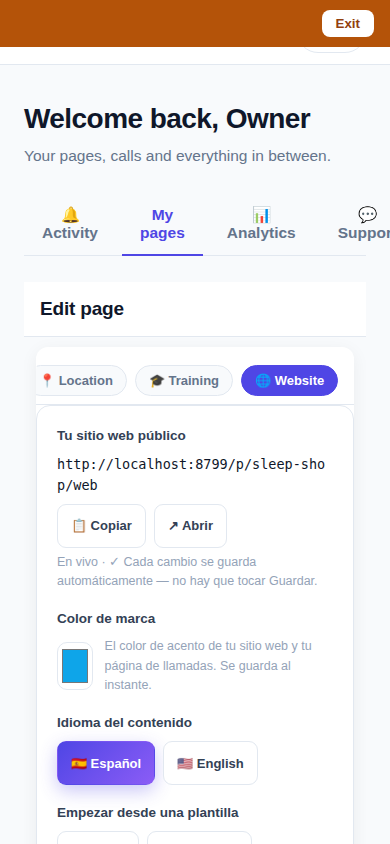
CallPages pages now come with a Website Studio in the dashboard: a 🌐 Website tab where owners create and edit every page of their tenant website — from templates or blank, block by block, in every language their page speaks — with private draft previews and one-tap publishing. Until now, building those pages was engineers' work; the Studio hands it to the owner, with autosave and no Save button.
Every CallPages page has a real website — home, services, FAQ, contact — but owners couldn't build it themselves. The pages existed only because engineers authored them by hand, so an owner who wanted a new page, a fixed paragraph or a photo added waited on someone else. One of our page owners has an assistant creating pages and websites full-time; the dashboard gave that work no proper tool. The Studio is that tool.
The gap this closes
CallPages has rendered proper multi-page tenant websites for a while — Ferretería Ramón's ten-page site in two languages is one — but the authoring side was a database and an engineer. That doesn't scale, and it isn't fair to owners: it's their site. The Studio closes the loop: the same pages the renderer already serves are now listed, editable, previewable and publishable by the person who owns them, from the phone in their pocket.
Drafts you can trust
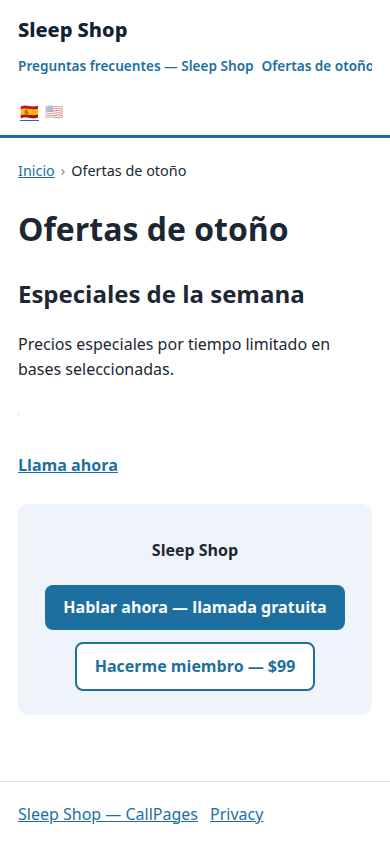
Publishing anxiety kills website editors: if Edit means Live, owners stop editing. The Studio's preview runs the site's real production renderer with your drafts visible to you alone — same HTML, same styling, same everything, behind your owner session, marked no-index and never cached. What you preview is byte-for-byte what your visitors get when you flip the page to published; unpublishing returns it to a 404 for the public instantly.
Built the same way as the Store editor
The Studio deliberately reuses the patterns the Store editor established a day earlier: one persistence path with optimistic updates, rollback and an honest NOT-saved message on failure; autosave everywhere, no Save button anywhere (that rule is pinned by tests); full-width rows and 44px targets at phone size; panels instead of pop-up dialogs. It was driven end-to-end against the production build — create from template and blank, upload an image, preview a draft the public can't see, publish, edit, reorder, unpublish, delete — 21 of 21 checks, and the screenshots above come from those drives.
How it works
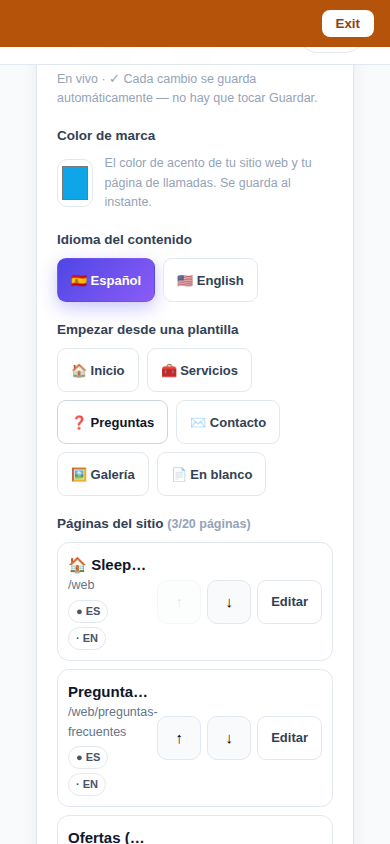
- A 🌐 Website tab in the page editor lists every authored page of your site, grouped by path with a chip per language: published, draft, or missing — and how many of your 20 pages you've used.
- Create from templates — Home, Services, FAQ, Contact, Gallery, or Blank — in Spanish or English. Templates arrive as drafts; nothing goes public until you publish it.
- Edit block by block: sections, text, images, galleries, lists and call-to-action blocks, plus FAQ and product presets. Images come from a URL, your product photos, or a direct upload from your phone.
- Preview is the real renderer, not an approximation: a private preview shows drafts exactly as they'll publish, visible only to you. The public sees nothing until the page's status flips to published.
- Per-language editing is built in: switch between your page's languages in the Studio, and a missing language version can start from the default one. Your brand color is set here too, and applies to the whole site shell.
- Like the Store editor, everything autosaves with rollback and a NOT-saved message on failure. There is no Save button in the Studio.
See it live: Mi Junta
Mi Junta — CallPage · Mi Junta — website
Related reading
 Callbacks and appointments moved in: Activity holds everything now
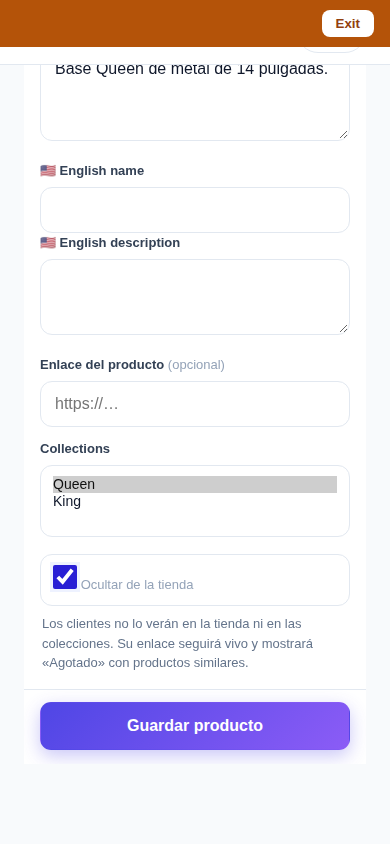 Delete that actually deletes — and a Hide that keeps selling
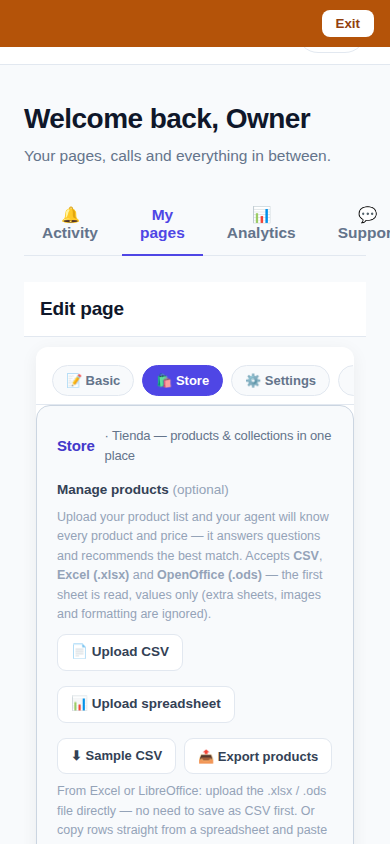 One Store tab: collections and products, edited together
Innovation by Vasily Starostenko, founder of CallPages.