The Silent Magic Helper is now on by default for every CallPages page, existing and new. After a visitor settles on a product, a quiet text session opens; if they choose to speak, it becomes a call that continues the same conversation — and the chat itself is logged as a call.
The helper used to be an experiment: built, proven on a couple of pages, and off everywhere else unless somebody remembered to enable it. Meanwhile most visitors never call at all — they read, hesitate, and leave — on exactly the pages where a quiet offer of help would have changed the ending.
Most customers will never press call

That is not a failure of the call; it is a fact about people. Plenty of visitors want help but do not want a conversation yet. The helper meets them at the commitment level they actually have — text — and keeps the door to voice open the whole time, in the same session.
A chat is a call that happened quietly

Before this change, a helper chat lived in the records as its own small event type, easy to overlook. Logging it as a call — transcript and all — is a statement about what counts: if a customer asked questions and got answers, the business had a conversation, and its history should say so.
How it works
- On by default, everywhere: every existing page gets the helper, and every page created from now on is born with it on. An owner can still turn it off — default is not destiny.
- It stays silent-magic: after a visitor dwells on a product, the helper opens as text — a written greeting and a speak button. No pop-up ambush, no forced call.
- Text becomes voice without starting over: tapping speak enters the call inside the same session, so the conversation the visitor was typing is the conversation the agent continues — the calls continue, they do not restart.
- The chat is logged as a call: a helper session lands in the owner's records like a call — with its transcript — so a text conversation counts in the business's history exactly like a spoken one.
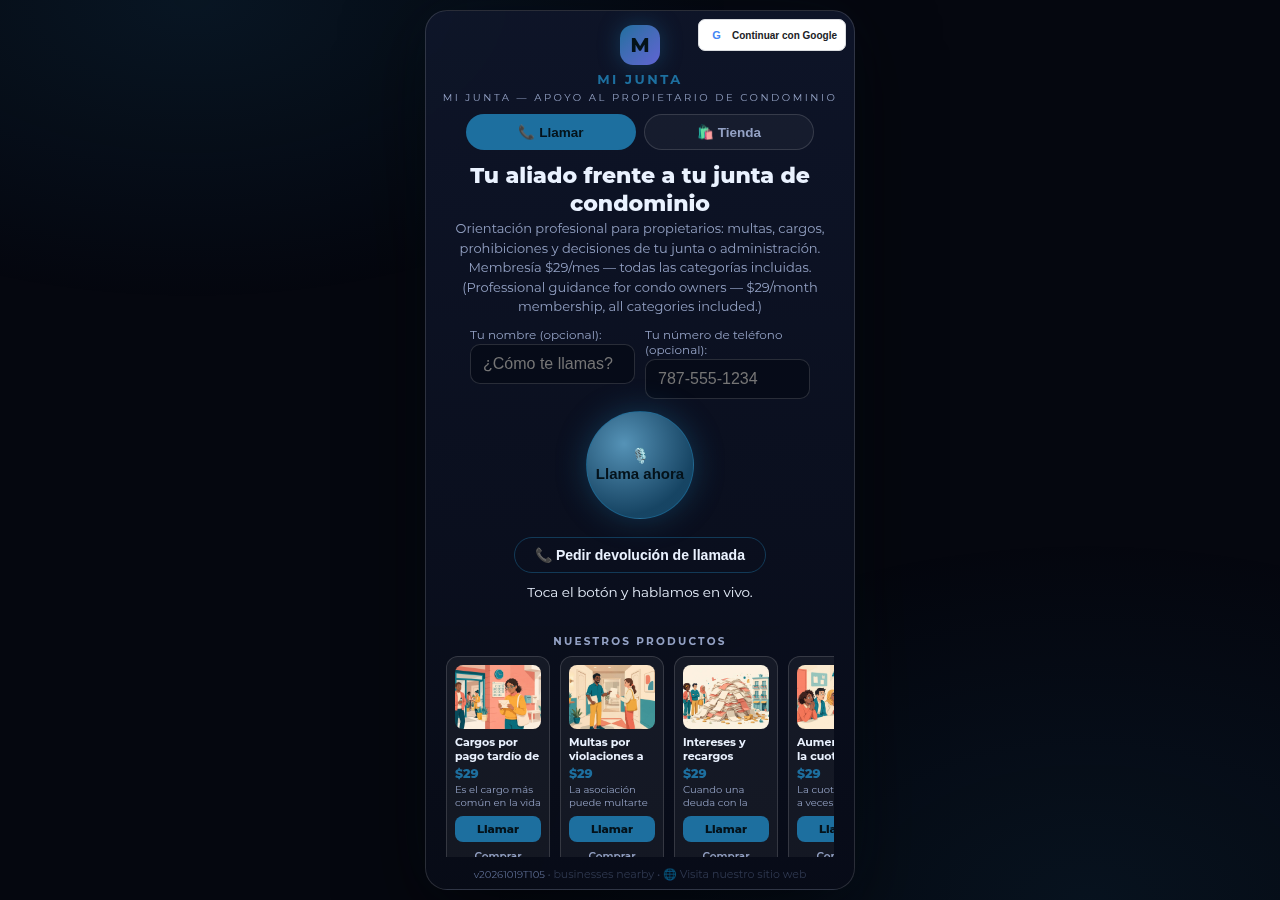
See it live: Mi Junta
Mi Junta — CallPage · Mi Junta — website
Related reading
 Appointments live inside the call now
 One console for every account
Visit a page and wait a moment →
Innovation by Vasily Starostenko, founder of CallPages.