جديد — وكيل هاتفك بالذكاء الاصطناعي يعمل خلال 3 دقائق

نشاطك يرد على كل مكالمة — بالذكاء الاصطناعي

أنشئ صفحة ذكاء اصطناعي للنقر والاتصال لنشاطك خلال 3 دقائق. يضغط عملاؤك على رابط ويبدأون الحديث. وتحصل أنت على النص والملخص وطلب معاودة الاتصال.

دقائق ذكاء اصطناعي مشمولة كل شهر · لا حاجة إلى رقم هاتف · إلغاء في أي وقت

نشاطك التجاري
عندك سؤال؟ اضغط وتحدث فقط.

يرد مساعدنا فوراً — الأسعار والتوفر والحجوزات والمزيد.

مكالمة مباشرة — 02:14
المتصل
“هل لديكم مواعيد متاحة هذا الخميس؟”
المساعد
“نعم! لديّ 10:30 AM و2:00 PM. أيهما يناسبك؟”
اضغط للتحدث
كل ما تستطيع صفحتك فعله — من الشاشة الأولى

مكالمات صوتية بالذكاء الاصطناعي، 24/7

يضغط العملاء على رابطك ويتحدثون في متصفحهم — دون رقم هاتف ودون تطبيق ودون انتظار على الخط. يرد وكيلك الصوتي بالذكاء الاصطناعي فوراً، ليلاً أو نهاراً.

يحجز المواعيد داخل المكالمة

في منتصف المحادثة، يعرض وكيلك المواعيد المتاحة الحقيقية ويحجز الموعد داخل المكالمة — ثم تأتي التذكيرات والتأكيدات من تلقاء نفسها.

متجر يبقى مفتوحاً أثناء المكالمة

تبقى منتجاتك ومجموعاتك — ولكل مجموعة رابطها الخاص — قابلة للتصفح في المتجر أثناء المكالمة، بينما ينصح الوكيل العميل بما يشاهده، في الوقت الفعلي.

يعرف منتجاتك عن ظهر قلب

يذكر وكيلك أسعارك وتفاصيلك الدقيقة من كتالوجك الخاص ويرشح المنتج المناسب — ولا يخترع سعراً أبداً.

كل مكالمة، محفوظة وقابلة للبحث

النصوص والملخصات والتحليلات لكل محادثة، في موجز نشاط واحد — اعثر على أي مكالمة باسم المتصل أو رقمه أو أي شيء قيل فيها.

متعدد اللغات من أول تحية

يتحدث هذا الموقع 24 لغة، ويمكن لصفحتك ذلك أيضاً: نقرة صغيرة على علم تبدّل اللغة، فيُستقبل كل زائر بلغته.

الطريق إلى المستقبل

إلى أين تتجه مكالمات الأعمال

كانت كل الأنشطة تخسر المكالمات التي لا تستطيع الرد عليها. ثم أصبح الهاتف رابطاً. والآن الرابط يرد — ويبيع.

أمس — المكالمة الفائتة

يتصل عميل بعد ساعات العمل، فيسمع الرنين دون رد، ويشتري ممن يرد أولاً. ولا يعلم النشاط التجاري أصلاً بما حدث.
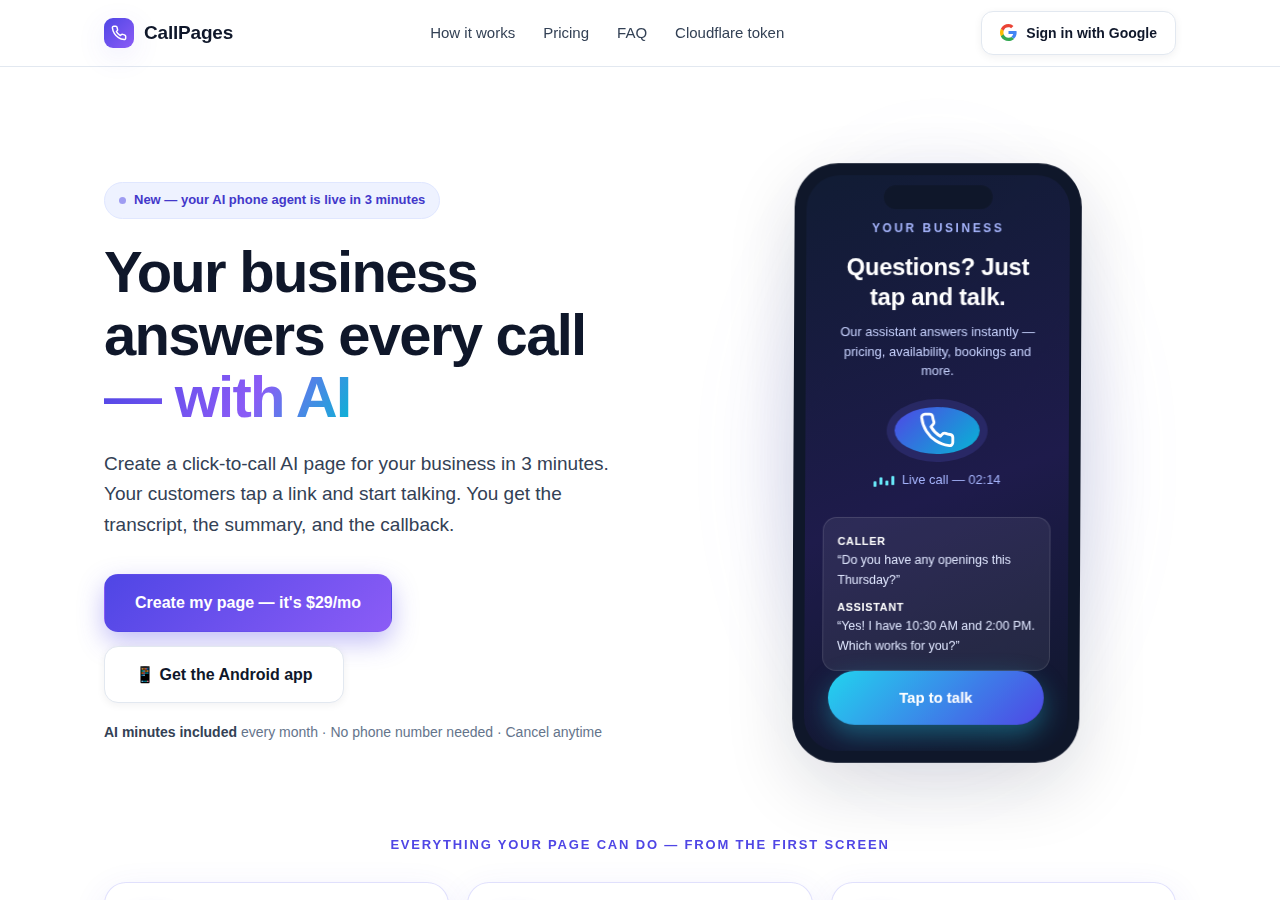
The CallPages home page: a business answering a live AI call on a phone

اليوم — الصفحة التي ترد

ترد صفحة CallPage الخاصة بك فوراً، على مدار 24/7: تتحدث وتذكر أسعارك الحقيقية وتحجز الموعد داخل المكالمة وتترك لك النص والملخص.
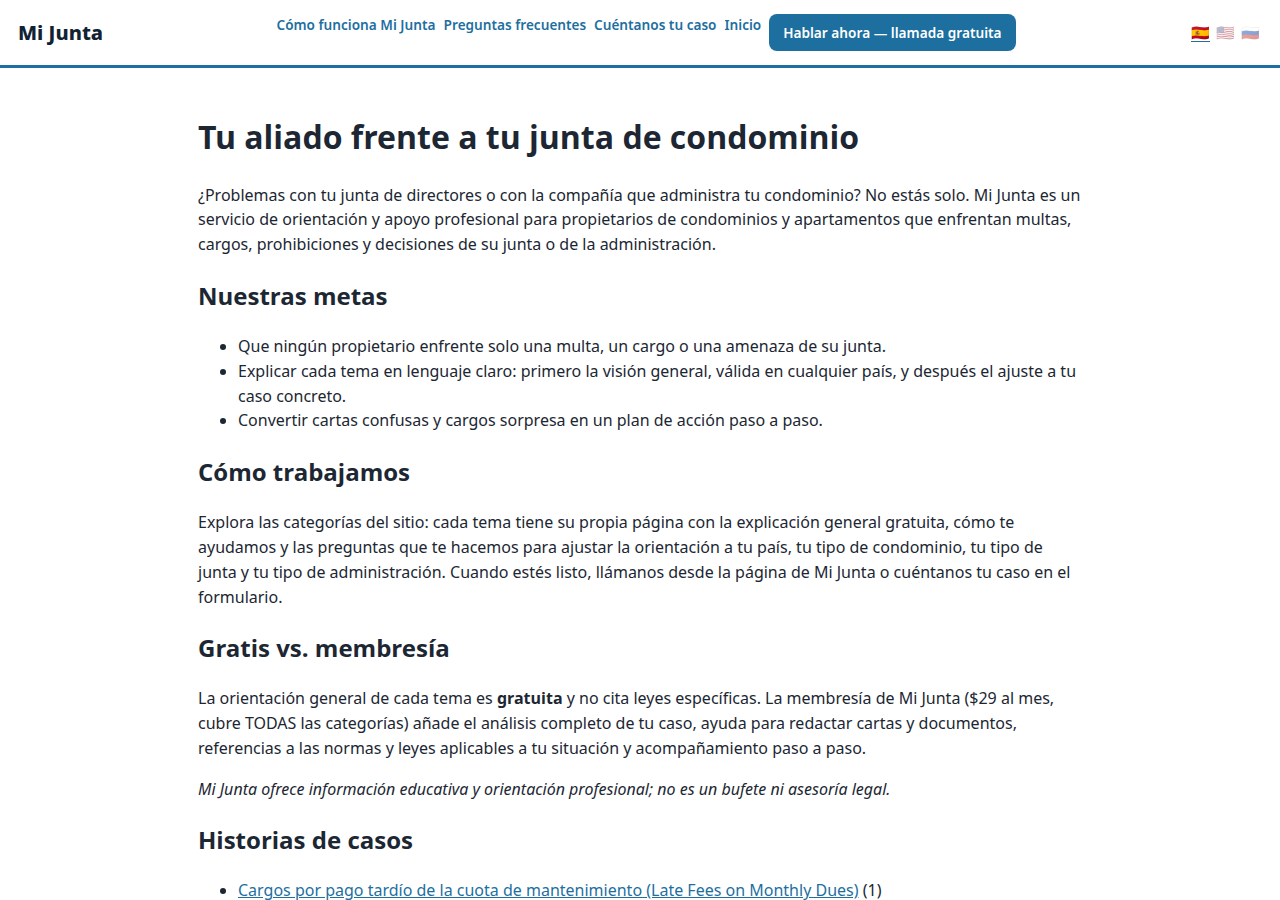
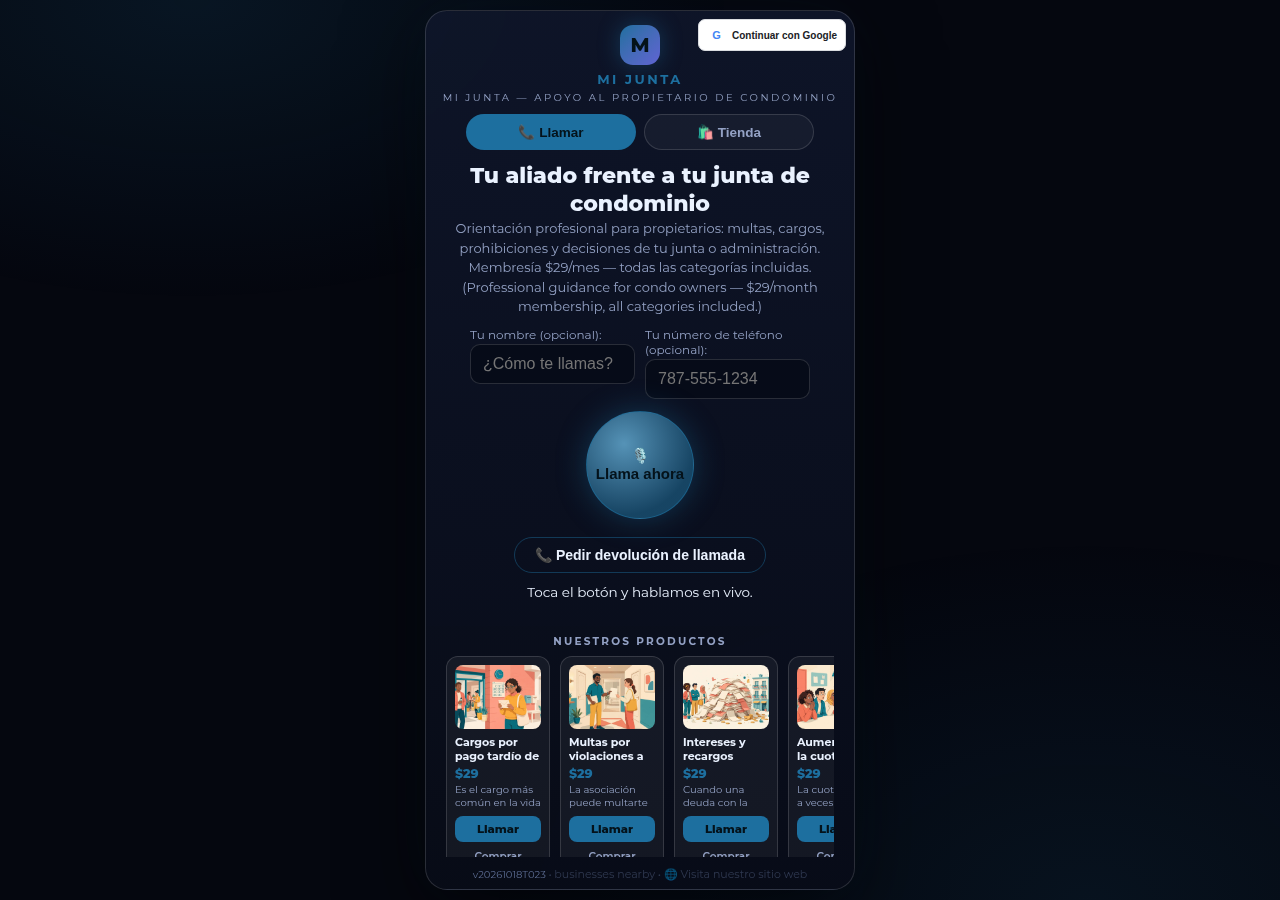
A real business website on CallPages — Mi Junta — with its store and call button in reach

غداً — الوكيل الذي ينمّي النشاط

الوكيل نفسه يتابع ويؤكد ويذكّر ويحفظ كتالوجك عن ظهر قلب — مكتب استقبال لا ينام أبداً، بلغات عملائك.

عرض مباشر
● عرض مباشر

لا تأخذ كلامنا على محمل الثقة — تحدث مع واحدة بنفسك

هذه CallPage حقيقية، تعمل مباشرة على هذه الصفحة نفسها: Mi Junta، خدمة استشارات لأصحاب الشقق في بورتوريكو. تحدث مع مساعدها، أو اضغط زر الاتصال وتكلم — الوكيل يتحدث أولاً، ويمكنك الاكتفاء بالاستماع: لا حاجة إلى ميكروفون للبدء أبداً.

افتح صفحة العرض →

مكالمات العرض مكالمات حقيقية مع CallPage حقيقية — يرجى التحلي باللطف، فالنص المكتوب يصل إلى صاحب الصفحة.

كيف يعمل

يعمل في ثلاث خطوات. حقاً.

لا معدات، لا مكالمات إعداد، لا أمور تقنية. إن كنت تستطيع ملء نموذج، تستطيع فعل هذا.

1

سجّل الدخول عبر Google

نقرة واحدة بحساب Google الخاص بك. لا كلمات مرور لتتذكرها، ولا حسابات لإدارتها.

~30 ثانية
2

صِف نشاطك التجاري

أخبر الذكاء الاصطناعي بما تفعله وما تبيعه وكيف ترحب بالمتصلين — بكلمات بسيطة. اختر صوتاً ولوناً لهويتك.

~دقيقتان
3

شارك رابطك

احصل على رابط صفحتك الخاص. يضغط العملاء عليه من أي هاتف ويبدأون الحديث — فوراً، كمكالمة، في متصفحهم.

تم
What's new · Novedades

Release notes — Oct 22 · Blog · Learning Center
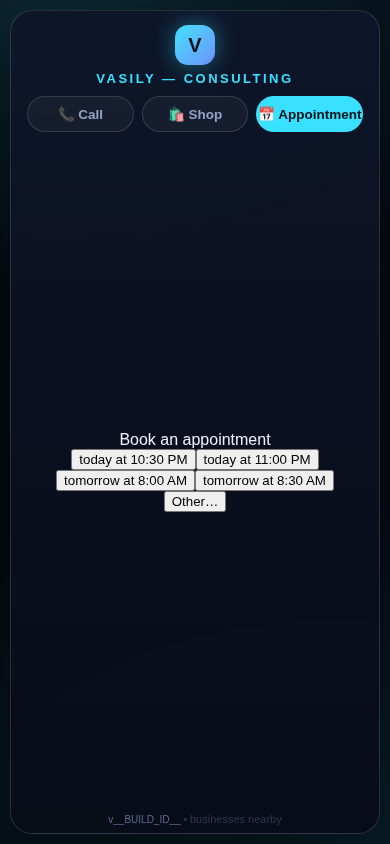
The in-call appointment slot picker on a CallPages page, showing open time slots computed from the page's own appointment book

Appointments belong to CallPages: booking works on every page, Google Calendar only syncs

CallPages' own appointment system is now the system of record on every page: booking is on by default everywhere, and a Google Calendar is only a sync target — never a gate.
See how it works →

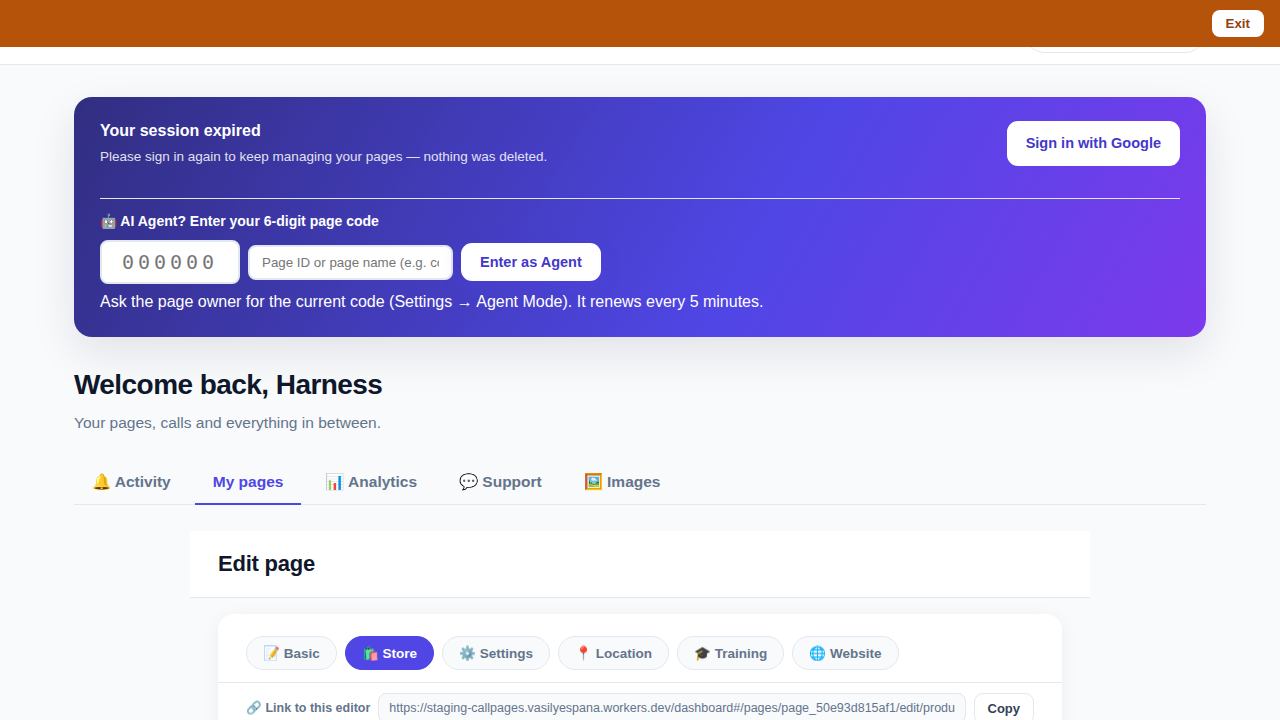
The CallPages dashboard with a page's product editor open and the bookmarkable editor link row visible above the product list

Bookmark the editor: deep links into your page, and a light My Pages landing

Every editor tab in the CallPages dashboard now has its own bookmarkable link that survives sign-in, and the dashboard opens on the light My Pages list instead of the heavy Activity feed.

See how it works →

Illustration: a phone showing a website page as stacked blocks — heading, photo, text — with one text block tapped and outlined for editing, a pencil badge, and a glowing + divider between blocks above a button block

The friendly website editor: edit your site exactly as your visitors see it

The Website Studio's block editor is now fully visual: blocks render as the published page itself, you click any block to edit it in place, and a + divider between blocks opens a six-type picker — no Markdown, no guessing.
See how it works →

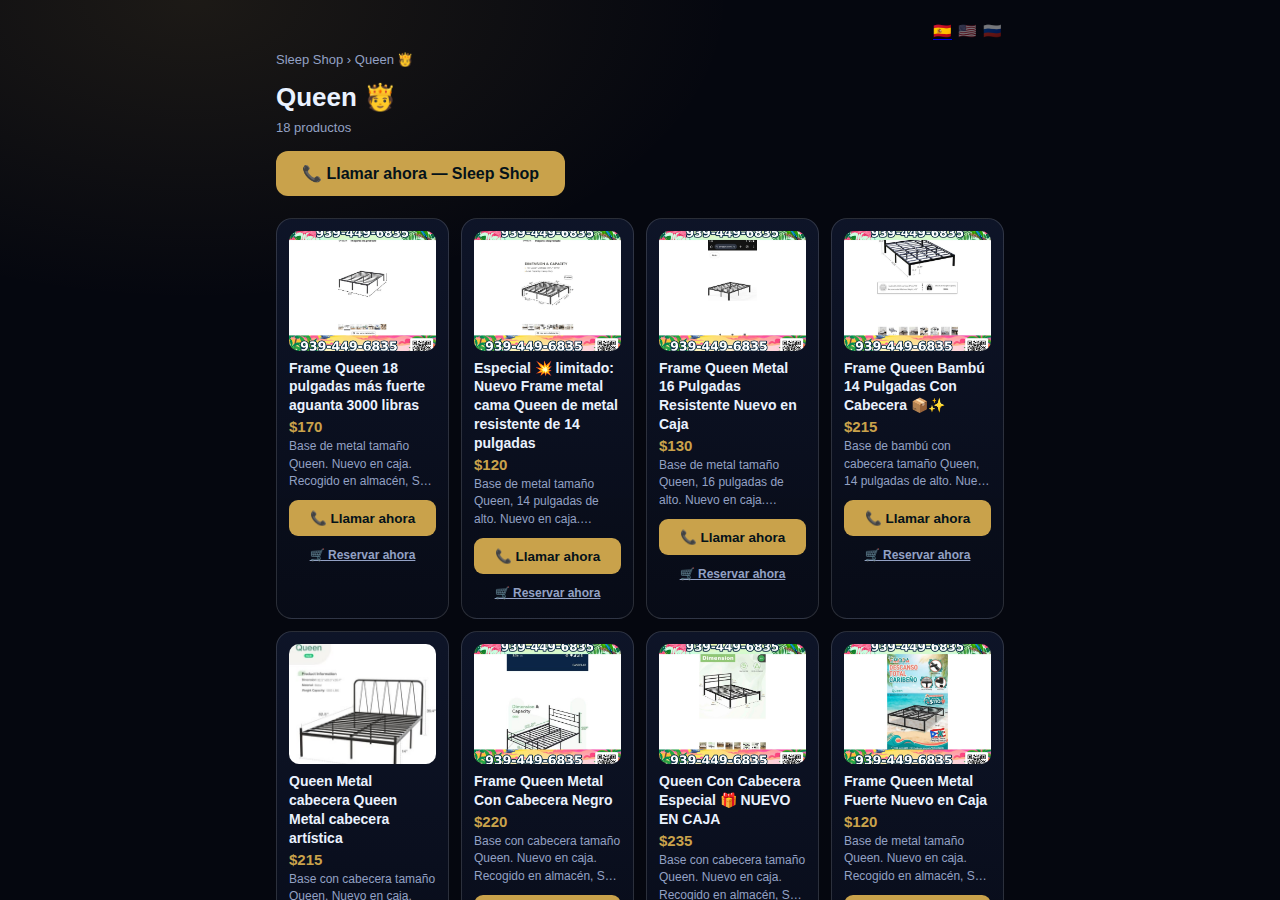
A collection page on CallPages: the Queen collection of a San Juan bed-frame shop at its own /c/queen address, with its products as cards

Collections get their own URLs — and their own place in search

Every collection on a CallPages page now lives at its own address — /p/<page>/c/<collection> — with its own title, description, canonical URL, structured data, and a spot in the page sitemap.
See how it works →

A CallPages page whose store stays browsable during a call: products the customer can tap while the voice agent advises on what they are viewing

The call that lets customers keep shopping

During a CallPages call, customers can tap any product and keep browsing the store — inside the call. The voice agent sees what they're looking at in real time and advises on the item in front of them.

See how it works →

Appointments that follow up by themselves

Booked appointments now manage themselves: a reminder two hours before, confirmation required one hour before, and a private manage page per appointment where the customer can confirm, cancel, or reschedule.
See how it works →

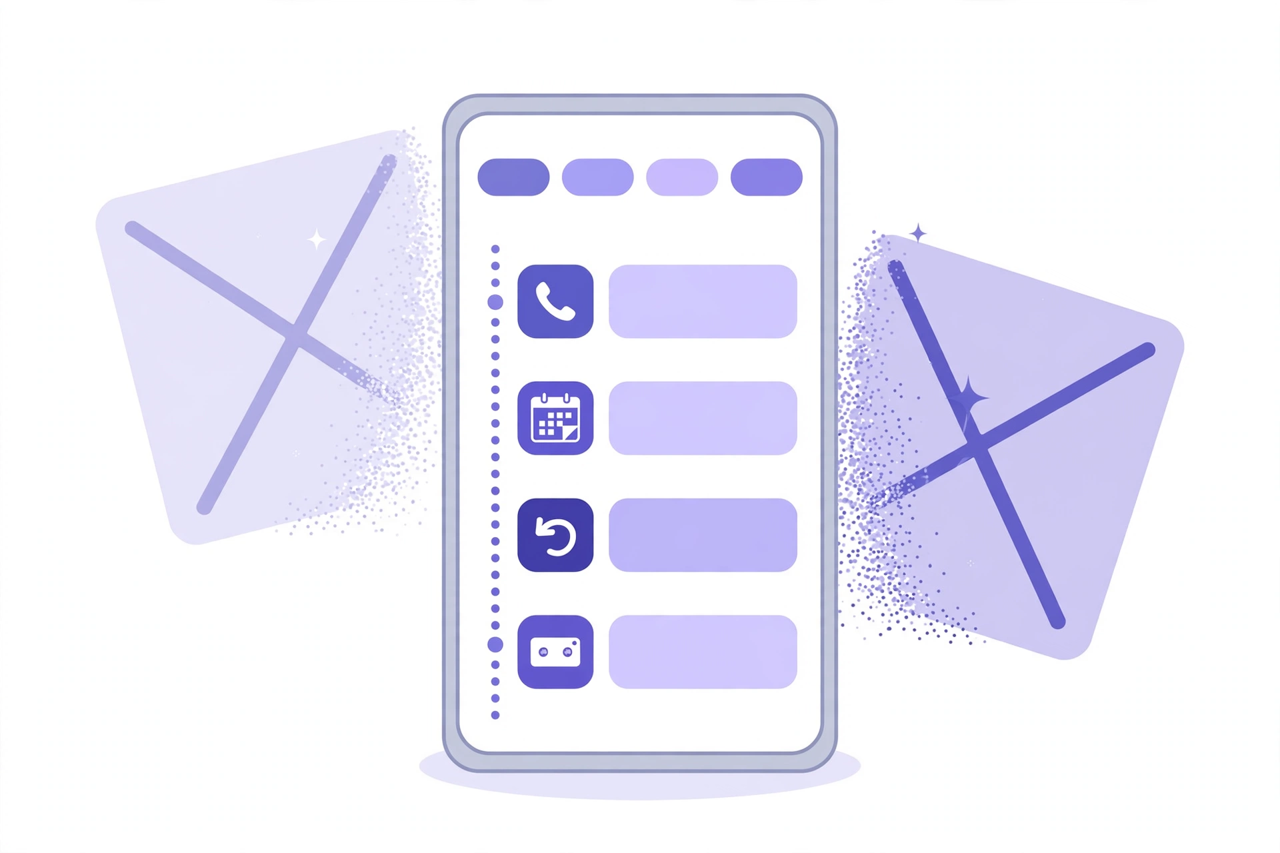
Illustration: a phone showing one unified Activity feed — call, appointment, callback and voicemail rows under filter chips — while two crossed-out separate tabs dissolve behind it

Callbacks and appointments moved in: Activity holds everything now

The dashboard shed two tabs. Callbacks and Appointments/Calendar now live inside Activity at full power — the callback queue, the calendar, Google Calendar — behind the chips you already use.
See how it works →

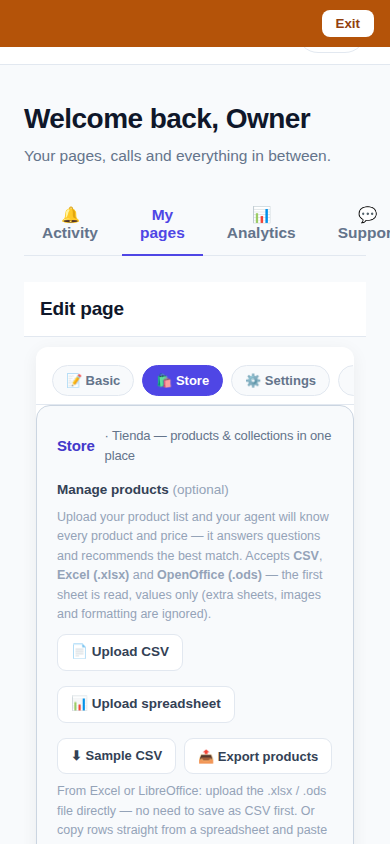
The page editor on a phone with the single Store tab selected: 'Tienda — products & collections in one place'

One Store tab: collections and products, edited together

The Store tab now holds everything: collections on top, products edited right inside them, reorder by drag or arrows — and every change autosaves. No second editor, no Save button.
See how it works →

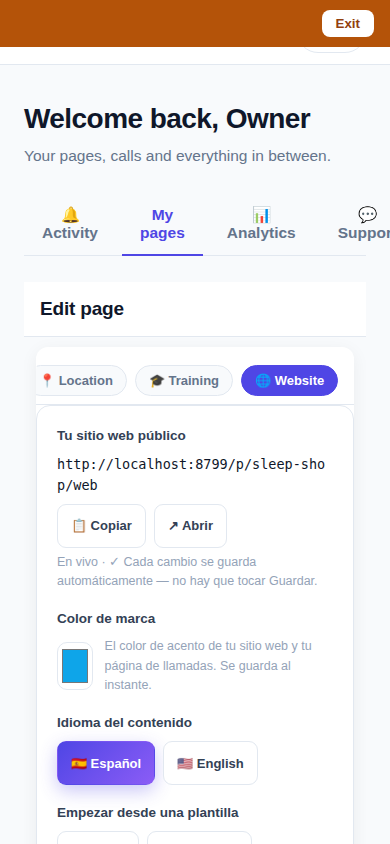
The Website Studio page list on a phone: authored pages grouped by path with per-language published and draft chips

Website Studio: build your whole site from your phone

Every page now has a Website Studio: create your site's pages from templates, edit them block by block, add photos, preview drafts privately, publish when ready — right in the dashboard.

See how it works →

A dashboard header that holds only your account. The dashboard's top bar was de-cluttered: feature shortcuts moved into their own tabs where they belong, and the top-right now holds a single account menu. As a bonus, the plan pill finally tells the truth about your plan. Learn more

Guide agents now know every member of their guide. A city guide's voice agent now carries a complete digest of every member business — names, areas, categories, signature items with real prices, hours and phones — and never claims not to know a business its own guide lists. Learn more

Product pages now answer themselves in Google AI Mode. Every product page can end with a questions section — real questions about that product, each one a tap away from asking Google AI Mode, which answers from the product's own published facts. Learn more

Delete that actually deletes — and a Hide that keeps selling. Deleting a product in the dashboard now removes it for real, the moment you tap. And a new Hide turns the product's page into an honest 'Agotado' with similar products instead of a dead end. Learn more

Release notes — Oct 19 · Blog · Changelog · Learning Center · Learning Center

Illustration: an abstract admin console with owner and customer account cards side by side, a magnifier, and a settings gear

One console for every account

The CallPages admin console now shows page owners and consumer accounts side by side, lets an admin step into any account to help, and edit any page's settings.
See how it works →

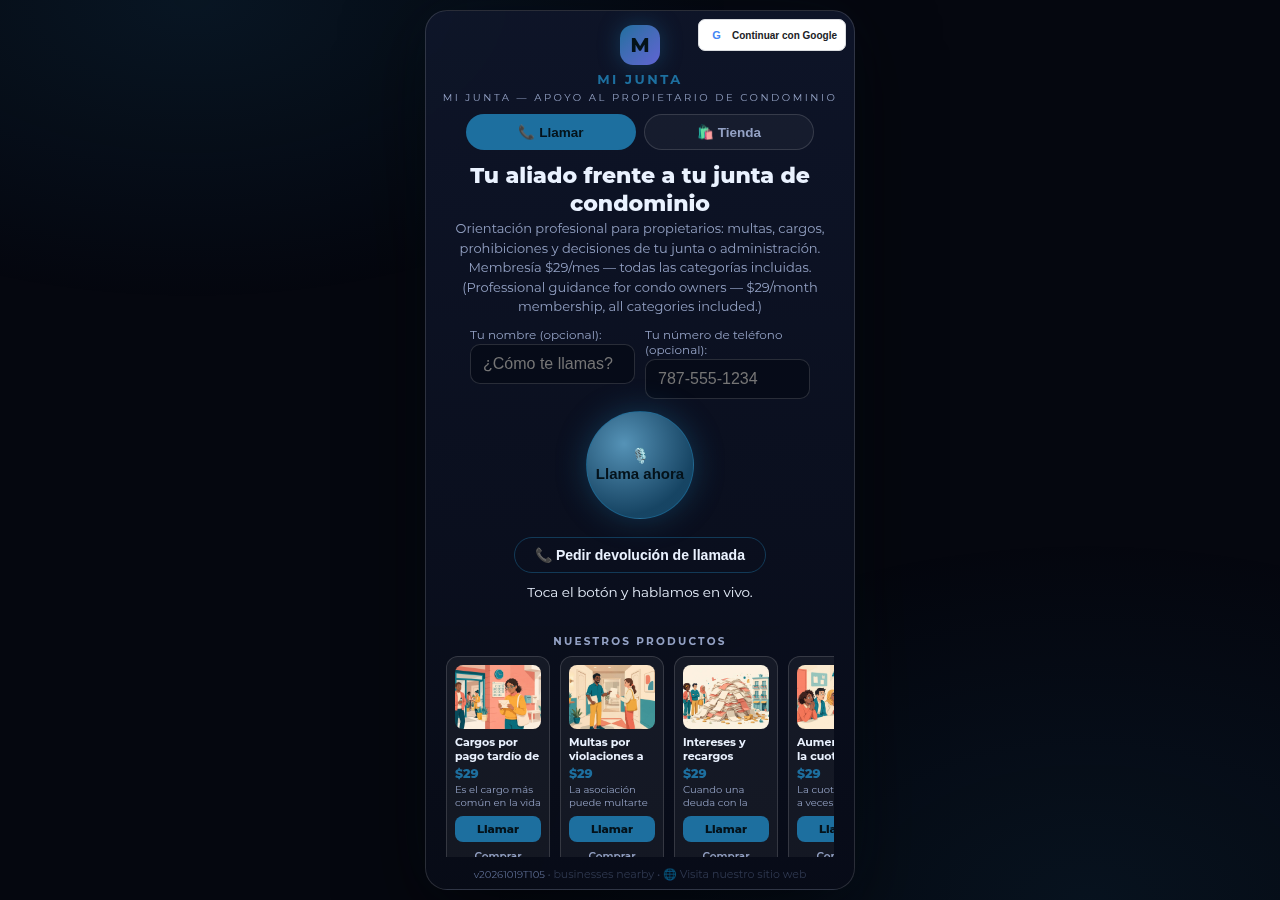
Mi Junta's CallPages page in production: the call is the front door of the page, and appointments are arranged inside that conversation

Appointments live inside the call now

Booking an appointment now happens inside a live call, with the voice agent, in the middle of the conversation it belongs to. The public booking form — and the spam it invited — is gone.
See how it works →

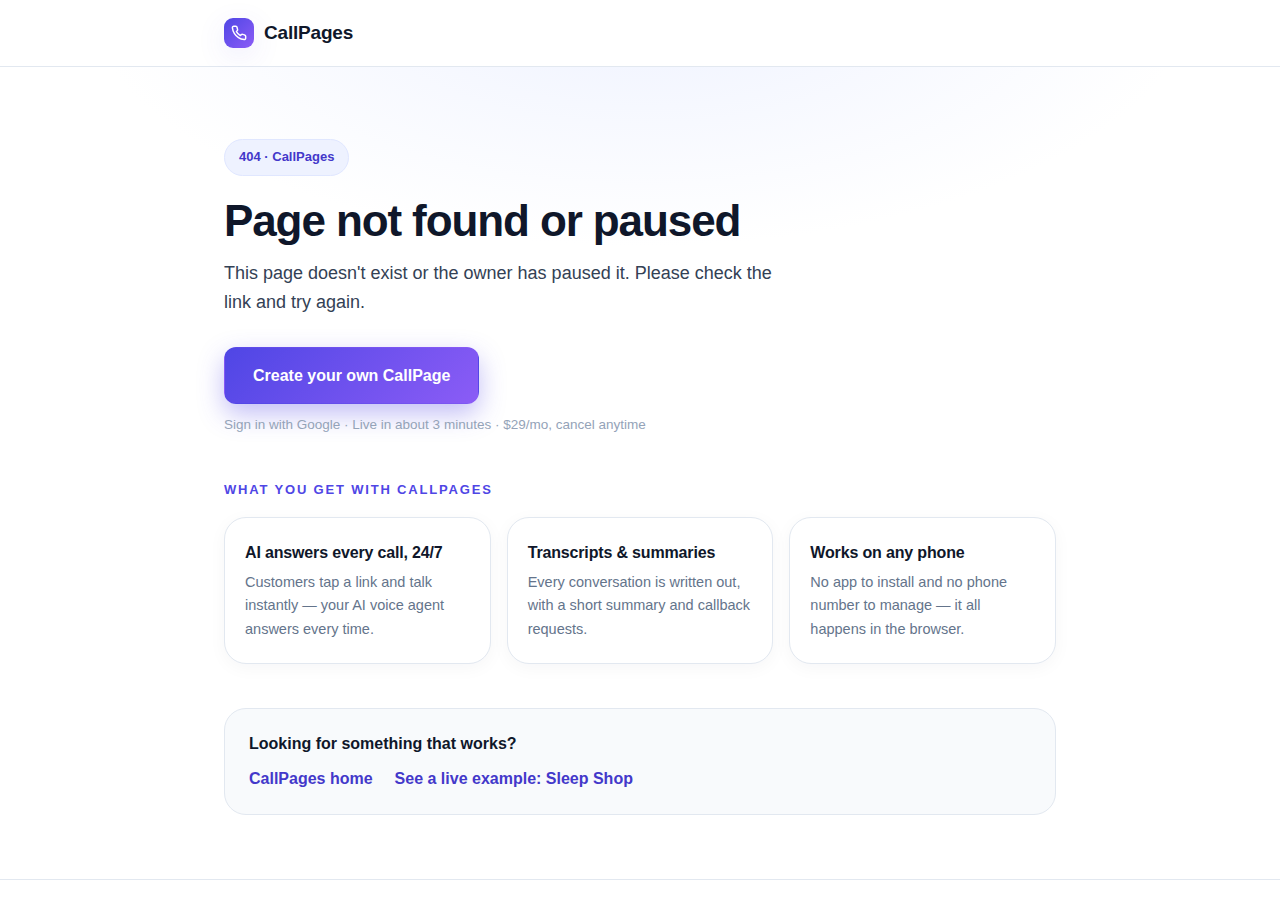
The branded CallPages 404 page: Page not found or paused, with an explanation, a create-your-own button, and cards describing what CallPages offers

Even a wrong link looks like CallPages now

Every error on CallPages — a mistyped address, a paused page, a product that moved — now renders as one branded page that explains what happened and shows the way forward.
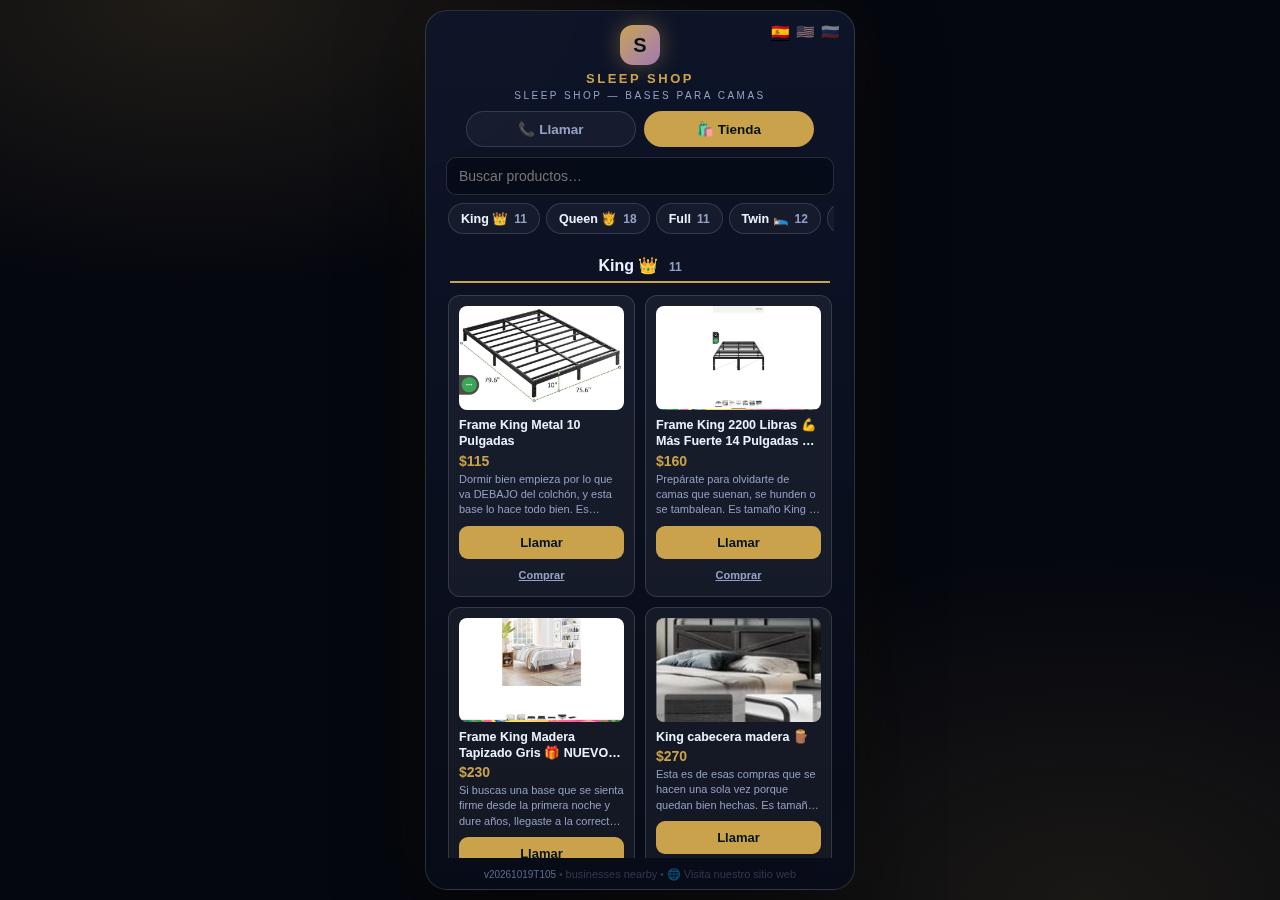
See how it works →

The Sleep Shop store on CallPages with its collection tab bar: King 11, Queen 18, Full 11, Twin 12 above the King collection's product grid

Every collection, one tap away

A CallPages shop now carries a collection tab bar: each collection sits in a sticky row with its product count, and tapping jumps straight to it — same page, all products, no reloads.

See how it works →

Illustration: a small business storefront connected by a glowing arc to a globe, its page living at its own web address

Your page, on your own domain

A CallPages page can now live on the business's own domain — the address on its signs, cards, and receipts — with the call, the store, and the agent answering there unchanged.
See how it works →

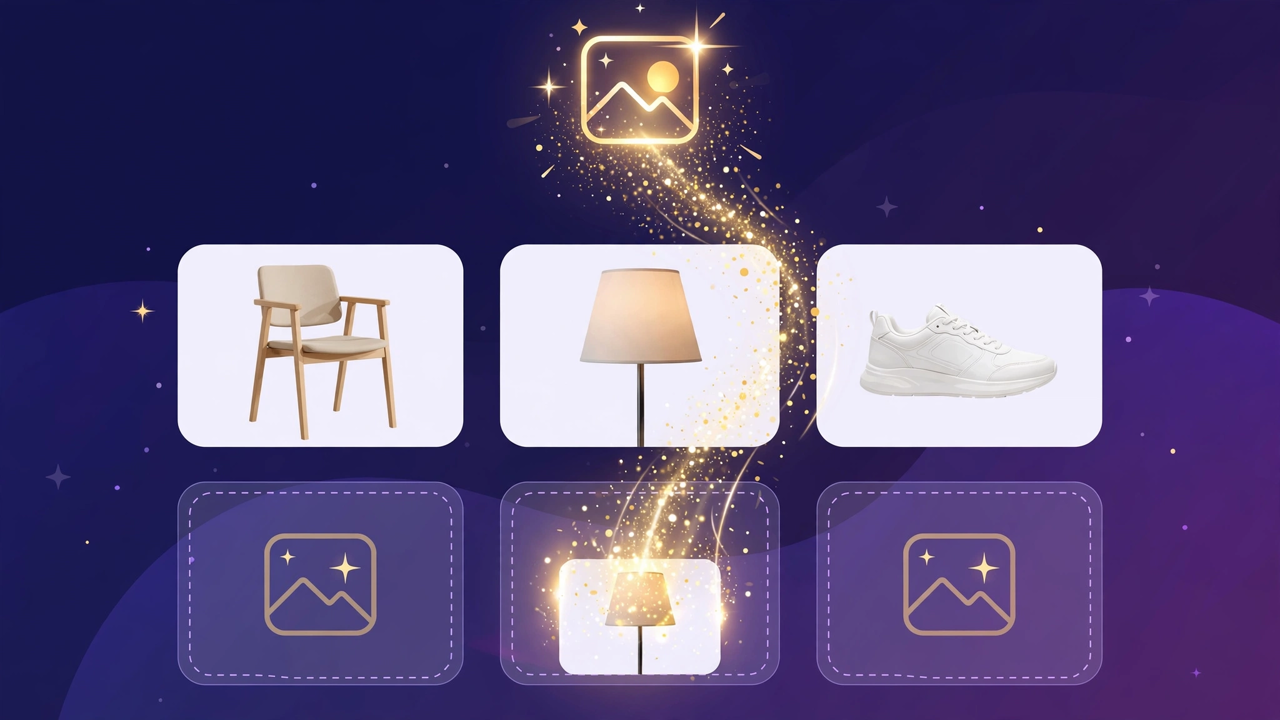
Illustration: a store product grid whose empty photo placeholders are being filled by bright product photos flowing in from a sparkling source

Product photos without a photo shoot

A catalog no longer waits for a camera: CallPages can fill in product photos from free image providers, chosen and controlled from Settings.

See how it works →

The new CallPages home page hero: Your business answers every call — with AI, beside a phone showing a live call with a caller asking about Thursday openings

A new front door for CallPages

The CallPages home page has been rebuilt: a hero that shows a live AI call on a phone, and the product's real features integrated into the first screen instead of listed somewhere below.

See how it works →

Illustration: a product page on a phone with a quiet chat bubble opening at the bottom and a glowing microphone button beside it

The Silent Magic Helper, on every page

The Silent Magic Helper is now on by default for every CallPages page — existing and new — and its chat sessions are logged as calls, right beside the voice ones.
See how it works →

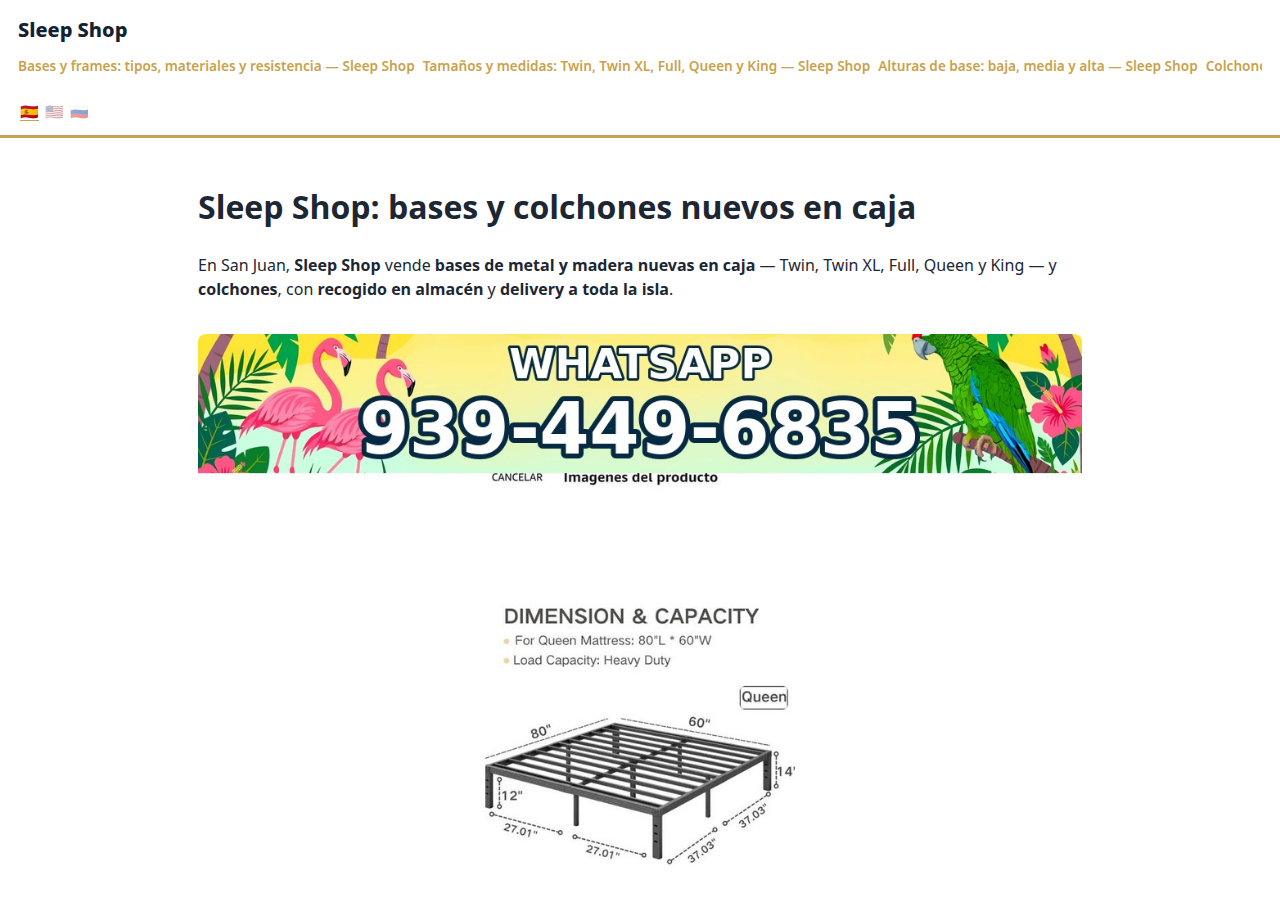
Sleep Shop's website on CallPages in production — the web face of the page that now also carries its own sleep-shop@callpages.me address

Every page gets its own email address

Every CallPages page now has its own email address — <page>@callpages.me — and new pages greet their owners with a welcome email. A page is reachable by call, by web, and by mail.

See how it works →

Illustration: a completed payment card flowing into an envelope, a calendar appointment, and a reminder bell, connected by one glowing path

What happens after the payment, automatically

A payment on CallPages now sets its own follow-through in motion: confirmations and next steps happen on their own, and the owner watches it all land in Activity.
See how it works →

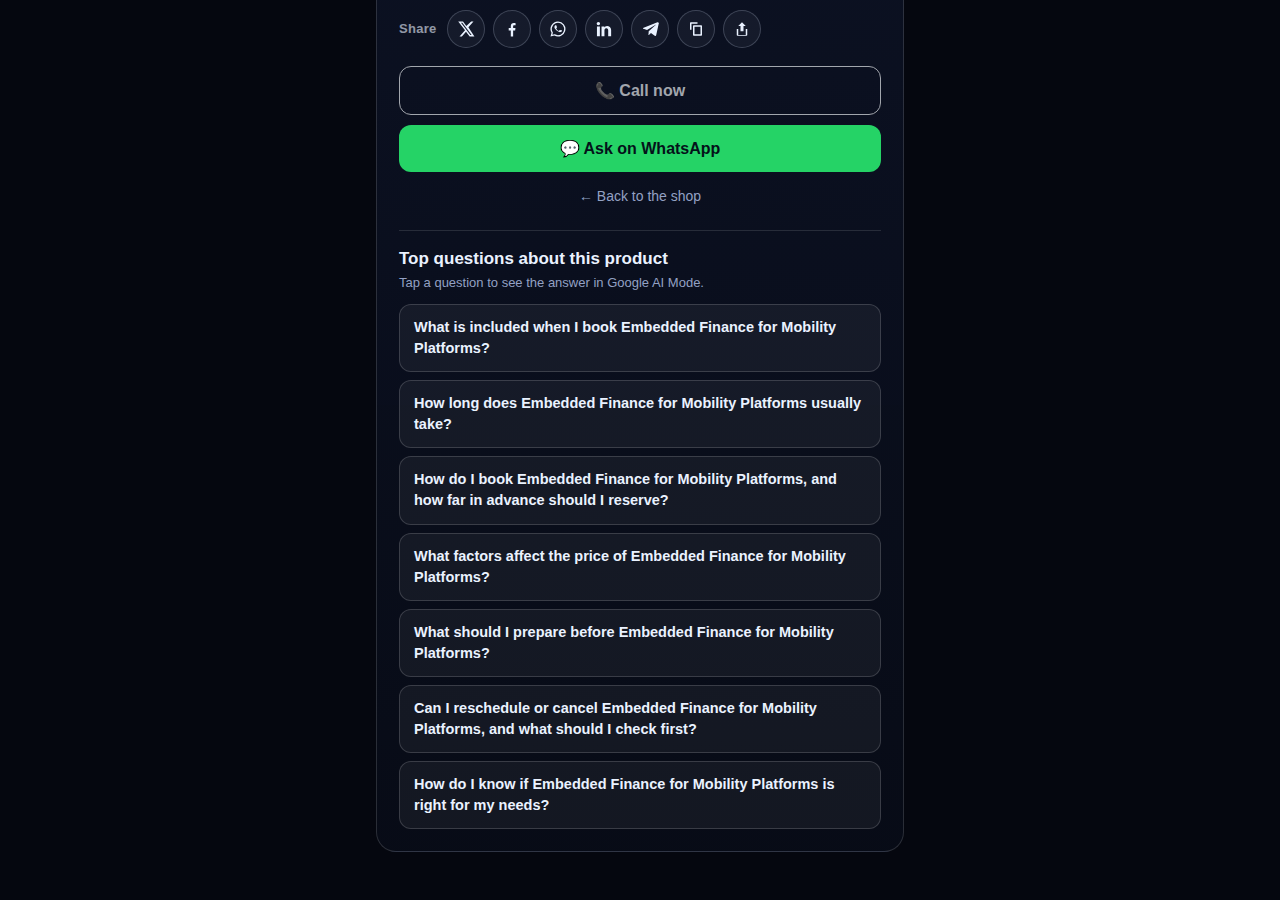
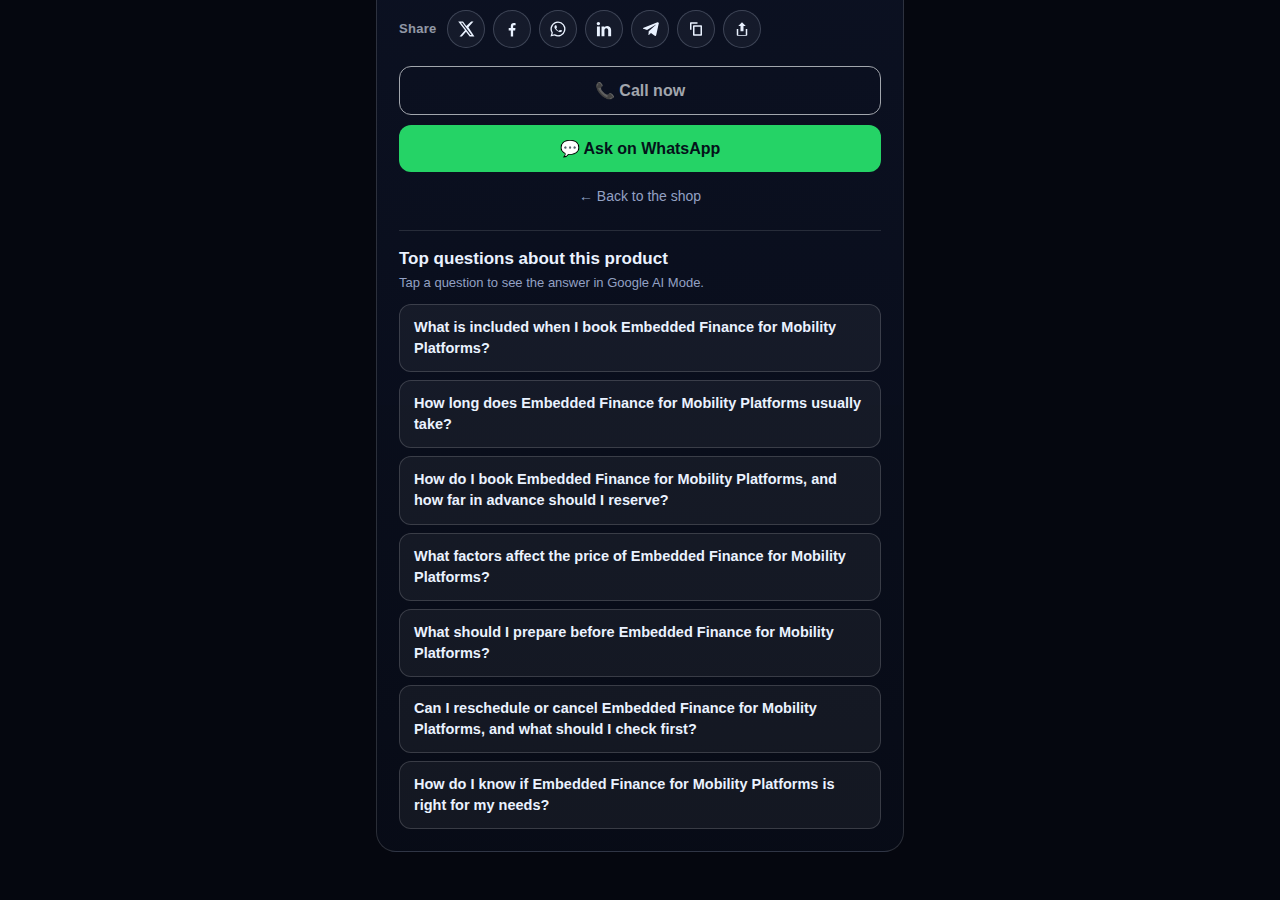
A consulting product page on CallPages whose top questions are about the service itself: what is included, how long it takes, how far ahead to book, and what affects the price

Questions that belong to the product

The questions on a product page are now written from that product itself — its name, its photo, its description — so a consulting session gets consulting questions and a bed frame gets frame questions.
See how it works →

The share row on a live CallPages product page: X, Facebook, WhatsApp, LinkedIn, Telegram, copy-link, and share buttons above the call button

Every page and product, ready to share

Pages and products now carry a proper share row — X, Facebook, WhatsApp, LinkedIn, Telegram, and copy-link — so anything worth finding is one tap from being passed on.

See how it works →

Mi Junta's website on CallPages in production, rendered in the current design generation: clean navigation, clear sections, and the call to action always in reach

WOW Design v2 — and styles that remember

Pages and websites get a new design generation, WOW Design v2, and page styles are now versioned: when a look changes, the old one is kept, not overwritten.

See how it works →

صفحات حقيقية · منتجات حقيقية

أنشطة ترد بالفعل بالذكاء الاصطناعي

صفحات CallPages حقيقية، تعمل الآن مباشرة — بمنتجاتها الحقيقية وأسعارها الحقيقية. اضغط أي واحدة منها وتحدث مع النشاط بنفسك.
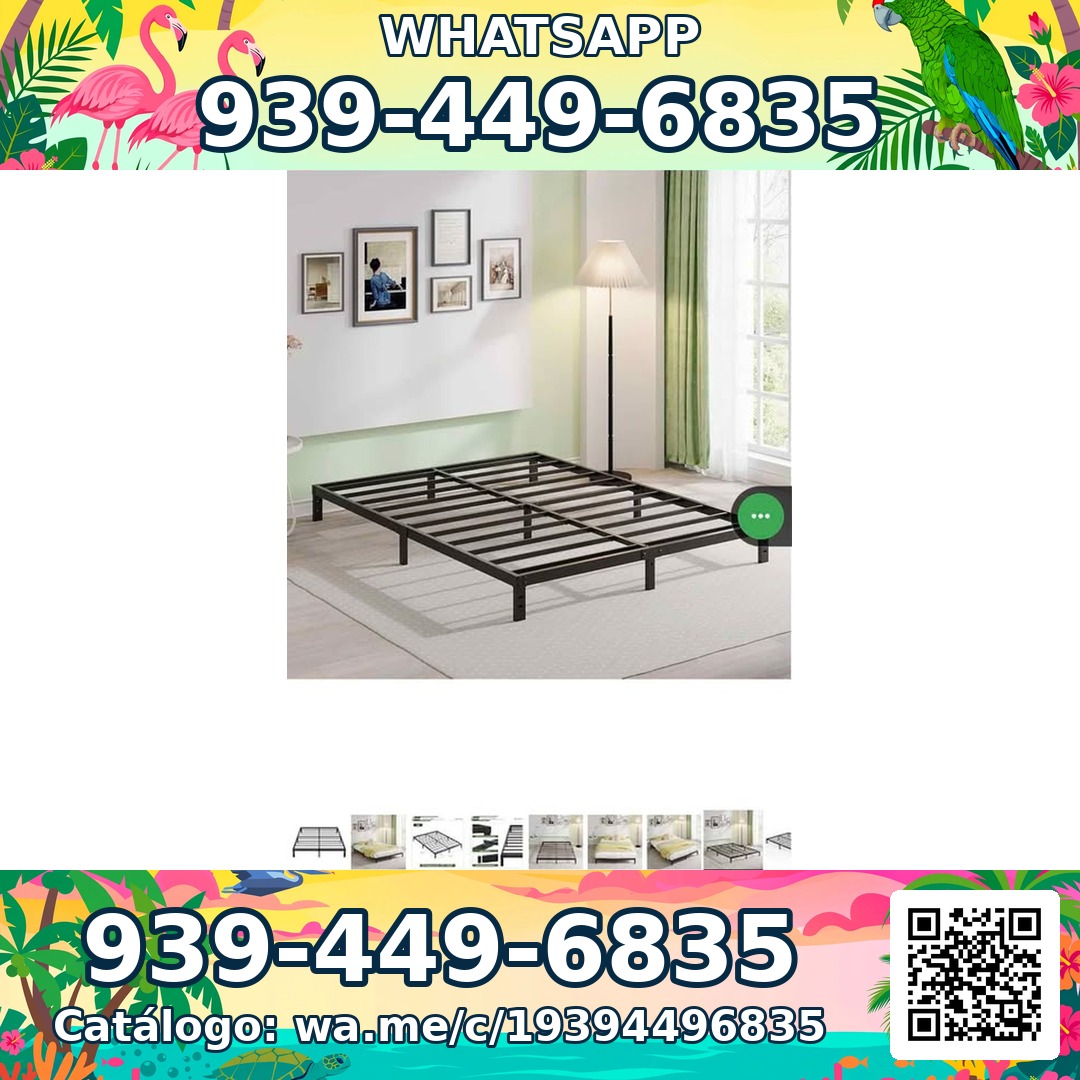
Sleep Shop — a metal bed frame product photo from the live store

Sleep Shop

هياكل أسرّة ومراتب في سان خوان، بورتوريكو — توصيل إلى جميع أنحاء الجزيرة خلال نحو ساعة.

Frame Full 8 Pulgadas — product photoFrame Full 8 Pulgadas 🎁 NUEVO EN CAJA$99
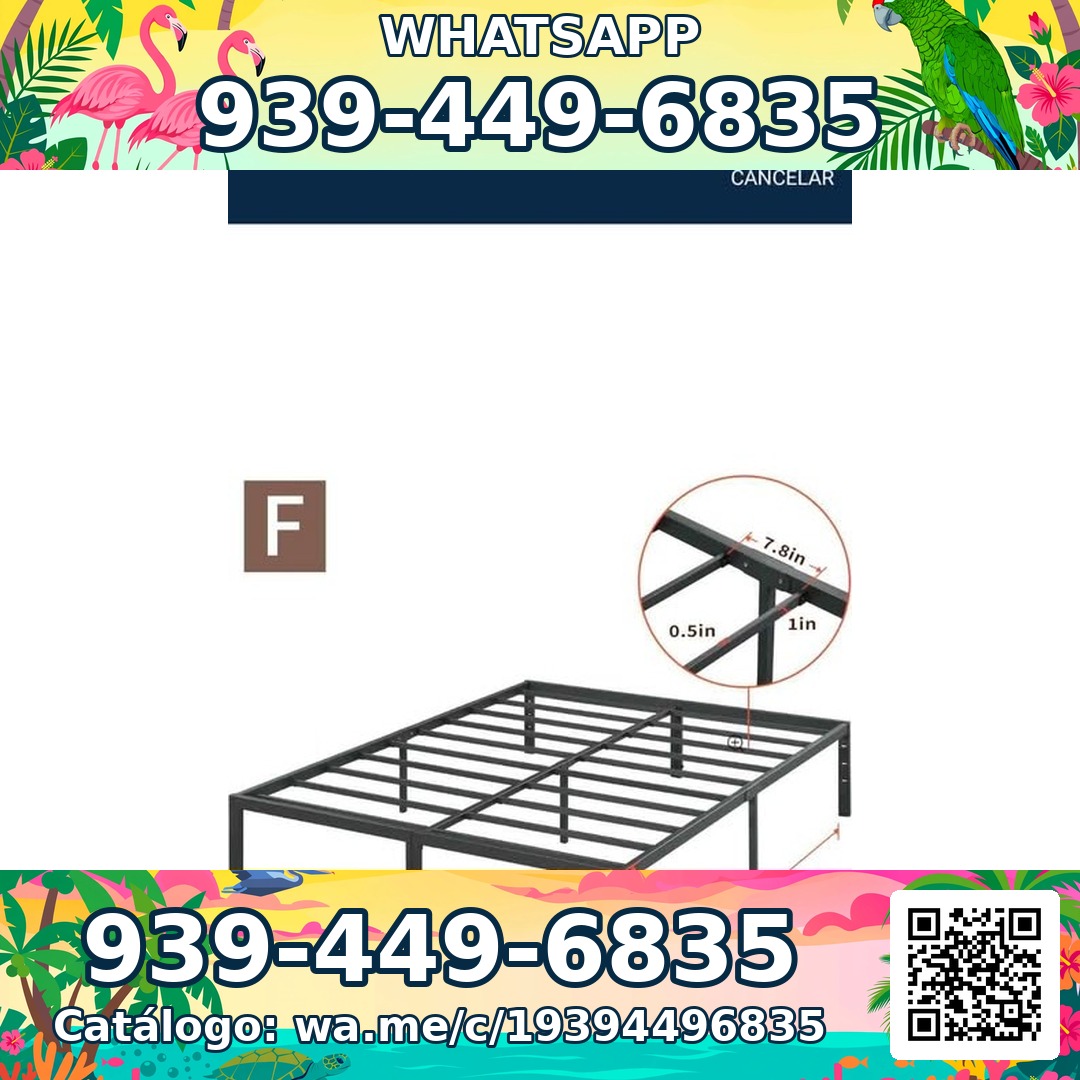
Frame Full 3000 Libras Acero 18 Pulgadas — product photoFrame Full 3000 Libras Acero 18 Pulgadas 💪 📦✨$160
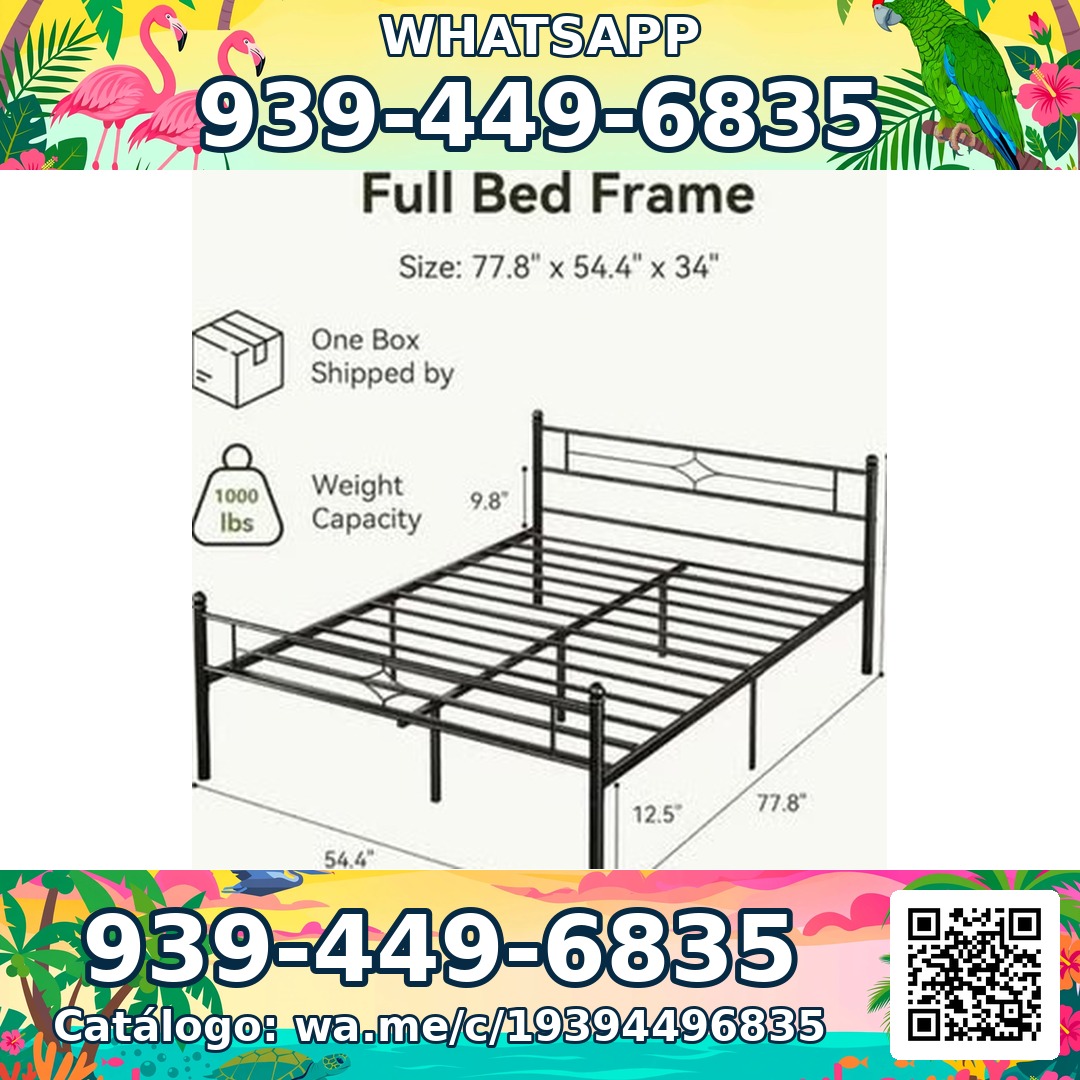
Frame Full Metal Con Cabecera Vintage — product photoFrame Full Metal Con Cabecera Vintage 🎁 NUEVO EN CAJA$180

Mi Junta — advice for condo owners about late HOA dues

Mi Junta

مساعدة لأصحاب الشقق في بورتوريكو ممن يواجهون غرامات الجمعيات ورسوم التأخير ورسوماً غير مفسرة.

Cargos por pago tardío de la cuota de mantenimiento — topic imageCargos por pago tardío de la cuota de mantenimiento (Late Fees on Monthly Dues)$29

Multas por violaciones a las reglas — topic imageMultas por violaciones a las reglas (Rule-Violation Fines)$29

Intereses y recargos acumulados por mora — topic imageIntereses y recargos acumulados por mora (Accumulated Interest & Late Charges)$29

Vasily — executive advisory on future tech and mobility

Vasily — Consulting

استشارات في تقنيات المستقبل والتنقل واستراتيجية المنتجات — جلسات استشارية وورش عمل معمقة.

Executive Advisory Session — session imageExecutive Advisory SessionConsultar
Diligence Sprint — session imageDiligence SprintConsultar
Priority Scheduling — session imagePriority Scheduling$2,000
Ferretería Ramón — construction materials at a San Juan hardware store

Ferretería Ramón

متجر أدوات في حي بسان خوان — كتالوجه بالكامل على صفحة واحدة، على بعد نقرة واحدة من مكالمة.

Arena de Río — product photoArena de Río

Arena Fina — product photoArena Fina
Cemento (Saco) — product photoCemento (Saco)
كل شيء مشمول

صفحة واحدة. فريق هاتف كامل.

تأتي كل صفحة CallPages مع كل ما تحتاجه حتى لا يفوتك أي عميل مرة أخرى.

Illustration: a business page living at its own web address

رابطك المخصص الخاص بك

تحصل كل صفحة على رابط فريد مثل yourbusiness.callpages.com — ضعه على موقعك وملفك على Google وفواتيرك وحساباتك الاجتماعية.

Illustration: two phones with voice waves — a test call to your own page

مكالمات تجريبية في أي وقت

جرّب صفحتك كما يفعل العميل — اضغط وتحدث واسمع بالضبط ما سيسمعه المتصلون بك.
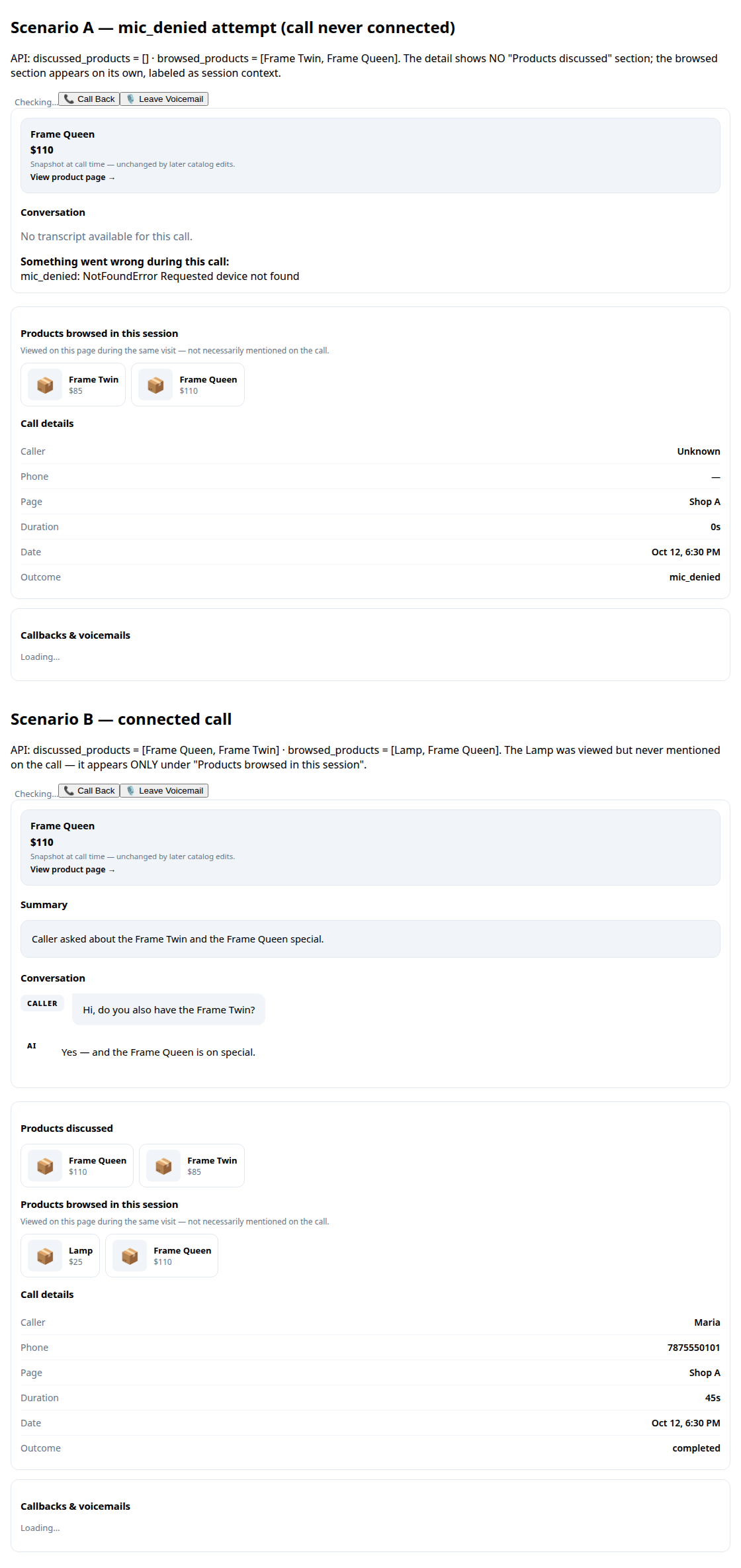
A call record in production: transcript and the products browsed during the call

النصوص والملخصات

كل محادثة تُكتب لك بالكامل، مع ملخص قصير لتعرف ما حدث في ثوانٍ.
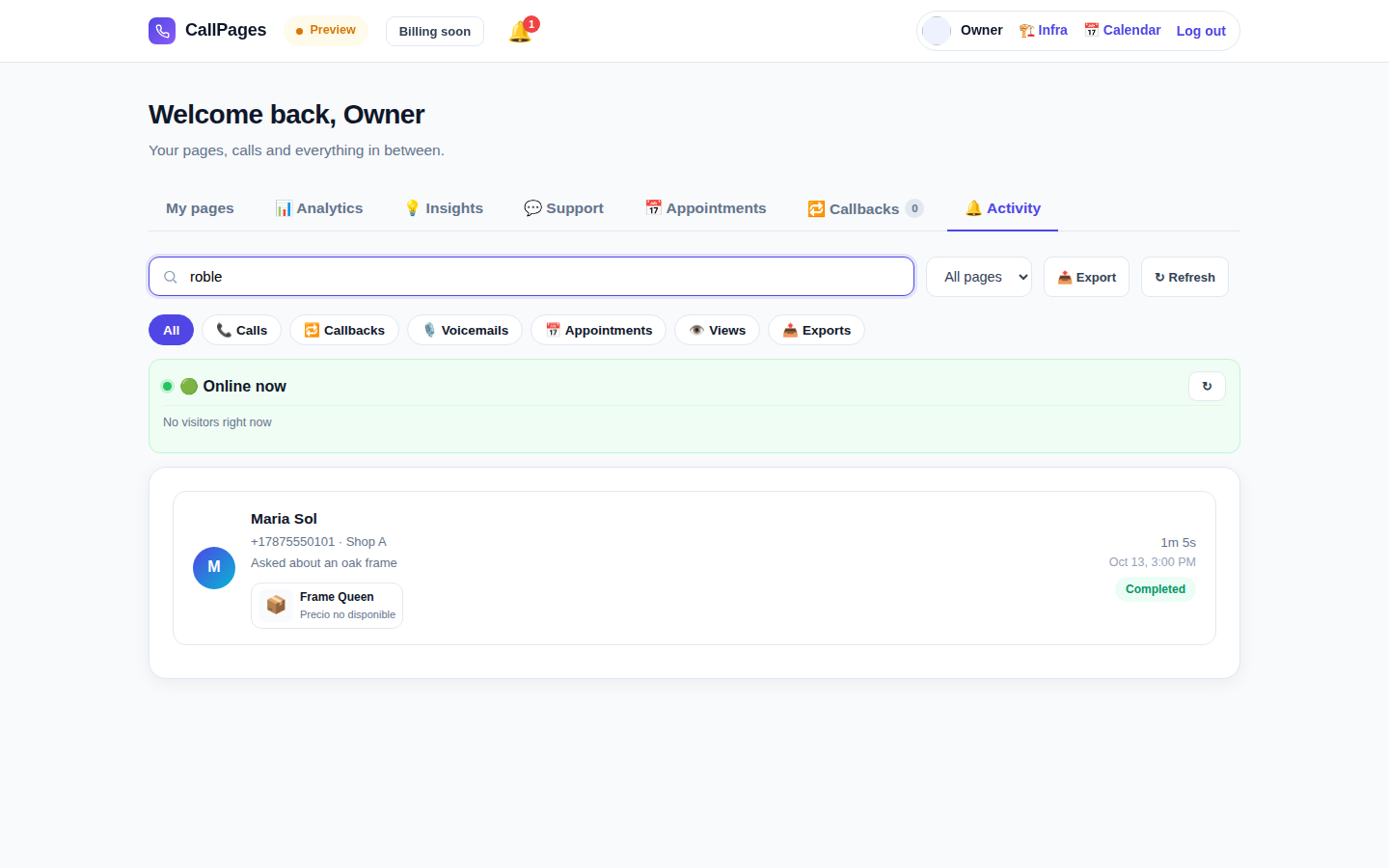
The Activity tab in production: every call, searchable

سجل مكالمات قابل للبحث

اعثر على أي مكالمة فوراً — ابحث باسم المتصل أو رقمه أو أي شيء قيل في المحادثة.

Mi Junta's website in production, wearing its own branding

هويتك التجارية

اسم نشاطك وألوانك وتحيتك. صفحتك تبدو مثلك — لا مثلنا.

Illustration: a merchant with their business dashboard on a phone

يعمل على أي هاتف

يفتح المتصلون الرابط في متصفحهم فقط — iPhone أو Android، دون تطبيق للتثبيت ودون حاجة إلى حساب.

A product page in production asking questions drawn from the product itself

يعرف منتجاتك

ارفع قائمة منتجاتك وسيذكر وكيلك الأسعار الدقيقة ويجيب عن الأسئلة ويرشح المنتج المناسب — ولا يخترع شيئاً أبداً.

يتحدث لغة عملائك

تتحدث الصفحات والوكيل باللغات التي تختارها — هذا الموقع وحده منشور بـ 24 لغة.

🇪🇸 🇺🇸 🇫🇷 🇧🇷 🇩🇪 🇮🇹 🇳🇱 🇵🇱 🇷🇺 🇺🇦 🇨🇳 🇯🇵 🇰🇷 🇸🇦 🇮🇳 🇹🇷 🇮🇩 🇻🇳 🇹🇭 🇵🇭 🇧🇩 🇮🇷 🇸🇪 🇬🇷

الأسعار

خطة واحدة. بسيطة.

كل شيء مشمول في خطة واحدة. أضف المزيد من الصفحات مع نمو نشاطك.

CallPages
$29/شهر لكل صفحة

دقائق ذكاء اصطناعي لكل صفحة، كل شهر

  • صفحتك الخاصة للنقر والاتصال بهويتك التجارية
  • دقائق ذكاء اصطناعي مشمولة في كل صفحة — استخدام عادل
  • متصلون ونصوص وملخصات بلا حدود
  • طلبات معاودة الاتصال تُرسل إليك بالبريد الإلكتروني
  • إلغاء في أي وقت — دون عقود ودون رسوم إعداد
ابدأ — سجّل الدخول عبر Google
دفع آمن · إلغاء في أي وقت
الأسئلة الشائعة

الأسئلة، وقد أُجيب عنها.

إجابات واضحة، دون مصطلحات تقنية.

هل أحتاج إلى رقم هاتف ليعمل هذا؟
لا. لا يستخدم CallPages خط هاتفك إطلاقاً. يفتح عملاؤك رابط صفحتك في متصفحهم ويتحدثون مباشرة — إنها تشبه المكالمة الهاتفية، لكنها تحدث على الويب. لا تحتاج إلى شراء أي رقم هاتف أو نقله أو إدارته.
ما اللغات التي يتحدثها الذكاء الاصطناعي؟
هذا الموقع منشور بـ 24 لغة — اضغط علماً في الأعلى فيتبدل كل شيء. تتحدث صفحتك باللغات التي تختارها لها: يرحب الذكاء الاصطناعي بالمتصلين ويجري المحادثة كاملة بتلك اللغة، ويمكن للصفحة أن تعمل بعدة لغات في آن واحد.
كيف تعمل المكالمات فعلياً؟
تشارك رابط صفحتك في أي مكان — موقعك وملف Google Business وفواتيرك ووسائل التواصل الاجتماعي. يضغط عميلك على الرابط، ثم على زر الاتصال، ويبدأ الحديث في متصفحه. يرد الذكاء الاصطناعي فوراً، على مدار 24/7. وبعد المكالمة، تحصل على النص الكامل وملخص قصير في لوحة التحكم.
ما الذي يُحتسب دقيقة ذكاء اصطناعي؟
دقيقة الذكاء الاصطناعي هي دقيقة واحدة من محادثة مباشرة مع ذكائك الاصطناعي. تشمل كل صفحة دقائق ذكاء اصطناعي للمحادثات المباشرة — ومعظم الأنشطة الصغيرة لا تقترب أبداً من حد الاستخدام العادل.
هل يمكنني الإلغاء في أي وقت؟
نعم. لا توجد عقود ولا رسوم إلغاء. أدر اشتراكك من لوحة التحكم بنقرة واحدة، وتبقى صفحاتك نشطة حتى نهاية فترة الفوترة.

شارك CallPages

تعرف نشاطاً يفوّت المكالمات باستمرار؟ مرّر له هذا.

مشاركة
/* public/theme-switcher.js — LANE 4 top-fixed theme switcher (Vasily, 2026-10-23). * * A floating pill, always visible at the very top of the page, with three * segments: Lame White / Current / Acid. Zero friction, unlimited changes. * - Instant: swaps + localStorage("cp-theme") immediately. * - Owner mode (dashboard, data-theme-mode="owner"): also persists to the * account in D1 via POST /api/owner/theme (fire-and-forget; the UI * never waits for the network). * - Visitor mode (public pages, data-theme-mode="visitor"): local only — * the visitor plays with themes without affecting anyone. * * Inlined into dashboard/dialer/landing/my-callpage by build.js at the * theme-switcher placeholder (plain script, no modules, no deps). * Unit-tested in node with stubbed DOM (src/theme-switcher.test.js). */ (function () { "use strict"; var THEMES = [ { id: "lame-white", label: "Lame White" }, { id: "current", label: "Current" }, { id: "acid-v1", label: "Acid" }, ]; var KEY = "cp-theme"; var MOUNT_ID = "cpThemeSwitcher"; function norm(v) { if (v === "lame-white" || v === "current" || v === "acid-v1") return v; if (v === "dark") return "current"; // legacy migration if (v === "light") return "lame-white"; // legacy migration return null; } function getMode(doc) { var m = doc.documentElement.getAttribute("data-theme-mode"); return m === "owner" ? "owner" : "visitor"; } function currentTheme(doc, ls) { var t = null; try { t = norm(ls.getItem(KEY)); } catch (e) {} if (!t) t = norm(doc.documentElement.getAttribute("data-theme")); return t || "current"; } function applyTheme(id, doc, ls) { id = norm(id) || "current"; doc.documentElement.setAttribute("data-theme", id); try { ls.setItem(KEY, id); } catch (e) {} return id; } function persistOwnerTheme(id, fetchFn) { // Fire-and-forget: the UI already applied instantly; a failed save // just means the next load falls back to the previous account theme. try { var p = fetchFn("/api/owner/theme", { method: "POST", headers: { "Content-Type": "application/json" }, body: JSON.stringify({ theme: id }), }); if (p && typeof p.catch === "function") p.catch(function () {}); } catch (e) {} } function setTheme(id, doc, ls, fetchFn) { id = applyTheme(id, doc, ls); if (getMode(doc) === "owner" && typeof fetchFn === "function") { persistOwnerTheme(id, fetchFn); } syncPill(doc, id); return id; } function syncPill(doc, activeId) { var pill = doc.getElementById(MOUNT_ID); if (!pill) return; var btns = pill.querySelectorAll ? pill.querySelectorAll("button[data-theme-id]") : []; for (var i = 0; i < btns.length; i++) { var b = btns[i]; var on = b.getAttribute("data-theme-id") === activeId; b.setAttribute("aria-pressed", on ? "true" : "false"); } } function render(doc, ls, fetchFn) { var mount = doc.getElementById(MOUNT_ID); if (!mount) { mount = doc.createElement("div"); mount.id = MOUNT_ID; (doc.body || doc.documentElement).appendChild(mount); } // Rebuild idempotently. while (mount.firstChild) mount.removeChild(mount.firstChild); var pill = doc.createElement("div"); pill.className = "cp-theme-switcher"; pill.setAttribute("role", "group"); pill.setAttribute("aria-label", "Theme"); var label = doc.createElement("span"); label.className = "cp-ts-label"; label.setAttribute("title", "Prueba los temas — cambia el look al instante"); label.textContent = "🎨 Temas"; pill.appendChild(label); THEMES.forEach(function (t) { var b = doc.createElement("button"); b.type = "button"; b.setAttribute("data-theme-id", t.id); b.setAttribute("aria-pressed", "false"); b.title = t.label; b.textContent = t.label; b.addEventListener("click", function () { setTheme(t.id, doc, ls, fetchFn); }); pill.appendChild(b); }); mount.appendChild(pill); syncPill(doc, currentTheme(doc, ls)); } function init(doc, ls, fetchFn) { render(doc, ls, fetchFn); } var api = { THEMES: THEMES, KEY: KEY, MOUNT_ID: MOUNT_ID, norm: norm, getMode: getMode, currentTheme: currentTheme, applyTheme: applyTheme, setTheme: setTheme, syncPill: syncPill, render: render, init: init, }; // Safe storage: localStorage throws on opaque origins (file://, about:blank // in tests) — fall back to an in-memory shim so the pill always renders. function safeStorage(win) { try { var ls = win.localStorage; ls.getItem("__cp_probe__"); return ls; } catch (e) { var mem = {}; return { getItem: function (k) { return Object.prototype.hasOwnProperty.call(mem, k) ? mem[k] : null; }, setItem: function (k, v) { mem[k] = String(v); }, removeItem: function (k) { delete mem[k]; }, }; } } // Browser: auto-mount (the early script already set data-theme). if (typeof document !== "undefined" && typeof window !== "undefined") { var boot = function () { try { init(document, safeStorage(window), window.fetch.bind(window)); } catch (e) {} }; if (document.readyState === "loading") { document.addEventListener("DOMContentLoaded", boot); } else { boot(); } window.cpSetThemeId = function (id) { return setTheme(id, document, safeStorage(window), window.fetch.bind(window)); }; window.cpThemeSwitcher = api; } // node (unit tests). if (typeof module !== "undefined" && module.exports) { module.exports = api; } })();