No microphone? The call still starts
2026-10-17 · CallPages Team · Release, Calls, Accessibility
CallPages calls never block on a microphone. If no mic is available, the call starts listen-only: the agent greets the caller, explains the setup briefly with on-screen illustrated steps, and the moment the mic works — or the caller’s voice reaches any mic — the call becomes a normal two-way conversation.
A hard microphone gate turned away real customers: browsers that keep permissions per web address, a busy microphone, a phone setting — each produced the same dead end, ‘no microphone, no call.’ On the worst day it blocked dozens of genuine call attempts. A missing mic is a setup problem, not a reason to refuse a conversation.
The door is always open
The rule is now absolute: a CallPages call never refuses to start. A microphone problem demotes a call to listen-only; it never cancels it. The customer still hears the business, still gets help deciding, and still reaches a human path — a callback, a booking — even if their mic never comes back.
Teaching that knows when to stop
Setup guidance is a means, not a lecture. It is short, visual, and specific to the caller’s browser — and it has a hard override: real voice ends it instantly, mid-sentence if necessary. The technology apologizes for itself exactly once, briefly, and then gets out of the conversation’s way.
The Learning Center version of this article is in preparation and will follow with a verified owner-session walkthrough.
How it works
- The call always starts. With no microphone, it starts listen-only: the agent speaks first and the caller hears the business greet them by name.
- The agent teaches the fix briefly — about fifteen seconds, paced, never repeating itself — while the screen shows illustrated steps for the caller’s own browser, with the Allow button highlighted.
- A retry button attaches the microphone to the LIVE session the moment permission is granted; nobody hangs up and starts over.
- Voice dominates: the instant real voice-level audio reaches any microphone track, the setup topic is dropped mid-sentence, the panel hides, and the call is simply a call.
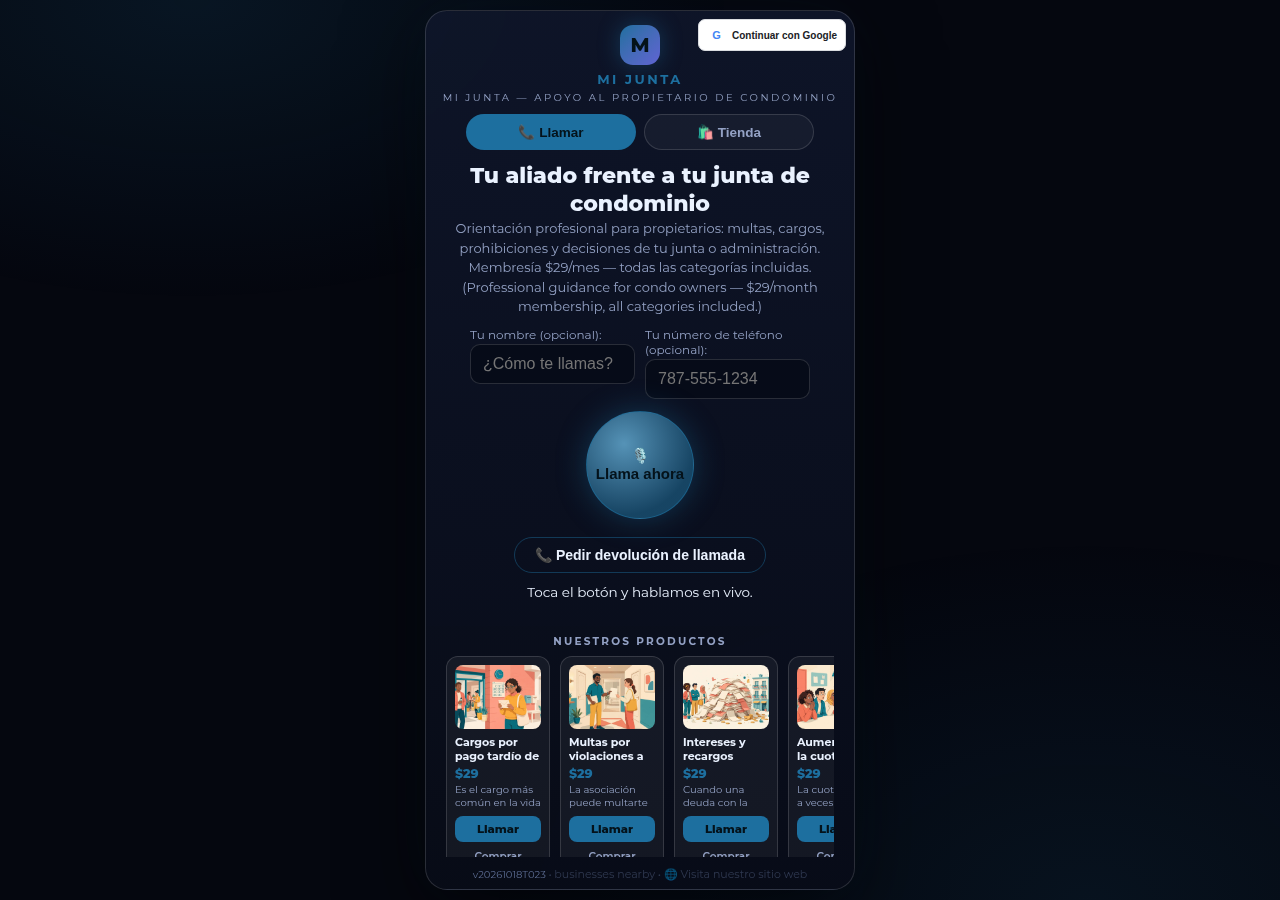
See it live: Mi Junta
Mi Junta — CallPage · Mi Junta — website
Illustration: two phones with voice waves and a friendly speech bubble — a CallPages conversation
Related reading
- Every call attempt now leaves a diagnosis
- The call that lets customers keep shopping
- “Can I talk to the owner?” — now the phone can ring
- Release notes 2026.10.17
Innovation by Vasily Starostenko, founder of CallPages.
Create your call page
Turn your website visitors into phone conversations — set up in under two minutes.
Create your call page →