Callbacks and appointments moved in: Activity holds everything now
2026-10-20 · CallPages Team · Release, Activity, Dashboard, Appointments, Callbacks
The CallPages dashboard’s Activity tab is now the single home for everything that happens with a customer: calls, callbacks and appointments live inside it as full panels, not links elsewhere. The separate Callbacks and Appointments tabs are gone — the callback queue, the month calendar and the Google Calendar connection all work inside Activity.
Activity was supposed to be the one place a customer relationship lives — but two of its most important event types still had their own tabs. Callbacks sat in one place, appointments and the calendar in another, and appointment and callback blocks were duplicated inside other tabs too. Owners learned to check three places for one customer. Worse, the separate tabs were thinner than they looked: parts of the appointments surface rendered empty data. One home, at full power, or the IA cleanup isn’t real.
One home, at full power
Moving a tab is easy; moving it honestly is the work. A lesser version of this release would have put two links inside Activity and called it unified. Instead, the panels render in place: open Activity, tap the Appointments chip, and the calendar, the agenda and the Google Calendar card are simply there — the same elements, the same buttons, verified one by one against a checklist (the card renders exactly once, the old containers render zero times, and no panel reaches back to a removed tab). The Callbacks queue likewise works where it now lives.
Why it matters
The dashboard’s job is to answer “what needs me?” in one glance. Every split surface taxes that answer: a callback waiting in a tab you forgot to open is a customer who doesn’t get called back. With calls, callbacks, appointments, voicemail, views and exports in one chronological home — searchable, filterable, complete — the morning check is one tab, and the customer story reads in the order it happened.
Verified on the production build
The unified dashboard was verified against the exact production build: the tab row carries the five intended tabs, the old tabs’ containers are absent, both panels render inside Activity, and the production smoke checks the CallPages team runs on every release stayed green. This completes the dashboard’s information-architecture cleanup: Activity first, everything in it.
How it works
- Activity’s tab row is now Activity, Pages, Insights, Support and Images. Callbacks and Appointments/Calendar are panels inside Activity, reached from its chips — nothing about them is a shortcut to somewhere else.
- The Callbacks panel is the full queue: pending callbacks with their status controls, exactly as the old tab had it — moved, not reduced.
- The Appointments panel carries the whole surface: month calendar, day agenda, filters, the reservation detail, the Google Calendar connection card, the sync button and calendar settings — all rendering inside Activity.
- Duplicates were removed, not just hidden: the appointment and callback blocks that also lived inside Calls and Voice are gone, so each fact has exactly one home.
- Nothing moved for your customers or your data: appointments, callbacks and calendar connections are the same records, on the same page — the dashboard simply stops making you tab-hop to see them together.
See it live: Mi Junta
Mi Junta — CallPage · Mi Junta — website
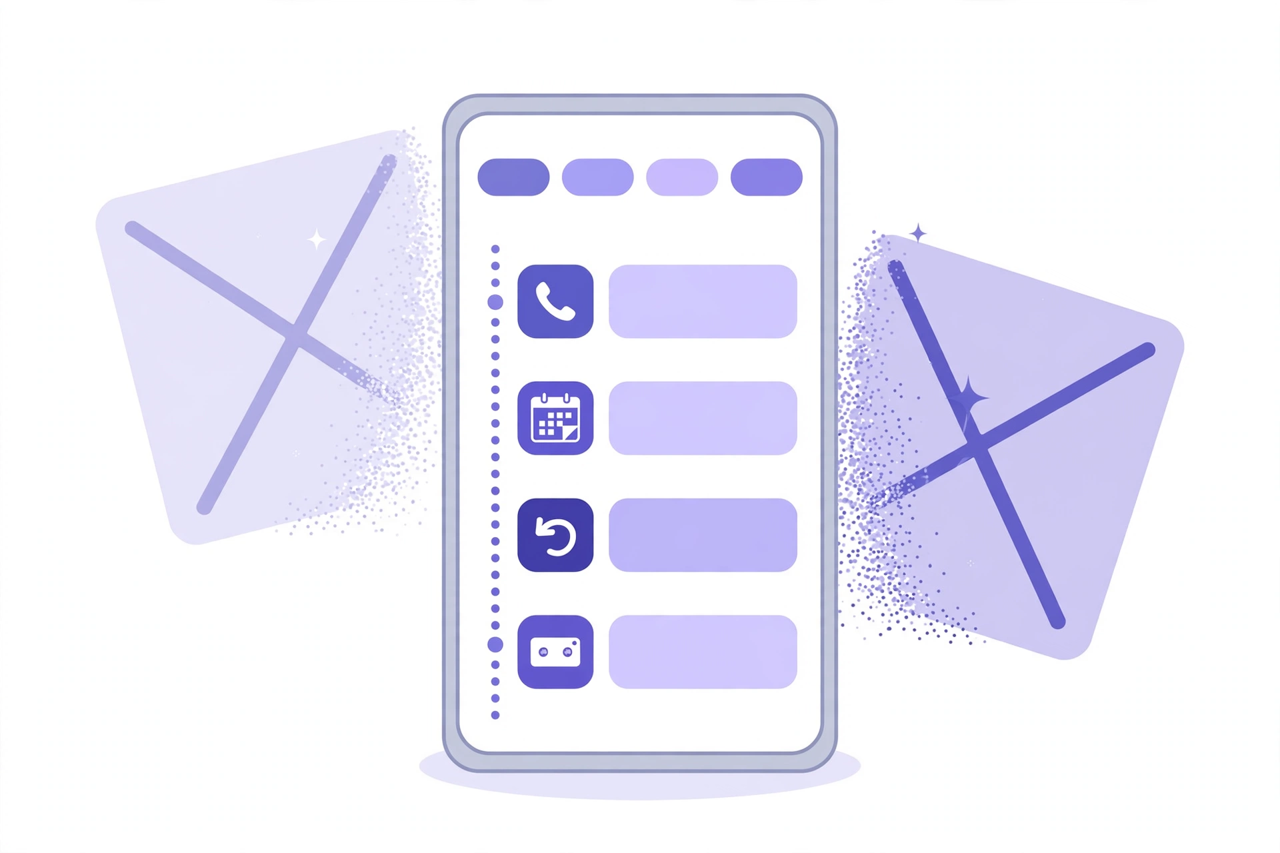
Illustration: the idea in one picture — one Activity feed with its filter chips, and the two separate tabs it replaces dissolving away. (The dashboard itself sits behind owner sign-in, so this release’s Activity visual is an illustration rather than a screenshot.)
Related reading
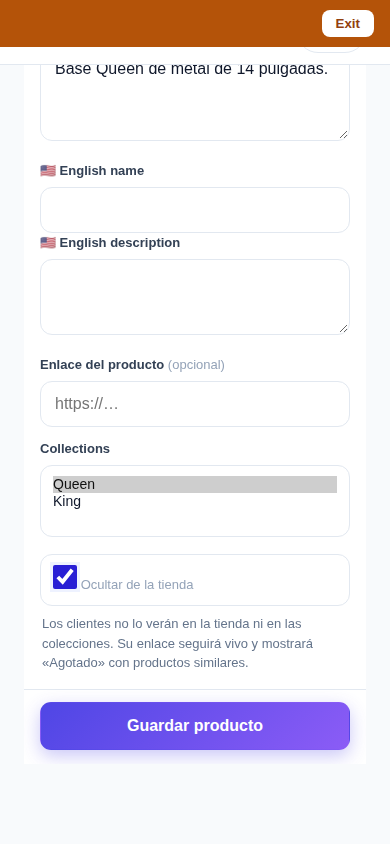
- Delete that actually deletes — and a Hide that keeps selling
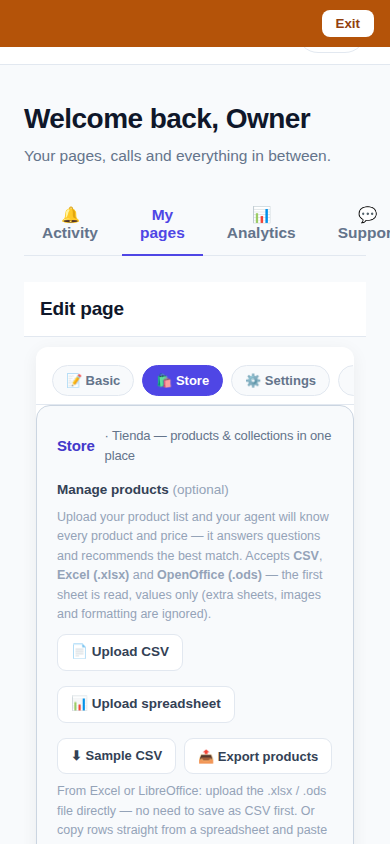
- One Store tab: collections and products, edited together
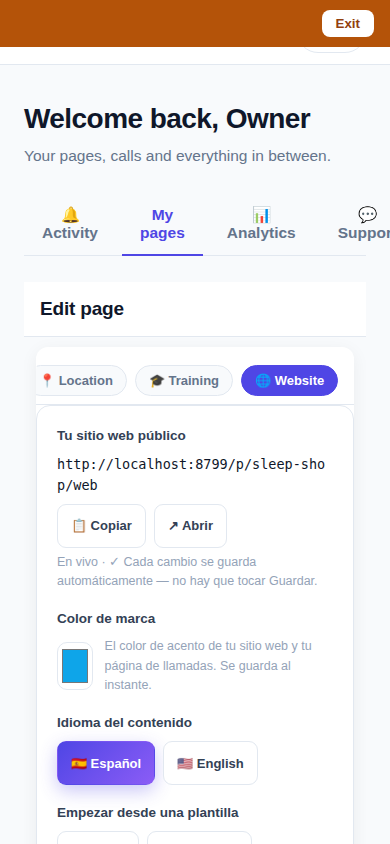
- Website Studio: build your whole site from your phone
- This guide in the Learning Center
- Release notes 2026.10.20
Innovation by Vasily Starostenko, founder of CallPages.
Create your call page
Turn your website visitors into phone conversations — set up in under two minutes.
Create your call page →