WhatsApp bookings land on your CallPages calendar
2026-10-12 · CallPages Team · Release
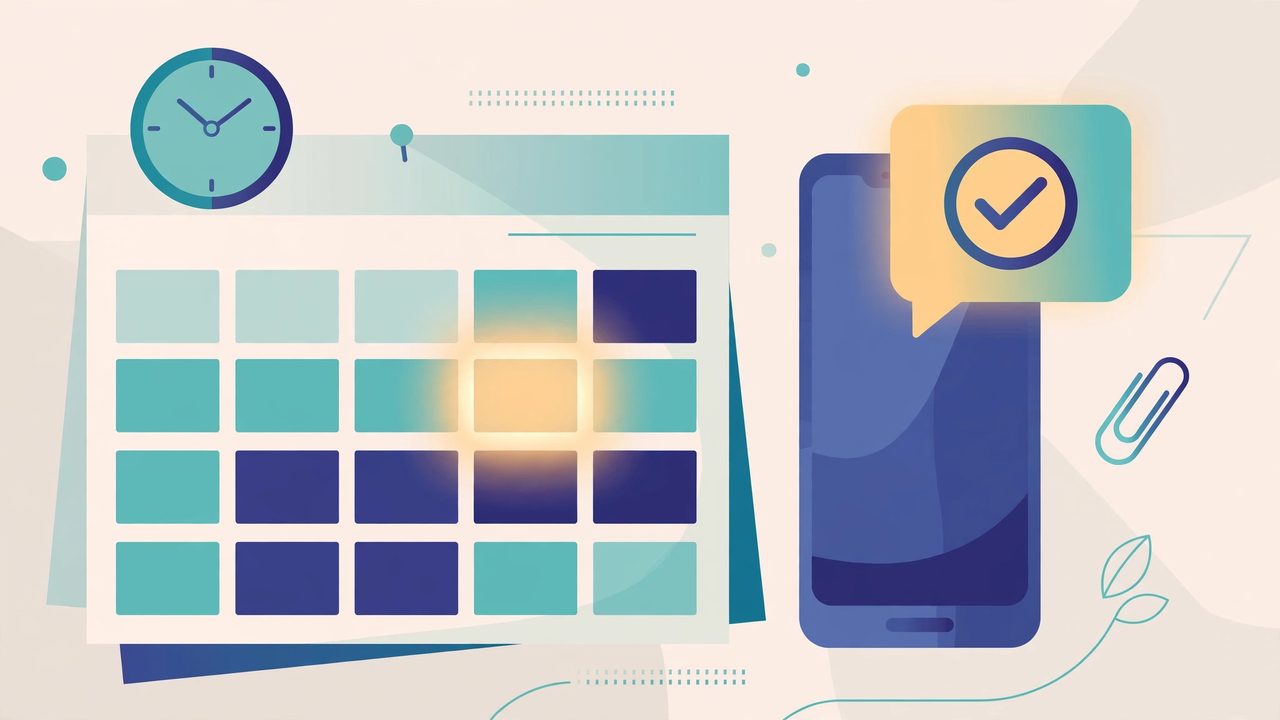
CallPages imports appointments booked through your WhatsApp agent into the same Appointments tab as your call bookings, automatically. Bookings your agent puts on your connected Google calendar are copied over and marked as imported — no copy-pasting between apps.
Plenty of customers never call — they book by chat. Those WhatsApp bookings lived on a separate calendar, so the Appointments tab told only half the story, and the gap between two calendars is exactly where double-bookings hide.
One calendar, every booking
Your voice agent already writes call bookings into the Appointments tab. Now the bookings your WhatsApp agent takes join them: same list, same place to check before you promise a slot. Imported appointments keep their origin mark, so a WhatsApp booking never masquerades as a call booking — you can see at a glance which channel each appointment came through.
Quiet infrastructure, verified in production
There is nothing to switch on and nothing to maintain: if your WhatsApp agent books into your connected Google calendar, the importer is already watching it. The first imported bookings were confirmed in production data on October 13, 2026 — real WhatsApp appointments sitting in CallPages with their imported mark, next to the call bookings they used to be separated from.
How it works
- CallPages regularly sweeps the Google calendar your WhatsApp agent books into — for many pages, the reservations calendar connected to the page.
- New bookings are copied into the page’s appointments, marked as imported from Google, so you can always tell them apart from bookings your voice agent took on a call.
- Repeat sweeps update the same appointment instead of creating duplicates, so a rescheduled WhatsApp booking moves instead of multiplying.
See it live: Mi Junta
Create your call page
Turn your website visitors into phone conversations — set up in under two minutes.
Create your call page →