What happens after the payment, automatically
2026-10-19 · CallPages Team · Release, Payments, Automation

When a customer pays on CallPages, the follow-through no longer waits for the owner. The confirmation and the next steps a payment sets in motion are handled automatically, and the owner sees every one of them in Activity.
Taking a payment was the easy part. After it came the owner’s real work: confirm it arrived, tell the customer, line up what the payment was for — each step manual, each step a chance for a paying customer to sit in silence wondering whether their money landed in a void.
The sale is the middle, not the end

Owners feel the gap precisely: the moment money changes hands is the moment the customer most wants to hear something, and the moment the owner is busiest doing everything else. Automating the post-payment chain closes that gap at exactly the point where trust is decided.
Automatic, but never invisible
Automation a owner cannot see is automation an owner cannot trust. Every step this system takes is recorded in the same Activity stream as calls and bookings — the owner can audit the chain after the fact, which is what makes it safe to let it run before the fact.
How it works
- The payment itself is the trigger: once it completes, the follow-through the payment implies starts without the owner touching anything.
- The customer is not left guessing: the confirmation they need arrives as part of the flow, not after the owner finds time.
- The owner supervises instead of operating: every automated step is written to Activity, where it can be checked like any other touchpoint.
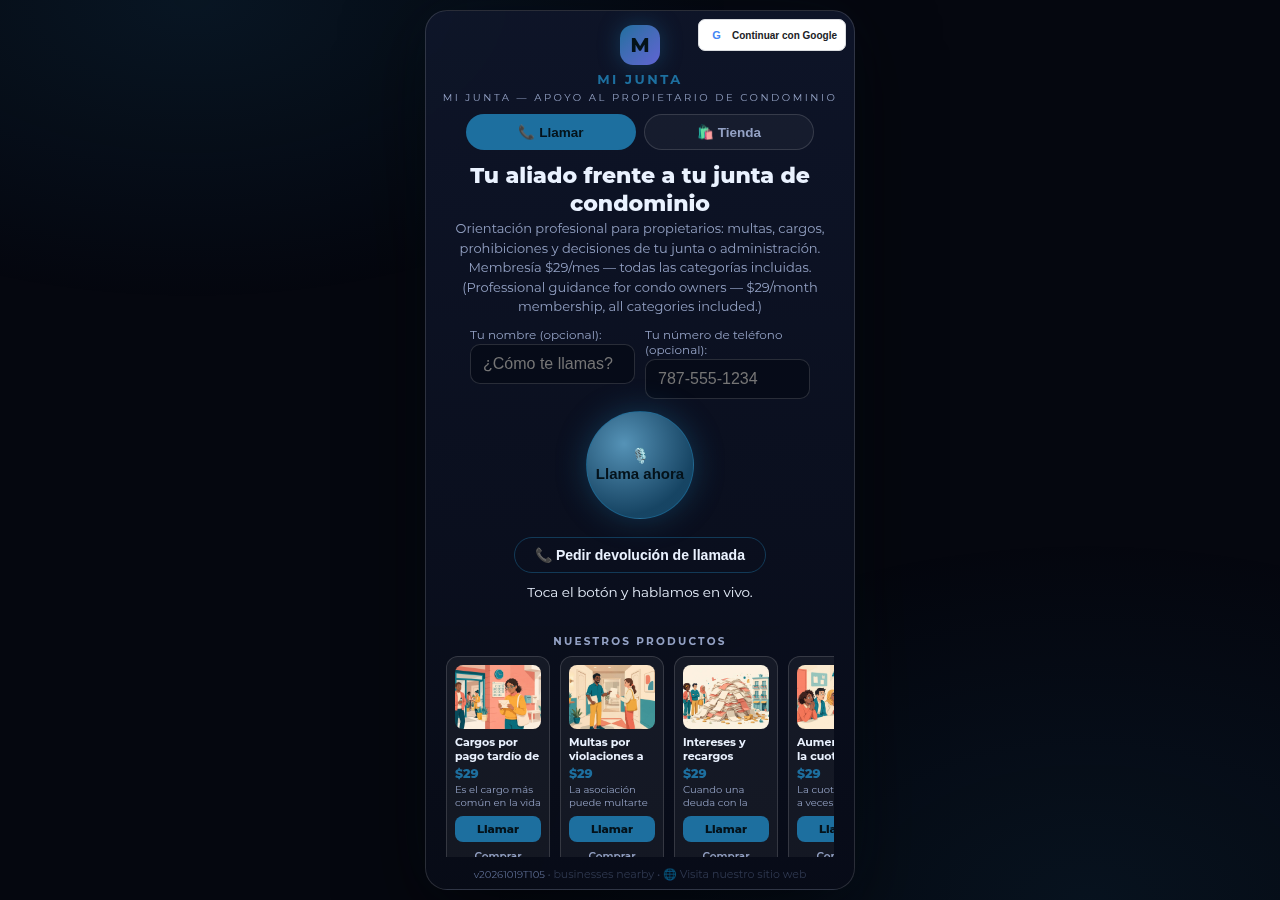
See it live: Mi Junta
Mi Junta — CallPage · Mi Junta — website
Illustration: one payment, and the chain it starts — confirmation, scheduling, and follow-up, without the owner as the middleman.
Related reading
- One console for every account
- Your own keys for your own integrations
- Appointments live inside the call now
- Release notes 2026.10.19
Innovation by Vasily Starostenko, founder of CallPages.
Create your call page
Turn your website visitors into phone conversations — set up in under two minutes.
Create your call page →