Sign in once with Google — then it's a CallPages session
2026-10-17 · CallPages Team · Release, Sign-in, Sessions, Android
CallPages now runs on its own sessions. Google sign-in verifies your identity once; CallPages then issues its own signed session with its own lifetime and revocation, and everything — the web dashboard and the Android app — works on that session alone.
Sign-in used to depend on Google at every step, so every Google-side wobble — an expired token, a revoked grant, a slow refresh — became a CallPages logout, worst on Android. Owners were being signed out of their own business tool by a third party’s mood. Identity proof and session-keeping are different jobs; they were tangled together.
Identity once, sessions at home
Every mature product learns this separation eventually: let the identity provider prove identity, then keep your own session. CallPages now does exactly that. The sign-in moment is unchanged — one Google tap — but everything after it is ours: our token, our lifetime, our rules. If Google has a bad day, your calendar sync may pause. Your dashboard will not notice.
Why Android owners feel it most
The old design hurt most where tokens are most fragile: phones. Refresh chains broke, grants aged, and the app asked people to sign in again and again — the single most-cited frustration with the old app. The own-session design was built app-first for that reason, and the newest Android builds complete the loop with a native customer session of their own, arriving in v1.5.2.
The Learning Center version of this article is in preparation and will follow with a verified owner-session walkthrough.
How it works
- Google does the one thing only Google can do: prove who you are, once, at sign-in.
- CallPages then issues its own session — its own signed token, its own expiry and renewal rules, its own revocation (sign out everywhere, per-device, admin revoke).
- Web and Android act on the CallPages session alone. Google is never re-checked to decide whether you are still signed in.
- Google access tokens now serve only Google features — like calendar sync — and a failure there degrades that feature, never your session. A dead calendar grant can no longer log anyone out.
See it live: Mi Junta
Mi Junta — CallPage · Mi Junta — website
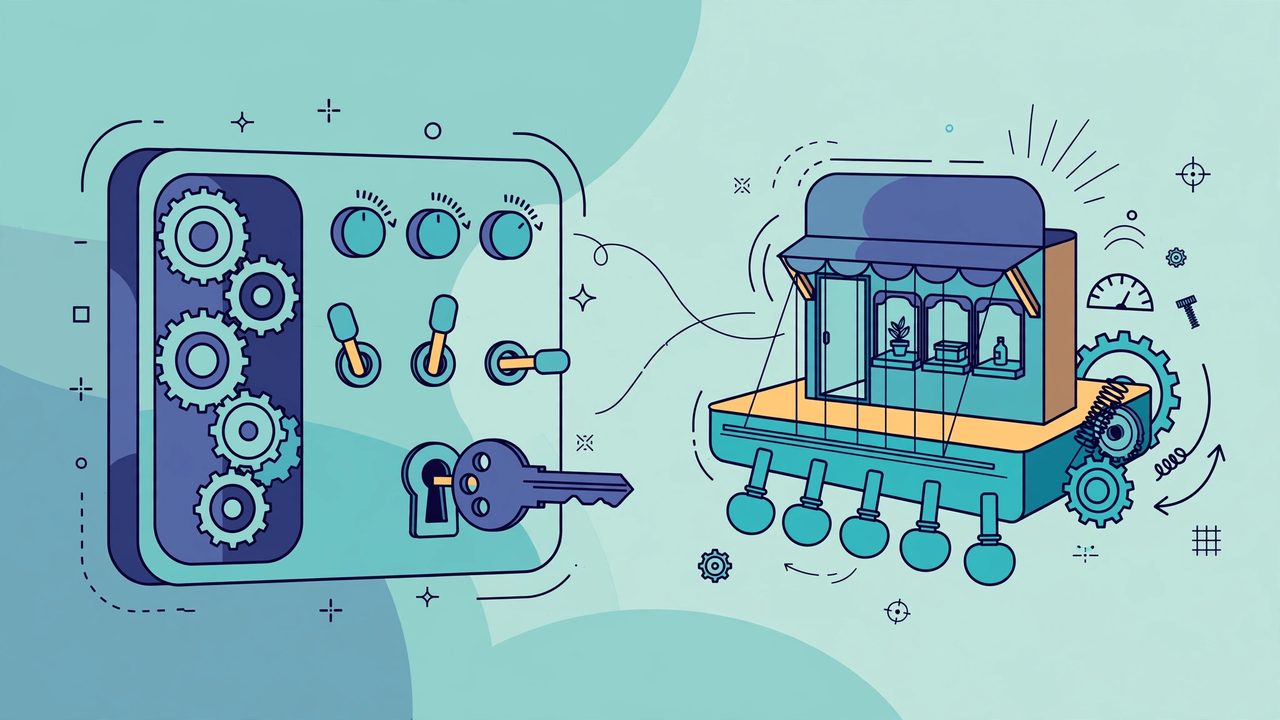
Illustration: a friendly control panel of gears, toggles and a key
Related reading
- Android v1.5.1: a front screen that earns its place
- No product left imageless: the nightly image sweep
- Every call attempt now leaves a diagnosis
- Release notes 2026.10.17
Innovation by Vasily Starostenko, founder of CallPages.
Create your call page
Turn your website visitors into phone conversations — set up in under two minutes.
Create your call page →