Lossless catalog backup: export JSON, import into an empty store, identical state
2026-10-23 · CallPages Team · Release, Catalog, Backup, Export, Import, Dashboard
The new JSON catalog export carries everything the CSV drops — extra photos, collection membership, hidden flags, booking links, translations, legacy ids — plus the page’s collections. Import into an empty store and the catalog is reproduced exactly. A round-trip test (export → import → deep-equal) runs in the suite on every build, so the guarantee is checked, not promised.
The spreadsheet export was never a backup: it carried name, price, description and one photo per product, and silently dropped everything else — extra photos, collections, hidden flags, translations. Restoring a store from it meant rebuilding the catalog by hand. After the Sleep Shop incident, ‘good enough’ exports are not good enough: owners need a format that reproduces the whole store, verifiably.
The spreadsheet was never a backup
CSV is a wonderful spreadsheet format and a terrible backup format. One row per product, flat columns: name, price, description, one photo. Everything that makes a store a store — the second and third photos, which collection a product belongs to, the hidden flag, the Spanish translation of the name, the booking link — fell on the floor. Owners who treated the CSV as a backup learned this at the worst possible moment.
A format with a test, not a promise
The JSON export is defined by its acceptance test, and the test runs on every build: a fixture store with multi-photo products, hidden items, translations and collections is exported, imported into a fresh empty store, and compared field by field. Deep-equal or red build. That is the whole contract — no field can silently go missing, because the suite would catch it before the release does.
Import that can’t hurt you
Restoring is the dangerous half of any backup story, so the import is built paranoid: it only lands on an empty page unless you explicitly confirm the replacement, it validates the document structure before touching anything, it preserves the stable product ids your links depend on, and it leaves every other page setting alone. A backup you are afraid to restore is not a backup.
How it works
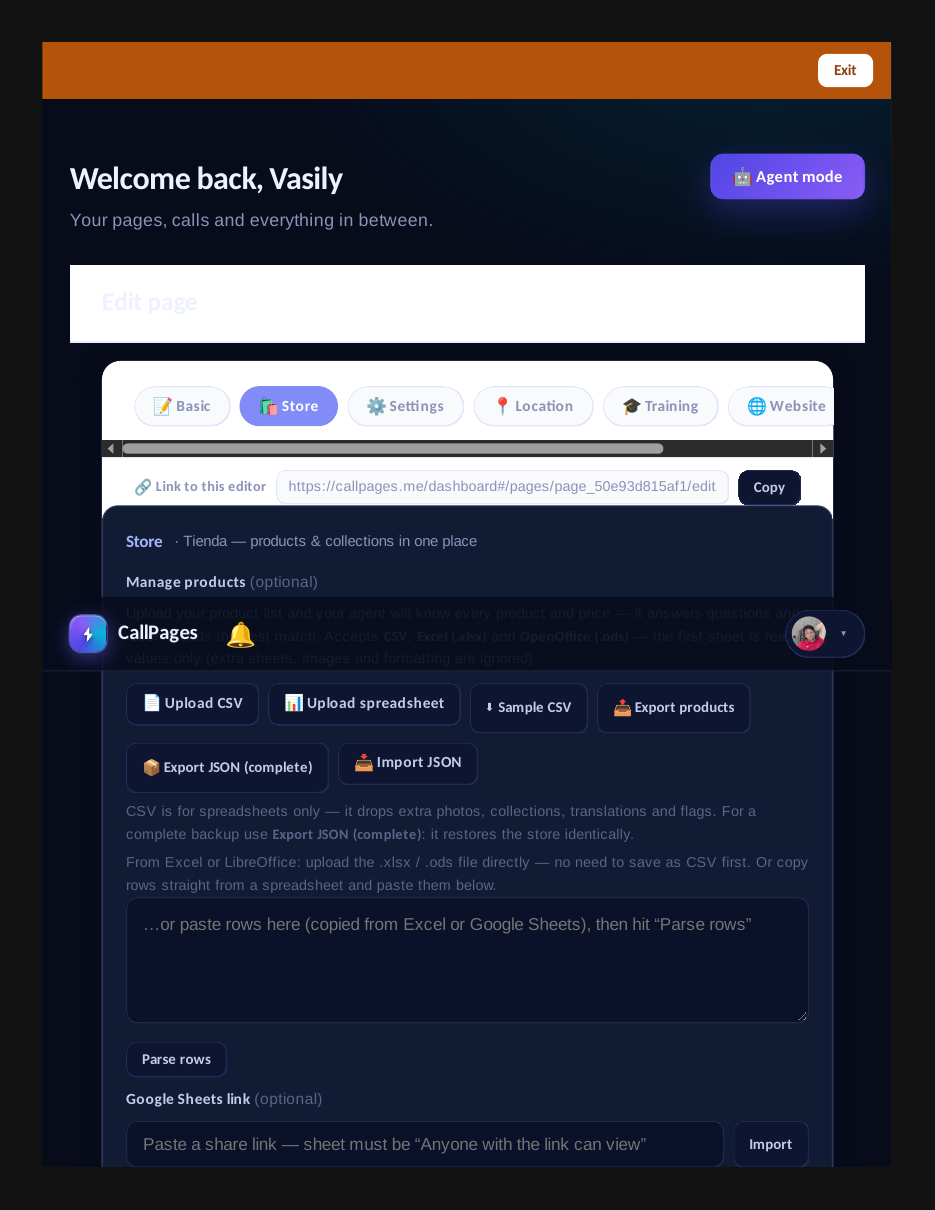
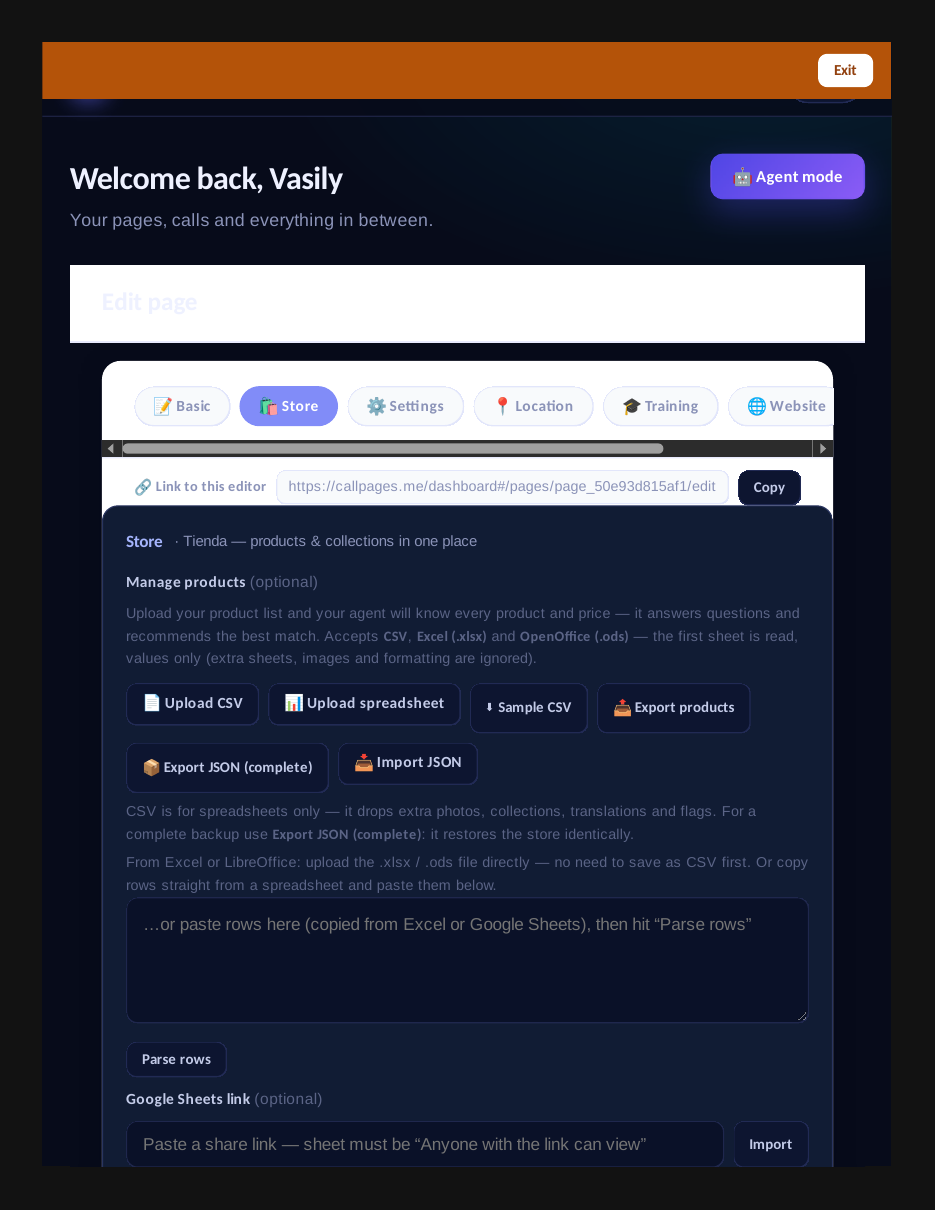
- Export JSON (complete): in the products tab, next to the spreadsheet export, a JSON download carries the full-fidelity catalog — every product field (id, name, price, currency, category, description, photo_url, the full photos array, booking_url, hidden flag, collection ids, the i18n translations object, legacy id) plus the page’s collections with their slugs, descriptions, hidden flags and translations, plus export metadata (format version, timestamp, source page).
- Import JSON: upload the file back into any page. A preview shows what will land (product and collection counts); importing into a page that already has products requires an explicit confirm, so the import can never be a wipe vector itself. Stable product ids are preserved, so links and collection membership survive the trip.
- The acceptance test is the feature: the suite builds a fixture store (multi-photo products, hidden items, translations, collections), exports it, imports it into a fresh empty store, and asserts deep equality on products, collections and membership. If the format ever loses a field, the build goes red.
- CSV stays for spreadsheets: the hint next to the buttons says it plainly — CSV is for Excel, JSON is the backup. Nothing about the spreadsheet flow changes.
See it live: Sleep Shop
The catalog export/import UI: JSON export, import, CSV and Google Sheets options.
Related reading
- Your catalog can’t be wiped by accident anymore
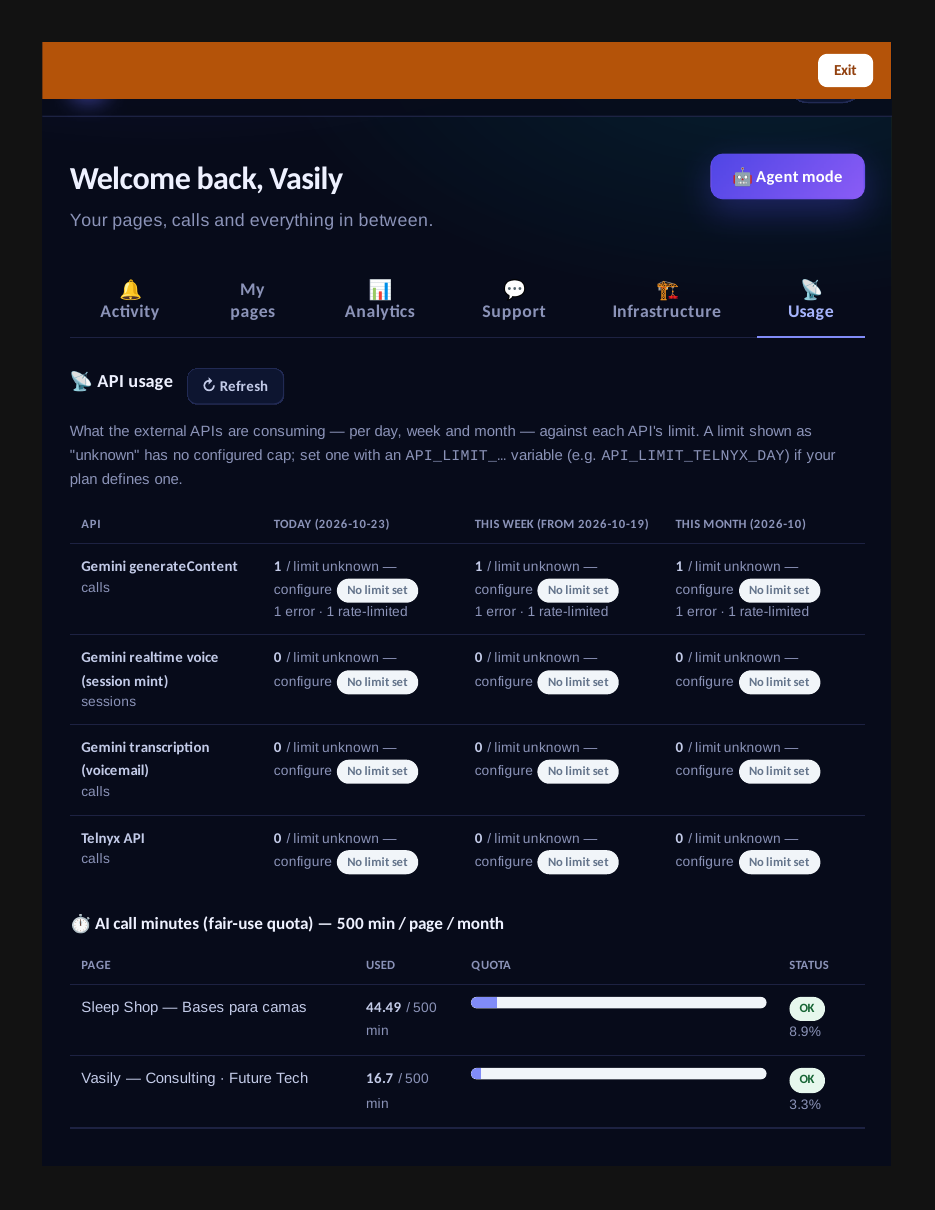
- The Usage tab: every API’s consumption, day by day, against its limits
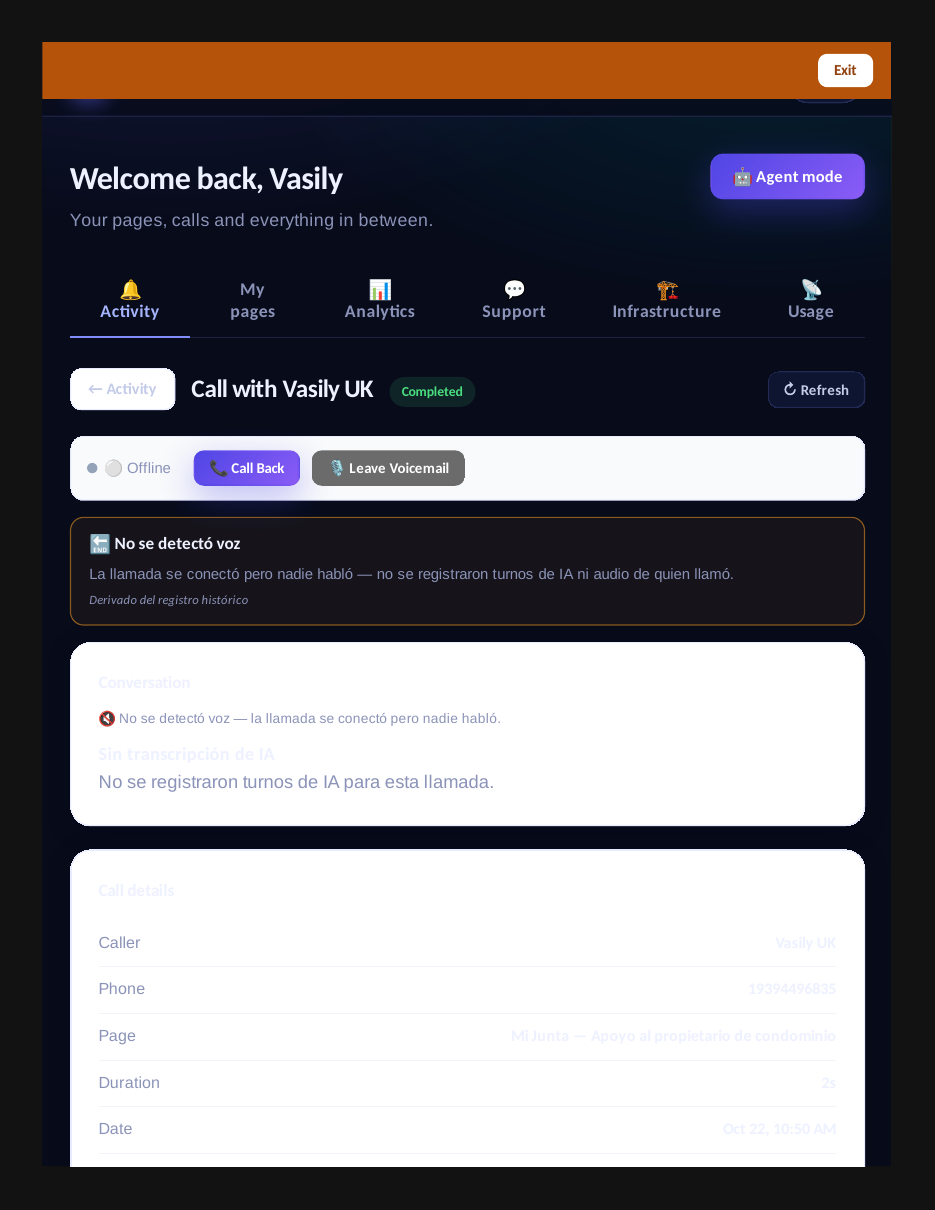
- Every call record now carries the full AI picture — and a clear reason it ended
- This guide in the Learning Center
- Release notes 2026.10.23
Innovation by Vasily Starostenko, founder of CallPages.
Create your call page
Turn your website visitors into phone conversations — set up in under two minutes.
Create your call page →