Your catalog can't be wiped by accident anymore
2026-10-23 · CallPages Team · Release, Catalog, Products, Dashboard, Reliability
CallPages now protects your product catalog three ways: the server rejects any save that would catastrophically shrink your catalog, the dashboard edits one product at a time through a dedicated API, and automatic snapshots every 30 minutes let you preview the diff and restore any previous version from the new Historial panel.
On 2026-10-22, removing images from a single product in the dashboard wiped a 54-product catalog down to one product on the server. The editor saved by rewriting the entire product list on every change, and nothing on the server questioned a 54→1 shrink. There was no per-product save path and no owner-visible way to rewind.
What happened
A store owner removed the photos from one product. One save later, 53 of 54 products were gone from the server. The dashboard editor rewrote the entire product list on every save — a single corrupted in-memory list became a database wipe, and nothing stood in between.
Three layers, so one bug can never do this again
The server says no. Before any catalog save lands, the server compares it against what’s stored. A save that would delete most of your catalog is refused outright with a clear error, and the attempt is logged. The only way through is an explicit, deliberate confirmation — the kind you can’t trigger by accident.
Edits touch one product. The dashboard now saves through a per-product API: editing a price updates that product and nothing else. There is no longer a code path in the web editor that rewrites your whole catalog in one request — the blast radius of any single edit is exactly one product.
You can rewind. Every 30 minutes the system takes a snapshot of your products and collections — but only when something changed, so the history shows real versions, not noise. From the new Historial button in the products tab you can see each version, preview precisely what reverting would restore and remove, and roll back with one click.
What this means for your store
Edit freely. Remove photos, rename products, delete the ones you don’t sell anymore — the ordinary work of running a store. The catastrophic case — the whole catalog disappearing because of one bad save — is now structurally impossible: the server won’t accept it, the editor can’t produce it, and even in the worst case you have a one-click rewind.
How it works
- Server-side anti-wipe guard: any save that would catastrophically shrink your catalog (under half of what was stored, or empty while products existed) is refused with a clear error — unless you explicitly confirm a full replacement.
- Per-product API: creating, editing, or deleting a product now touches exactly that product. The dashboard no longer rewrites your whole catalog on every edit, so a corrupted browser state can’t delete what it can’t see.
- Intelligent snapshots: every 30 minutes the system snapshots your products and collections, but only when something actually changed — no duplicate copies. Snapshots live separately from your live catalog, so they survive exactly this kind of accident.
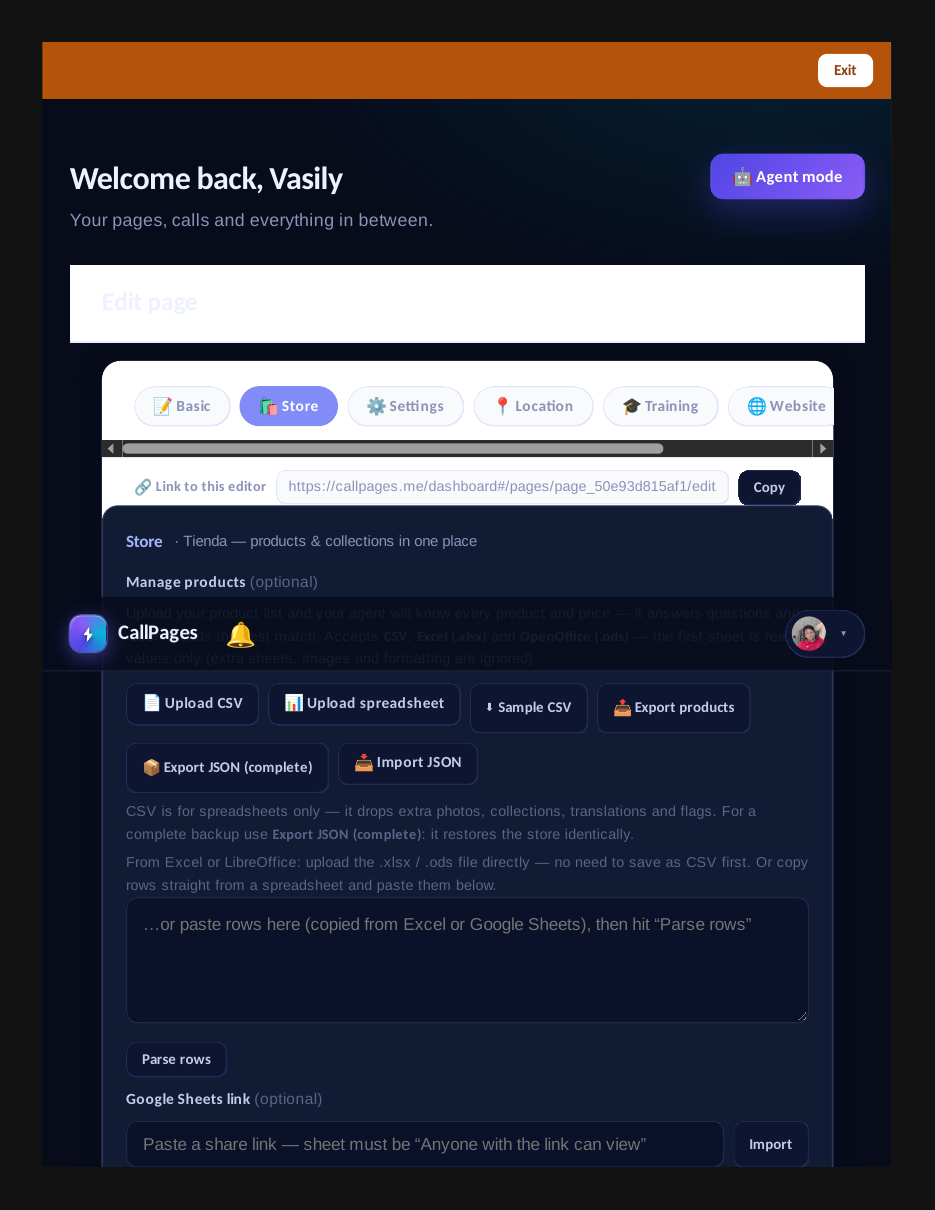
- Historial panel: in the dashboard’s products tab, see every real version (timestamp, product count), preview exactly what changed — what would be restored, what would be removed — and rewind with one click after a confirmation.
See it live: Sleep Shop
The Historial panel: automatic catalog snapshots with one-click revert.
Related reading
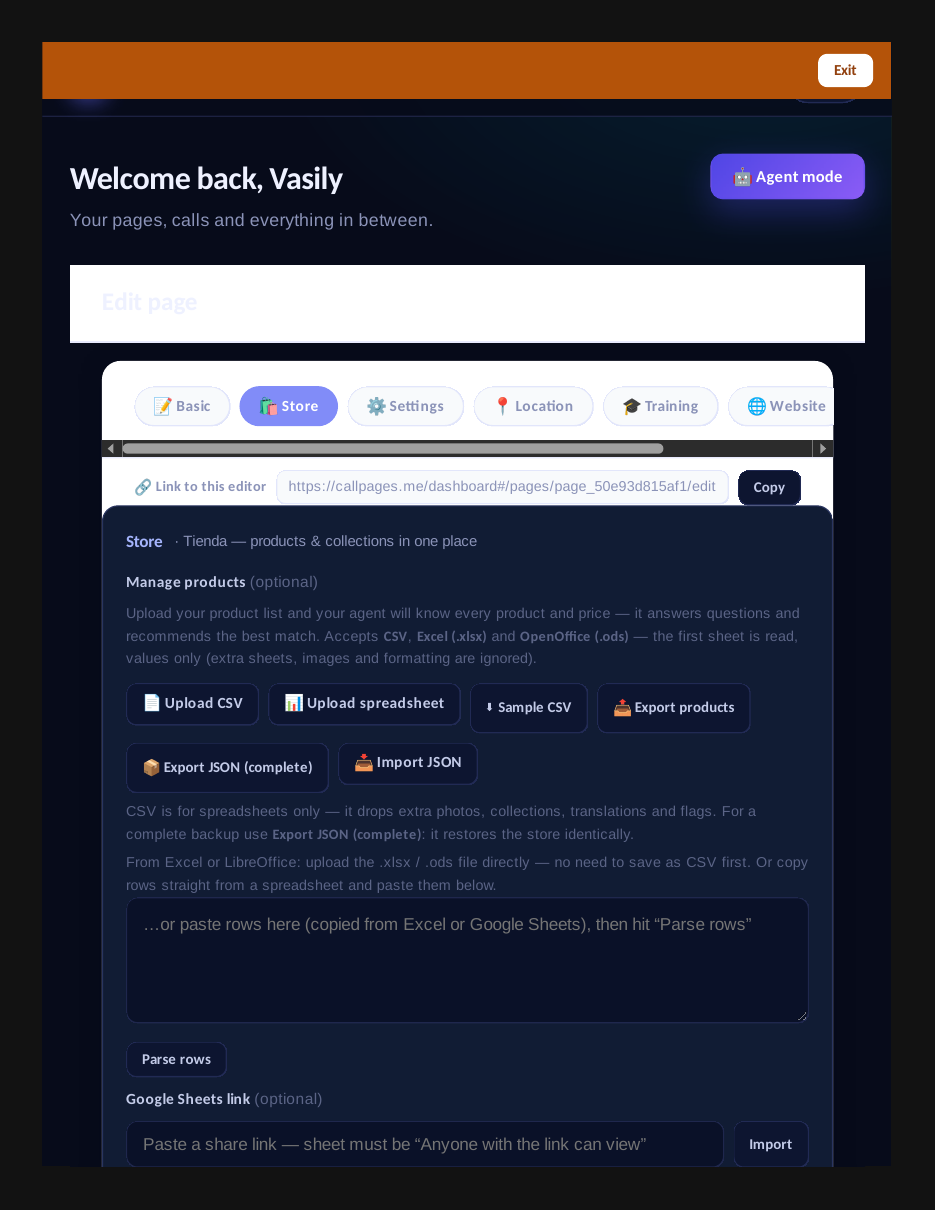
- Lossless catalog backup: export JSON, import into an empty store, identical state
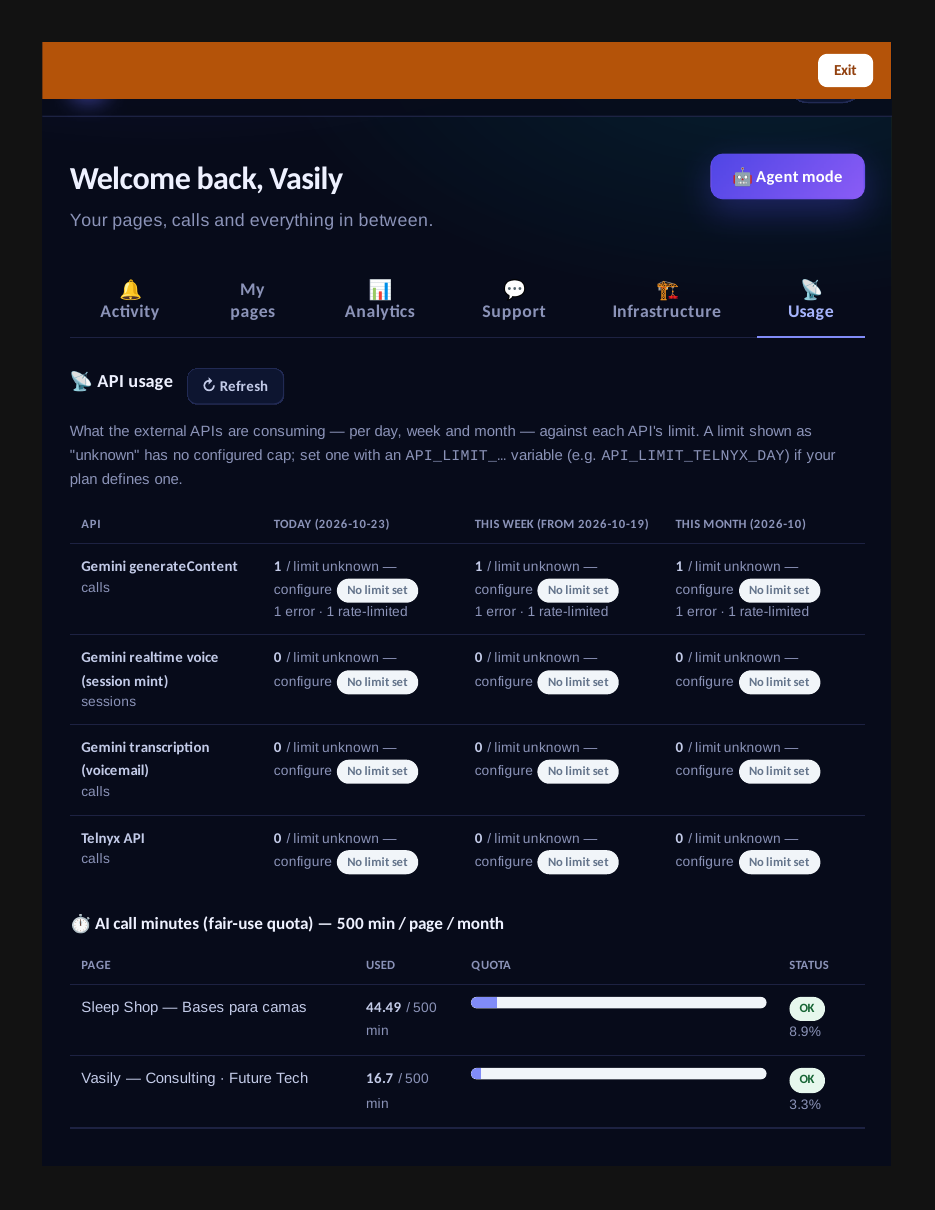
- The Usage tab: every API’s consumption, day by day, against its limits
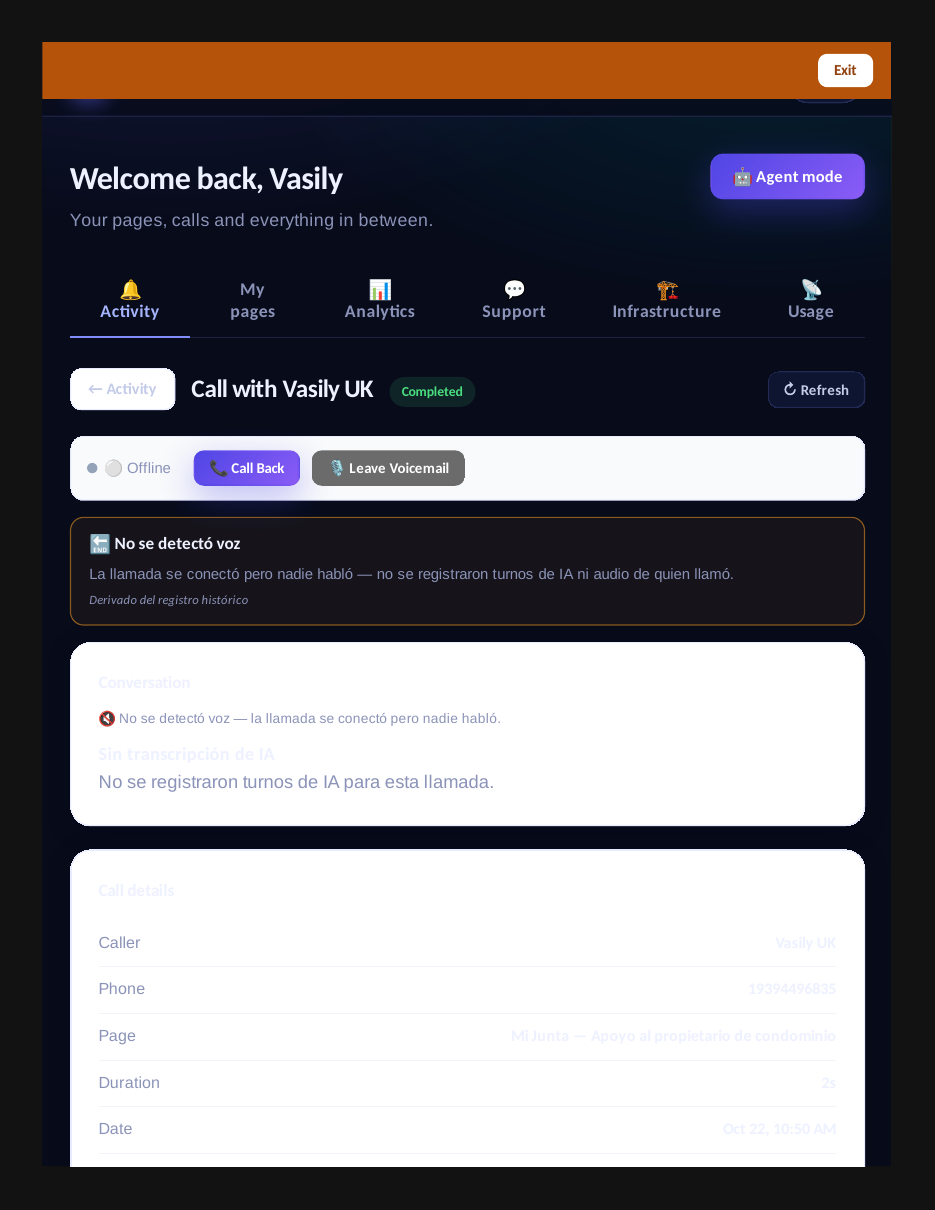
- Every call record now carries the full AI picture — and a clear reason it ended
- This guide in the Learning Center
- Release notes 2026.10.23
Innovation by Vasily Starostenko, founder of CallPages.
Create your call page
Turn your website visitors into phone conversations — set up in under two minutes.
Create your call page →