Every call record now carries the full AI picture — and a clear reason it ended
2026-10-23 · CallPages Team · Release, Calls, Diagnostics, Dashboard, Transcripts
Every call record now shows the full AI picture — transcript, summary, outcome — never blank, plus a prominent end reason: customer hangup or a named API/provider error like quota_429. Transcription has three explicit states (available, no speech detected, unavailable with reason), old records are backfilled honestly, and every widget is clickable, with image, title, and deep link.
A call history that cannot explain itself is decoration. Ten-second calls piled up with no transcript, no summary, and no reason they ended — the owner could see that something happened but never what, or why. A blank record is a question the owner cannot answer and support cannot debug; a record that guesses is worse. Call records had to become evidence: complete, labeled, and honest about what is missing.
A record that explains itself
Open any call and the first thing you meet is the answer to the only question that matters: what happened here. The transcript, the summary, the outcome — the full AI picture, laid out in the open instead of buried. And at the top, the end reason in plain terms: the customer hung up, or the call died on a named API error. The short calls that used to sit in history like unmarked graves now carry their cause of death.
Honest about silence
Not every call produces words. A caller who connects and says nothing for ten seconds is a different event from a transcription pipeline that failed — and the record now says which. Three states, no ambiguity: available, no speech detected, unavailable with reason. Older records get the same treatment where the facts survive; where they don’t, the record wears the label “unknown (pre-diagnostics record)” like a badge — the one thing a record must never do is invent a past it cannot prove.
Everything mentioned is a door
Products, callbacks, appointments — everything the call touches now arrives as a widget with an image, a title, and a clickable corner that takes you straight to it. In the transcript, in the activity feed, in the email the owner receives: what the call discussed is never a dead sentence. It is a door.
Innovation by Vasily Starostenko.
How it works
- The full AI picture, always: every call record now carries its transcript, its summary, and its outcome — the complete information the AI produced during the call. A record is never blank; if the AI produced something, the owner sees it.
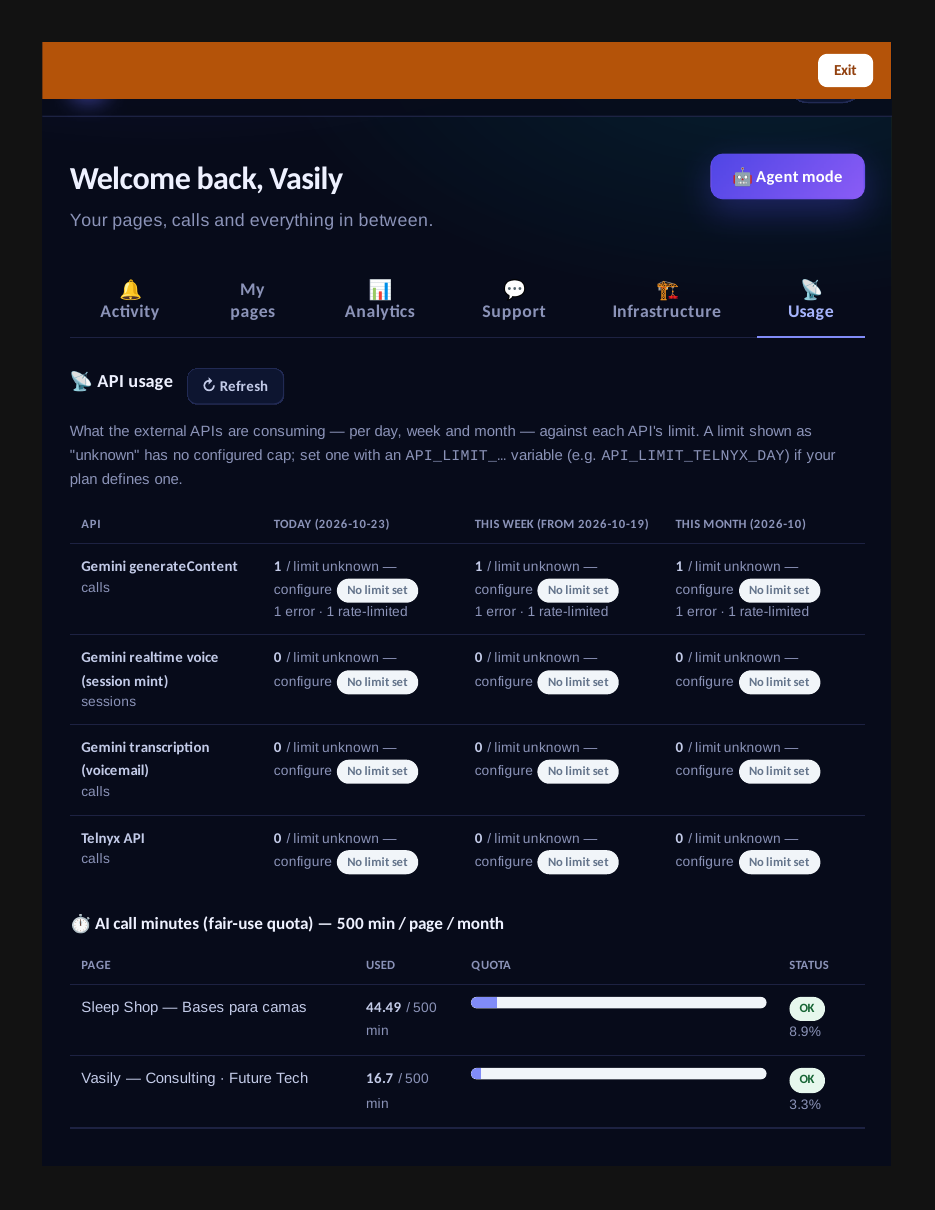
- A prominent end reason on every call: each record states clearly why the call ended — the customer hung up, or an API/provider error that names the API and the error class (for example quota_429). The many short calls that used to be mysteries now sort themselves into hangups and named failures.
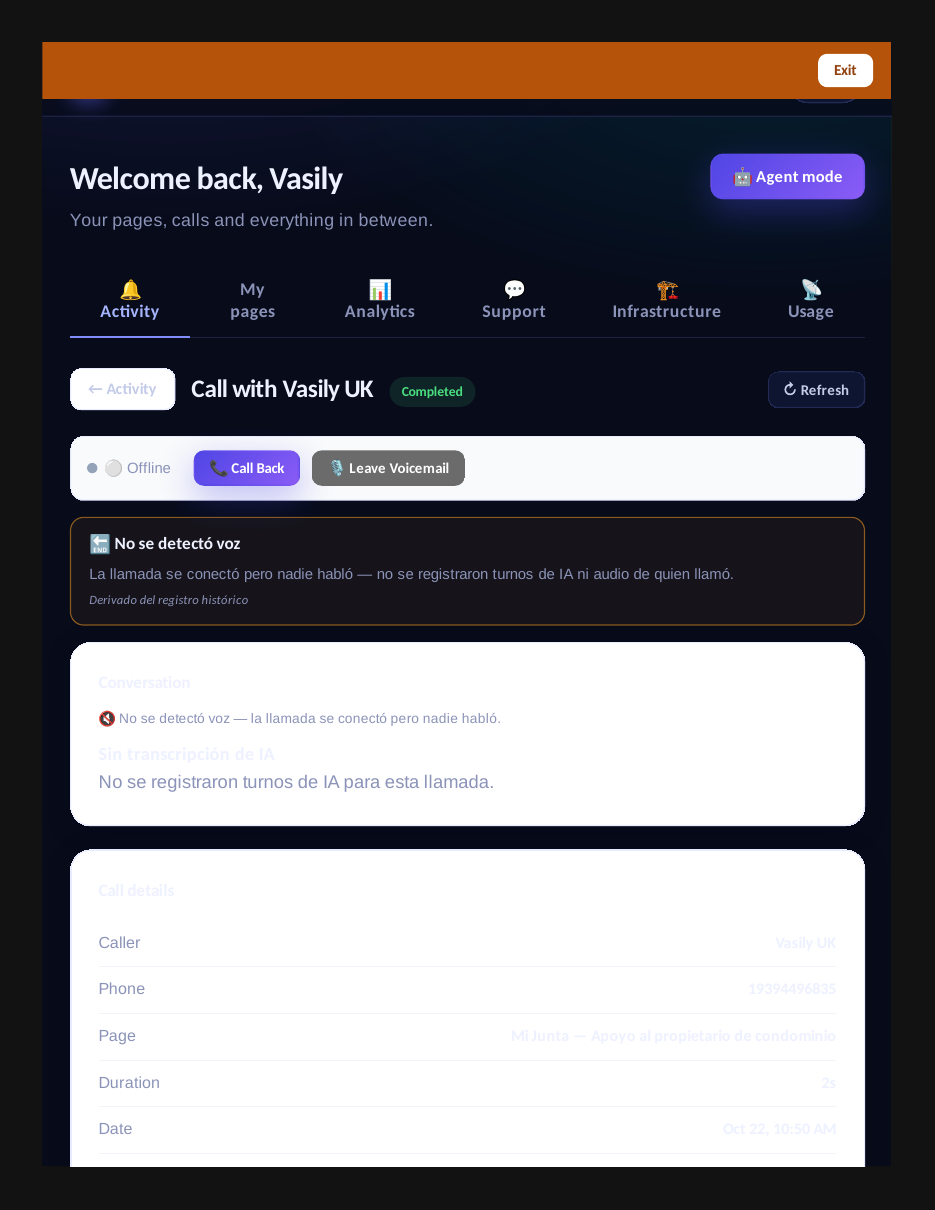
- Three explicit transcription states: available, no speech detected, or unavailable with the reason. A ten-second call with no speech is labeled as exactly that — never confused with a transcription that failed, and never silently empty.
- Honest backfill: older records are enriched lazily where the facts are derivable; where they are not, the record says ‘unknown (pre-diagnostics record)’ — the gap is labeled, never invented.
- Clickable widgets everywhere (standing rule): every widget — a product discussed, a callback, an appointment — carries an image, a title, and a small clickable bottom-right area that deep-links to the object’s page. In transcripts, in the activity feed, and in owner emails: never a plain unactionable text blob.
See it live: Mi Junta
Mi Junta — CallPage · Mi Junta — website
A call record with the prominent end-reason banner and explicit transcription state.
Related reading
- The Usage tab: every API’s consumption, day by day, against its limits
- Your catalog can’t be wiped by accident anymore
- Lossless catalog backup: export JSON, import into an empty store, identical state
- This guide in the Learning Center
- Release notes 2026.10.23
Innovation by Vasily Starostenko, founder of CallPages.
Create your call page
Turn your website visitors into phone conversations — set up in under two minutes.
Create your call page →