Activity: every touchpoint with a customer, in one view
2026-10-16 · CallPages Team · Release, Activity, Dashboard, Calls
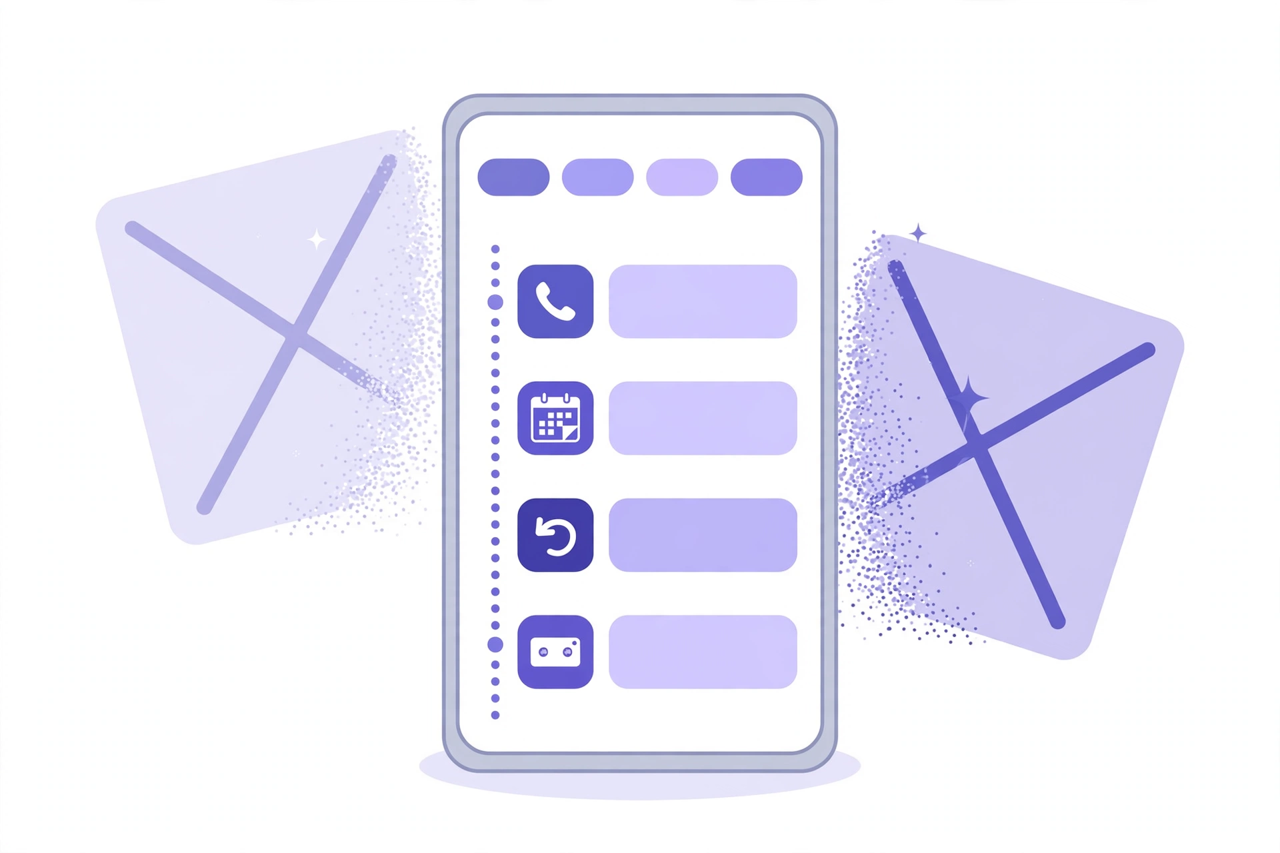
The CallPages dashboard now has a single Activity view for each page: calls, callback requests, voicemail, appointments, website views, and data exports in one chronological record. One-tap filters narrow it by type, and one search box searches across all of it — who, what, and when.
A customer’s story was scattered across the dashboard: the call in one tab, the callback request in another, the appointment somewhere else, and the website visit that started it all nowhere at all. Answering a simple question — what happened with this customer? — meant tab-hopping and piecing the timeline together by hand. Activity ends that: one record per page, in time order, with everything included.
One customer, one timeline
Customers do not experience your business in tabs. A person finds your website, reads a product page, calls, misses you, leaves a callback request, and books an appointment — one story, told across a day. The dashboard used to file each chapter in a different drawer, and the owner became the search engine. Activity is the record the way the customer lived it: chronological, complete, per page.
Calls are in — and they open properly
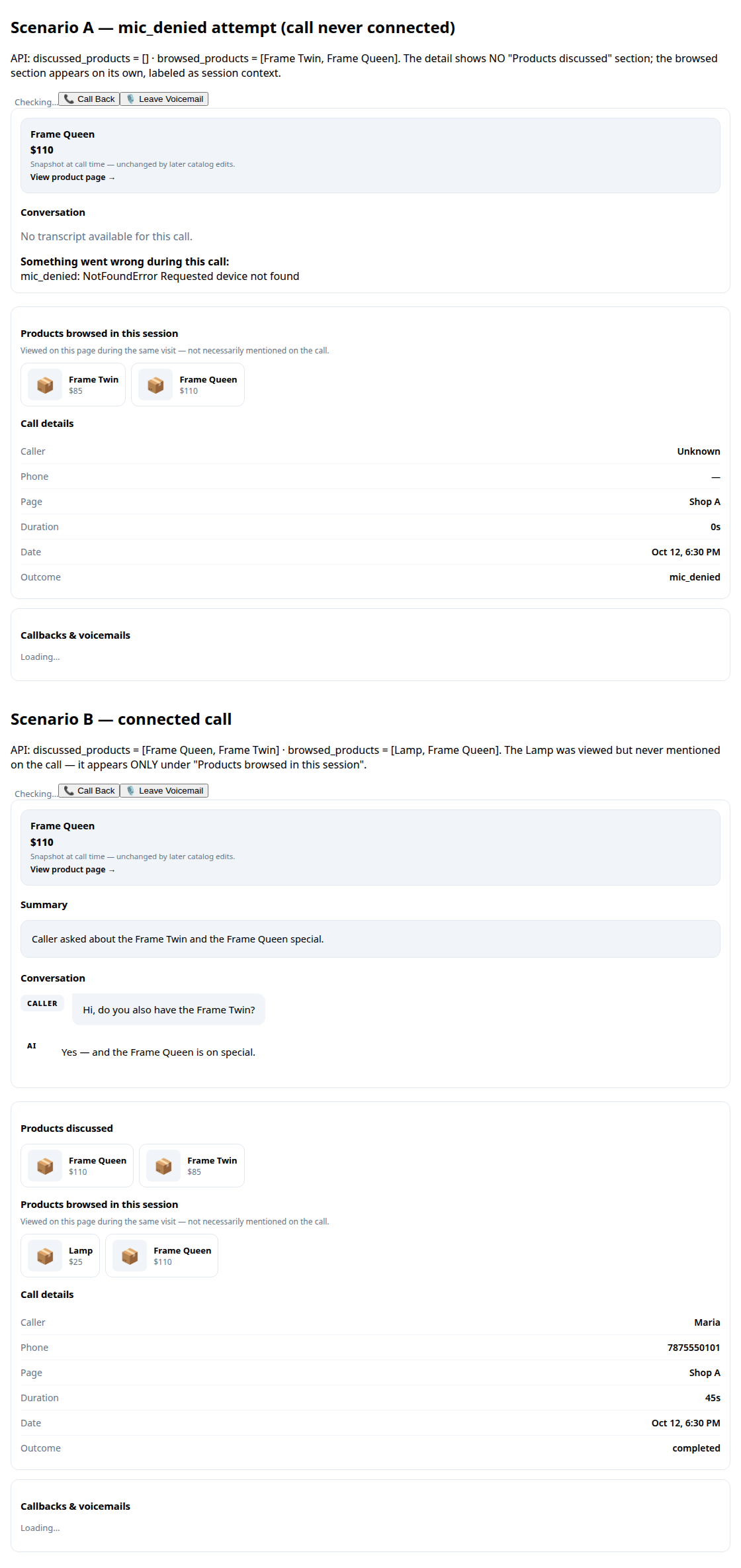
Calls are not a separate history anymore; they are rows in the same feed, with their caller, their page, and their outcome. Opening one lands on the full call detail — transcript, summary, products discussed — so the feed stays scannable without becoming shallow. The old question “did they call, or did they only look?” answers itself: the page view is right there above the call.
Filters and search that respect your time
The type chips are one tap, on purpose: most Activity questions are narrow (“show me today’s appointments”, “just the voicemails”). The search box is the opposite — deliberately broad. It searches names, numbers, and conversation content across every type at once, because the owner asking “what happened with Maria?” does not know which tab the answer is filed under. Now there is only one place it can be.
Built for the daily glance
Activity opens on the whole picture: who called, who is waiting for a callback, what is booked, who is browsing right now. It is the page an owner can check with morning coffee and trust — everything that touched the business, in the order it happened, nothing filed away out of sight.
How it works
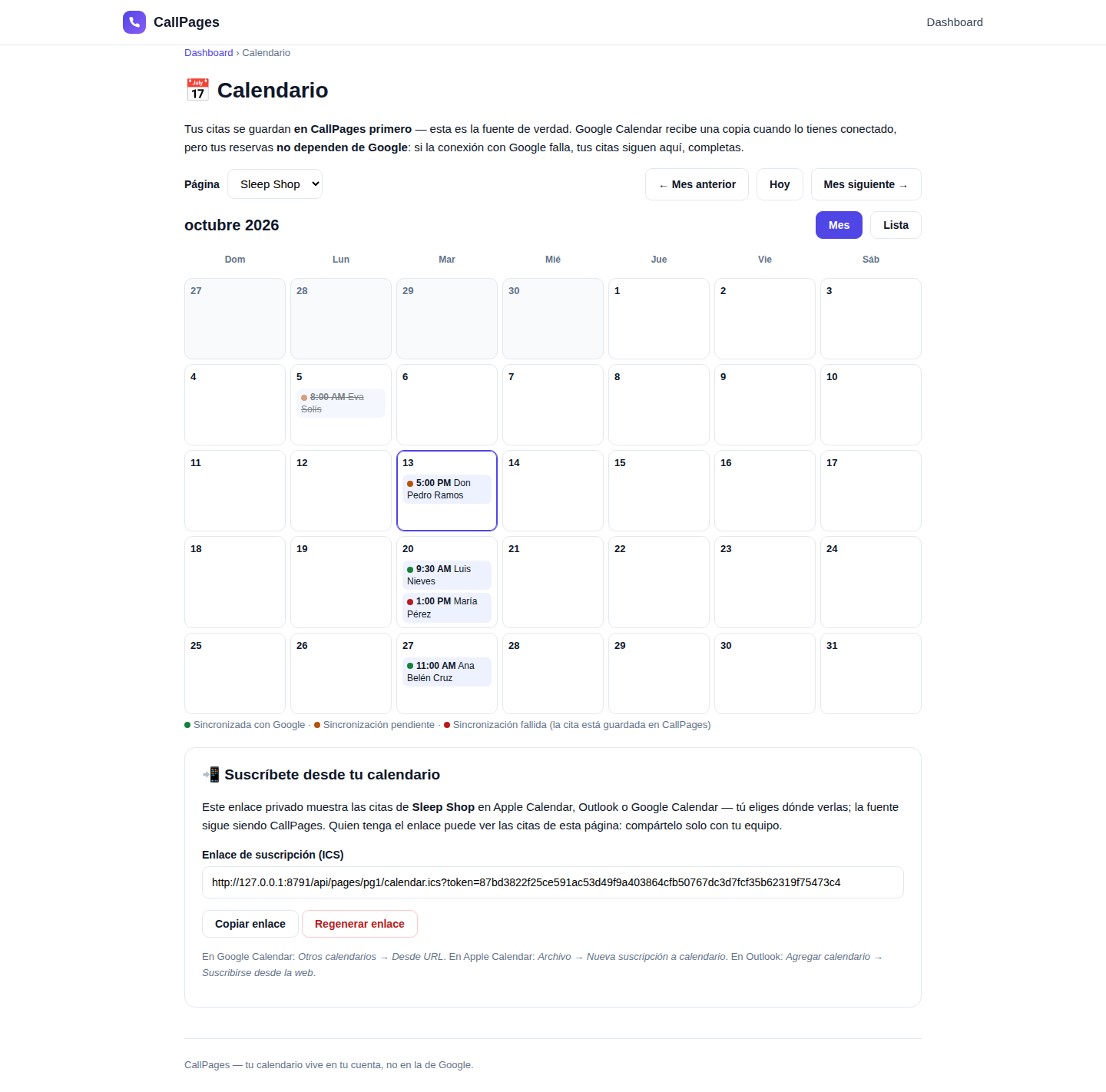
- Every touchpoint lands in one feed: calls merged in from your call history, callback requests, voicemail, appointments, website views, and exports — one row per event, in time order.
- One-tap type chips filter the feed — tap Calls, Views, Appointments, or any other type to see just that kind; tap again to clear.
- One search box looks across everything at once: a name, a phone number, or anything that was said — there are no separate searches per tab anymore.
- Calls open into their full detail from the feed: transcript, summary, and the products that call actually discussed.
See it live: Mi Junta
Mi Junta — CallPage · Mi Junta — website
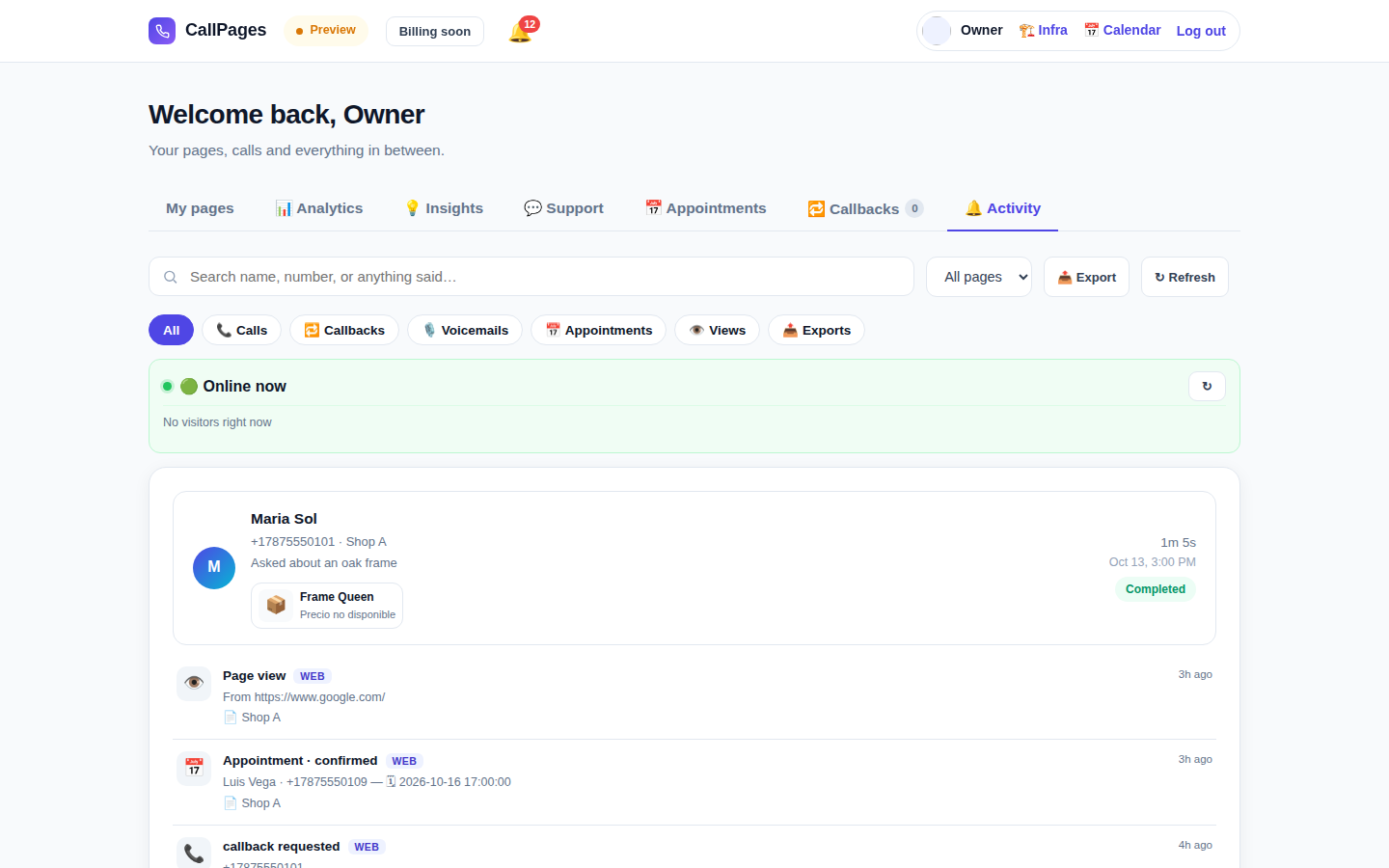
Activity, from the release verification run (demo data): the type chips across the top — All, Calls, Callbacks, Voicemails, Appointments, Views, Exports — and below them one feed where a completed call, a page view, a confirmed appointment and a callback request sit in the order they happened.
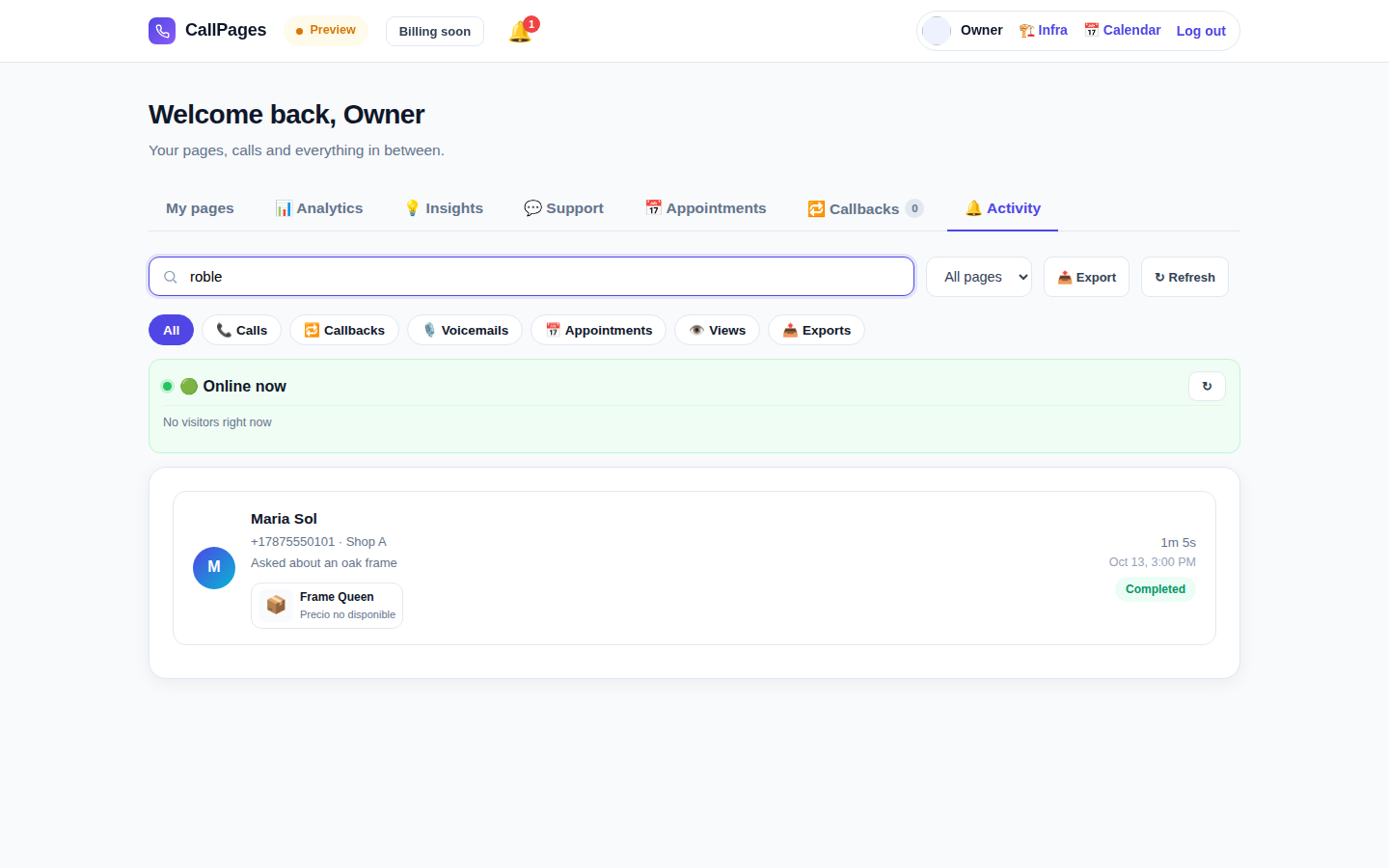
One search across everything: the same box finds a caller by name, number, or something they said — wherever in the record it lives.
Create your call page
Turn your website visitors into phone conversations — set up in under two minutes.
Create your call page →