Your calls now run on healthy providers — and your helper answers from your own page
2026-10-25 · CallPages Team · Release, Providers, Silent Helper, Dashboard, Performance

Your business answers every call — but only if the AI behind the call is actually healthy. This release is about that guarantee, and about a helper that finally speaks from your own page instead of from a script.
Only good providers serve your calls
CallPages now watches its AI providers and marks them GOOD or BAD on real usage. When a provider goes bad, routing skips it on every chain — text, images, and voice — so a dead provider stops touching your customers. Bad providers are re-tested automatically, less and less often over time (1 hour, then 2, then 4, doubling up to a day), and they come back to GOOD on their own the moment a probe passes. Nobody has to watch a dashboard and flip a switch at midnight.
Admins see a threat level for the whole platform — GREEN when several providers are good, YELLOW when there is degradation, ORANGE when exactly one is good, RED when none is. Every owner dashboard shows the same kinds of statistics for their own providers, plus shared-pool counts without naming anyone else’s providers.
A helper that answers from your page — and gets better
The Silent Helper is now the one chat everywhere: on your page, on the public site, and in your dashboard. It answers from your full catalog and your published site content, and it quotes a price only when that price is actually listed for that item. If a visitor says they do not want a call, the helper stays in chat — no more deflecting to “call me.”
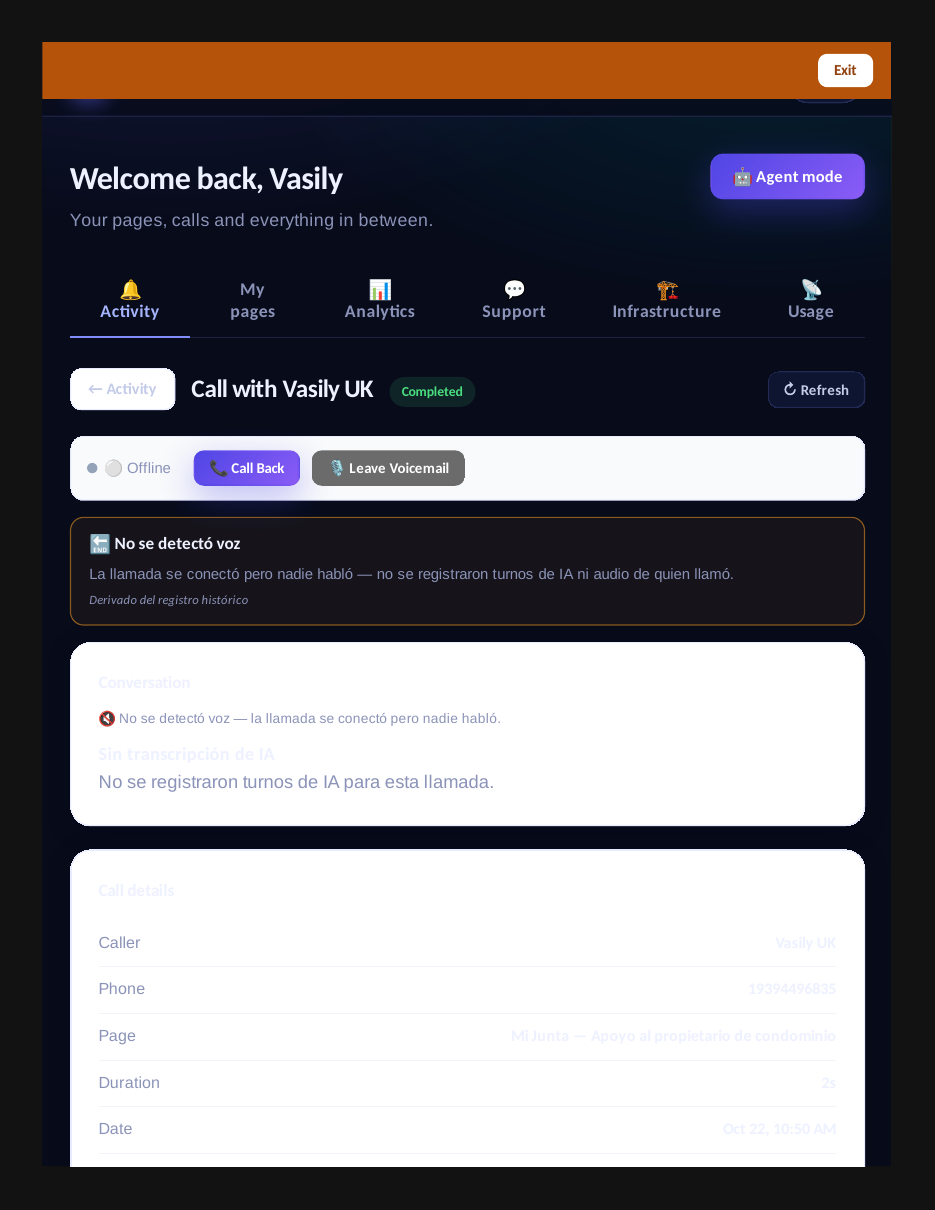
It also understands how people actually talk. “Can you please hide the Base Twin for me” and “Base Twin should cost $99” now mean what they say, instead of earning a capabilities menu. Owners can ask it to explain a real call and get real facts from that call’s record — never an invented answer. And when the AI model itself fails, visitors now get a fact-based answer from the catalog instead of a generic voice prompt.
The helper learns, too. Finalized chats feed back into that page’s prompts, so answers improve with real customer input. Learning is per owner and per page; platform-wide learning is anonymized counts only — your customers’ words never train anyone else’s helper.
Share a page without handing over the keys
Page owners can now share a page read-only from the editor: Settings → “View mode · Read-only sharing.” Add viewers by email, see who has access, revoke it any time. Viewers see a read-only badge and no edit controls. Replying stays a separate permission for later — view mode is deliberately view-only.
Small fixes that remove daily friction
- Store links land on the store. The “View all products →” card is a real link now: it switches to the store in place, without reloading, so a live call keeps running. AMP store links open the store instead of the call view.
- Acid themes actually repaint. Picking Acid now turns the call button, tabs, logo, and product Call buttons neon — lime, pink, or blue by variant. Your merchant style still wins until you make an explicit choice.
- The Activity feed loads. The dashboard Activity tab is back, newest first, with page and Views filters working.
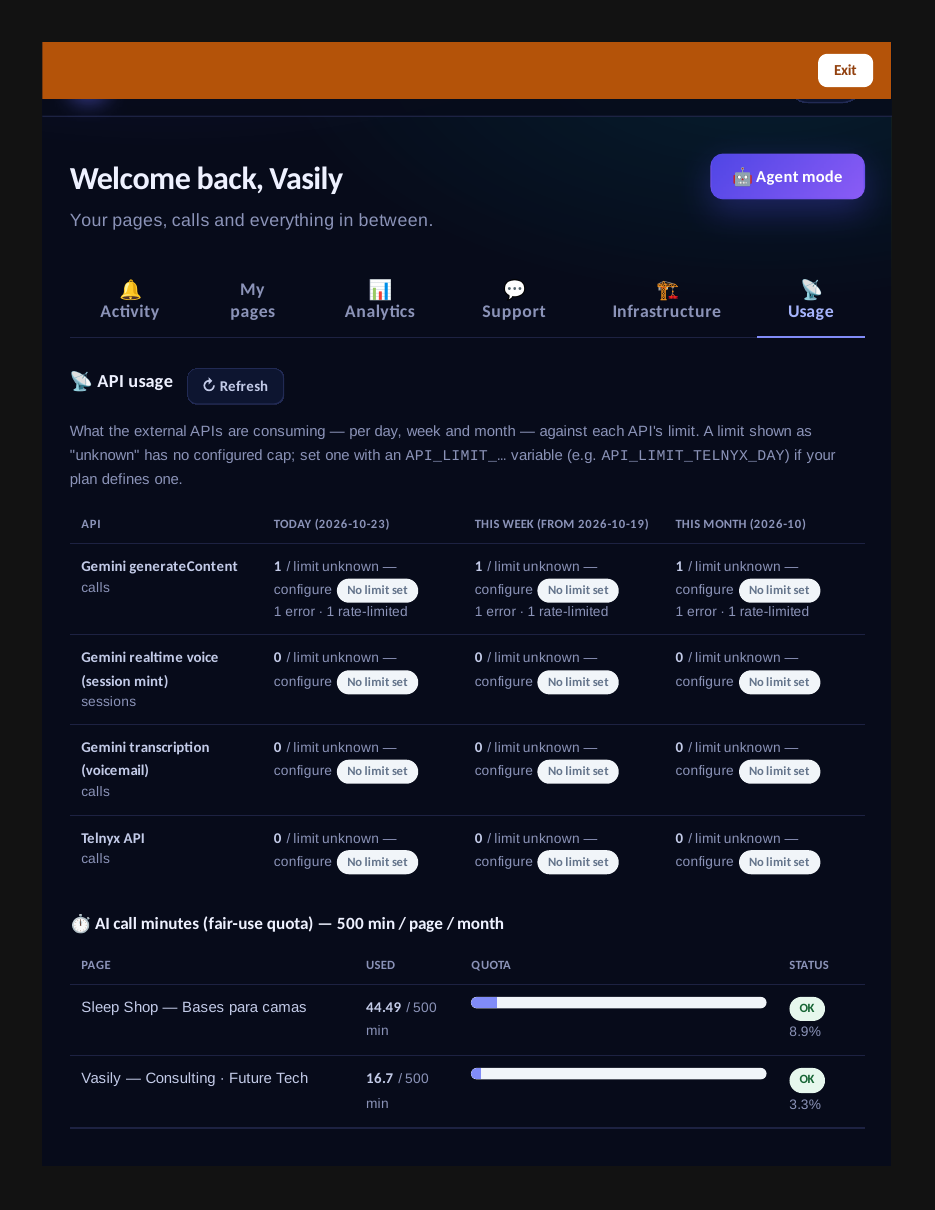
- Usage depth tabs load. The Usage tabs that sat on “Loading…” now initialize, and Refresh works.
- Call reports survive closed tabs. A pre-report ships the moment a call is created, and the final report goes out even if the visitor closes the tab early — so fewer calls vanish from your records.
- Product editor filters. Find products by visibility, price, or photos, with live counts — and a fixed load bug that used to silently un-hide hidden products whenever a page was saved.
A Performance tab with red lines
Owners get a dedicated Performance tab with four buckets — Calls, Products, Website, and Silent Helper — per page and per account, for today, 7 days, or 30 days, each compared with the previous equal period. The red lines are fixed: copycat rate above 5% is RED, failed voice above 10% is RED, a product with over 50 views and zero clicks is RED. Metrics that have no capture yet say “No data yet” — CallPages will not invent a number to fill a box.
For builders: the API now covers collections and customers
Two missing endpoints are live — collections and customers — and the /learn/api guide now documents the full surface, including one honest gap: style and domain routes still authenticate via session, not API key. That fix is a separate auth change, and the guide says so plainly.
What is not in this post — on purpose
The per-second call timeline shipped in this build, but the call-detail view it lives in is being re-verified after a reported outage, so we are not claiming it until the check passes. The cast story is written but not published. When both are verified live, they get their own announcement — with screenshots, not promises.
Create your call page
Turn your website visitors into phone conversations — set up in under two minutes.
Create your call page →