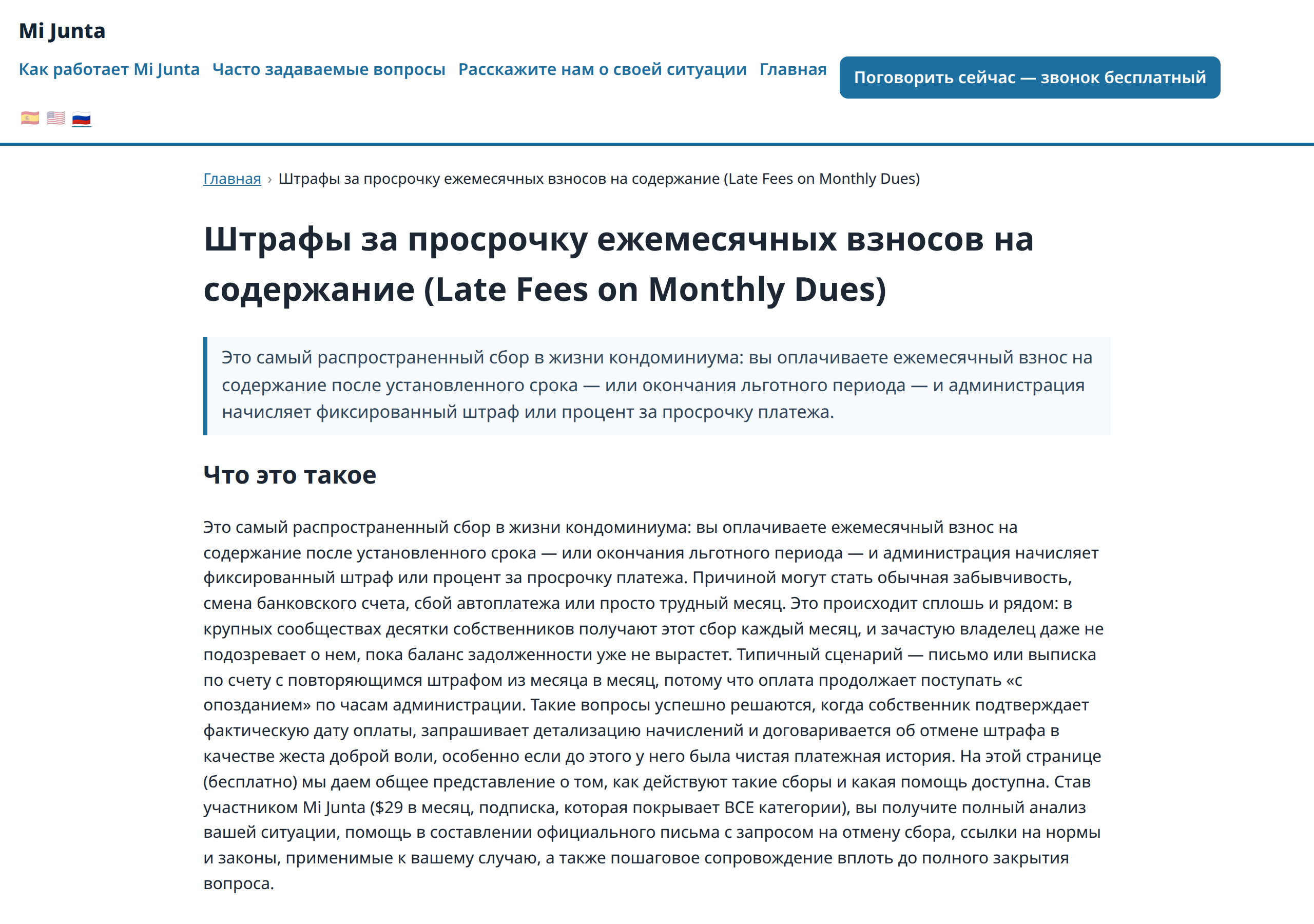
On CallPages, enabling a language translates the entire page at once — catalog, stories, and the interface itself — and an automated completeness check fails any page that still shows a fallback string. Mi Junta in Russian is Russian end to end: all 54 services, every story, every button.
Turning on a language used to translate the catalog and call it done. Headings, buttons, and section titles stayed behind in the original language, and nothing checked the result — a 'translated' page was really two languages stitched together, and customers could tell.
What changed
Before this release, "translated" described the product list. Now it describes the page. Enable Russian on Mi Junta and the request that used to stop at the catalog keeps going: all 54 services, the eight collections, the written pages, all ten case stories — and the words the page itself is built from: menus, buttons, footers.
The part that keeps it true
The new rule is enforced by a test, not by good intentions. The completeness check reads a page in each enabled language and fails the release suite if it finds fallback text where a translation should be. It is the same standard this release was verified against in production: Mi Junta's Russian topic pages read as Russian from the first line to the last, navigation and call button included, with no English strings outside the author's own bilingual titles.
If you already enabled a language
You don't have to do anything over. Generation covers the content already on your page, not just what you add next — enabling a language starts with everything you have.
How it works
- The moment you enable a language, CallPages starts generating translations for everything on the page: products, collections, your written pages, case stories, and the interface text itself — not just the catalog.
- Until generation finishes, a missing piece falls back cleanly to a language you already have instead of rendering blank.
- An automated completeness test then reads the finished page and fails if any string is still falling back, outside a short, explicit allowlist (a business name, a title you wrote bilingually on purpose).
See it live: Mi Junta
Mi Junta — CallPage · Mi Junta — website