Bookmark the editor: deep links into your page, and a light My Pages landing
2026-10-22 · CallPages Team · Release, Dashboard, Editor
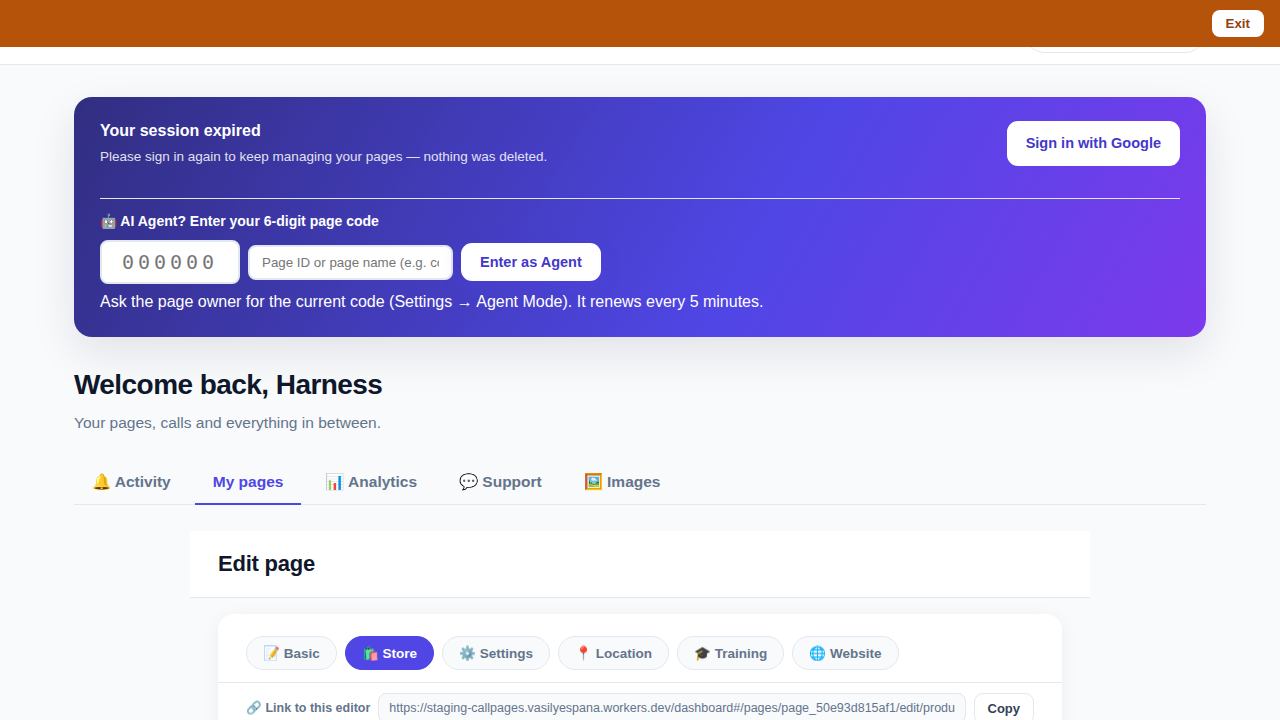
In CallPages (click-to-call pages with AI voice agents), every page editor tab now has a bookmarkable link — copy it inside the editor, reopen it later, and you land back in that page’s editor on that tab, even after signing in again. The dashboard itself now opens on My Pages, the light static list, and Activity loads only when you visit it.
An owner editing a page’s products would bookmark the dashboard, come back later, and land on a general page — then navigate all over again to the same products. Worse, the sign-in round trip dropped the destination entirely: sign out, bookmark, sign in, and you were back at the start. And the dashboard’s default landing was the Activity feed, the heaviest view in the product, loading on every single visit whether you wanted it or not.
The bookmark goes to the work, not to the lobby
Owners live in one or two editors: the products of their busiest page, the store they are repricing, the website they are polishing. A bookmark that lands in a lobby and asks you to navigate again is a small tax charged every day. The editor now carries its own link — visible while you work, one tap to copy — and that link names the page and the tab, so reopening it puts you back at the exact surface you left.
The hard part was the sign-in round trip. A bookmark opened after a session expired used to die at the sign-in banner: Google would bring you back to a general dashboard and the destination was gone. Now the destination rides along, validated so it can only ever point inside your own dashboard, and the callback honors it on success — and only on success.
A lighter front door
The dashboard’s default view was Activity: a live, data-heavy feed, loaded on every visit even when all you wanted was to edit a price. The front door is now My Pages — the static list of your pages — which paints immediately and loads nothing you did not ask for. Activity is untouched as a tab, with the same Calls-first filter; it just loads when you actually go there.
Innovation by Vasily Starostenko.
How it works
- A link row inside the editor: while you edit any page, the editor shows its own canonical link — https://callpages.me/dashboard#/pages/<your-page>/edit/<tab> — with a Copy button. The link follows the tab you are on: products, store, website, settings.
- The link survives sign-in: open a bookmark while signed out and the Google sign-in button carries your destination with it; after sign-in you land in the editor you bookmarked, not on a general page. The destination is validated strictly — only same-origin dashboard paths are honored.
- My Pages is the front door: the dashboard now opens on the light, static My Pages list. Activity — the live calls feed — stays one tap away as a tab and loads only when you open it, so the everyday landing is fast.
- Nothing about Activity changed inside: it keeps its Calls default filter and its Callbacks, Appointments and Calendar panels; it simply stopped being the toll every visit had to pay.
See it live: Mi Junta
Mi Junta — CallPage · Mi Junta — website
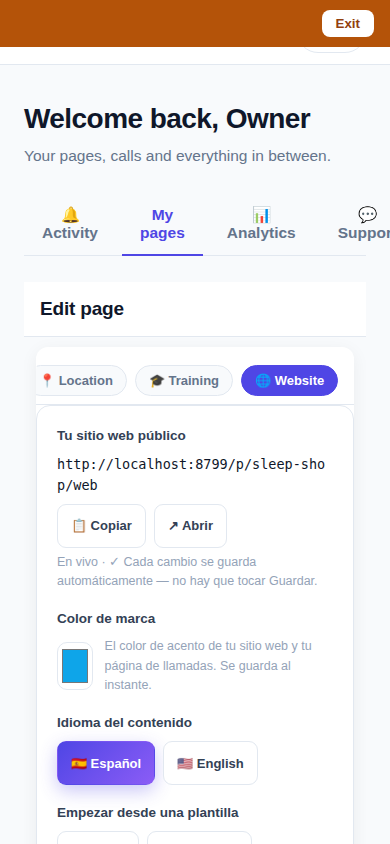
The editor with its own link: copy it, bookmark it, and reopening it lands on this page’s products — verified on the served dashboard with a real page’s editor.
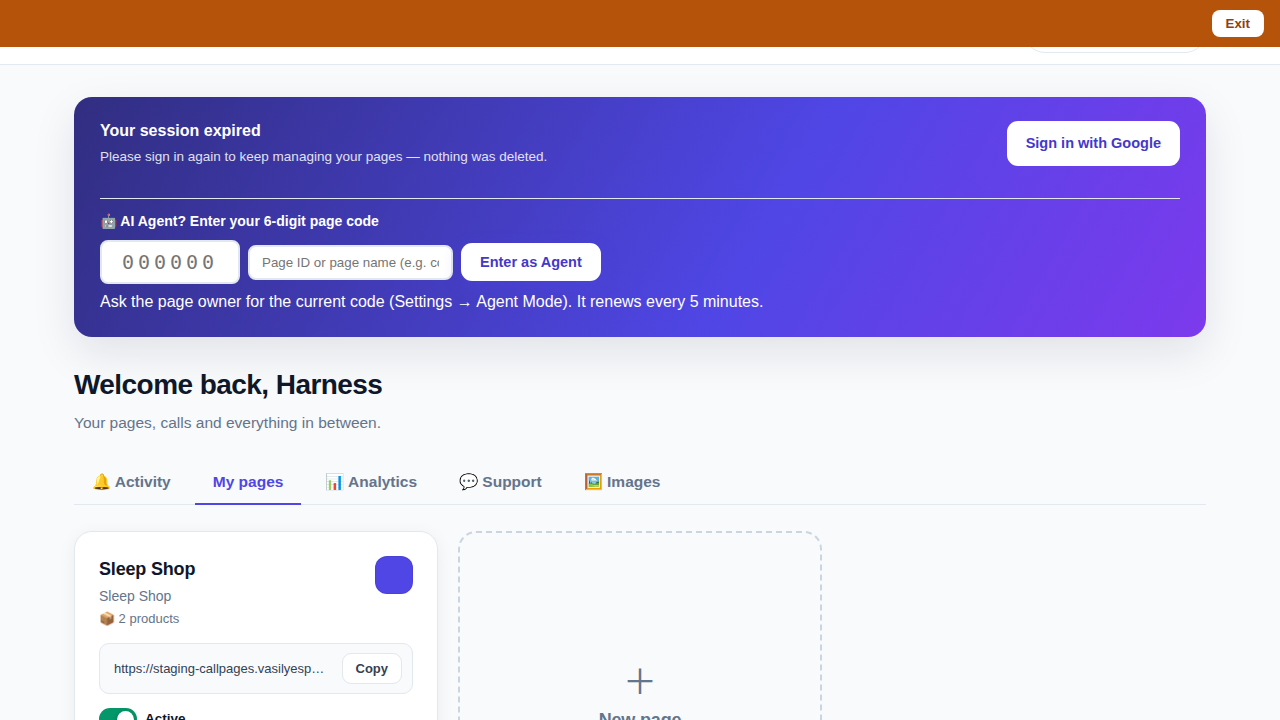
The new front door: the dashboard opens on My Pages, light and static; Activity loads only when its tab is opened.
Related reading
- Appointments belong to CallPages: booking works on every page, Google Calendar only syncs
- This guide in the Learning Center
- Release notes 2026.10.22
Innovation by Vasily Starostenko, founder of CallPages.
Create your call page
Turn your website visitors into phone conversations — set up in under two minutes.
Create your call page →